
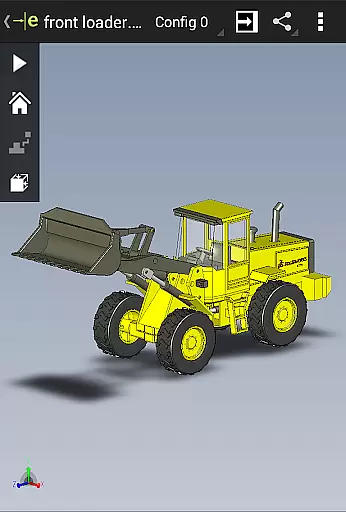
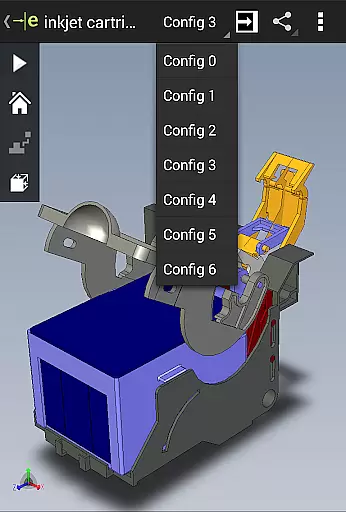
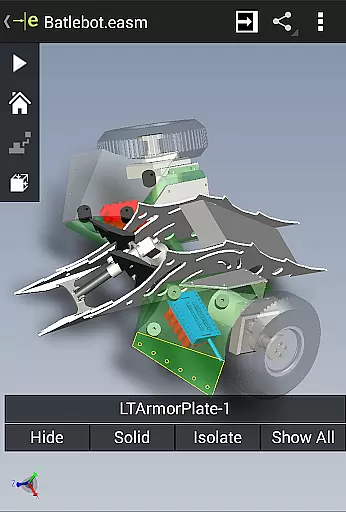
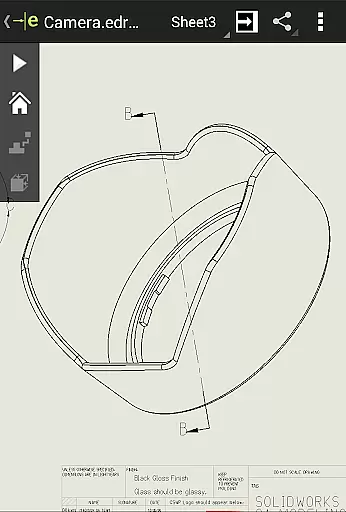
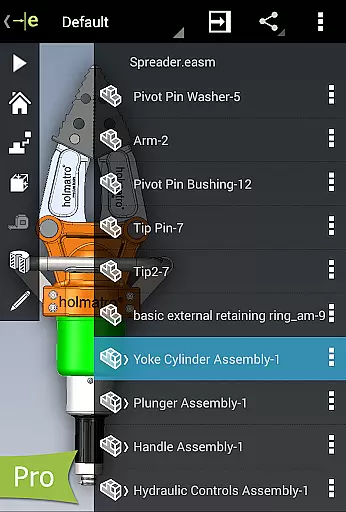
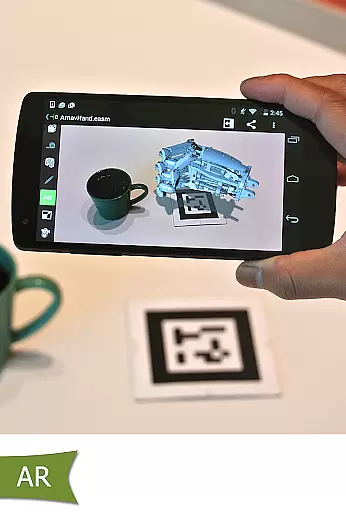
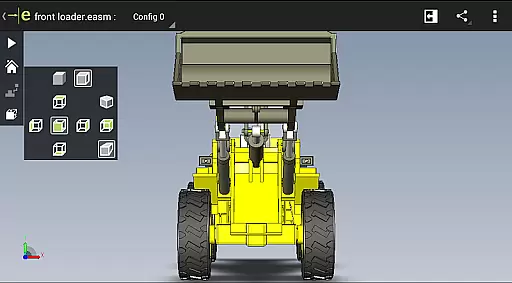
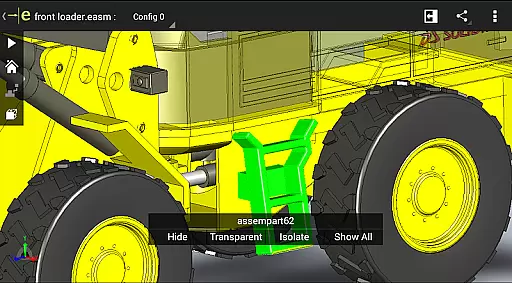
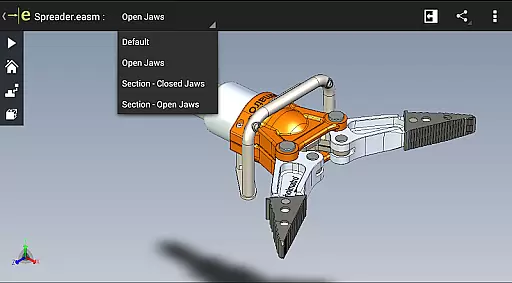
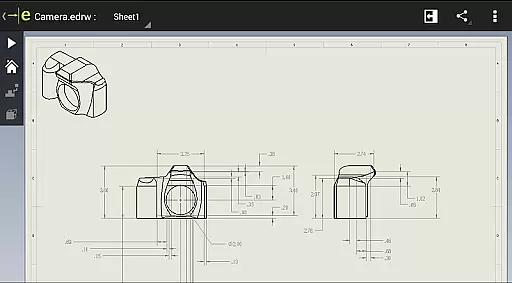
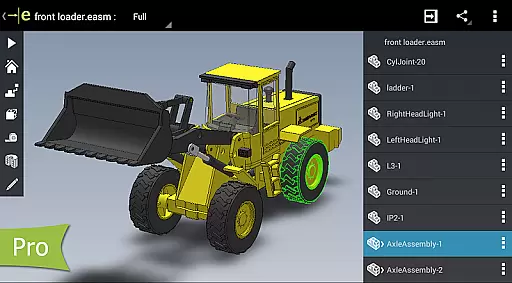
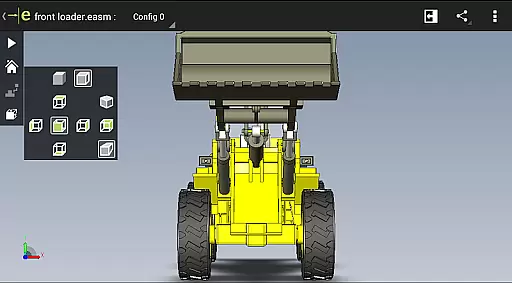
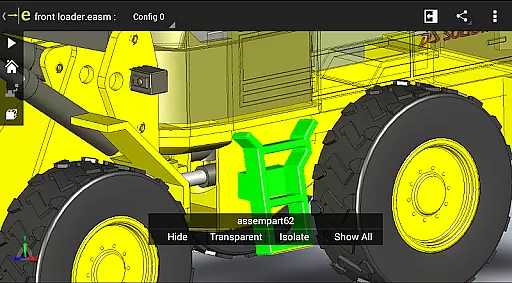
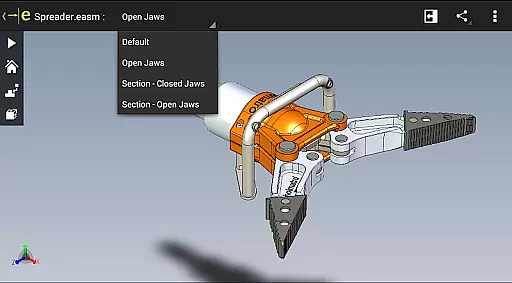
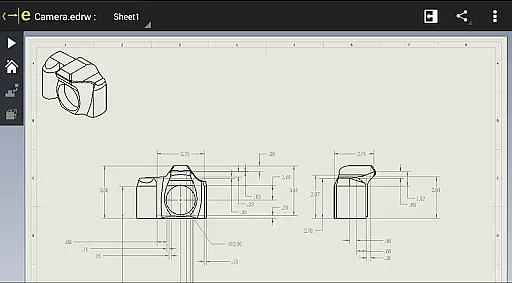
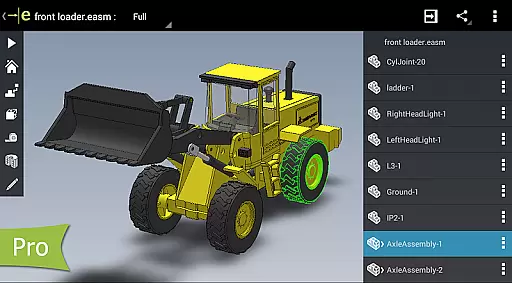
eDrawings is a powerful CAD viewer designed for Android devices, enabling users to view native eDrawings files as well as SolidWorks parts, assemblies, and drawings. This app revolutionizes the way product design information is shared by allowing users to easily load and send files via email, facilitating collaboration among all stakeholders in product development.
With multi-touch gestures, users can effortlessly pan, zoom, and rotate models. The app supports drawing sheets and exploded views for files published from SolidWorks, making it an essential tool for interpreting and understanding both 2D and 3D designs, even for those who are not regular CAD software users.
eDrawings offers an intuitive and easy-to-use interface that supports a wide range of file types including 3D (EASM, EPRT, SLDASM, SLDPRT, IGES, IGS, JT, STEP, STP, IFC) and 2D (EDRW, SLDDRW, DWG, DXF) formats. Users can open files from various sources such as email attachments, cloud storage services, web and FTP sites, and network folders.
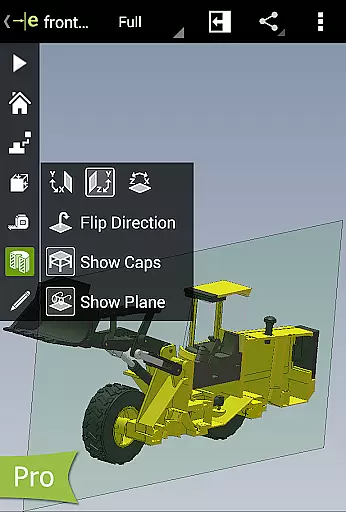
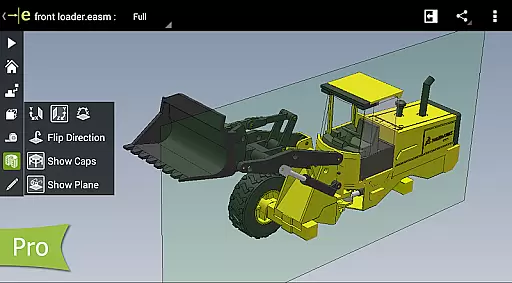
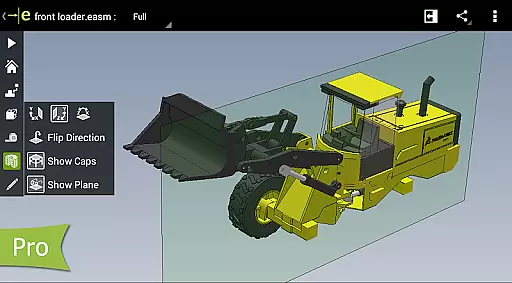
The app allows users to animate 3D standard views, browse 2D drawing sheets, and view designs in full screen with a double tap to fit on screen. Upgrading to eDrawings Pro through an in-app purchase unlocks advanced capabilities like measuring designs, dynamically viewing cross sections, and creating markups with text notes and freehand notations.
These features ensure that users can effectively collaborate and share marked-up files with others for review and further comments, saving all markups with history within the eDrawings file itself.
Task management is a critical aspect of productivity applications, and eDrawings excels in this area by providing users with an intuitive interface to handle complex CAD tasks efficiently. The app allows users to open various 3D and 2D file formats, including EASM, EPRT, SLDASM, SLDPRT, IGES, IGS, JT, STEP, STP, IFC, EDRW, SLDDRW, DWG, and DXF, making it versatile for different project requirements.
eDrawings simplifies the process of sharing product design information through its email-enabled communication tool. This feature facilitates collaboration among all stakeholders involved in product development, even those who are not regular CAD software users. By enabling easy file sharing via email, the app ensures that everyone can interpret and understand 2D and 3D designs without any hassle.
The multi-touch gestures in eDrawings allow users to pan, zoom, and rotate models effortlessly, enhancing the user experience when working with intricate designs. Additionally, the app supports drawing sheets and exploded views for files published from SolidWorks, providing comprehensive tools for detailed design analysis. These capabilities ensure that users can manage their CAD tasks effectively, improving overall productivity.
Cross-device synchronization is essential for maintaining consistency and reliability across different platforms, and eDrawings addresses this need by ensuring seamless data transfer. Users can access their CAD files from various sources such as email attachments, cloud storage services like Dropboxu2122, SkyDriveu00ae, Google Drive, Hightailu00ae, and others, web and FTP sites, and network folders. This flexibility allows users to work on their projects from any location without worrying about data loss or inconsistency.
The app's ability to load and send files via email enhances collaboration, enabling users to share their work with team members and stakeholders easily. Whether you're using an Android phone or tablet, eDrawings ensures that your files are synchronized accurately, preserving the integrity of your designs. This reliable synchronization capability is crucial for teams working remotely or across different devices.
Furthermore, eDrawings Pro offers advanced features such as measurement tools, dynamic cross-section viewing, and markup functionalities, which are saved within the eDrawings file. These features ensure that all annotations and modifications are preserved during synchronization, allowing for continuous collaboration and review. With eDrawings, users can trust that their data remains consistent and accessible, regardless of the device they use.
Intuitive user interface
Wide file format support
Advanced measurement tools
Effective collaboration features
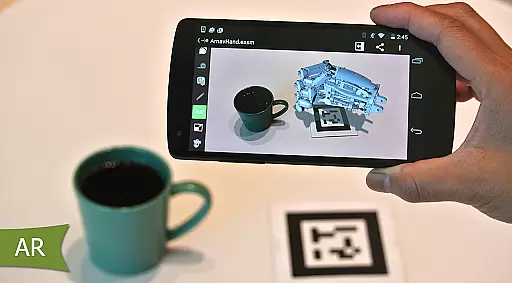
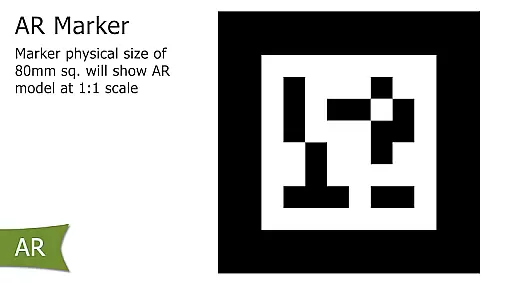
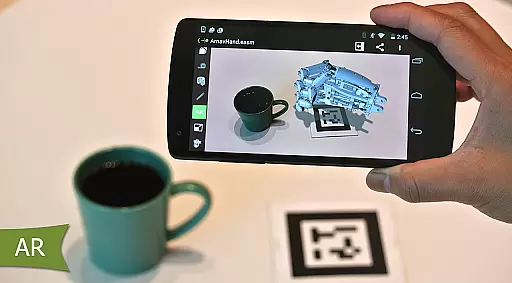
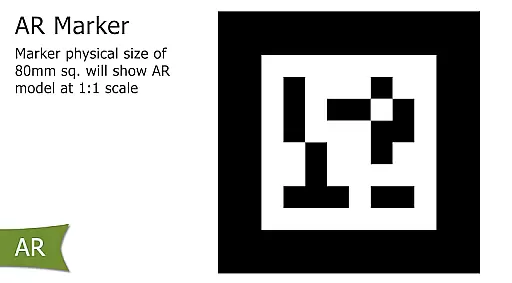
Augmented reality integration
In-app purchases required
Limited free version functionality
Occasional UI clipping issues
High system requirements
Steep learning curve

QuickBooks Workforce lets teams view pay info and track time in one place.
 4.70
4.70
The long-awaited modern gallery app for your Nextcloud server
4.70
Take control of your clipboard with Clipper!
3.90
App lock - lock apps with fingerprint, password, pin or pattern, protect privacy
4.70
App Lock with fingerprint, password: Lock apps & hide photos with lock screens
4.60
The AI assistant that thinks with you - write, code, and solve complex tasks
4.60
* block pre-roll ads, pop-up and forced redirect ads * Samsung certification app
4.00
Access your phone's notifications, calls, apps, photos & texts on your PC
3.90
Set up, print, and get support—in one place
4.20
Scientific calculator for Android - looks and operates like the real thing!
4.90
Scan paperwork into PDF/JPG, generate your own e-signature and send fax or email
4.70
Planet Free VPN - The best Fast Unlimited and Secure VPN Without Logs
4.50
Translate text/voice/photos in 150+ languages. Offline & fast translator app.
4.50
Tally and goal counter for Wear OS & mobile
4.50
CalenGoo is a very flexible and feature-rich calendar app
4.40
Access, manage and transfer files on Android, PC, Mac, NAS and cloud storages.
4.30
Pwnagotchi companion app
4.20
Unlock AutoNotification
4.00
Simple and reliable communication between inmates, friends and family
3.20


User Reviews