
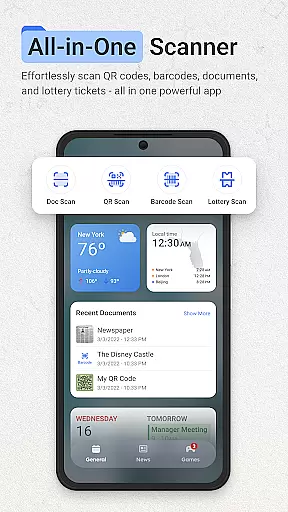
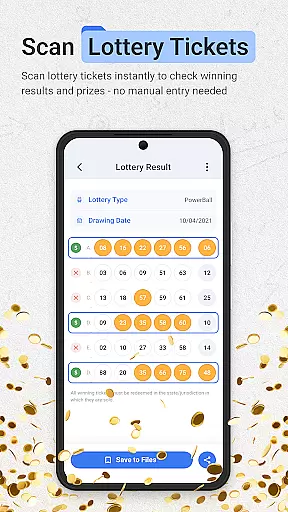
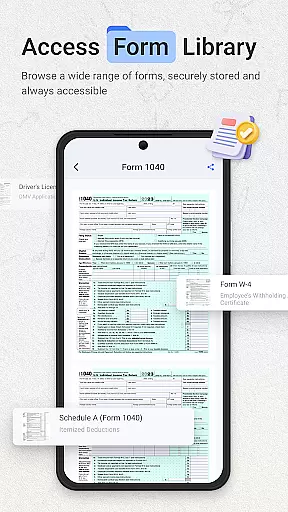
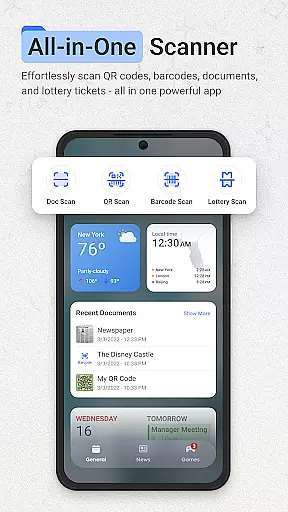
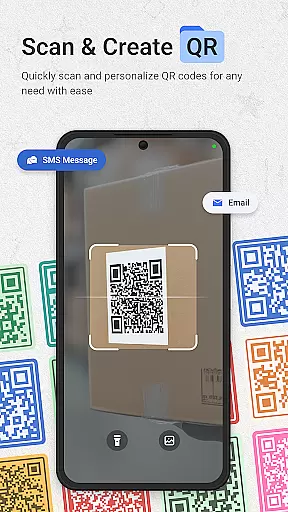
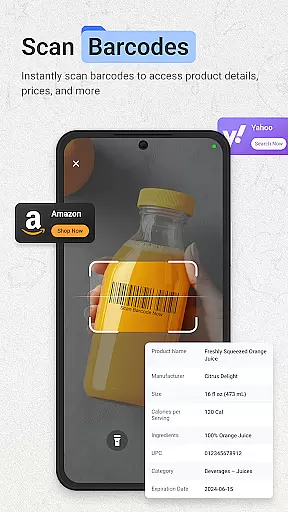
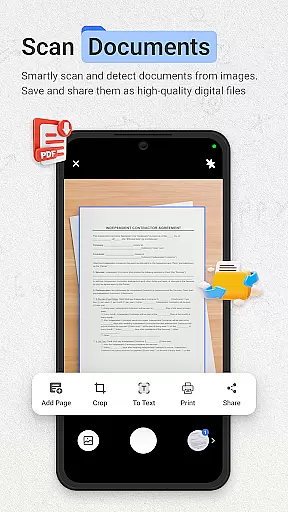
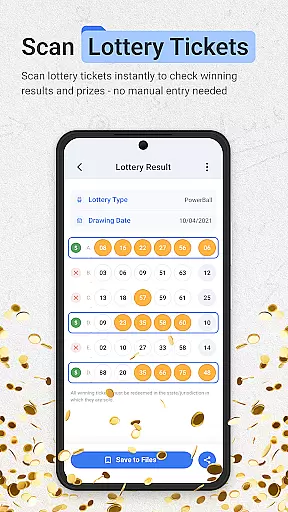
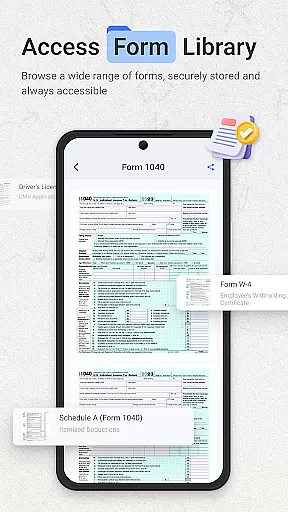
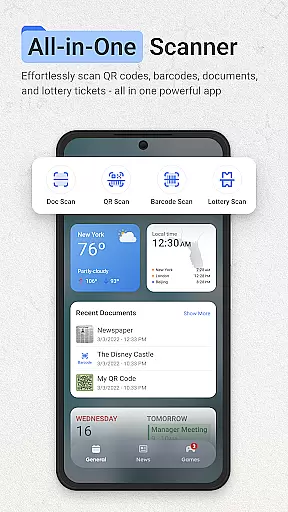
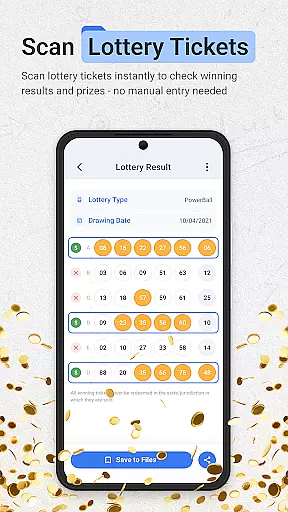
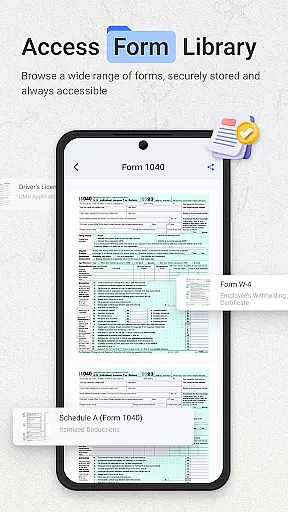
ScanNow Home revolutionizes productivity by integrating advanced scanning tools directly into your home screen experience. This innovative launcher combines essential document, barcode, and lottery ticket scanning with a clean, customizable interface.
The app's standout feature is its instant access to powerful scanning capabilities. Users can digitize documents with auto-edge detection, scan barcodes for price comparisons, and validate lottery tickets - all without opening separate applications. The integration of Yahoo Search further enhances the productivity-focused home screen experience.
Ideal for professionals and everyday users alike, ScanNow Home streamlines common tasks while maintaining a user-friendly material design interface with features like dark mode support and smart app categorization.
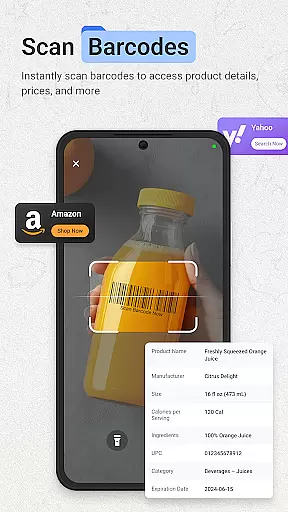
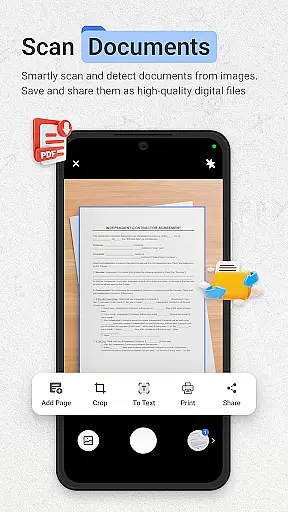
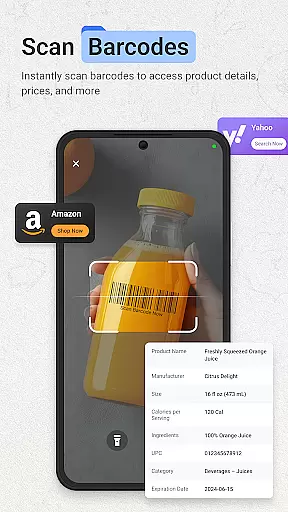
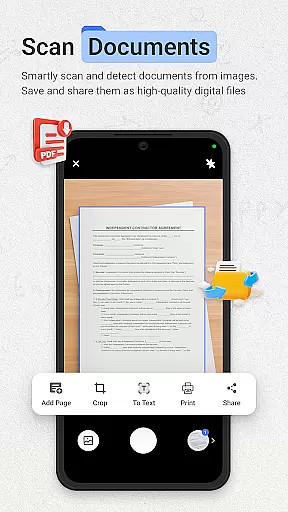
ScanNow Home distinguishes itself through its comprehensive suite of scanning tools. The document scanner offers advanced features including perspective correction, batch processing, and multi-format exporting, while the barcode scanner supports all major formats with added price comparison functionality.
Unique to this productivity app is its dedicated lottery ticket validator, which tracks playing history and provides winning notifications. The launcher component incorporates modern Android features such as adaptive icon support and dark mode, while maintaining optimal performance through recent battery optimization improvements.
Recent updates have enhanced scanning accuracy and low-light performance, making it more reliable in various environments. These features are seamlessly integrated into the home screen experience, eliminating the need to switch between multiple applications for different tasks.
ScanNow Home revolutionizes productivity by integrating essential scanning tools directly into your home screen experience. The app's core task management system allows users to instantly access powerful document, barcode, and lottery ticket scanning features without switching between multiple apps.
The document scanner offers advanced functionality including auto-edge detection, perspective correction, and batch scanning with multi-page support. These features are crucial for professionals who need to digitize paperwork efficiently while maintaining high-quality results. The app's intelligent organization system automatically categorizes scans, making it easy to locate specific documents.
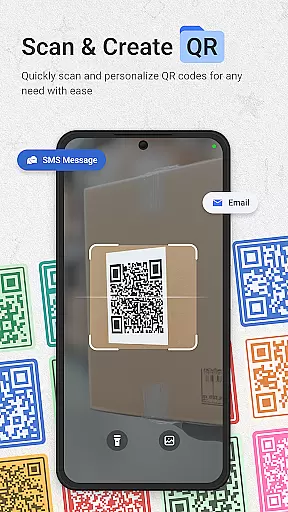
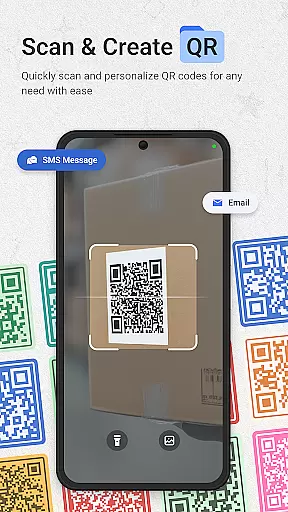
For barcode and QR code scanning, the app provides instant recognition of all major formats. Its smart categorization system tracks price comparisons for product barcodes and maintains a comprehensive scan history with search capabilities. This organizational feature enhances productivity by keeping all scanned information systematically arranged and easily accessible.
The integration of these scanning tools within a customizable launcher interface demonstrates ScanNow Home's commitment to streamlining daily tasks. With adaptive icon support and dark mode, users can personalize their productivity environment while enjoying seamless access to essential scanning functions, making task management both efficient and visually comfortable.
ScanNow Home ensures reliable cross-device synchronization through its integrated cloud-based system. The application automatically backs up all scanned documents, barcodes, and lottery tickets across devices, maintaining consistent data availability regardless of which device is used.
The synchronization process works seamlessly in real-time, allowing users to start a document scan on their Android phone and continue editing or sharing it from their tablet or other devices. This feature is particularly valuable for professionals who work across multiple devices throughout their day, ensuring that important information is never lost or inaccessible.
All synchronized data benefits from enterprise-grade encryption, guaranteeing that sensitive documents and personal information remain secure during transmission and storage. The app's permission system carefully manages access to different types of content, giving users control over what information gets shared across devices.
With its battery-optimized synchronization protocol, ScanNow Home minimizes power consumption while maintaining reliable data transfer. Recent updates have further improved low-light performance and overall scanning accuracy, ensuring that documents captured on one device maintain their quality when accessed from another, providing users with a dependable cross-platform productivity solution.
Instant access to scanning tools
Comprehensive document processing
User-friendly interface design
Multi-functional productivity suite
Regular feature updates
Some features require in-app purchases
Specific to Android 8.0+
Requires multiple permissions
Search limited to Yahoo
Complex for basic users

Secure, fast, open-source, VNC and SSH Remote Desktop for Windows, Linux and Mac
 4.70
4.70
The long-awaited modern gallery app for your Nextcloud server
4.70
Native client for Forgejo and Gitea
5.00
Create study competitions, track your hours, and stay consistent with friends
4.5
Total remote control for your Android device, PC and cloud services (IFTTT)!
4.20
8 custom complications. Custom Time Fonts. Beautiful color schemes. A++ Design.
5.00
Make your handwriting beautiful, even more than pen on paper.
3.60
All in One PDF Reader: Manage, Read and Edit your Documents
4.20
Note taking, handwriting, record audio, PDF annotation, planner & journal
4.20
Best Tool for the professionals Electrician, Electrical contractors, etc.
4.90
Protect and view your important info on your phone and tablet with eWallet®
4.80
A beautiful digital clock with autostart and many other functions
4.70
Secure, fast, open-source, Remote Desktop Client for Windows and Linux with SSH
4.60
Stay on top of your to-dos with Google Tasks, part of Google Workspace.
4.60
Functional QR scanner and barcode reader that requires little storage space.
4.60
A Pixel Art watchface inspired by other iconic 90s designs for Wear OS devices!
4.40
Pwnagotchi companion app
4.20
Take control of your clipboard with Clipper!
3.90
Find and delete junk files & block unwanted notifications & manage files
3.70


User Reviews