
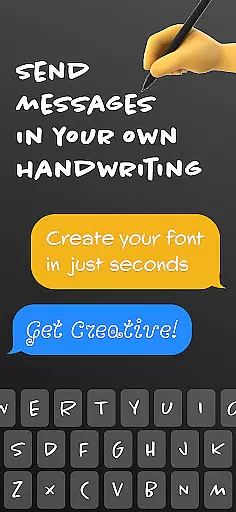
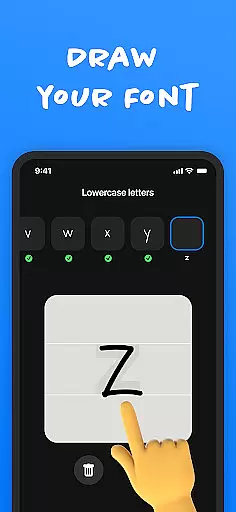
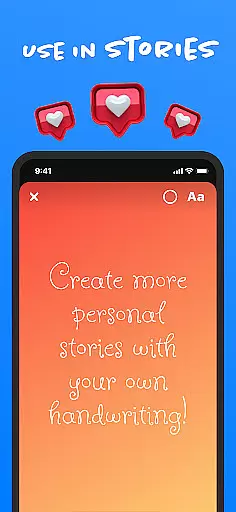
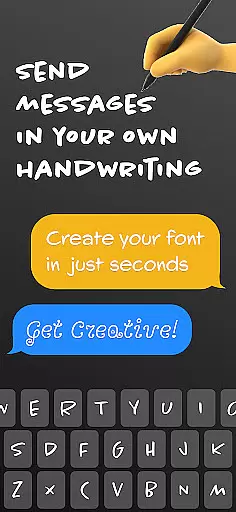
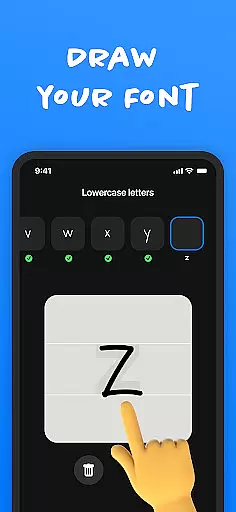
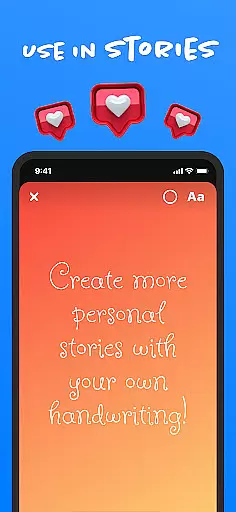
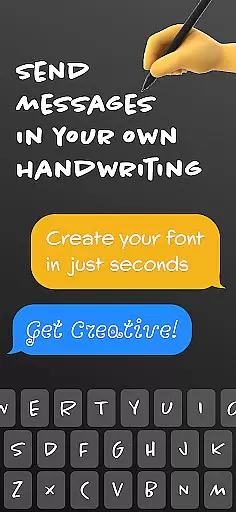
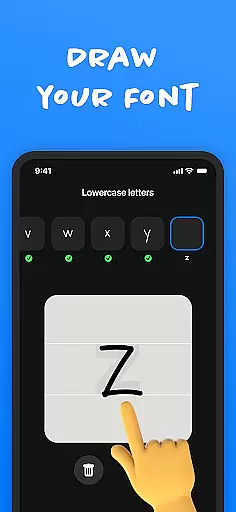
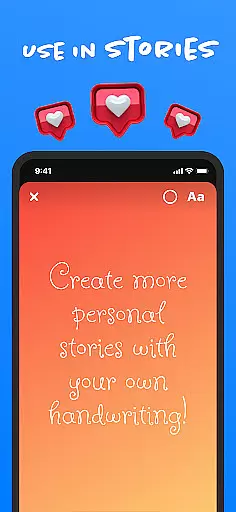
Fontmaker - Font Keyboard App is a productivity tool designed to help users create unique cursive and handwritten fonts for customizing their messaging experience. This app allows you to design personalized fonts that reflect your individual style, using your own handwriting as a font. With its innovative font creator feature, you can generate custom handwriting fonts and use them across various social media platforms such as Messenger, Instagram, Snapchat, TikTok, and Facebook.
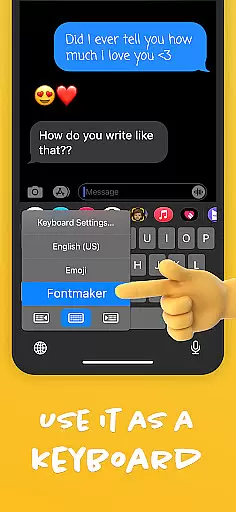
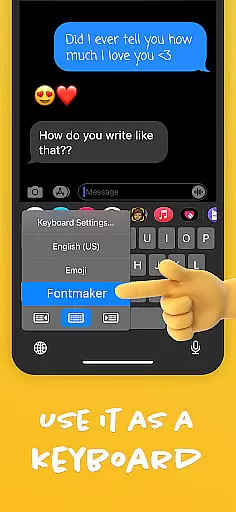
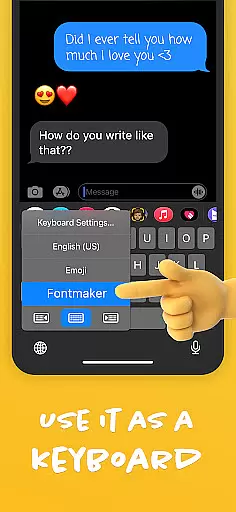
The app also includes a font keyboard feature, enabling you to apply your custom fonts directly as a keyboard for typing in social media posts and messages. By enhancing your online presence with authentic, personalized fonts, Fontmaker empowers you to express your creativity and stand out from the crowd. Whether you're looking to add a personal touch to your texts or want to make your social media content more distinctive, Fontmaker provides the tools you need to revolutionize your text customization.
Fontmaker offers several key features that set it apart as a powerful font creation tool. The font creator functionality lets you easily design custom fonts based on your own handwriting, allowing for a truly personalized messaging experience. You can create unique cursive fonts that capture your individual style and use them seamlessly across different platforms.
In addition to the font creator, Fontmaker includes a font keyboard feature that integrates your custom fonts directly into your device's keyboard. This means you can use your personalized fonts while typing on social media or sending messages, making your content instantly recognizable. The app also enhances your online presence by giving you the ability to showcase your authentic voice through custom fonts, adding flair and personality to your posts and messages.
Whether you're a social media enthusiast or someone who values creative expression, Fontmaker's features provide an innovative way to elevate your communication. From generating your own handwriting font to applying it effortlessly in your daily interactions, this app ensures your messages are not only memorable but also uniquely yours.
Fontmaker revolutionizes the way users manage their text customization tasks by offering a seamless font creation experience. The app's core task management revolves around its intuitive font creator feature, which allows users to design custom handwriting fonts with ease.
The font keyboard functionality serves as an essential productivity tool, enabling users to apply their unique fonts across various social media platforms and messaging apps. This ensures consistency in personal style while maintaining efficiency in communication.
By integrating both font creation and application in one platform, Fontmaker streamlines the entire process of text customization. Users can efficiently switch between different fonts they've created, making their content stand out without compromising on usability or speed.
One of Fontmaker's key strengths lies in its reliable cross-device synchronization capabilities. Once users create their custom handwriting fonts, these personalized styles become readily available across all their devices through the integrated font keyboard system.
This synchronization feature ensures that whether users are typing on their mobile device or using another connected gadget, their unique font collection remains consistently accessible. Such reliability is crucial for maintaining a cohesive personal brand across different communication channels.
The app's robust synchronization mechanism guarantees that any new font creations or modifications are immediately reflected across all linked devices. This real-time update capability enhances user productivity by eliminating the need for manual transfers or repeated customizations when switching between devices.
Customizable fonts
User-friendly interface
Wide platform support
Unique handwriting feature
Creative expression tool
Limited free options
Requires manual input
Premium subscription needed
Learning curve for new users
Occasional bugs reported

Take control of your clipboard with Clipper!
 3.90
3.90
Create study competitions, track your hours, and stay consistent with friends
4.3
Easily read and manage all your PDF files
4.10
8 custom complications. Custom Time Fonts. Beautiful color schemes. A++ Design.
5.00
Cloud storage, automatic phone backup, and more.
4.10
Create and edit presentations with Google Slides, part of Google Workspace.
4.00
Best Tool for the professionals Electrician, Electrical contractors, etc.
4.90
AI Chatbot and AI writing assistant powered by ChatGPT.
4.60
Note taking, handwriting, record audio, PDF annotation, planner & journal
4.20
Multilingual translator for text, voice, and image translation!
4.90
Direct Chat without saving contacts & Dual WA Account on Single Device
4.70
aCalendar+ makes your day, week and month
4.70
Okta MFA
4.70
App Lock with fingerprint, password: Lock apps & hide photos with lock screens
4.60
CalenGoo is a very flexible and feature-rich calendar app
4.40
Wake up & get tasks done! Add alarms & reminders on the Clock Launcher.
4.00
Remotely view listen control and record cameras.
3.70
Experience and share your SolidWorks designs on your Android® phone and tablet.
2.50
The upgraded version of Name Wheel with AI and the power to add your own wheels.
4.2


User Reviews