
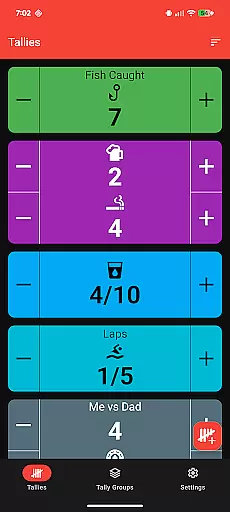
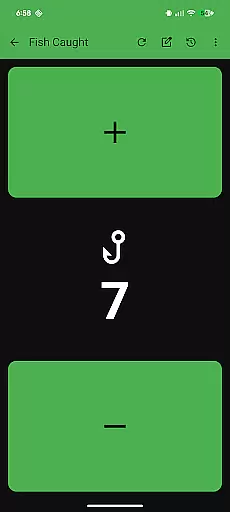
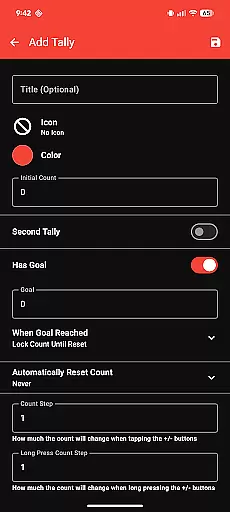
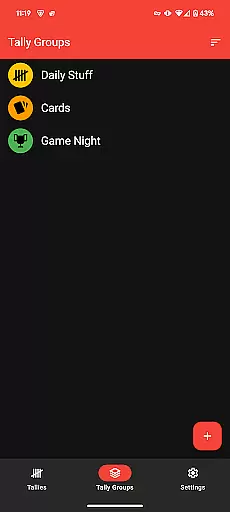
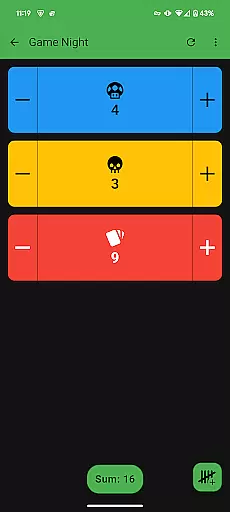
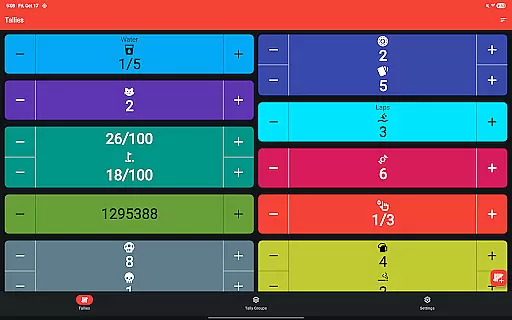
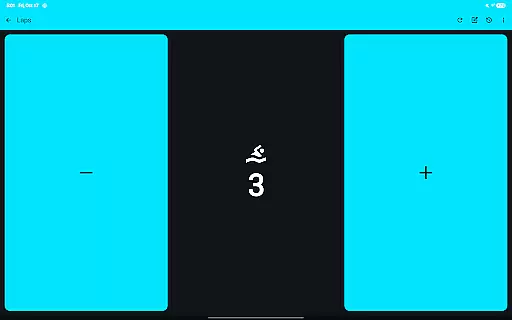
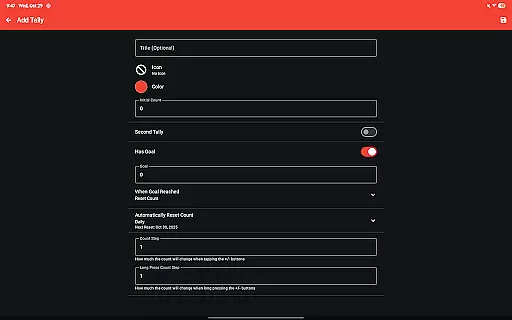
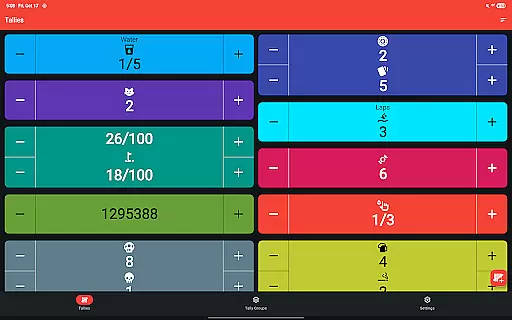
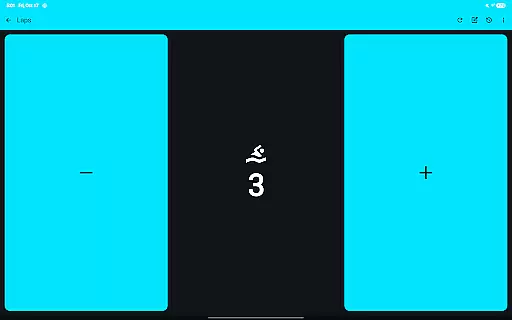
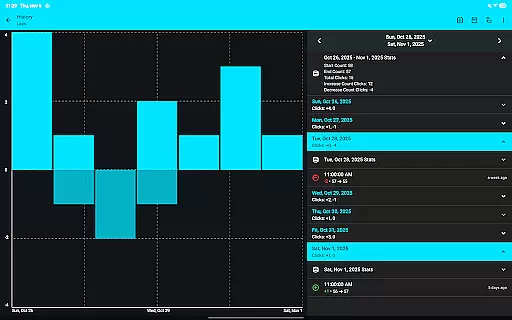
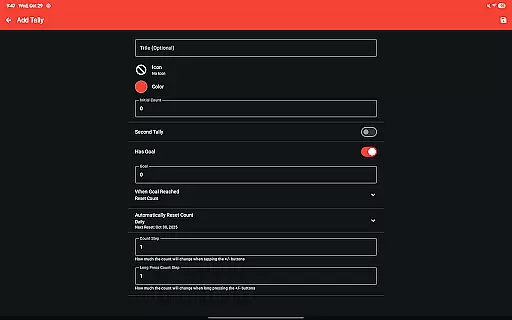
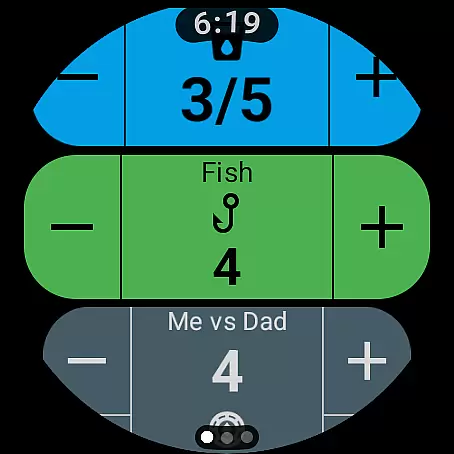
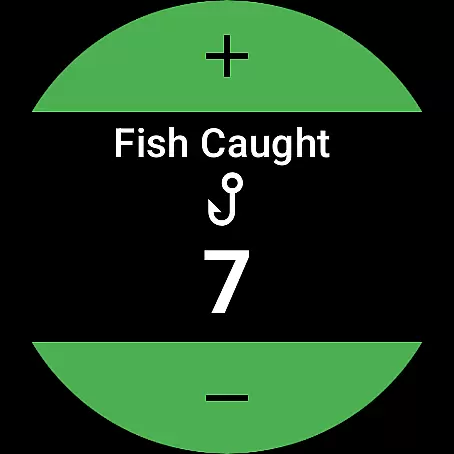
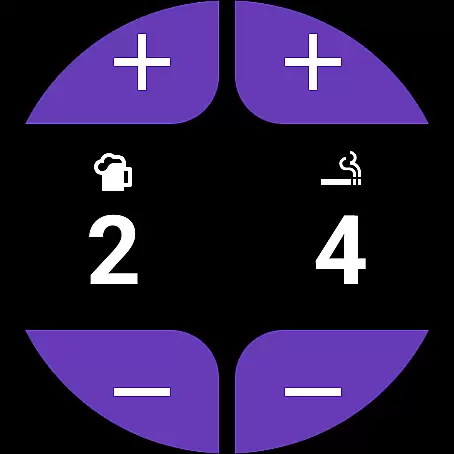
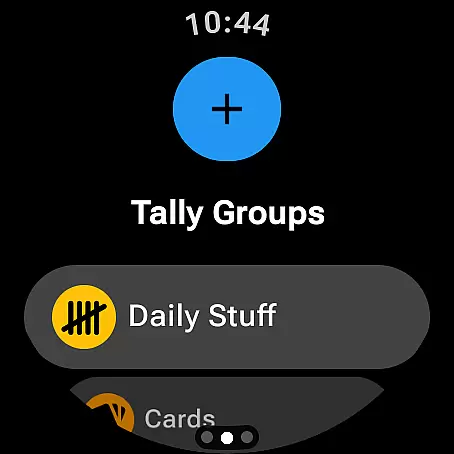
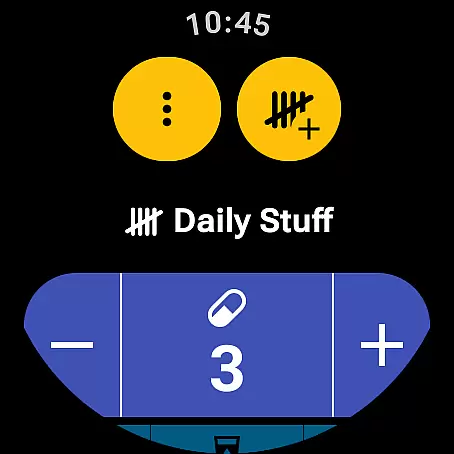
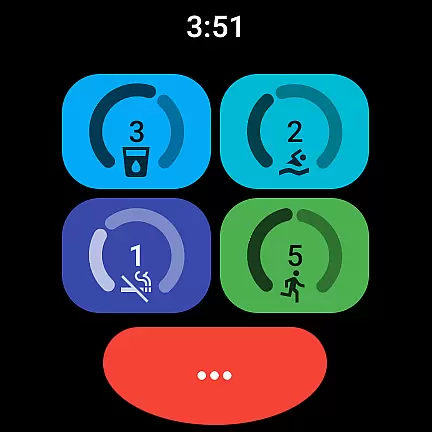
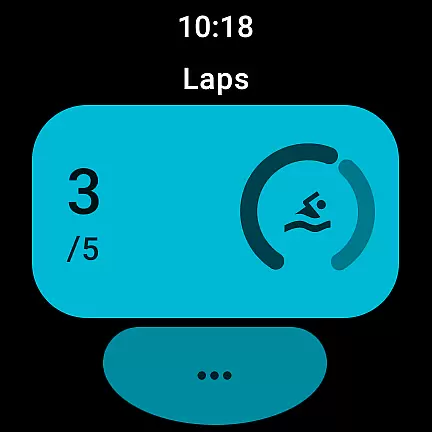
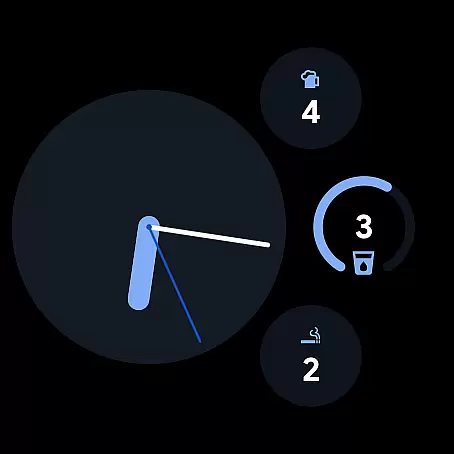
Tallies is a versatile productivity tool designed for both Wear OS and mobile devices, offering users an efficient way to track counts and achieve goals. The app provides double and single tally counters with ongoing counts, goal tallies that can be locked or reset upon completion, and automatic reset options on daily, weekly, monthly, or yearly intervals.
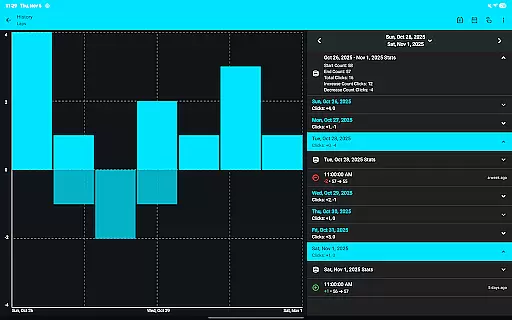
One of the standout features is its ability to sync data between your phone and Wear OS watches, ensuring seamless updates across devices. Users can view detailed tally histories through multiple graphs and stats on their phones, with automatic syncing when changes are made on the watch. Additionally, Tallies supports exporting history as CSV files, making it easy to analyze data further.
The app also includes customization options such as multiple theme colors and over 200 icons, enhancing user experience. With full-screen mode, vibration feedback, sound alerts, and auto-save functionality, Tallies ensures ease of use in various scenarios. Whether you're tracking personal goals or managing tasks at work, Tallies offers a comprehensive solution tailored to boost productivity.
Tallies boasts a rich set of features designed to enhance user interaction and productivity. For Wear OS, it offers ongoing tally and goal tally watch complications, quick tally tiles, and multi-goal tally tiles. These features allow users to access their counts directly from their watch face, providing instant visibility and convenience.
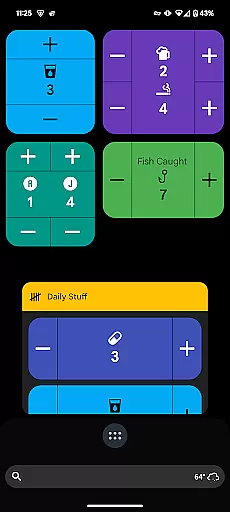
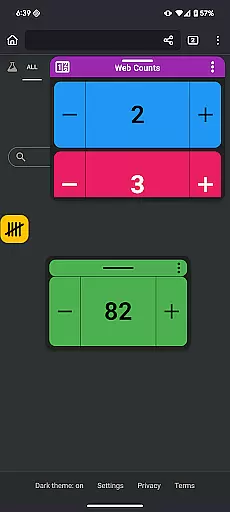
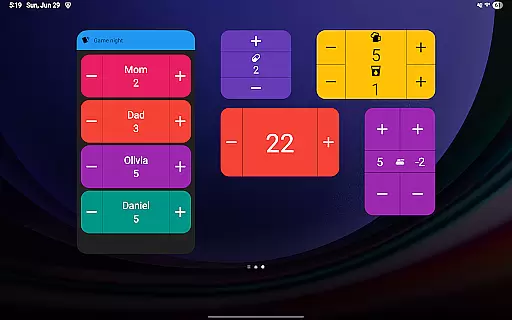
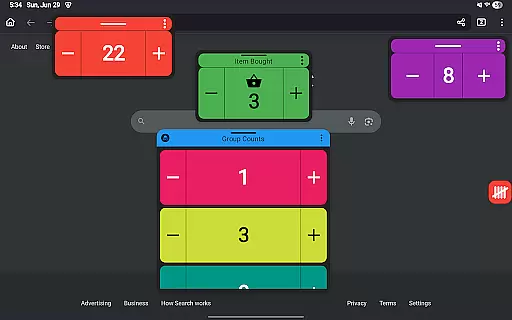
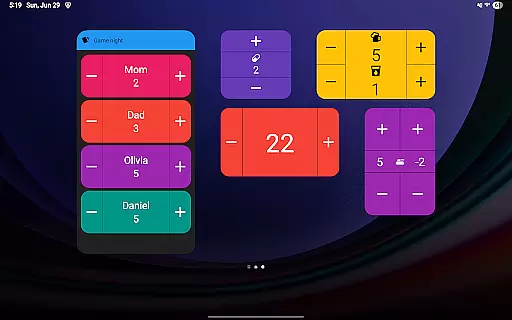
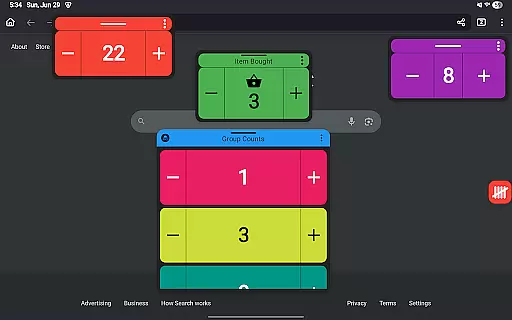
On mobile devices, Tallies provides vertical and horizontal tally home screen widgets, tally list widgets, and tally group widgets. Users can also take advantage of floating tally windows (available on Android 14+), which display tallies over other apps, allowing for multitasking without losing track of counts. The app's launcher shortcuts enable quick access to specific tallies or groups, streamlining workflow.
Additional functionalities include using volume buttons to adjust counts in full-screen mode, extensive customization options like theme colors and icons, and robust data management features such as exporting tally history as CSV files. All these elements combine to create a powerful yet user-friendly tool that caters to diverse productivity needs.
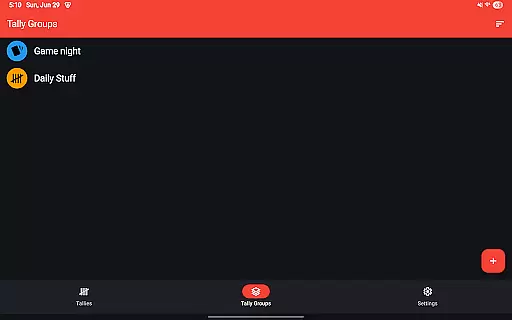
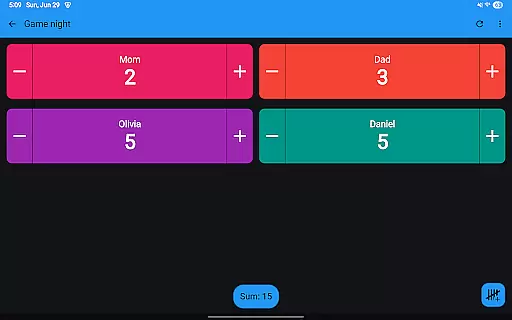
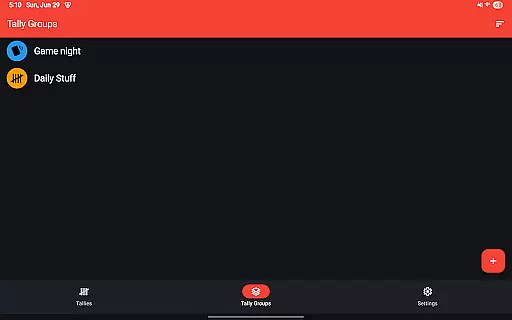
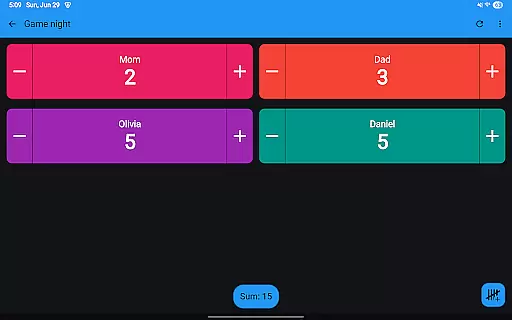
Tallies offers a comprehensive approach to task management through its versatile tally and goal counter features. This app allows users to track ongoing counts, set goals for specific tasks, and even organize related tallies into groups. The ability to automatically reset tallies on a daily, weekly, monthly, or yearly basis provides structured tracking that aligns with various project timelines.
One of the standout aspects is the synchronization capability between Wear OS devices and mobile phones. This ensures that any tally updates made on one device are seamlessly reflected on the other. Users can view detailed tally histories, complete with graphs and stats, providing valuable insights into their progress over time.
The inclusion of customizable icons and theme colors adds another layer of personalization, allowing users to tailor the interface to their preferences. Additionally, features like vibration feedback and sound alerts for count changes enhance user engagement. These elements collectively contribute to an efficient and personalized task management experience.
Cross-device synchronization is a critical feature of Tallies, ensuring reliable data consistency across both Wear OS devices and mobile phones. To activate this functionality, users must install the app on both their phone and watch. Once set up, any tally modifications performed on the watch are automatically synced to the paired phone, and vice versa.
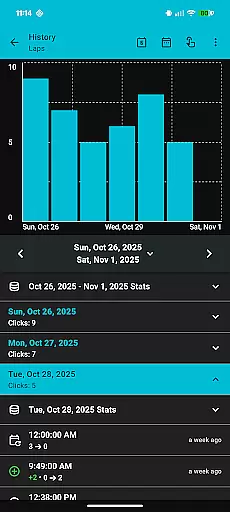
This synchronization extends beyond simple count updates. It includes detailed tally histories, which are viewable on the phone with multiple graph options, selectable intervals, and comprehensive statistics. This means users can access a complete overview of their tally activities regardless of the device they are using at any given moment.
The reliability of this sync function is further enhanced by the app's automatic save feature, which ensures no data is lost during transfers. Moreover, the integration of complications and tiles on Wear OS devices provides quick access to tally information, making it easier for users to stay updated. Overall, Tallies delivers a robust solution for maintaining accurate and up-to-date task tracking across different platforms.
User-friendly interface
Extensive customization options
Seamless cross-device syncing
Comprehensive data analysis tools
No subscription required
Limited to Android platform
Some features require newer OS versions
Premium pricing model
Initial setup may be complex
Sync requires installation on both devices

All in one sketching tool. Technical and General drawing. Online Maps support.
 3.70
3.70
Wake up & get tasks done! Add alarms & reminders on the Clock Launcher.
4.00
Smart PDF reader & editor to view, organize and manage PDF documents easily.
3.70
Font maker keyboard with your own handwriting
4.10
Great calculator for Android named one of USA TODAY's "25 Essential Apps".
4.90
Best Tool for the professionals Electrician, Electrical contractors, etc.
4.90
A Pixel Art watchface inspired by other iconic 90s designs for Wear OS devices!
4.40
Lightweight PDF, Word, Excel reader.
4.60
Set up, print, and get support—in one place
4.20
Multilingual translator for text, voice, and image translation!
4.90
App lock - lock apps with fingerprint, password, pin or pattern, protect privacy
4.70
Scan paperwork into PDF/JPG, generate your own e-signature and send fax or email
4.70
Okta MFA
4.70
App Lock with fingerprint, password: Lock apps & hide photos with lock screens
4.60
Translate text/voice/photos in 150+ languages. Offline & fast translator app.
4.50
Total remote control for your Android device, PC and cloud services (IFTTT)!
4.20
* block pre-roll ads, pop-up and forced redirect ads * Samsung certification app
4.00
Experience and share your SolidWorks designs on your Android® phone and tablet.
2.50
Easiest event planning, volunteer signups & parent teacher conference scheduling
2.20


User Reviews