

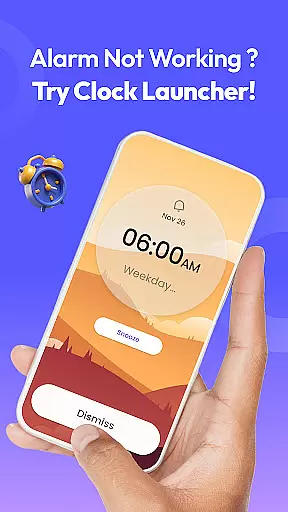
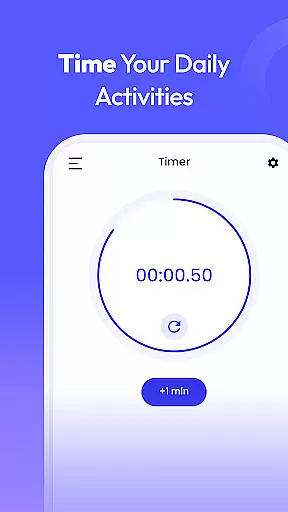
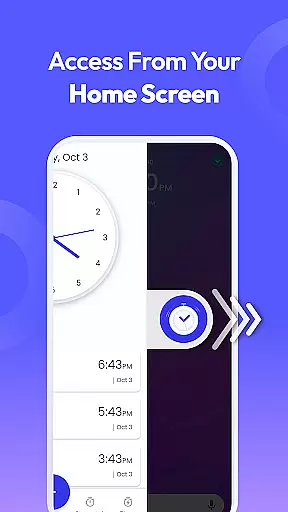
Clock Launcher is a productivity-focused app that combines an alarm clock with essential time management tools. The app offers instant access to alarms, timers, reminders, and world clocks through a simple swipe from the home screen. Its launcher functionality transforms your device's interface, providing one-touch shortcuts for managing daily tasks efficiently.
With features like customizable wallpapers, widgets displaying time and weather, and multi-touchpoint search capabilities, Clock Launcher enhances both utility and personalization. Whether you're a busy professional, a frequent traveler, or someone who values organization, this app ensures you stay on schedule while offering added convenience through its intuitive design.
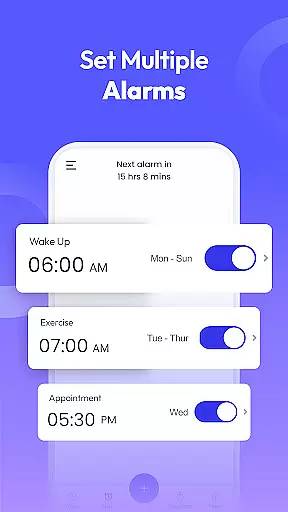
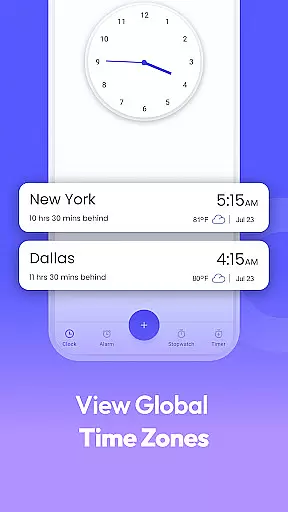
Clock Launcher stands out with its comprehensive suite of time management tools. The app includes a fully-featured alarm clock with options for setting recurring alarms, custom tones, and snooze durations. It also provides a world clock function, allowing users to track time across different cities, which is particularly useful for international meetings or travel.
In addition to alarms, the app offers timers, reminders, and a stopwatch. These features are designed to assist with various daily activities, such as cooking, exercising, or managing work tasks. The inclusion of a personalized home screen widget and clock-themed wallpapers further enhances user experience by combining functionality with aesthetic customization.
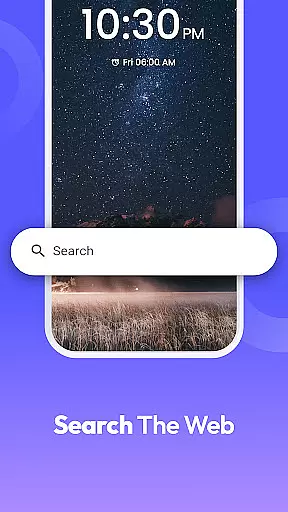
The launcher aspect of the app simplifies navigation by enabling quick access to essential functions. Users can search for apps or browse the web directly from multiple access points, streamlining their interaction with the device. This combination of practical tools and user-friendly interface makes Clock Launcher a versatile productivity solution.
At the heart of Clock Launcher lies its robust core task management system, designed to streamline your daily routine. This feature allows users to effortlessly set alarms, reminders, and timers, ensuring they stay organized and punctual throughout their day. The intuitive interface makes it simple to manage multiple tasks without any confusion or overlap.
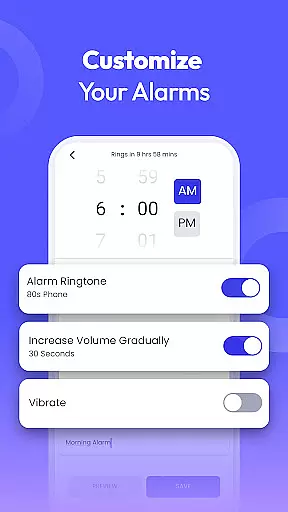
The app's alarm clock functionality is highly customizable, catering to individual preferences and lifestyles. Users can configure daily or weekly alarms with unique tones and snooze durations, perfect for both light and heavy sleepers. Additionally, the ability to set recurring alarms on specific days helps maintain a consistent daily schedule, making this an indispensable tool for time management.
Beyond basic alarms, Clock Launcher offers advanced features like world clock and stopwatch capabilities. The world clock allows frequent travelers and professionals with international commitments to track time across different cities accurately. Meanwhile, the stopwatch function provides precise timing for workouts or important tasks, helping users monitor their progress and improve efficiency.
Clock Launcher excels in providing reliable cross-device synchronization, ensuring that your time management data remains consistent across all your devices. This feature is particularly beneficial for users who rely on multiple devices throughout their day, as it guarantees that alarms, reminders, and timers are always up-to-date, regardless of which device you're using.
The synchronization process is seamless and automatic, eliminating the need for manual updates or transfers. Whether you're switching from your phone to a tablet or vice versa, you can trust that your settings and schedules will be perfectly mirrored. This reliability is crucial for maintaining productivity and avoiding missed appointments or deadlines.
Moreover, Clock Launcher's synchronization extends beyond just basic timekeeping functions. It includes comprehensive data such as customized alarm tones, world clock settings, and even personal notes attached to reminders. This level of detail ensures that every aspect of your time management strategy is preserved and accessible, providing a truly integrated experience across all your devices.
User-friendly interface
Comprehensive time tools
Customizable features
Efficient navigation
Free to download
Home screen layout changes
Limited widget options
No advanced analytics
Basic theme selection
Dependent on Yahoo search

Ads Free App! Editor, Hide File, Copy, Move, Delete and Rename.. all facility av
 1.70
1.70
Device's storage information in a simple and clear graphical form (infographics)
4.10
CalenGoo is a very flexible and feature-rich calendar app
4.40
Stay on top of your to-dos with Google Tasks, part of Google Workspace.
4.60
Simple and reliable communication between inmates, friends and family
3.20
Cloud storage, automatic phone backup, and more.
4.10
Access, manage and transfer files on Android, PC, Mac, NAS and cloud storages.
4.30
Ultimate Virtual AI Character for immersive Roleplay Chat. Perfect Companion
3.90
AI Chatbot and AI writing assistant powered by ChatGPT.
4.60
Best Tool for the professionals Electrician, Electrical contractors, etc.
4.90
Android Wallet Password Manager
4.80
Direct Chat without saving contacts & Dual WA Account on Single Device
4.70
aCalendar+ makes your day, week and month
4.70
Send files, sync SMS, notifications & clipboard across devices via local network
4.40
Todo reminder
4.10
Experience real multitasking on your Android!
4.00
Create and edit presentations with Google Slides, part of Google Workspace.
4.00
Smart PDF reader & editor to view, organize and manage PDF documents easily.
3.70
AI Video AI Image Private LLM AI Browser Llama Gemma Ollama Connect LLM Studio
4.4


User Reviews