
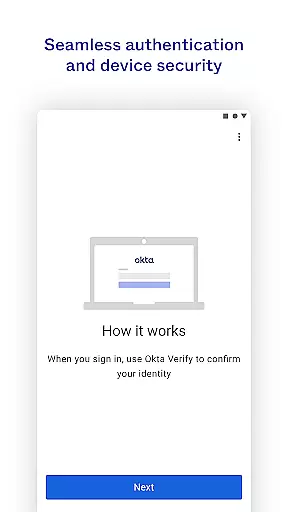
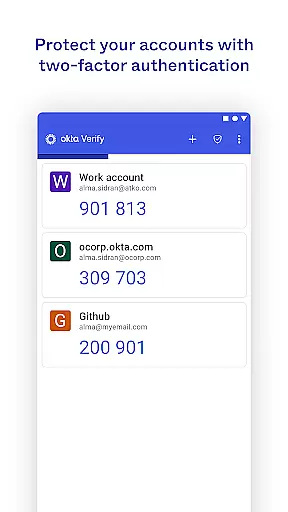
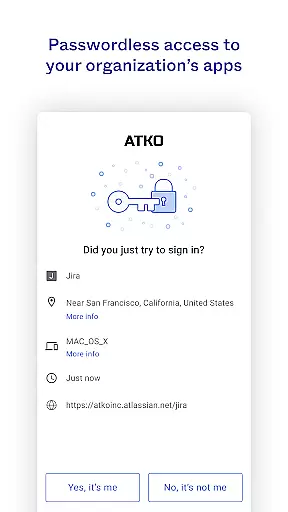
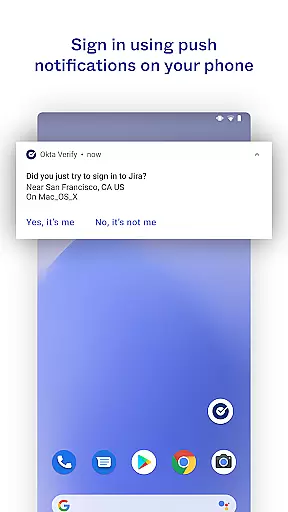
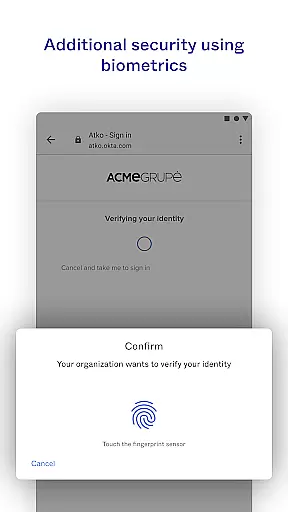
Okta Verify is a productivity-focused application designed to enhance security through two-step verification. This app ensures that only authorized users can access their accounts by providing multiple authentication methods. Users can choose between push notifications, temporary 6-digit codes, or biometric verification if enabled by their organization.
The app also requires camera permissions to scan QR codes during the device enrollment process. With its robust security features, Okta Verify is ideal for organizations looking to protect their digital assets and maintain secure access across various applications.
Okta Verify offers several key features that make it a reliable choice for secure access. Firstly, it supports multiple verification methods including push notifications, which provide a seamless user experience by allowing users to authenticate with a single tap. Secondly, the app generates time-based one-time passwords (TOTP) in the form of 6-digit codes, ensuring an additional layer of security.
Additionally, Okta Verify integrates biometric authentication options such as fingerprint or facial recognition, enhancing both security and convenience. The app's ability to scan QR codes streamlines the setup process, making it easy for users to enroll their devices quickly and securely.
Okta Verify excels in core task management by streamlining the process of two-step verification. This ensures that only you can access your app accounts, providing an additional layer of security.
The app offers multiple verification methods including push notifications, temporary 6-digit codes, and biometrics if enabled by your organization. These options allow users to choose the most convenient method for their needs while maintaining high-security standards.
By integrating these advanced authentication features, Okta Verify simplifies the user experience. Users can quickly and securely verify their identity, making the login process both efficient and reliable.
This focus on secure and user-friendly task management enhances productivity by reducing the time and effort required for authentication, allowing users to focus on their primary tasks.
Cross-device synchronization is a critical feature of Okta Verify, ensuring that users can seamlessly verify their identity across multiple devices. This reliability is crucial for maintaining consistent access to important applications.
When enrolling a device, Okta Verify requests camera permission to scan a QR code. This process links the device to the user's account, enabling synchronized verification across all enrolled devices.
The appu2019s synchronization capabilities ensure that any changes in verification status or preferences are updated in real-time across all devices. This means users will always have the latest security measures at their fingertips, regardless of which device they use.
By prioritizing cross-device synchronization reliability, Okta Verify provides a dependable solution for users who require secure access from various locations and devices, enhancing overall productivity and security.
Enhanced Security
User-Friendly Interface
Multiple Verification Methods
Seamless Integration
Biometric Support
Requires Camera Access
Dependent on Network
Organization Setup Needed
Limited Customization
Potential Compatibility Issues

Seamlessly integrate data and reports to build your presentation to impress
 4.80
4.80
When you Focus, so will your Bean in this cozy focus timer
4.30
Professional calendar app for Google Calendar, MS Outlook & Exchange
4.20
App lock - lock apps with fingerprint, password, pin or pattern, protect privacy
4.70
All in One PDF Reader: Manage, Read and Edit your Documents
4.20
Scientific calculator for Android - looks and operates like the real thing!
4.90
Simple notepad & memo. Take notes, to-do list, shopping list with reminders.
4.80
AI Chatbot and AI writing assistant powered by ChatGPT.
4.60
Seamlessly read, manage, and organize all your PDF files solution in one place
4.40
The Pro Version of Android's tiniest Notepad app. Just 0.3MB but feature-packed!
4.60
Lightweight PDF, Word, Excel reader.
4.60
Planet Free VPN - The best Fast Unlimited and Secure VPN Without Logs
4.50
Secure your apps with lock screens, use custom themes and different features.
4.40
Automates browsing any website and notifies you of important changes or events
4.30
A customizable calendar for your Wear OS watch
4.20
Cloud storage, automatic phone backup, and more.
4.10
Intelligent AI Assistant
4.10
A Revolutionary All-in-One Artificial Intelligence Tools
3.80
Make your handwriting beautiful, even more than pen on paper.
3.60


User Reviews