
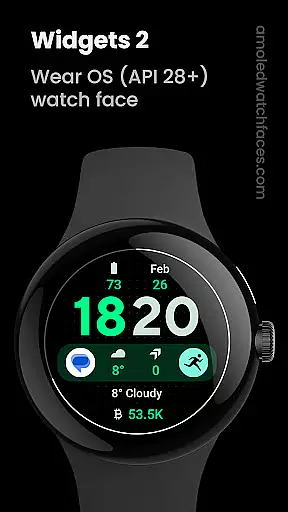
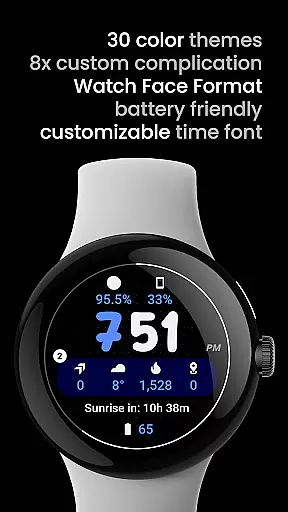
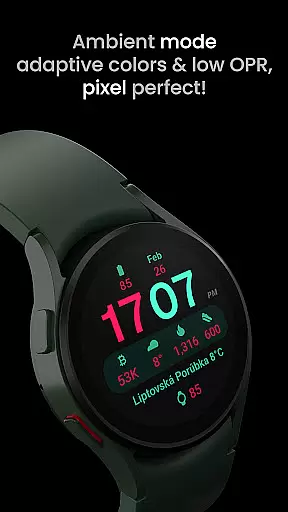
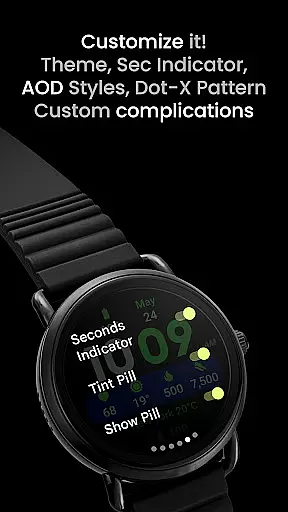
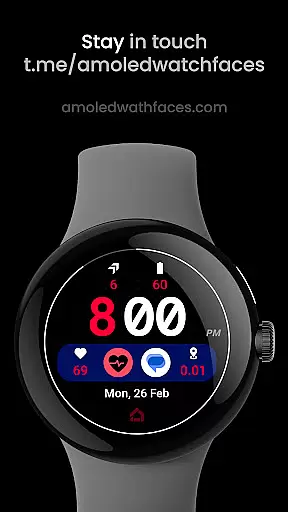
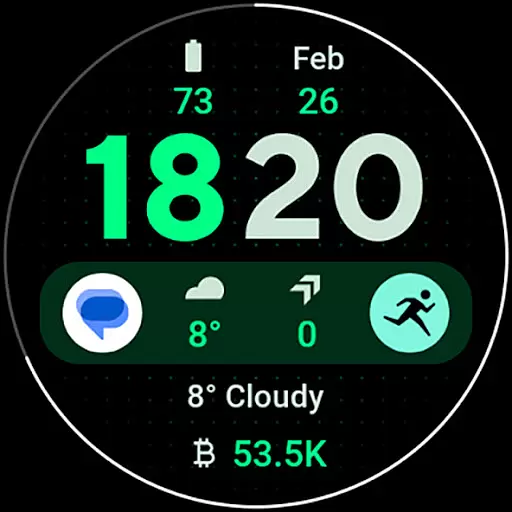
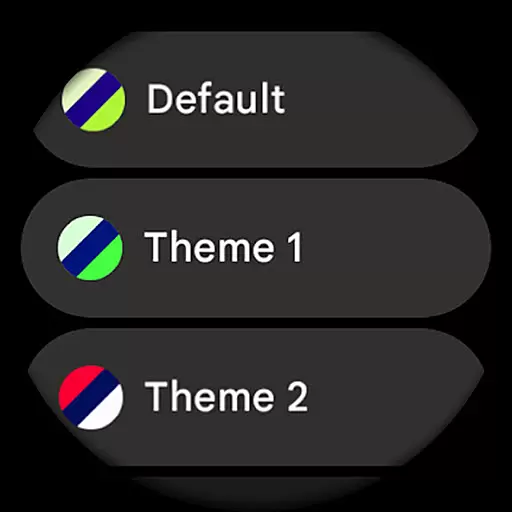
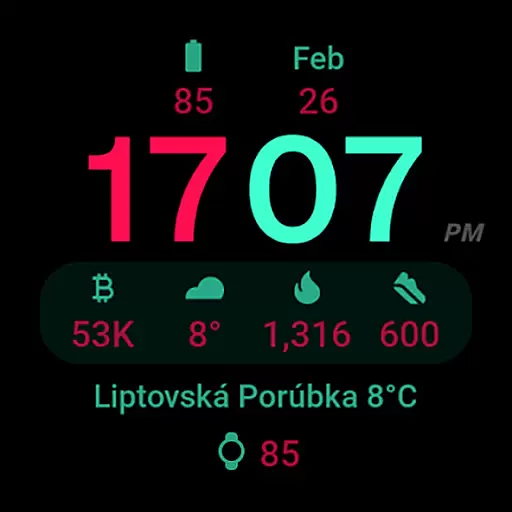
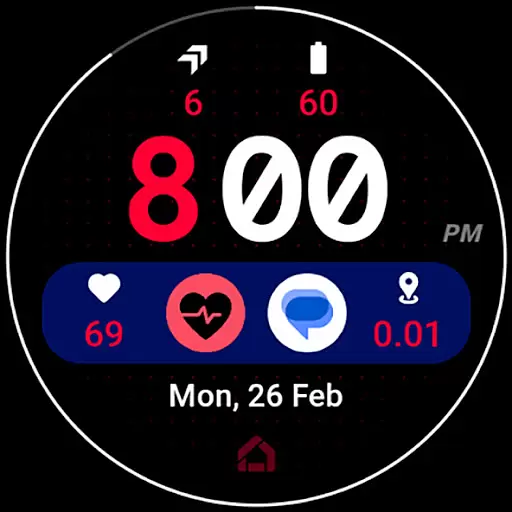
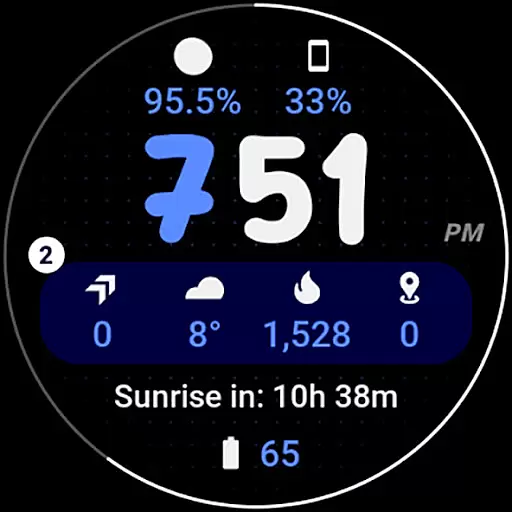
Widgets 2 is a feature-rich productivity app designed exclusively for Wear OS 4+ devices. This application offers users the ability to customize their smartwatch faces with advanced features such as true black backgrounds, high resolution displays, and unique color themes. With compatibility for the latest Wear OS devices, Widgets 2 enhances user experience by providing up to eight custom complication slots and an ambient mode that adapts colors and reduces pixel burn-in.
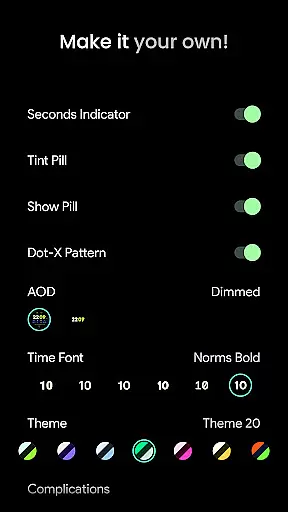
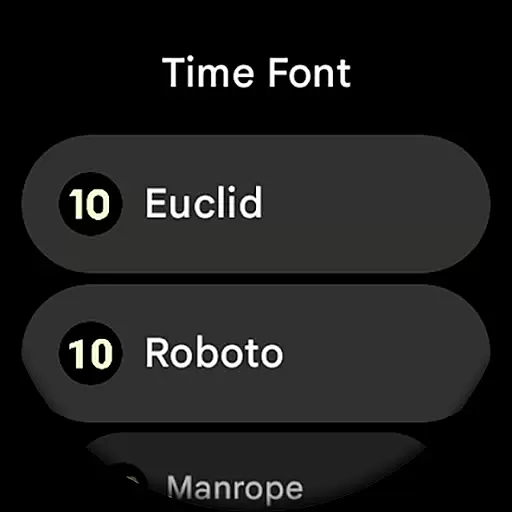
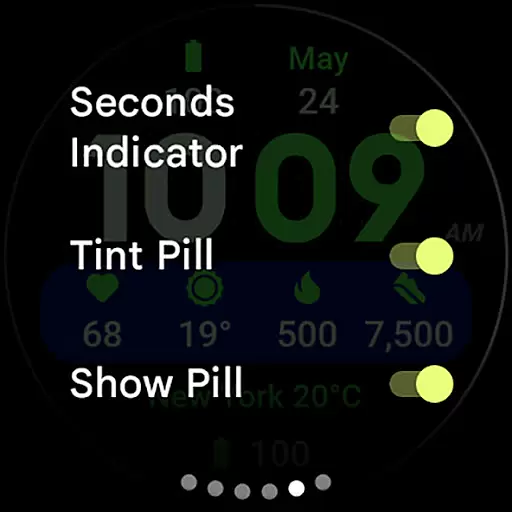
The app also supports phone notifications complications, allowing users to stay updated on their wrist. Widgets 2 stands out with its customizable time fonts, progress bar seconds indicator, and various user configurations including theme selection, AOD styles, and toggles for different display elements. Whether you're looking to personalize your watch face or optimize your wearable's functionality, Widgets 2 delivers both style and utility tailored for productivity enthusiasts.
Widgets 2 boasts an array of sophisticated features that cater to tech-savvy users seeking customization options on their Wear OS devices. One notable feature is the Watch Face Format which ensures full compatibility with the newest Wear OS versions while maintaining a sleek design aesthetic. The inclusion of a true black background not only provides an elegant look but also conserves battery life on AMOLED screens.
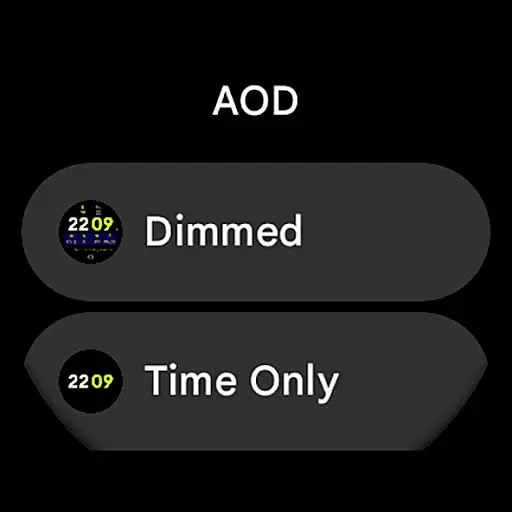
Another standout aspect is the extensive personalization available through 29 unique color themes and seven different time fonts. Users can further tailor their experience with two ambient display (AOD) styles, toggleable elements like seconds indicators and dot patterns, and support for eight custom complications. These features collectively empower users to create a personalized yet highly functional smartwatch interface that aligns perfectly with their preferences and lifestyle needs.
Task management is a cornerstone of productivity applications, enabling users to organize and prioritize their work efficiently. Widgets 2 offers a robust set of features that cater to the needs of users who require precise control over their tasks. The app provides eight customizable complication slots, allowing users to tailor their watch face to display the most relevant information for their productivity workflow.
The application supports unique color themes and high-resolution displays, ensuring that task-related data is not only accessible but also visually appealing. With options like true black backgrounds and burn-in protection, it maintains readability while preserving the device's screen quality. These visual customizations help users focus on their tasks without unnecessary distractions.
Widgets 2 goes beyond basic task tracking by offering advanced configurations such as time font customization and toggles for various display elements. Users can choose from multiple themes and adjust settings for Always-On Display (AOD), seconds indicators, and more. This level of personalization ensures that each user's task management experience is optimized for their specific preferences and working style.
Moreover, the app integrates seamlessly with Wear OS devices, providing real-time updates and notifications directly on the user's watch face. This instant access to task-related information empowers users to stay organized and responsive throughout their day, making Widgets 2 an invaluable tool for anyone seeking to enhance their productivity through effective task management.
In today's interconnected world, reliable cross-device synchronization is crucial for maintaining productivity across different platforms. Widgets 2 excels in this area by offering seamless integration between Wear OS devices and companion applications. The app ensures that all user configurations, including themes, fonts, and complication settings, are consistently synchronized across devices, providing a unified experience regardless of which device the user interacts with.
The synchronization process is designed to be both fast and reliable, utilizing the latest Wear OS technologies to maintain data integrity. Whether users are adjusting their watch face on their phone or making quick changes directly on their smartwatch, they can trust that these modifications will be accurately reflected across all linked devices. This reliability is particularly important for professionals who depend on consistent access to their productivity tools.
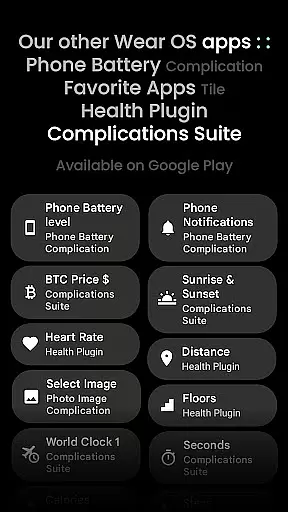
Widgets 2 also supports phone notification complications, enhancing the synchronization experience by bringing essential information from the user's mobile device directly to their watch face. This feature requires the Phone Battery Complication app, which works in tandem with Widgets 2 to provide comprehensive cross-device functionality. Such integration demonstrates the app's commitment to creating a cohesive ecosystem for managing tasks and information.
Furthermore, the app's support team actively maintains and updates the synchronization features, addressing any potential issues promptly. Users experiencing difficulties can easily reach out through provided support channels, ensuring minimal disruption to their productivity workflow. With its reliable cross-device synchronization capabilities, Widgets 2 establishes itself as a dependable solution for users seeking consistent access to their productivity tools across multiple devices.
User-friendly interface
Highly customizable options
Compatible with latest tech
Unique color themes
Battery efficient design
Not suitable for all watches
Requires additional apps
Limited to Wear OS
Premium cost involved
Complex setup process

Seamlessly integrate data and reports to build your presentation to impress
 4.80
4.80
Ads Free App! Editor, Hide File, Copy, Move, Delete and Rename.. all facility av
1.70
Total remote control for your Android device, PC and cloud services (IFTTT)!
4.20
Automates browsing any website and notifies you of important changes or events
4.30
Absolutely the best CNC machinist speed and feed calculator around. fswizard.com
4.60
App lock - lock apps with fingerprint, password, pin or pattern, protect privacy
4.70
Simple and reliable communication between inmates, friends and family
3.20
Quickly and easily keep track of your work shifts
4.70
Use powerful, industry-leading AI tools to generate visual charts from any data
4.80
Understand anything with a personalized AI research assistant
4.80
Client for Nextcloud Deck
4.60
Stay on top of your to-dos with Google Tasks, part of Google Workspace.
4.60
The AI assistant that thinks with you - write, code, and solve complex tasks
4.60
Subscribe to Webcal & .ics calendars and keep them up-to-date!
4.50
When you Focus, so will your Bean in this cozy focus timer
4.30
Enjoy classic gameplay with customizable features and retro-style graphics.
4.30
Device's storage information in a simple and clear graphical form (infographics)
4.10
⏰ Finally a timer app which can run multiple timers simultaneously on your watch
3.90
Easiest event planning, volunteer signups & parent teacher conference scheduling
2.20


User Reviews