
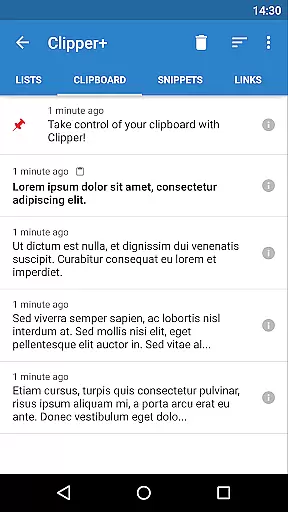
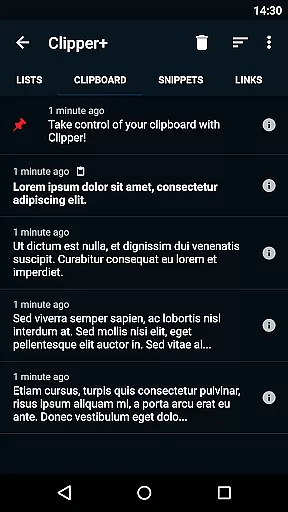
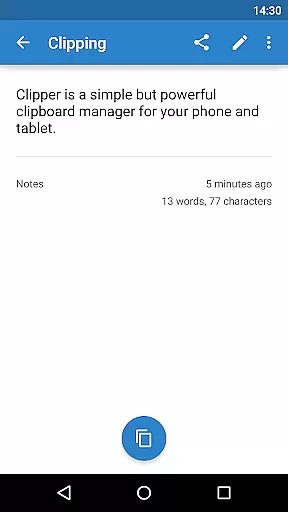
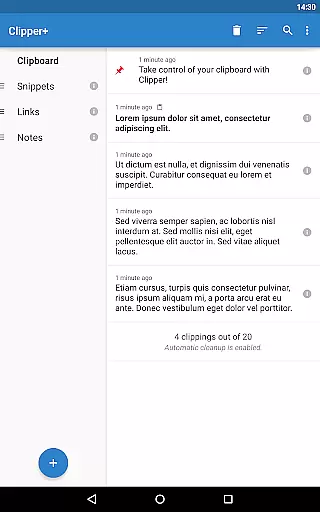
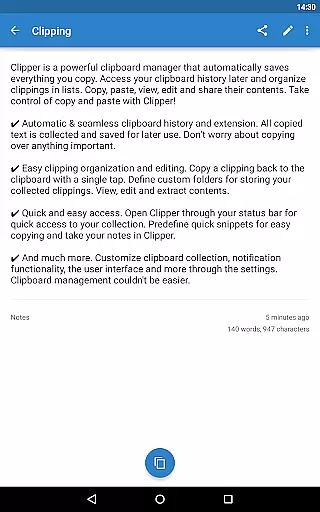
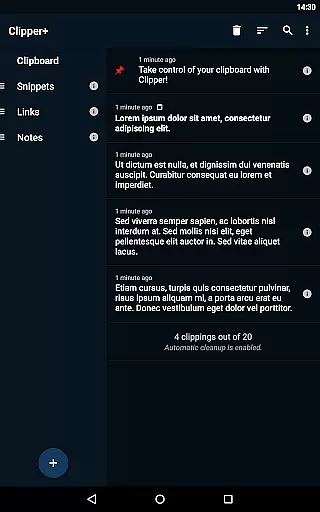
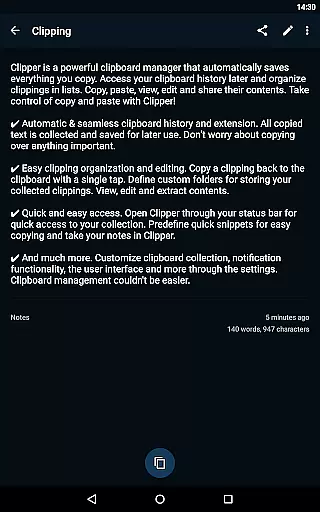
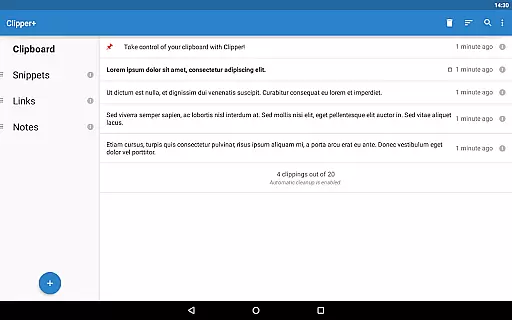
Clipper+: Clipboard Manager is a powerful productivity tool designed to enhance your clipboard experience. This app automatically saves everything you copy, allowing you to access, organize, and manage your collected clippings effortlessly. With features like unlimited clipping storage, dynamic values for custom snippets, and advanced search capabilities, Clipper+ ensures that you never lose important copied content again.
The app provides seamless integration with your device's clipboard, enabling automatic history collection and easy organization of clippings into custom folders. Whether you need quick access through the status bar or want to store repetitive text snippets for frequent use, Clipper+ offers an intuitive interface that makes copy-paste tasks more efficient. Ideal for professionals and everyday users alike, this tool transforms how you handle text data on your mobile device.
Clipper+ boasts an array of features that make it stand out as a top-tier clipboard manager. One of its core strengths is the ability to store unlimited clippings, which means you can keep more than just the latest entries without worrying about manual cleanup. The inclusion of dynamic values allows users to insert current date and time stamps within their custom snippets, adding flexibility to repetitive tasks.
Another significant feature is the powerful search functionality, enabling users to quickly locate specific clippings among potentially hundreds of saved items. Additionally, Clipper+ offers extensive settings and options, letting you control whether each clipping is collected manually or automatically. The app also supports easy organization through custom folders, while providing quick access via the status bar. These robust features ensure that managing your clipboard becomes a streamlined and efficient process.
Clipper+: Clipboard Manager excels in core task management by offering users an intuitive way to handle their clipboard history. The app automatically saves everything you copy, allowing for seamless organization and retrieval of text snippets.
With features like unlimited collected clippings and dynamic values, users can maintain a comprehensive library of copied content. This ensures that no important information is lost and that repetitive pieces of text are easily accessible for future use.
The ability to search through clippings enhances productivity by enabling users to quickly find specific items. Additionally, options to organize clippings into custom folders provide a structured approach to managing clipboard data efficiently.
Overall, Clipper+ transforms the basic act of copying and pasting into a powerful tool for task management, streamlining workflows and ensuring that users have all their necessary information at their fingertips.
While Clipper+: Clipboard Manager focuses primarily on single-device clipboard management, it offers reliable backup and restore functionalities that support cross-device synchronization indirectly. Users can import and export backups to internal storage or SD cards, facilitating data transfer between devices.
This process ensures that clipboard histories and predefined snippets remain consistent across different devices, although manual intervention is required. By leveraging these backup capabilities, users can synchronize their clipboard data without worrying about losing important information during device switches.
Moreover, the app's seamless integration with the system status bar provides quick access to clipboard contents, making it easier for users to manage their data regardless of the device they are using. This accessibility contributes to a more unified experience when working across multiple devices.
Although direct cloud-based synchronization isn't highlighted, the robust local backup system ensures that users can maintain reliable access to their clipboard history, enhancing productivity and convenience.
User-friendly interface
Unlimited clipping storage
Dynamic value insertion
Powerful search function
No ads included
Paid application
Separate installation needed
Limited design customization
Requires migration from free version
Advanced features may overwhelm new users

Experience real multitasking on your Android!
 4.00
4.00
Protect and view your important info on your phone and tablet with eWallet®
4.80
CalenGoo is a very flexible and feature-rich calendar app
4.40
Easiest event planning, volunteer signups & parent teacher conference scheduling
2.20
Find and delete junk files & block unwanted notifications & manage files
3.70
Access, manage and transfer files on Android, PC, Mac, NAS and cloud storages.
4.30
A simple Whisper AI keyboard for reliable speech transcription and rewording
4.60
The ultimate file manager for rooted devices. The original and still the best.
4.00
Browse and view your photos and videos from the phone with photo & video hide.
4.10
Native client for Forgejo and Gitea
5.00
Mind Map and brainstorm, note taking and idea collection
4.80
Understand anything with a personalized AI research assistant
4.80
QuickBooks Workforce lets teams view pay info and track time in one place.
4.70
Absolutely the best CNC machinist speed and feed calculator around. fswizard.com
4.60
Calendar 2023 widget for Android. Appointment scheduler, planner, and reminder
4.60
Experience Reading - Night Mode for Documents
4.40
Send files, sync SMS, notifications & clipboard across devices via local network
4.40
Unlock AutoNotification
4.00
All in one sketching tool. Technical and General drawing. Online Maps support.
3.70


User Reviews