
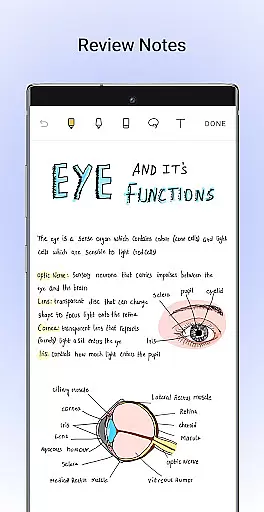
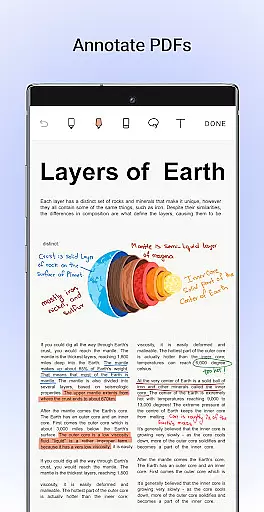
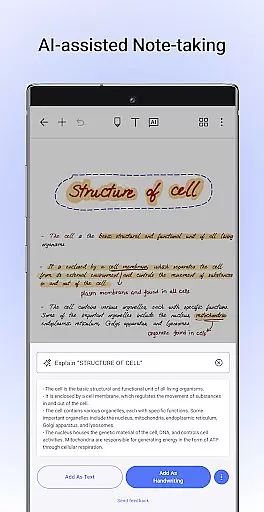
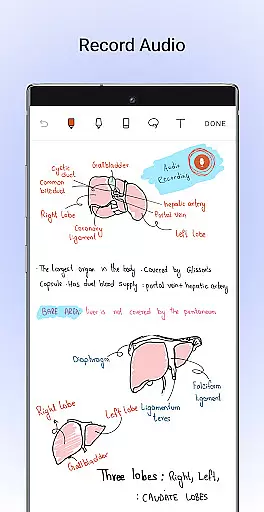
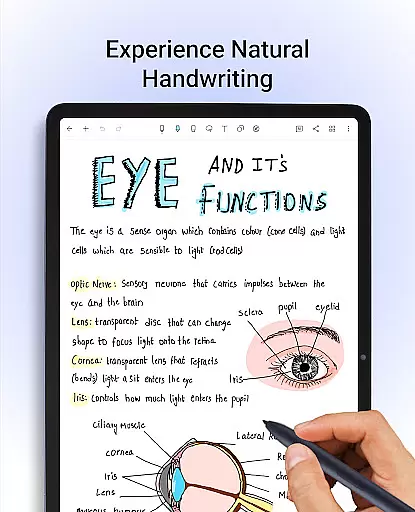
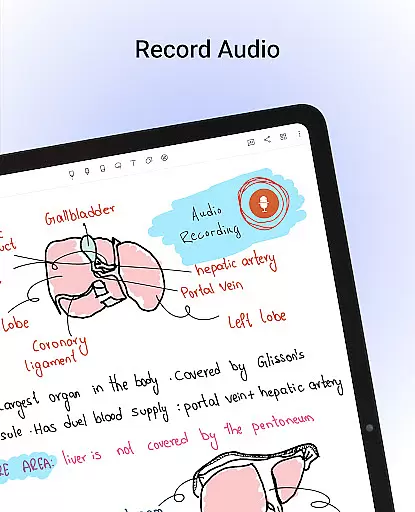
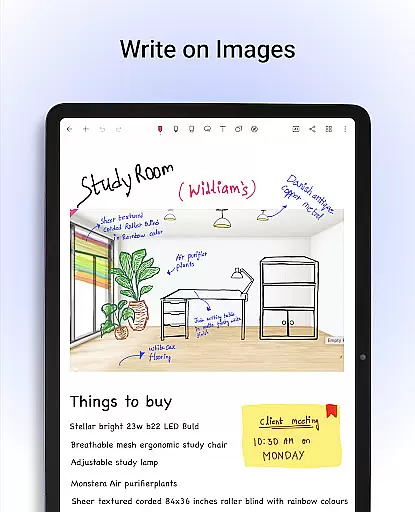
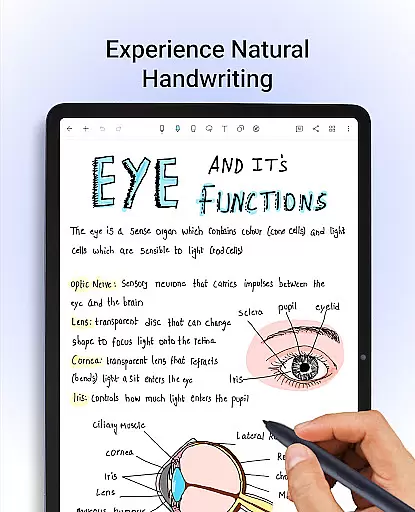
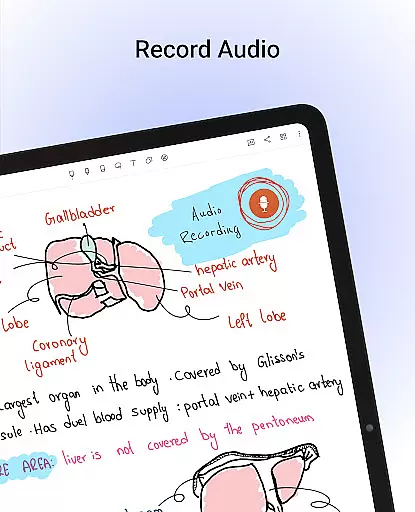
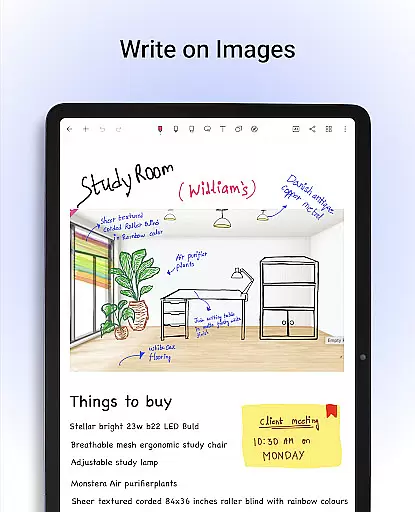
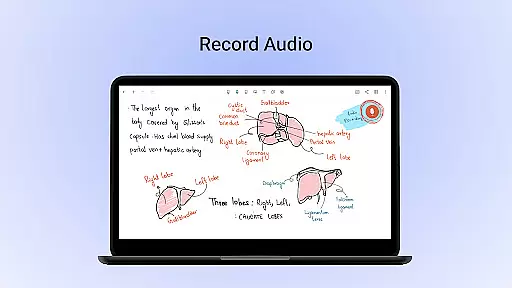
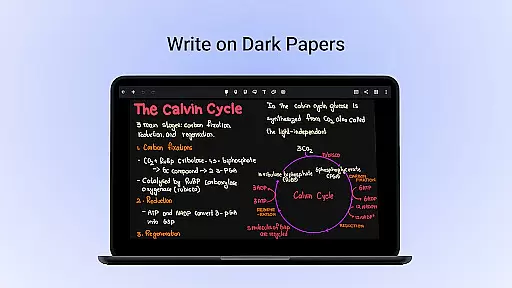
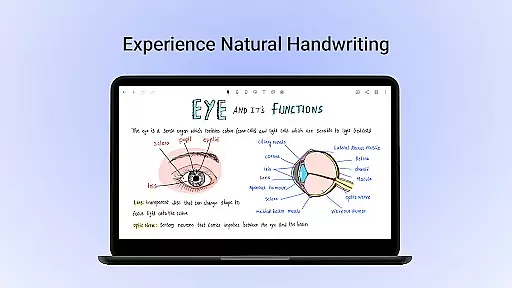
Noteshelf is a comprehensive note-taking app designed for Android users, offering a digital solution to replace traditional pen and paper. It allows students, teachers, and professionals to take beautiful handwritten notes with realistic pens and highlighters, annotate PDFs, record audio notes, and even convert handwriting to typed text through OCR in 65 languages. The app supports various stylus options, ensuring a natural writing experience.
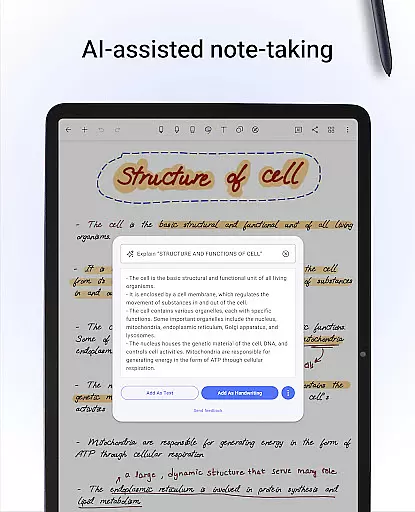
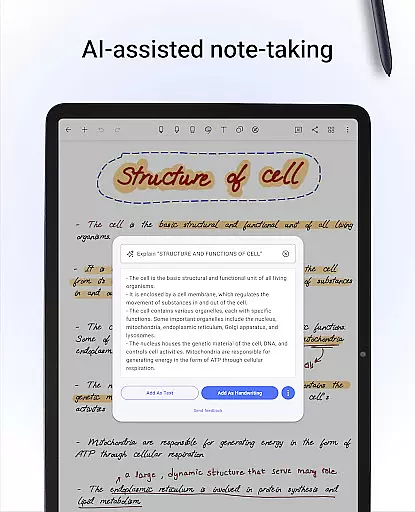
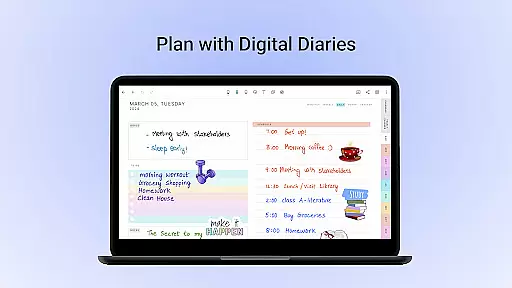
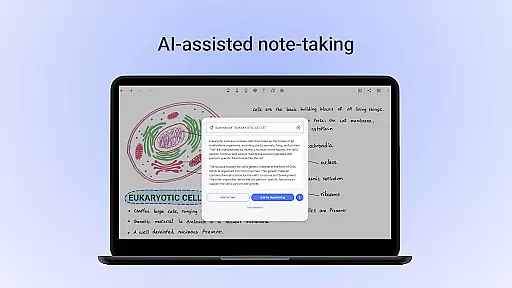
Beyond basic note-taking, Noteshelf provides advanced features like Noteshelf AI, which can understand your handwriting and assist in generating notes, summarizing content, or translating text. With over 200 customizable templates, users can organize their days effectively using digital planners, diaries, and journals. The app also integrates seamlessly with cloud services such as Google Drive, OneDrive, and Dropbox, ensuring your notes are always safe and accessible.
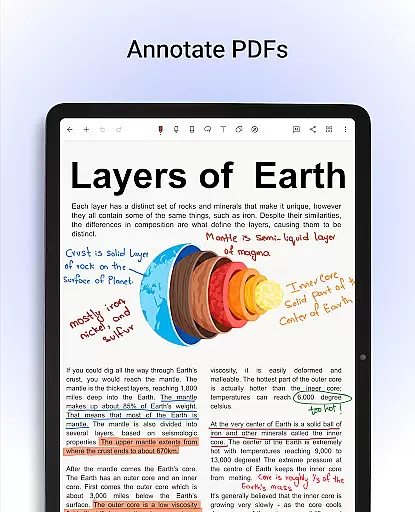
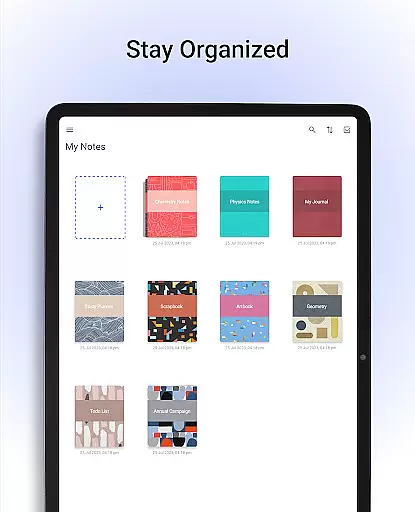
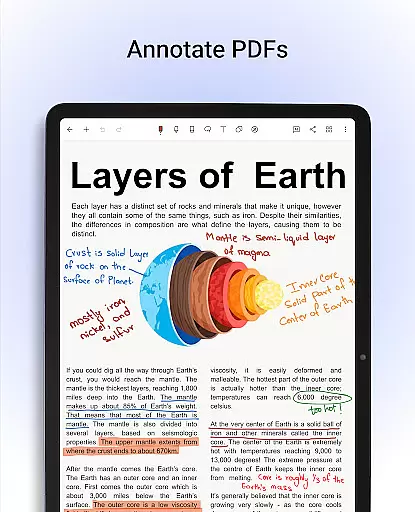
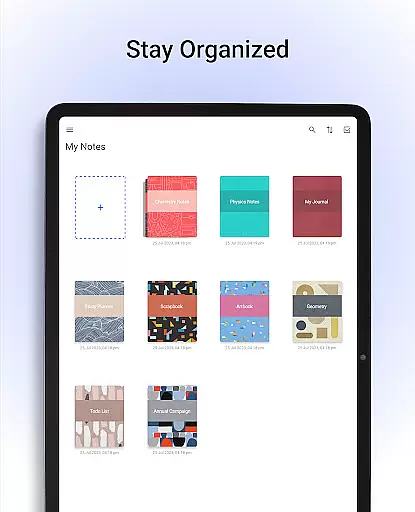
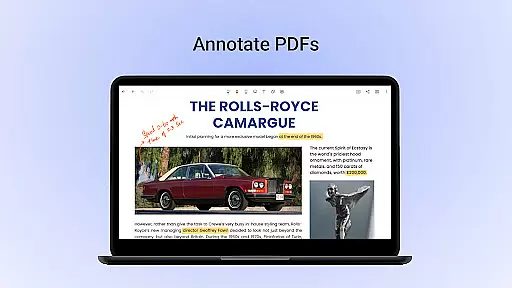
Noteshelf stands out with its rich feature set tailored for productivity enthusiasts. The app offers realistic handwriting tools, supporting multiple stylus types, including Samsung Galaxy Note's S-pen with quick-erase functionality. Users can personalize their notebooks with lined, dotted, or grid papers in different colors, and choose from beautifully crafted cover designs. Additionally, the app allows importing and annotating PDFs, making it ideal for editing school notes or signing documents.
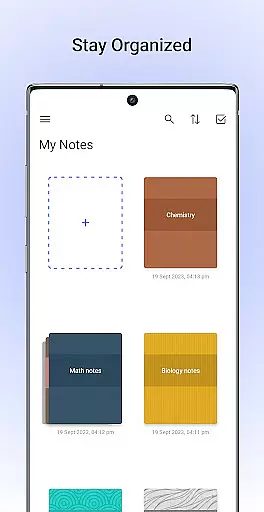
One of the key highlights is Noteshelf AI, an intelligent assistant that enhances note-taking by generating handwritten notes, summarizing content, and explaining complex terms. The app also includes organizational tools like drag-and-drop notebook grouping, bookmarking important pages, and syncing across devices via Google Drive. With auto-backup options and integrations with Evernote, Noteshelf ensures your data is secure and accessible anytime, anywhere.
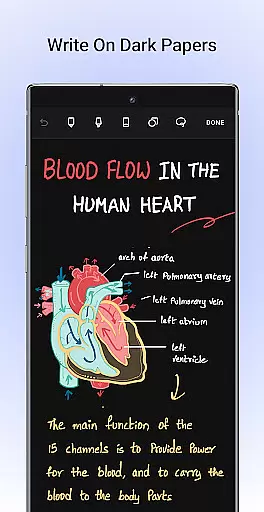
Noteshelf excels in core task management by offering a comprehensive suite of tools designed to enhance productivity. The app allows users to take beautiful handwritten notes with realistic pens and highlighters, making the transition from traditional notepads seamless and intuitive.
With support for various styluses, including Samsung Galaxy Note's S-pen, users can enjoy a natural writing experience. The quick-erase option adds convenience, ensuring that note-taking remains as flexible as using pen and paper.
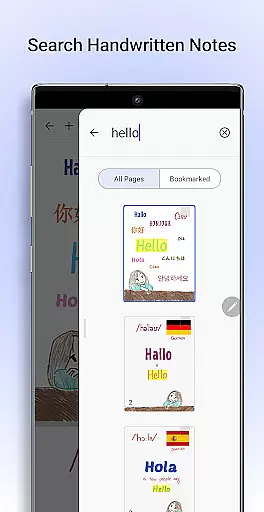
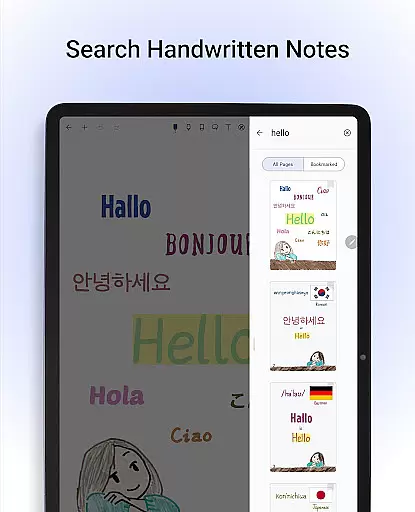
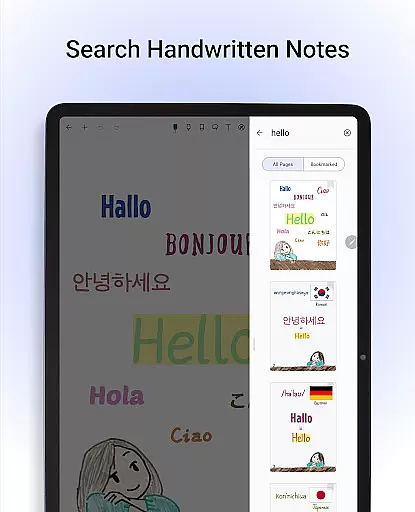
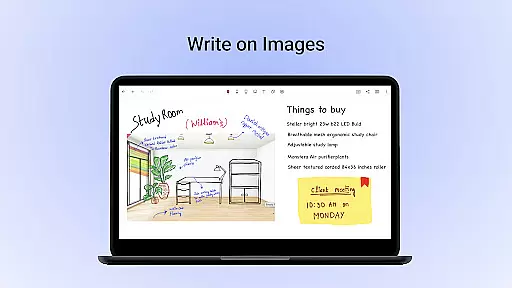
Beyond handwriting, Noteshelf enables users to annotate PDFs, markup images, and even search through handwritten notes in 65 languages. This functionality is crucial for students and professionals who need to manage and retrieve information efficiently.
The integration of Noteshelf AI further elevates task management by providing intelligent assistance. Users can generate study notes, summarize content, translate text, and more, streamlining their workflow and enhancing productivity.
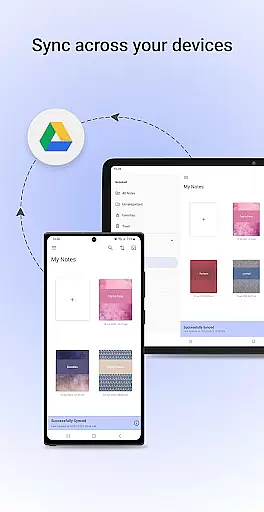
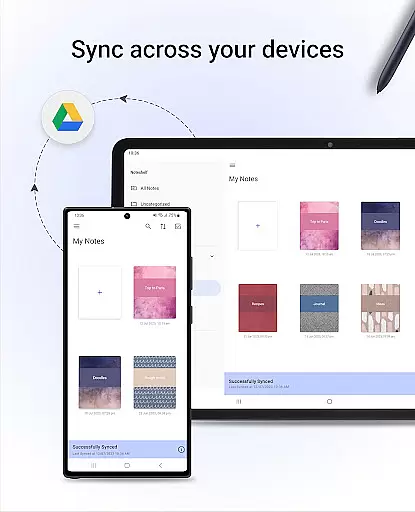
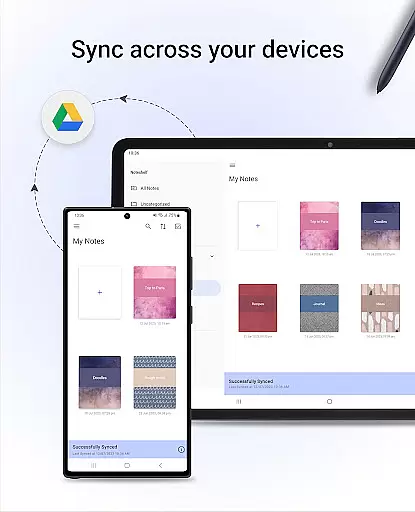
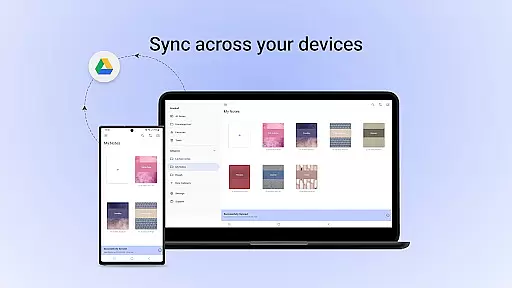
Cross-device synchronization is a standout feature of Noteshelf, ensuring that users can access their notes anytime, anywhere. By syncing notes via Google Drive, the app guarantees that all your important information is securely stored and easily retrievable across multiple Android devices.
In addition to Google Drive, Noteshelf supports auto-backup to other popular cloud services like OneDrive, Dropbox, and WebDAV. This flexibility ensures that users are not limited to a single platform and can choose the service that best fits their needs.
Automatic publishing to Evernote further extends accessibility, allowing users to view their notes from any location. This feature is particularly beneficial for those who rely on Evernote for their digital organization.
By providing reliable and versatile synchronization options, Noteshelf ensures that users never lose important data and can seamlessly continue their work across different devices, enhancing both convenience and peace of mind.
User-friendly interface
Extensive customization options
Advanced AI capabilities
Robust cloud integration
Versatile annotation tools
Free version has limitations
Occasional sync issues reported
Learning curve for new users
Some features require premium subscription
Limited offline functionality

The long-awaited modern gallery app for your Nextcloud server
 4.70
4.70
Experience real multitasking on your Android!
4.00
Mega cloud explorer plugin for Solid Explorer
3.80
Direct Chat without saving contacts & Dual WA Account on Single Device
4.70
Protect and view your important info on your phone and tablet with eWallet®
4.80
Simple and reliable communication between inmates, friends and family
3.20
Find and delete junk files & block unwanted notifications & manage files
3.70
Access, manage and transfer files on Android, PC, Mac, NAS and cloud storages.
4.30
To do list widget with a notebook organizer, checklist, simple shopping list
4.60
Seamlessly integrate data and reports to build your presentation to impress
4.80
The Pro Version of Android's tiniest Notepad app. Just 0.3MB but feature-packed!
4.60
A lightweight JSON & XML files creator, editor and viewer (Premium Version)
4.40
When you Focus, so will your Bean in this cozy focus timer
4.30
Professional calendar app for Google Calendar, MS Outlook & Exchange
4.20
Pwnagotchi companion app
4.20
Device's storage information in a simple and clear graphical form (infographics)
4.10
Create and edit presentations with Google Slides, part of Google Workspace.
4.00
⏰ Finally a timer app which can run multiple timers simultaneously on your watch
3.90
AI Video AI Image Private LLM AI Browser Llama Gemma Ollama Connect LLM Studio
4.1


User Reviews