
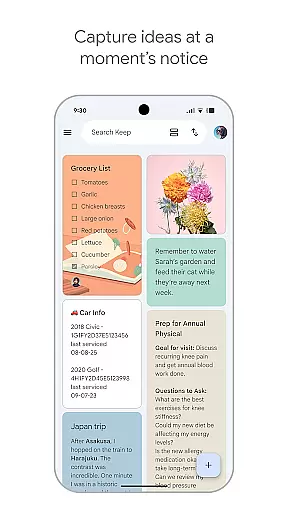
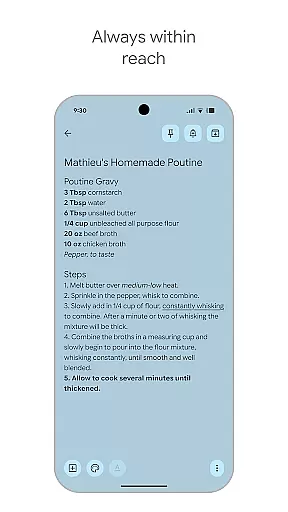
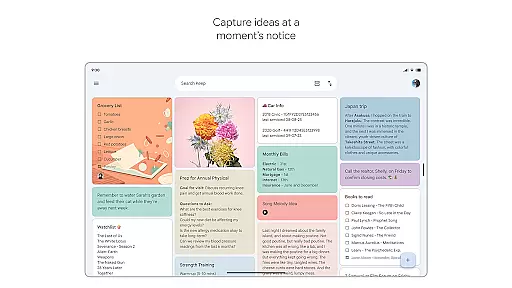
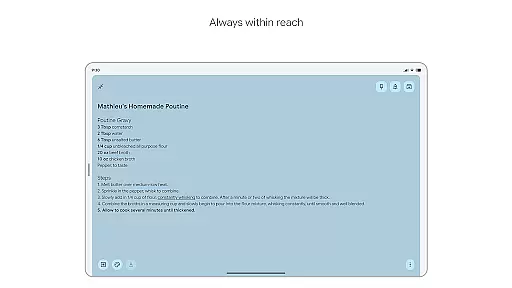
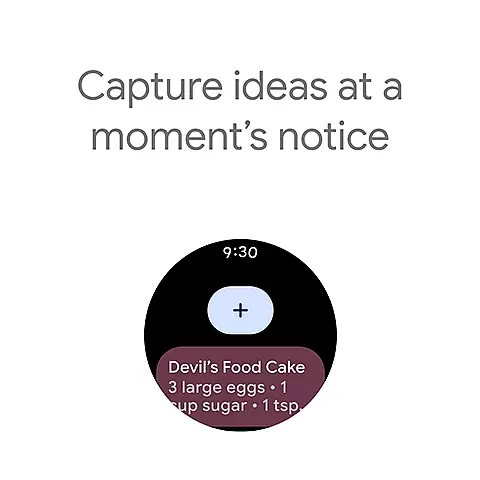
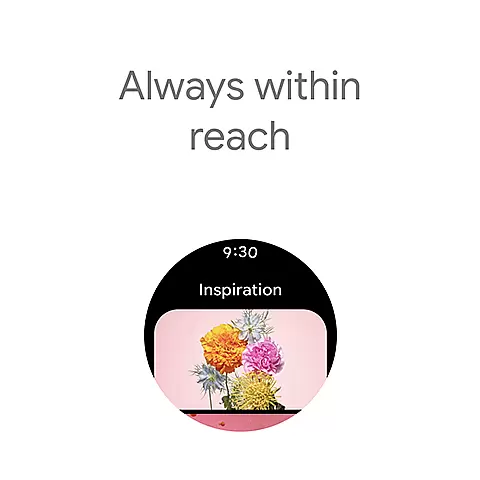
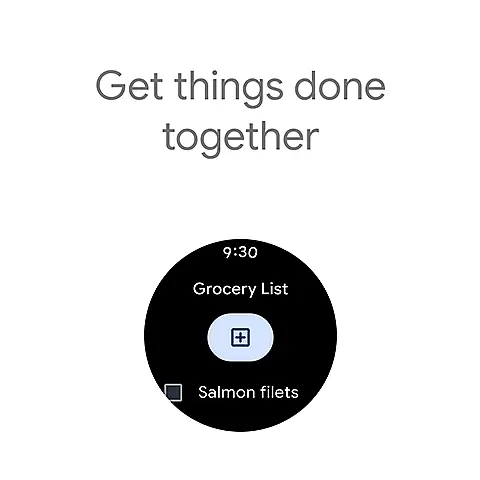
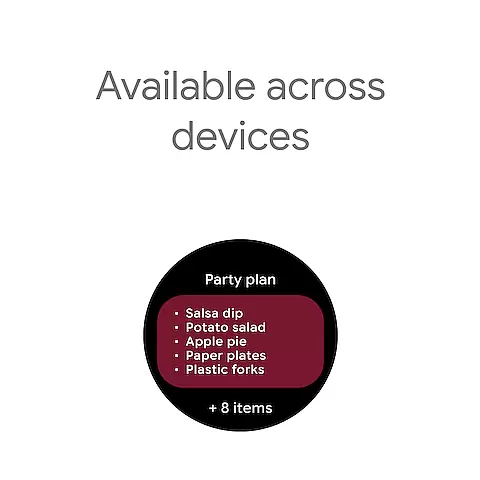
Google Keep is a versatile note-taking application designed specifically for Android Wear and other devices. It allows users to quickly capture thoughts, manage to-do lists, and stay organized through various methods such as text notes, voice memos, and photos. The app offers advanced security features to ensure your information remains private while providing seamless synchronization across all your devices including phones, tablets, computers, and Wear OS devices.
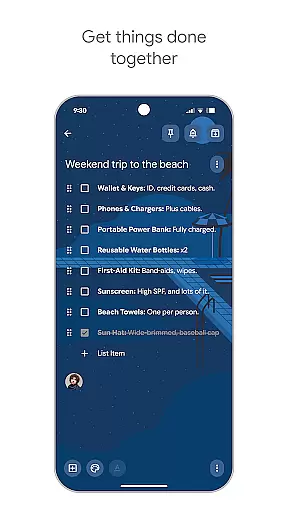
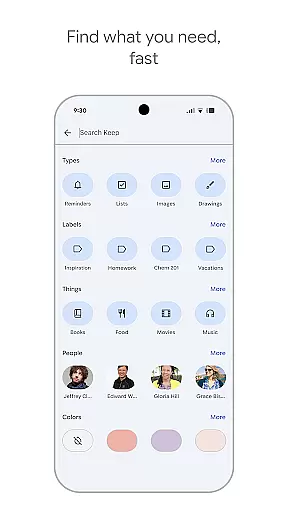
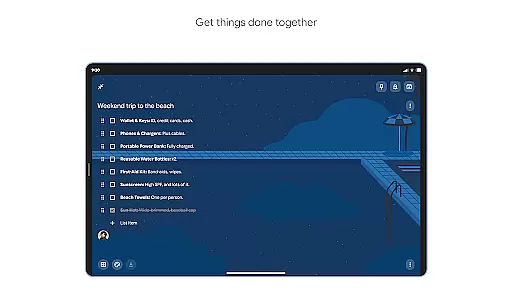
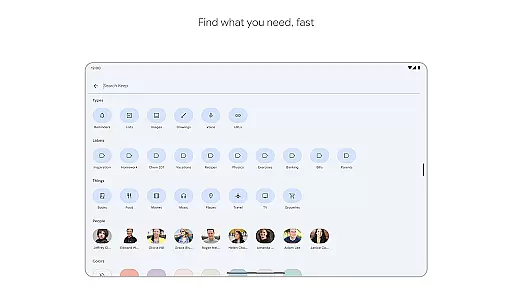
One of the standout features of Google Keep is its ability to integrate with widgets and complications on smartwatches, making it incredibly convenient to jot down notes or set reminders on the go. Whether you're managing a grocery list or planning a trip, Google Keep's collaborative tools allow you to share and edit notes with friends and family effortlessly. With color-coding and labeling options, finding specific notes has never been easier.
Google Keep stands out with its comprehensive feature set tailored for productivity and organization. Users can create quick notes using text, voice memos, or by snapping photos. This flexibility ensures that no matter where inspiration strikes, you can capture it instantly. The app also supports widgets on both phones and tablets, allowing for quick access and easy note-taking without having to open the app fully.
For those who use Wear OS devices, Google Keep provides tiles and complications that make capturing thoughts even more convenient. Sharing capabilities are another highlight; users can collaborate on notes with others, making group projects or family planning much simpler. Additionally, the app offers powerful organizational tools like color-coding and labels, which help in categorizing notes efficiently. Reminders can be set to ensure important tasks are not forgotten, and everything syncs seamlessly across all devices, keeping your notes up-to-date everywhere.
Companion app integration is essential for a seamless user experience across multiple devices. Google Keep excels in this area by ensuring that all your notes, lists, and reminders are synchronized effortlessly between your phone, tablet, computer, and Wear OS device.
The app employs advanced synchronization technology that updates your content in real-time. This means any changes made on one device are immediately reflected on all others, providing you with consistent and up-to-date information no matter where you access it.
For users, this translates into the convenience of starting a task on one device and finishing it on another without missing a beat. Whether you're jotting down a quick note at home on your computer or setting a reminder on your Wear OS watch while commuting, Google Keep ensures your information is always accessible and current.
Google Keep offers robust compatibility with Wear OS devices, enhancing its utility as a versatile note-taking app. By integrating seamlessly with Wear OS, Google Keep allows users to capture thoughts, manage to-do lists, and set reminders directly from their smartwatches.
The app leverages the unique features of Wear OS, such as tiles and complications, to provide quick access to notes and reminders. Users can add shortcuts to frequently used notes or lists, making it easier than ever to retrieve important information with just a glance at their wrist.
This compatibility not only extends the functionality of Google Keep but also enriches the overall Wear OS experience. With Google Keep, users can enjoy the benefits of hands-free operation and voice commands, ensuring they never miss an important idea or task, regardless of where they are or what they are doing.
User-friendly interface
Voice memo functionality
Seamless cross-device syncing
Advanced security measures
Collaborative sharing options
Limited formatting options
No offline mode support
Basic drawing tools
Fewer integrations compared to competitors
Occasional sync issues reported

Embrace the festive spirit with our Christmas Countdown watchface for Wear OS
 4.10
4.10
Beautiful artistic animated digital watch face, with a customizable layout!
4.40
Elegant animated Christmas tree with multiple customization options
4.20
Structured watch face with seven complications and modular UI elements
3.90
Find EV charging stations
4.30
Funny animated watch face for Thanksgiving
4.4
Stylish, Energizing and Modern Watch Face crafted by Dominus Mathias.
4.50
A digital watch face that celebrates Christmas.
4.00
Connect, create, and collaborate with Gmail, part of Google Workspace.
4.10
Digital, flexibly customizable watch face. For Wear OS 5.0, API 34+ and later.
5.00
A modern premium sporty hybrid watch face for Wear OS by Ballozi
4.70
The most customizable hybrid watch face. For Wear OS 5.0, API 34+ and later
4.70
Connect to your Bluelink equipped Hyundai vehicle from your smartphone.
4.50
Bold weather Digital watchface with forecast & optional animated background
4.40
Watch face for Wear OS.
4.20
Let's celebrate Thanksgiving - Wear Os watch face
4.20
Snowflake Rose Gold Watch Face - Digital, modern, & sleek with GYRO effect.
4.10
Stunning modern digital watch face with 7 complications and strong contrast
4.1
Hybrid Vibrant Health Watch Face for Wear OS
4.1


User Reviews