
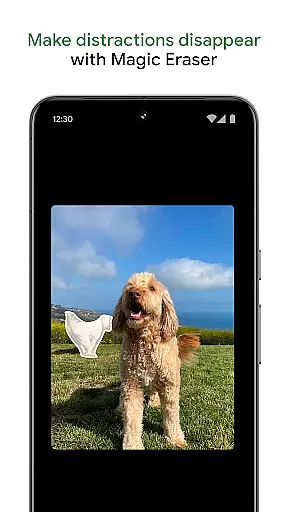
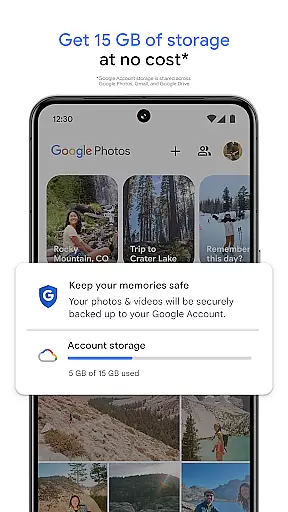
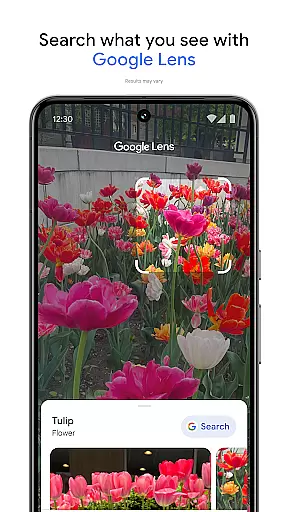
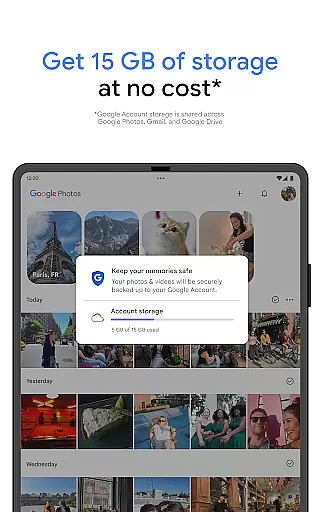
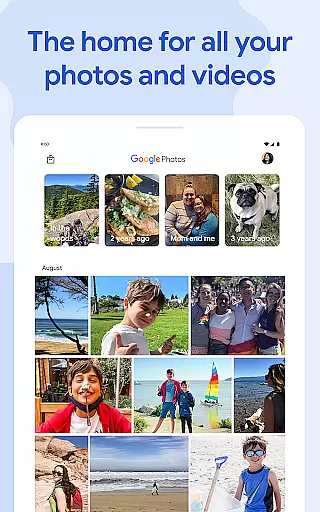
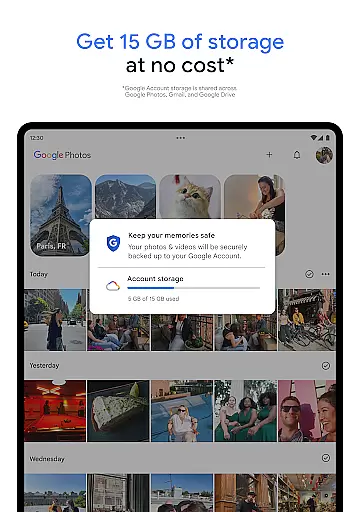
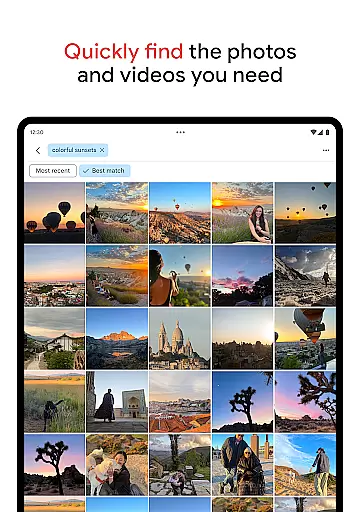
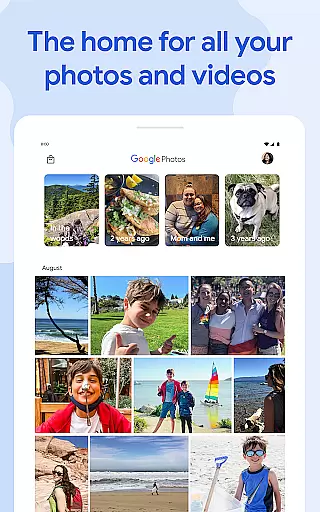
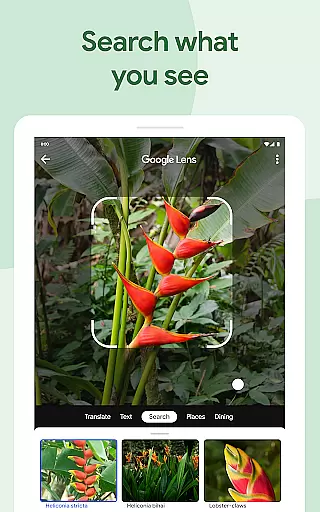
Google Photos is a comprehensive photo and video management application that leverages Google AI to help users back up, edit, organize, and search their memories. The app offers 15 GB of free cloud storage for every Google account, ensuring automatic backup across all devices. With features like AI-powered editing tools, users can make complex edits easily, such as removing distractions with Magic Eraser or enhancing lighting with Portrait Light.
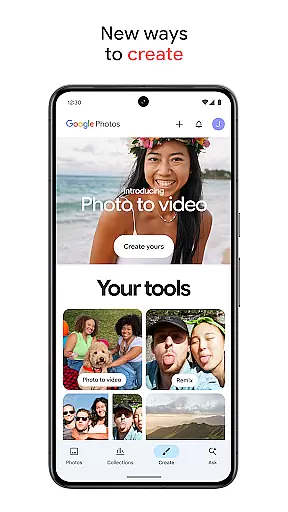
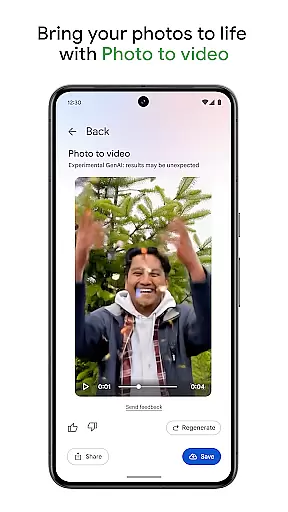
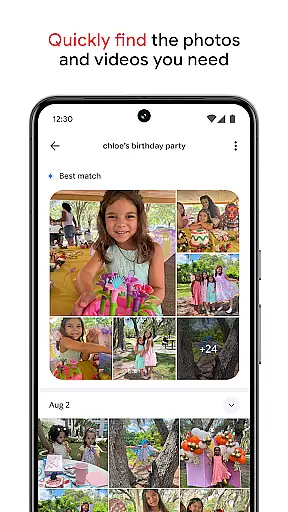
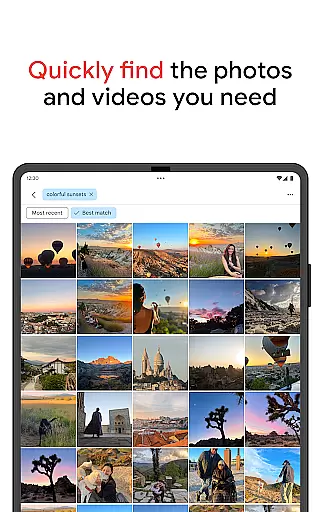
In addition to editing, Google Photos allows users to create content using AI-powered tools like Remix and Photo to video, which transform static images into dynamic styles and videos. The app simplifies searching through intuitive queries, whether looking for specific items or complex themes. Organization is effortless with automatic grouping of duplicates and smart folders for different types of content, keeping galleries tidy and personalized.
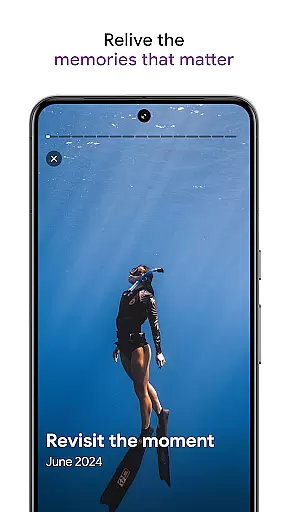
Users can relive and share favorite memories directly from the app, even with those who do not use Google Photos. All content can be centralized by transferring photos from other apps and devices. Security is prioritized with advanced infrastructure protecting stored and shared media. Additionally, users can free up device space by removing backed-up photos and print their cherished moments into physical products.
Google Photos stands out with its robust set of features designed to enhance user experience. One of the key highlights is the AI-powered editing tools, which include Magic Eraser for removing unwanted objects and Unblur for improving focus in blurry images. These tools allow users to make professional-grade edits effortlessly. Another innovative feature is the ability to create dynamic content; Remix transforms pictures into unique styles, while Photo to video animates still photos into moving videos, adding a creative touch to memories.
The app's search functionality is powered by Google's advanced algorithms, enabling users to find specific photos quickly through simple or complex queries. Organization is streamlined with automatic grouping of similar photos into Photo Stacks and smart categorization into folders for screenshots, documents, and more. This declutters galleries and makes navigation intuitive. Furthermore, Google Photos ensures security and privacy with an advanced infrastructure that protects data during storage and sharing, giving users peace of mind.
Additional notable features include seamless integration with other services, allowing easy transfer of photos from various sources into one centralized location. Users can also free up device storage by removing backed-up items and explore creative options like printing photos into books or wall art. These functionalities collectively offer a versatile and secure platform for managing digital memories.
Companion app integration is essential for users who want a seamless experience between their mobile devices and wearable technology. Google Photos offers robust companion app features that ensure your photos and videos are consistently synchronized across all your devices.
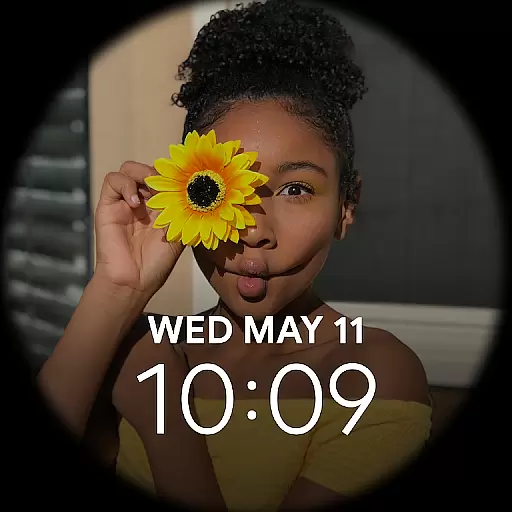
With automatic backup enabled, any photo or video you capture on your smartphone is instantly uploaded to the cloud and made available on your Wear OS device. This means you can view your latest memories directly from your smartwatch without needing to carry your phone around.
The application also allows for easy management of your content right from your wearable device. You can organize, search, and even share your photos effortlessly, ensuring that your most cherished moments are always at your fingertips regardless of the device you're using.
This level of integration not only enhances convenience but also ensures that your data remains secure and accessible, providing peace of mind and an uninterrupted flow of your digital life across platforms.
Ensuring broad compatibility with various Wear OS devices is crucial for delivering a versatile user experience. Google Photos excels in this area by offering extensive support for a wide range of Wear OS devices, making it easy for users to access their media library from virtually any smartwatch running on this platform.
The app leverages advanced synchronization protocols to maintain high performance and reliability across different devices. Whether you're using a flagship model or a more budget-friendly option, Google Photos adapts to provide optimal functionality tailored to each specific device's capabilities.
Moreover, regular updates and optimizations ensure that the app remains compatible with new Wear OS devices as they enter the market. This commitment to ongoing support guarantees that users will continue to enjoy a smooth and responsive experience regardless of when they purchased their wearable technology.
By prioritizing Wear OS/device compatibility, Google Photos ensures that every user can take full advantage of its powerful features without worrying about technical limitations or compatibility issues disrupting their experience.
User-friendly interface
Advanced AI tools
Generous free storage
Robust security measures
Creative content options
Limited free storage
Subscription costs
Occasional sync issues
Privacy concerns
Feature complexity

Christmas - Festive - Christmas Village - Winter - Christmas lights
 5.00
5.00
Current temperature, weather hourly, weather radar by the weather forecast app
4.40
Beautiful artistic animated digital watch face, with a customizable layout!
4.40
Simple Analog-Digital Watchface For Wear OS 3.0 and Up Smartwatches
4.0
A modern premium sporty hybrid watch face for Wear OS by Ballozi
4.70
Be an elegant and classy secret agent, with this carefully detailed watch face
4.70
Kia Access makes getting your vehicle information easier than ever
4.60
Monitor health with the stress test and pulse checker in the heart rate app.
4.60
Fast and smart typing with Emojis, GIFs, and more
4.50
Gym & home workout plans with strength training, exercise tracking, HIIT & more.
4.60
Nutrition, Macro tracker: Food, fitness & healthy diet tracking for weight loss
4.60
A white realistic classic analog watch face with many customization options.
4.40
Find EV charging stations
4.30
A customizable Christmas watch face for Wear OS with a countdown.
4.20
Let's celebrate Thanksgiving - Wear Os watch face
4.20
Daily Weather forecast with 15 weather images for Day & Night plus Big Bold time
4.10
Watch the sharpness of the sky on your wrist..
3.70
A heartwarming Christmas scene featuring a cute image of Santa and Rudolf
4.0
Minimalistic design modern digital watch face.
4.5


User Reviews