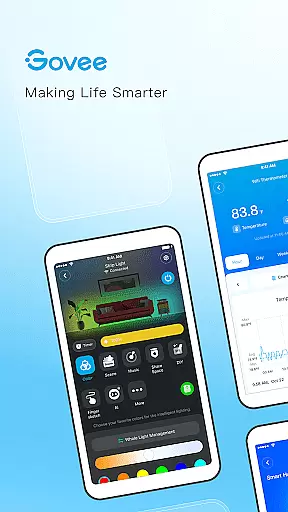
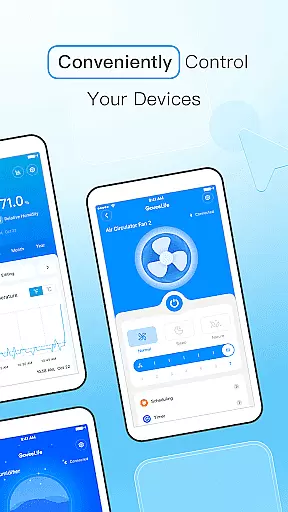
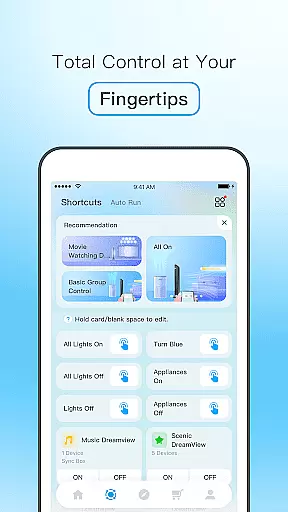
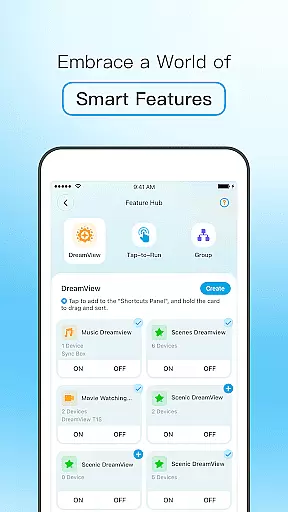
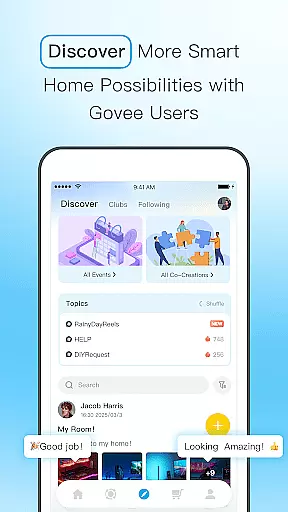
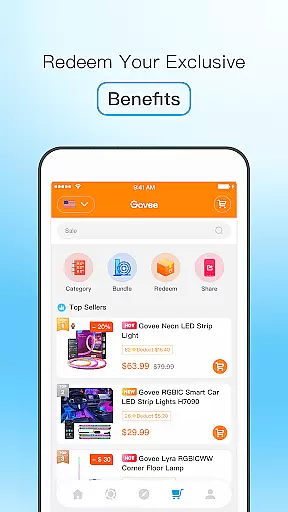
Govee Home is a comprehensive smart device management application designed to enhance your smart home experience. The app allows users to monitor and control their smart devices in real time, ensuring optimal performance and convenience. With an intuitive interface, it supports effortless integration of new devices, often within seconds, making smart home setup accessible even to beginners.
One standout feature is its advanced lighting control system that lets users create stunning lighting effects synchronized with music beats using the phone's microphone for sound pickup. This functionality works seamlessly even when the app runs in the background. Additionally, Govee Home provides users with early access to emerging technologies and fosters a community where ideas can be shared. Backed by responsive customer support, this app ensures any issues are promptly addressed.
Govee Home offers a rich set of features tailored to streamline smart home management. Users can check the status of all connected devices instantly through the main dashboard, providing a clear overview of their smart home environment. The app simplifies the process of adding new devices, reducing setup time significantly and enhancing user convenience.
A key highlight is the ability to generate dynamic lighting effects that sync with music. By utilizing the phone's microphone, the app captures ambient sounds and translates them into real-time lighting displays. This feature can operate continuously, even if the app is running in the background, thanks to its reliable foreground service option. Moreover, Govee Home keeps users engaged by offering previews of upcoming technologies and facilitating idea sharing within its community, thereby fostering innovation and collaboration among smart home enthusiasts.
Govee Home delivers precise control and effective management of smart devices. The app ensures real-time status checks, allowing users to monitor their devices instantly.
With seamless connectivity, it adds new devices in seconds, enhancing user convenience. Its accurate sound pickup via the phone mic enables synchronized lighting effects, adapting to music beats effortlessly.
The app's reliability extends to its foreground service option, ensuring uninterrupted functionality even when running in the background. This feature highlights Govee Home's commitment to precision and user-centric design.
Govee Home boasts a simple and intuitive interface that makes managing smart devices hassle-free. Users can easily navigate through various features without any learning curve.
The app provides an artistic touch with customizable lighting effects, making device management not only functional but also visually appealing. Clear options for connecting devices and checking statuses ensure a smooth user experience.
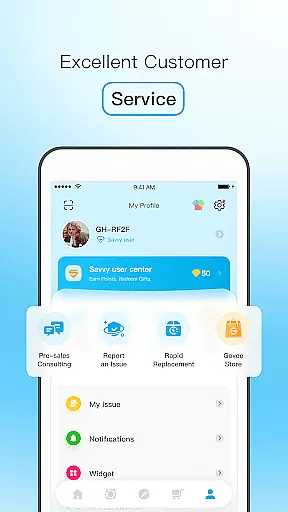
Fast and efficient customer service further complements the straightforward design, offering support whenever needed. This blend of simplicity and functionality positions Govee Home as an essential tool for smart home management.
User-friendly interface
Real-time device monitoring
Effortless device integration
Dynamic lighting effects
Responsive customer support
Limited third-party compatibility
Background service may drain battery
Occasional connectivity issues
Advanced features require specific hardware
Community features still developing

 4.10
4.10
Extremely fast, secure, and protects your privacy
4.80
1-Click close all background apps on Android TV
3.90
Unit and currency converter with easy and simple UI.
4.80
Clean the junk files on your device
3.40
An open-source APK explorer for Android!
4.10
A non-root local ADB shell client. READ BELOW!
3.40
Monitor car performance in real time and troubleshoot malfunctions.
4.80
Button mapper, mouse toggle, sleep timer and a lot of another features
4.50
The ultimate tool for network analysis, wifi scanning and problem detection.
4.90
Powerful collection of electronics tools and reference.A must for any enthusiast
4.90
Canon PRINT is a companion app for your Canon printer.
4.60
Game Booster, GFX Tool is now compatible with newer game update
4.50
Universal TV remote control all TVs, Roku, LG, Samsung, Fire, Vizio, Sony, TCL.
4.40
Forza Tuning Calculator App for Forza Horizon 5, Motorsport and Earlier Titles
4.40
Fluid navigation gestures for all of us!
4.30
Remote for Roku, Fire TV, Samsung TV, LG TV, Android TV, Chromecast and VIZIO TV
4.20
MS-DOS in your pocket. Play old DOS games anywhere you are ;)
4.10
Unlock your Essential Key. Create custom shortcuts to your favorite apps!
4.0


User Reviews