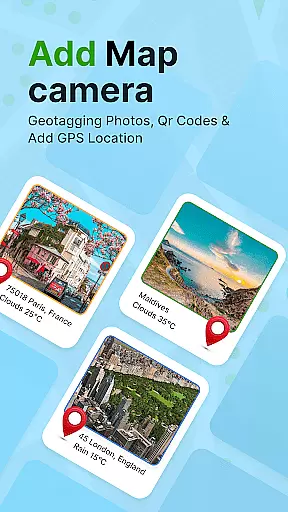
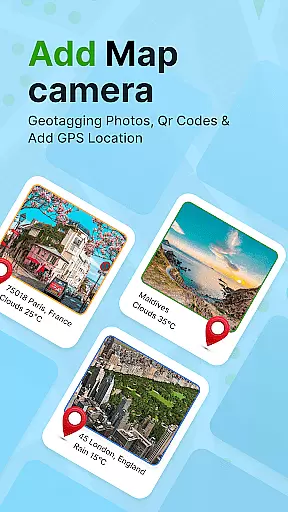
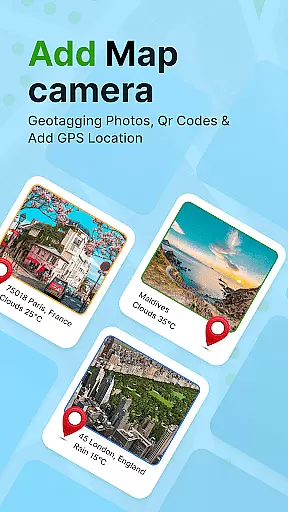
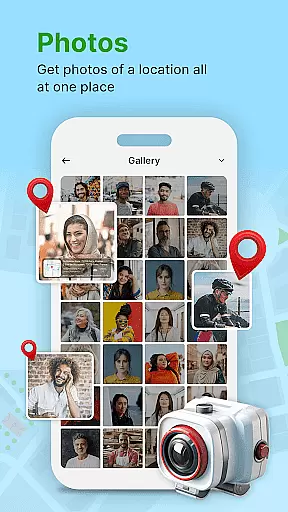
GPS Geotag Photos & Camera Map is a powerful photography app designed to enhance your photo-taking experience by embedding precise location data into your images. The app automatically adds GPS coordinates, altitude, and address information directly into the metadata of your photos, making it easy to track where and when each image was captured.
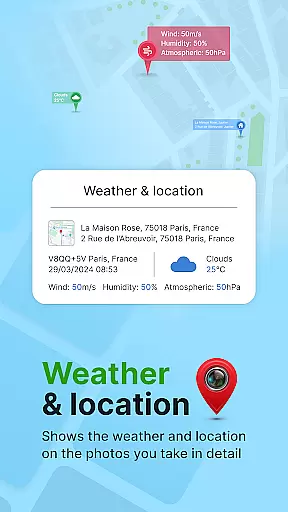
In addition to geotagging, the app offers advanced customization options, allowing users to add timestamps, weather details, and even live maps to their photos. Whether you're a traveler wanting to remember exact locations or a professional photographer needing detailed metadata, this app provides an invaluable toolset for all your photography needs.
The app's intuitive interface and robust features make it suitable for both casual users and professionals. With support for manual adjustments of latitude and longitude, as well as customizable font styles and sizes, GPS Geotag Photos & Camera Map ensures that every photo contains accurate and meaningful information.
One of the standout features of GPS Geotag Photos & Camera Map is its ability to automatically embed GPS data into your photos. This includes not only basic location information like latitude and longitude but also additional details such as altitude and address. This feature is particularly useful for photographers who need to document the exact location of their shots.
Beyond automatic geotagging, the app offers extensive customization options. Users can adjust the font, size, color, and position of timestamps on their photos, ensuring that the added information complements the image rather than detracts from it. Additionally, the app supports QR code scanning, which can be used for various purposes such as quickly accessing more information about a location.
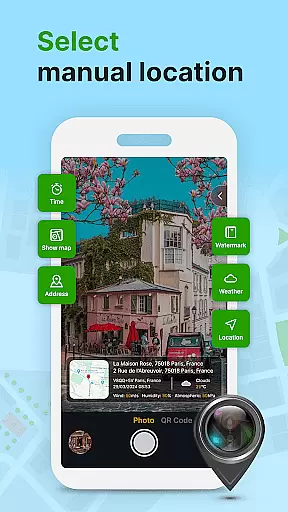
For those who require even more control, the app allows manual input of GPS coordinates. This is especially helpful in areas with poor GPS signal or when precise location tagging is necessary. Overall, these features combine to create a versatile tool that enhances the functionality and value of your photographs.
Real-time capture and preview functionality is essential for ensuring that each photo taken with the GPS Geotag Photos & Camera Map app accurately reflects the intended composition and location. This feature allows users to see exactly what the camera sees, including live updates of GPS data such as latitude, longitude, and altitude.
The app supports capturing stunning photos while automatically embedding GPS coordinates into the image metadata. This means that as soon as you take a picture, the geographical information is instantly added to the photo, providing immediate confirmation that the location data has been successfully recorded.
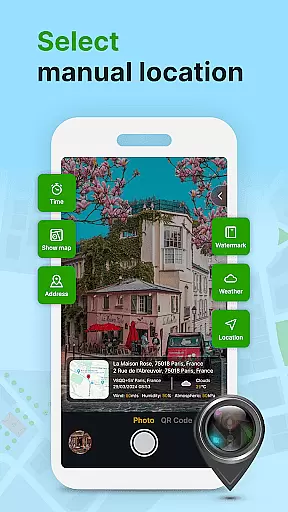
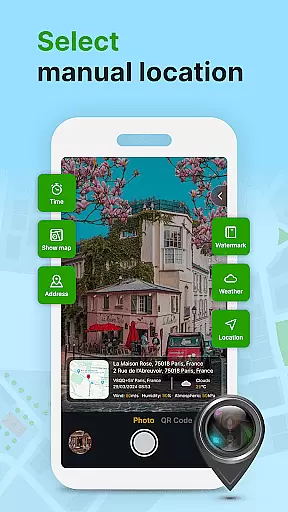
Users can also customize various aspects of their photos directly within the preview screen. Options include adjusting the font, size, color, and position of timestamps, which ensures that all necessary information is legible and well-presented before the photo is even taken.
This real-time functionality not only enhances the user experience by providing instant feedback but also increases the reliability of geotagged photos. Whether sharing your travel adventures or documenting important locations, the ability to preview and adjust settings on the fly makes this app an invaluable tool for photographers who need precise control over their photo metadata.
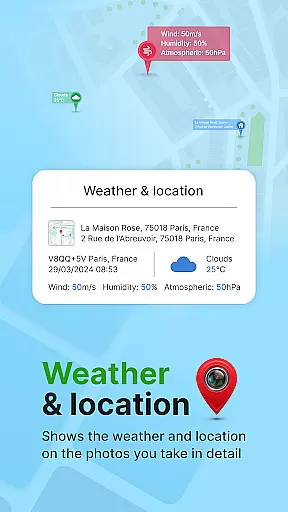
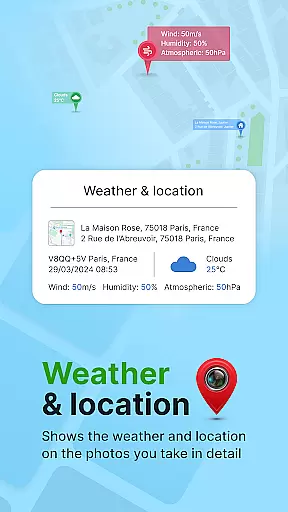
While primarily focused on geotagging, the GPS Geotag Photos & Camera Map app also offers features that enhance the natural beauty of your photos without compromising their authenticity. The app includes options for adding datetime, weather, and short location stamps, which can enrich the storytelling aspect of your images.
One notable feature is the ability to fine-tune the location manually. If the automatic GPS tagging isn't precise enough, users can input specific latitude and longitude values. This level of detail ensures that the contextual information accompanying each photo is as accurate as possible, enhancing the overall value of the image data.
Additionally, the app provides customization options for embedding metadata such as address and altitude. These details are seamlessly integrated into the photo, maintaining the natural appearance of the image while enriching it with valuable information.
By balancing advanced geotagging capabilities with thoughtful enhancements, the GPS Geotag Photos & Camera Map app delivers a photography experience that respects the integrity of your photos while offering powerful tools to augment their informational content. This approach ensures that every photo tells a complete and authentic story, making it easier to relive memories and share experiences with others.
Accurate geotagging
Customizable timestamp
Live map integration
QR code scanner
Manual GPS setup
Requires GPS signal
Consumes battery
Limited offline use
Interface complexity
Premium features cost

Search, tag and rate your way to an organized image gallery
 4.40
4.40
Cut and paste photo editor & eraser to customize photos easy and swap faces fun
4.50
A must-have app for landscape photographers
4.60
A reflected light meter with spot metering and incident light metering.
4.40
Raw Image Viewer. Gallery with support of raw images (.cr3, .cr2, .nef, .raf).
2.00
Collage your moments in one tap: 1000+ layouts, filters, stickers, and texts.
4.90
Easily create custom gifts, cards, photo books & more on the Shutterfly app!
4.60
A light meter for true photographers.
4.20
The original Rarevision VHS look seen everywhere!
4.70
AI Photo Editor with 100+ Filters, Effects! Remove BG, Retouch & Photo Enhancer.
4.80
Light-weight Media Gallery app for Android made with Jetpack Compose
4.60
AI photo enhancer with Sora 2! Enhance, descratch, and colorize your old photos.
4.50
Trendy TikTok time warp scan funny filter app brings you unique photos & videos.
4.40
Professional photography on your mobile phone
4.20
Photobooth mini FULL app will allow you to add more fun to your parties
4.00
Pet Camera
3.70
Professional video recording application with manual controls for filmmakers!
2.80
Remote control the phone camera shutter from your smartwatch and take a picture
1.60
Over 800 film simulation recipes for Fujifilm. Black Friday Offer!
4.1


User Reviews