
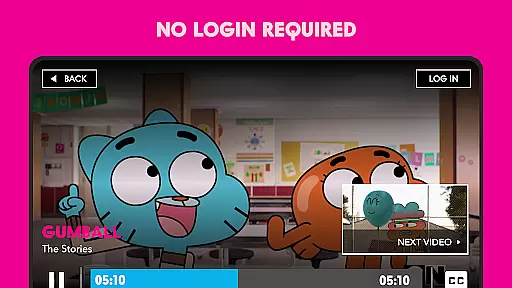
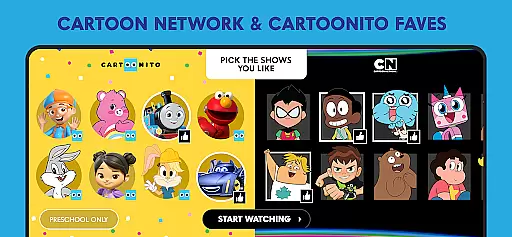
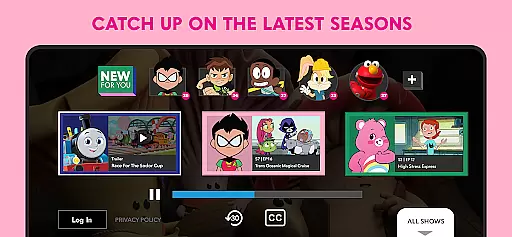
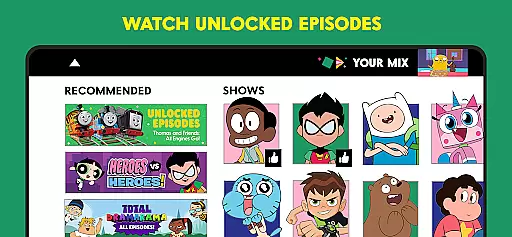
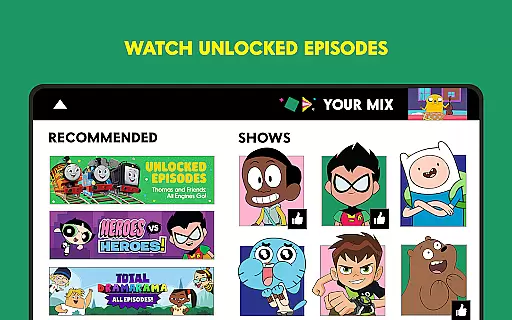
The Cartoon Network App is your ultimate destination for all things Cartoon Network and Cartoonito. Designed specifically for Android TV devices, this Emmy® award-winning app offers a comprehensive streaming experience with full episodes available the day after they air. Whether you're looking to catch up on Teen Titans GO!, Craig of the Creek, or We Baby Bears, this app has got you covered.
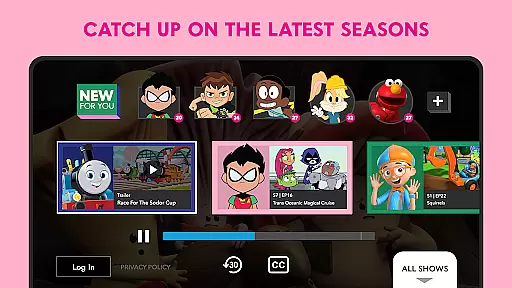
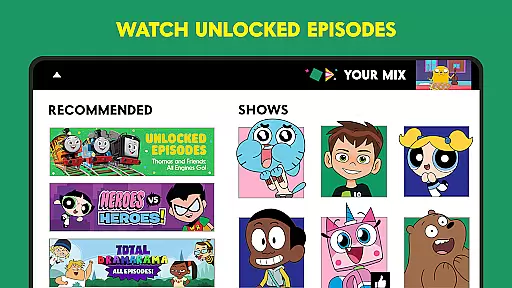
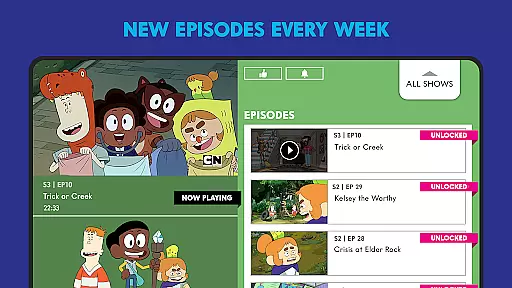
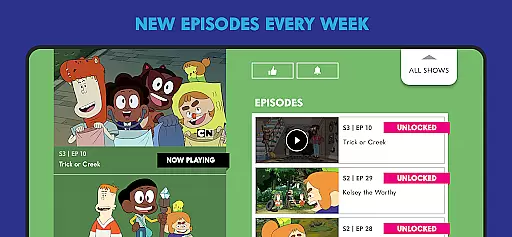
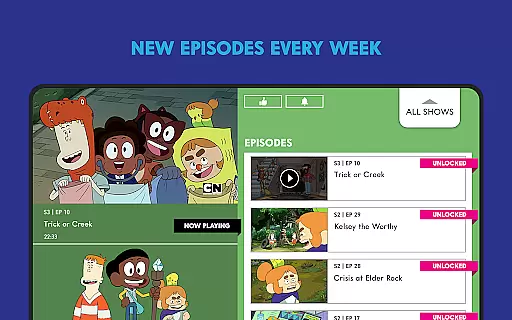
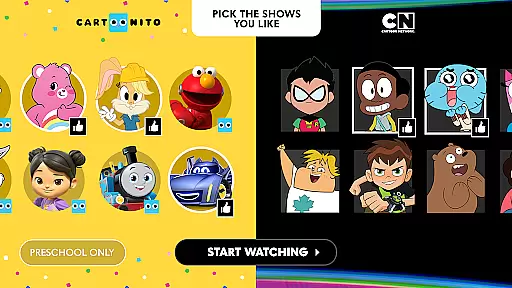
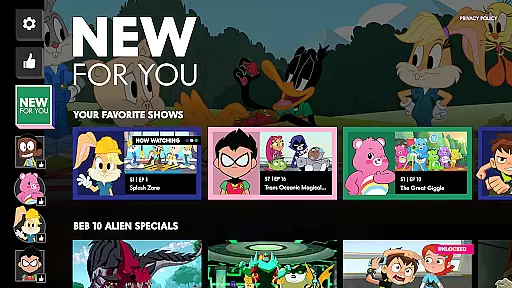
One of the standout features is the 'Your Cartoon Network' functionality that curates content based on your preferences. As soon as you open the app, it starts playing your favorite cartoons. The app also updates weekly with new unlocked episodes, ensuring there's always something fresh to watch. For those wanting even more content, logging in with your TV provider unlocks additional episodes.
This app is perfect for families who want easy access to high-quality animated content without needing a cable subscription for most episodes. With participating providers like AT&T Uverse, Xfinity, and Verizon, users can enjoy an ad-supported but highly customizable viewing experience.
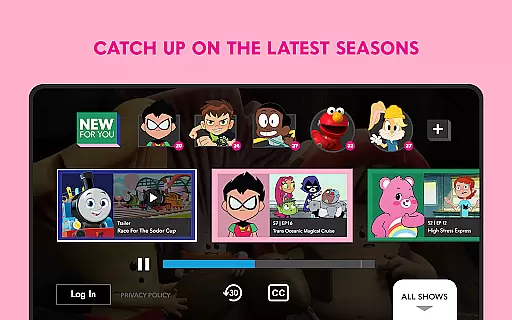
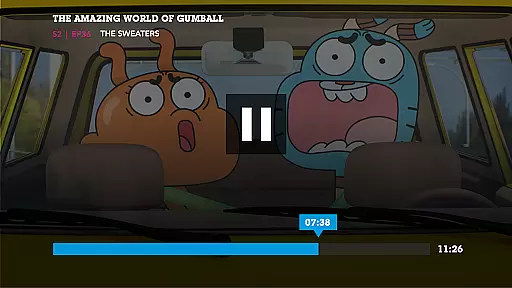
The Cartoon Network App boasts several key features that make it a must-have for cartoon enthusiasts. First and foremost, it offers a vast library of full episodes from popular shows such as Teen Titans GO!, The Amazing World of Gumball, and Bugs Bunny Builders. These episodes are available the day after they air, providing almost real-time access to your favorite shows.
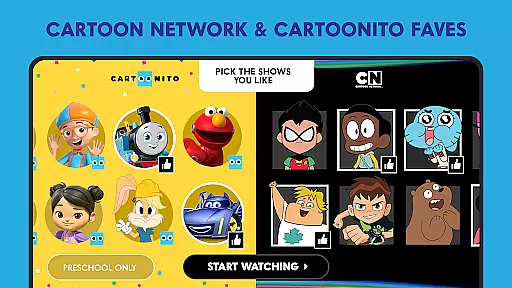
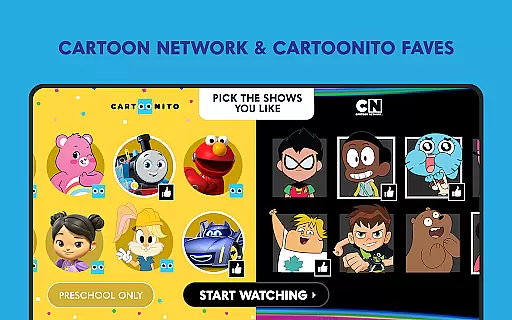
Another notable feature is the personalized content curation. Users can pick their favorite shows, and the app will automatically start playing these selections when opened. This creates a tailored viewing experience that evolves as you add more shows to your list. Additionally, the app provides weekly updates with new unlocked episodes, keeping the content fresh and engaging.
For users looking to unlock even more content, the app allows login through various TV providers like AT&T Uverse, Cox, and Spectrum. This feature significantly expands the available content library. Moreover, the app supports multiple languages and offers parental controls, making it suitable for international audiences and families with children.
Video format compatibility is a crucial feature for any video player application, ensuring that users can enjoy content in various formats without technical hindrances. The Cartoon Network App excels in this area by supporting a wide range of video formats available the day after they air. This means whether you're watching Teen Titans GO!, Craig of the Creek, or We Baby Bears, you can expect a seamless viewing experience regardless of the original format.
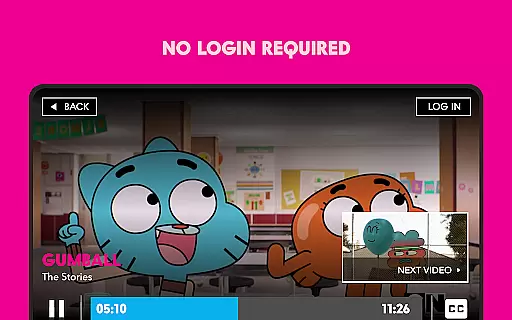
The app's robust compatibility framework ensures that all episodes, including those unlocked with no login required, are delivered in the highest possible quality. By optimizing video playback across different Android TV devices, the Cartoon Network App guarantees that users won't face issues related to format support. This universal approach allows viewers to focus on enjoying their favorite cartoons without worrying about codec errors or unsupported files.
For users who wish to unlock even more episodes by logging in with their TV provider, the app maintains its commitment to format versatility. Whether you're streaming through AT&T Uverse, Xfinity, Cox, DirectTV, Dish, Spectrum, Optimum, or Verizon, the Cartoon Network App ensures consistent video quality and compatibility. This dedication to comprehensive format support enhances user satisfaction and broadens the accessibility of Cartoon Network's beloved content.
While the Cartoon Network App focuses primarily on video delivery rather than editing, it incorporates AI-powered features to enhance user experience. These intelligent systems work behind the scenes to optimize video streaming quality, predict user preferences, and personalize content recommendations. Although not a traditional video editor, the app's AI capabilities contribute significantly to creating a customized viewing environment tailored to individual preferences.
The app's AI algorithms analyze viewing patterns and automatically compile personalized playlists when opened. Users can pick their favorite shows, and the system will start playing their preferred cartoons immediately. This smart curation feature extends to weekly episode releases, where the AI helps surface new content based on established viewing habits. The result is an intuitive interface that feels responsive to each viewer's unique tastes.
Additionally, the app's AI supports network optimization by adjusting video quality based on current bandwidth conditions. This ensures smooth playback even during peak usage times. While these features might not constitute traditional editing tools, they represent sophisticated AI applications that enhance the overall viewing experience. The combination of personalized content delivery and adaptive streaming technology demonstrates how artificial intelligence can revolutionize video consumption beyond conventional editing functions.
User-friendly interface
Wide range of shows
Weekly content updates
Personalized recommendations
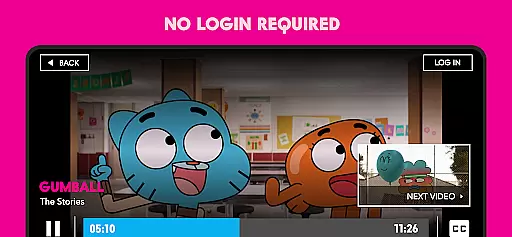
No login required for unlocked episodes
Limited to Android TV
Contains ads
Some episodes are locked
Requires TV provider login for full access
Parental controls could be better

The smartest M3U IPTV Player your playlists have ever seen.
 4.0
4.0
Search & download videos from net with all video downloader, auto-detect & safe.
4.60
Play ALL formats in 4K & HD. Video downloader, MP3 player, Chromecast & more.
4.80
Capture images & record videos for USB Camera, Webcam, Microscopes, Endoscopes
3.80
This app was created to edit the metadata of music files.
4.20
Explore the largest library of free GIFs, Stickers & Memes - or create your own!
3.90
Seamlessly connect and control your smart devices, anytime, anywhere with ease.
4.60
LumaFusion: The Ultimate Storytelling Experience for Video Editing
4.10
Browser + Remote for Roku to stream webvideos, online movies and livestreams
4.60
High-Quality USB Camera Viewer & HDMI Display
4.70
A Simple app to download Video & Music from the Internet.
4.70
Screen recorder with audio to take live videos & Screenshot in high quality!
4.70
Support 1000+ Video Format, Subtitle Download, mp3 & Background Play, Cast On TV
4.60
Watch IPTV on your Android device
4.60
Fast & Private Video Downloader App. Save all videos easily from the Internet.
4.40
VLC for Android is the best open source video and music player, fast and easy!
4.10
IPTV-Smarters Player Pro M3U - Watch Live Stream TV Channels with Chromecast
4.00
Stream Web Videos to Chromecast, Samsung, LG, Sony, Roku, Fire TV, DLNA + more
4.00
Kodi media center, a free and open source cross-platform entertainment hub
3.60


User Reviews