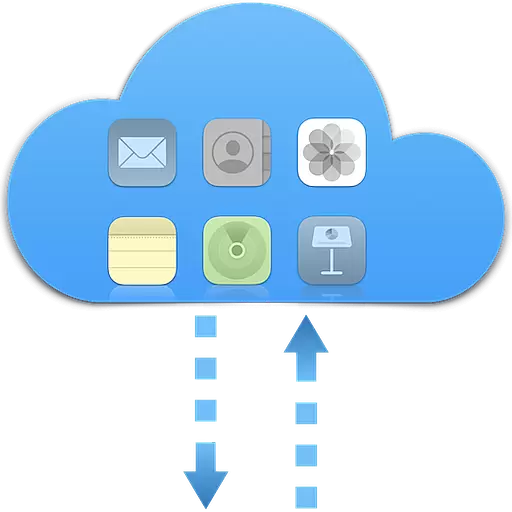
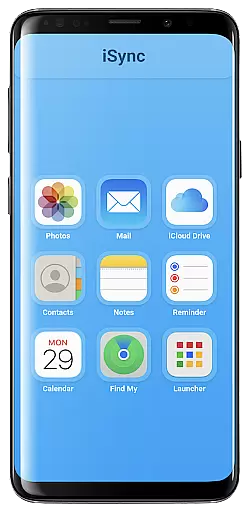
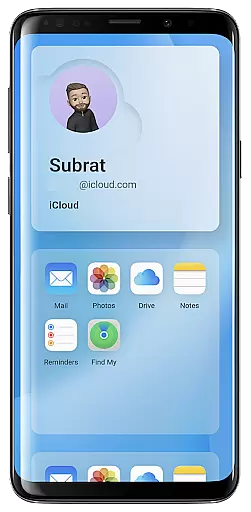
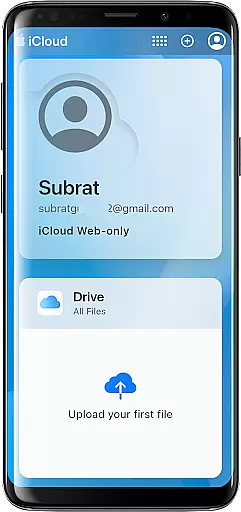
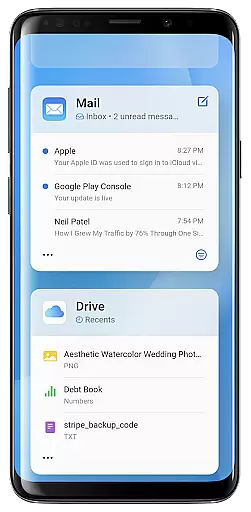
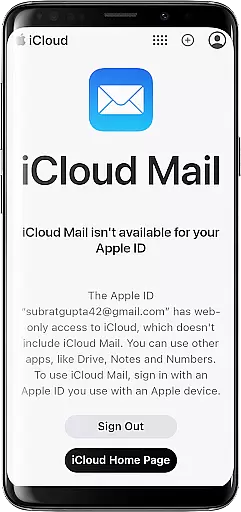
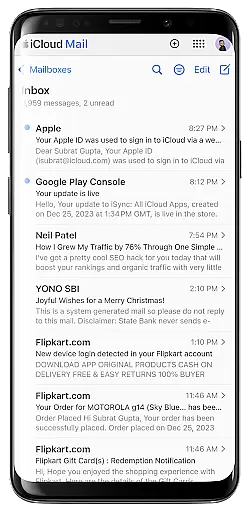
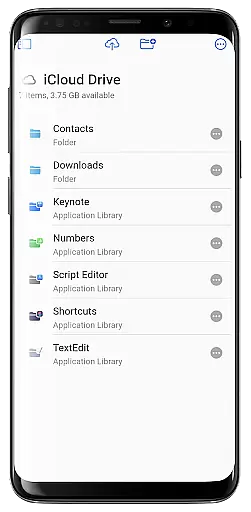
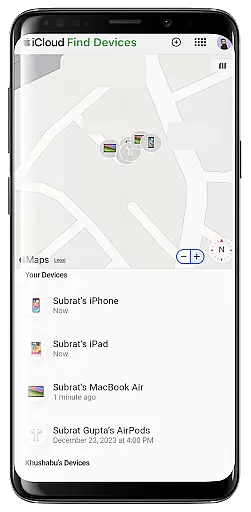
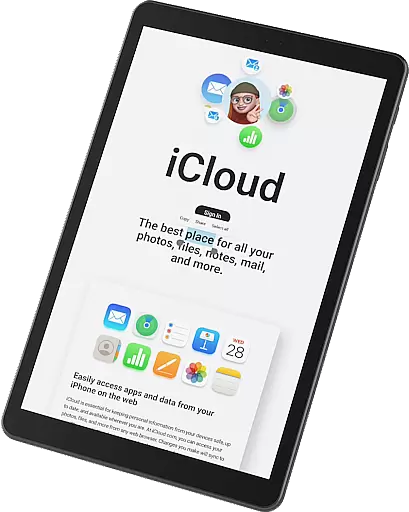
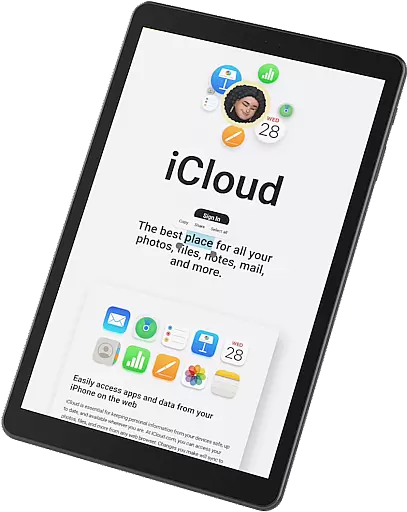
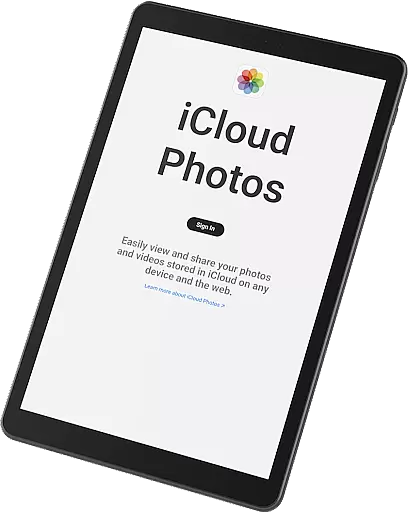
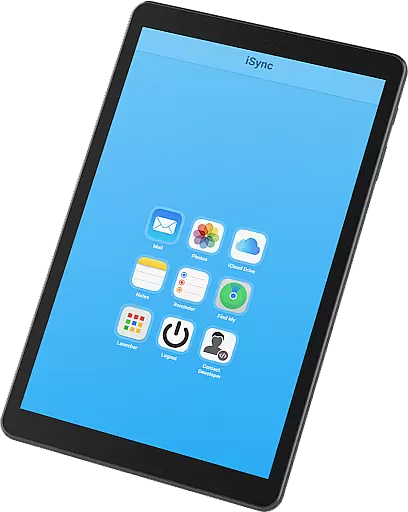
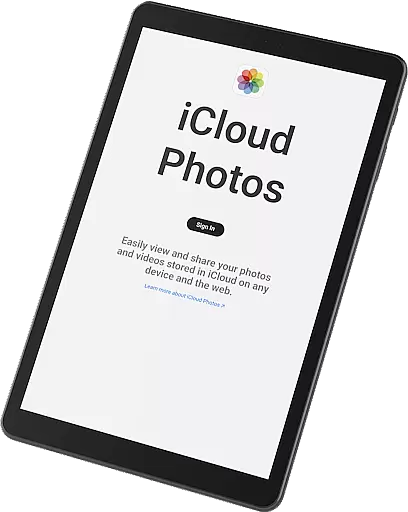
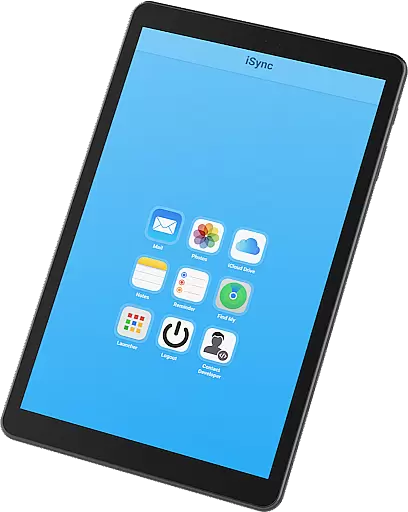
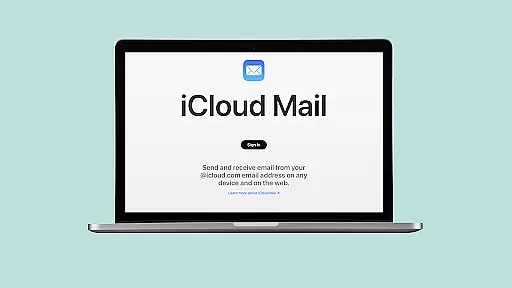
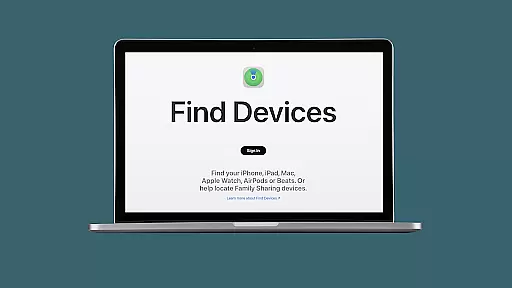
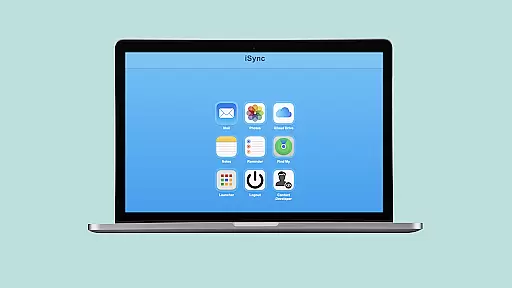
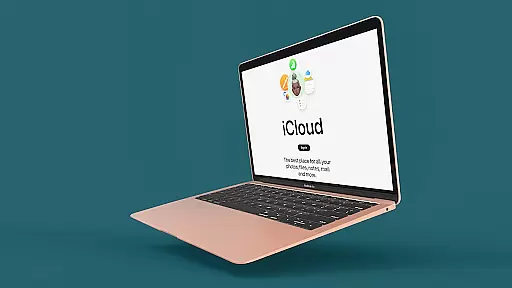
iSync Premium is a productivity-focused application that bridges the gap between Android and Apple ecosystems. It allows users to access their iCloud account and its applications directly from an Android device. The app offers seamless integration with iCloud services such as Mail, Photos, iCloud Drive, Notes, Reminders, and Find My. This makes it an essential tool for users who operate across both Android and iOS platforms.
One of the standout features of iSync Premium is its user-friendly interface, which ensures a smooth experience while maintaining top-notch security and privacy standards. Whether you need to manage emails, view photos, access documents, or stay organized with reminders, iSync Premium provides all these capabilities within a single app. Its intuitive launcher enables one-touch access to favorite iCloud apps, making multitasking easier than ever.
This app is particularly useful for professionals and individuals who require constant access to their iCloud data on the go. By providing secure and reliable access to Apple's ecosystem from an Android device, iSync Premium enhances productivity and ensures users can stay connected no matter where they are.
iSync Premium stands out due to its comprehensive set of features tailored for productivity. The app offers seamless access to iCloud Mail, allowing users to send, receive, and manage emails directly from their Android devices. Additionally, it provides effortless photo management, enabling users to view, download, and share their iCloud photos without any hassle.
Another key feature is the ability to access iCloud Drive files and documents right from the Android device. This ensures that important files are always within reach. The app also supports managing iCloud notes and reminders, helping users stay organized and efficient. Furthermore, iSync Premium includes Apple's Find My service, which helps locate lost devices easily.
The launcher feature offers one-touch access to favorite iCloud apps, enhancing user convenience. With dedicated support available at subrat@appcollection.in, users can get assistance whenever needed. Designed with privacy in mind, iSync Premium ensures that personal data remains protected, offering a secure and reliable solution for accessing the Apple ecosystem from Android devices.
iSync Premium offers a comprehensive suite of productivity tools that streamline core task management for users who need seamless access to their iCloud services on Android. The app integrates essential features such as Mail, Notes, Reminders, and more, all in one place.
With iSync Premium, you can easily manage your emails, create and organize notes, and keep track of reminders without switching between multiple apps. This unified approach ensures that your daily tasks are organized and accessible from a single, intuitive interface.
The benefit to users is significant: no longer do Android users have to struggle with managing their Apple ecosystem through scattered platforms. Instead, iSync Premium consolidates everything, making it easier than ever to stay productive and efficient.
This focus on task management within the Apple ecosystem while using an Android device highlights the app's dedication to providing a smooth, user-friendly experience for enhanced productivity.
Cross-device synchronization is at the heart of iSync Premiumu2019s functionality, ensuring that all your important iCloud data is reliably synced across your devices. Whether it's your Mail, Photos, iCloud Drive, or Reminders, the app guarantees that every piece of information is up-to-date and accessible.
The synchronization process is designed to be both secure and efficient, leveraging advanced technologies to ensure that your data is always current without compromising speed or reliability. This means you can switch between your Apple and Android devices with confidence, knowing that your files and information are exactly where you need them.
For users, this reliable synchronization translates into peace of mind. You wonu2019t have to worry about losing important data or not having access to your files when you need them most. Everything from photos to documents is consistently updated across devices.
By prioritizing synchronization reliability, iSync Premium ensures that users can seamlessly integrate their Apple services into their Android experience, enhancing both convenience and productivity.
User-friendly interface
Comprehensive iCloud integration
Secure and reliable
Seamless cross-platform access
Efficient multitasking capabilities
Limited to iCloud services
Requires stable internet
Premium version only
No offline functionality
Dependent on Apple ecosystem

QuickBooks Workforce lets teams view pay info and track time in one place.
 4.70
4.70
Total remote control for your Android device, PC and cloud services (IFTTT)!
4.20
Planet Free VPN - The best Fast Unlimited and Secure VPN Without Logs
4.50
Android Wallet Password Manager
4.80
The Pro Version of Android's tiniest Notepad app. Just 0.3MB but feature-packed!
4.60
Remotely view listen control and record cameras.
3.70
Easiest event planning, volunteer signups & parent teacher conference scheduling
2.20
Lightweight PDF, Word, Excel reader.
4.60
Seamlessly read, manage, and organize all your PDF files solution in one place
4.40
Native client for Forgejo and Gitea
5.00
Great calculator for Android named one of USA TODAY's "25 Essential Apps".
4.90
Understand anything with a personalized AI research assistant
4.80
App lock - lock apps with fingerprint, password, pin or pattern, protect privacy
4.70
Secure, fast, open-source, Remote Desktop Client for Windows and Linux with SSH
4.60
The AI assistant that thinks with you - write, code, and solve complex tasks
4.60
Experience Reading - Night Mode for Documents
4.40
CalenGoo is a very flexible and feature-rich calendar app
4.40
Access, manage and transfer files on Android, PC, Mac, NAS and cloud storages.
4.30
A simple, portable logger for POTA, SOTA, Field Day, and more
4.5


User Reviews