
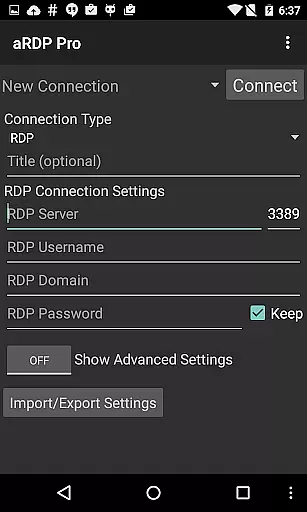
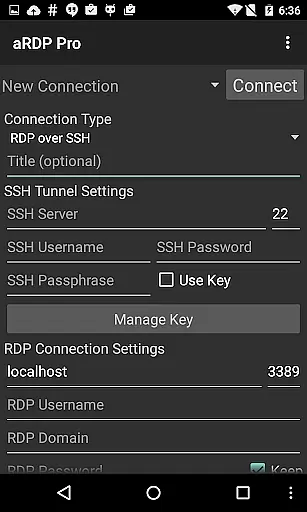
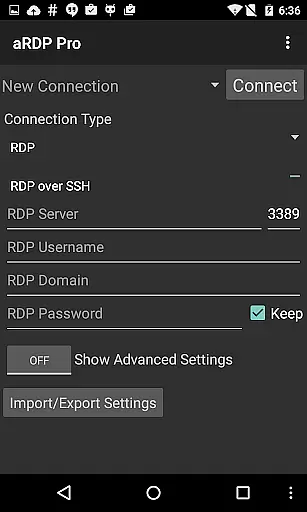
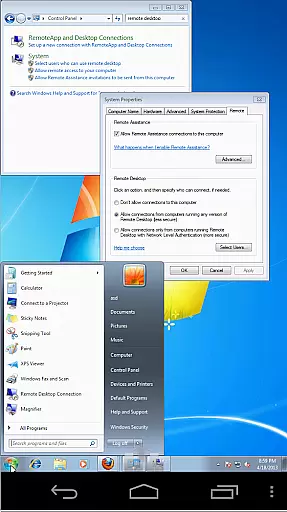
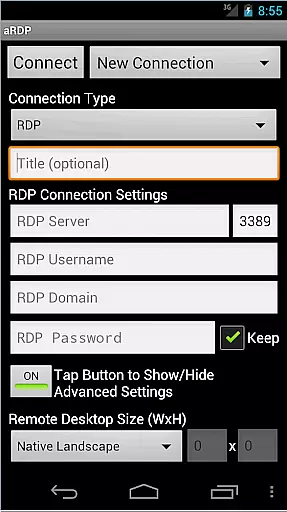
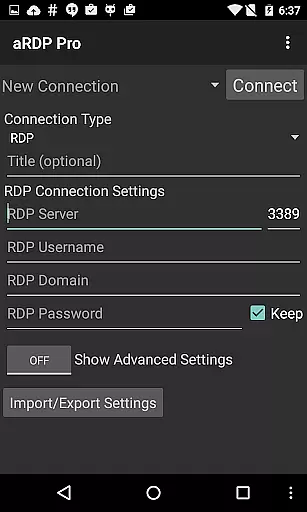
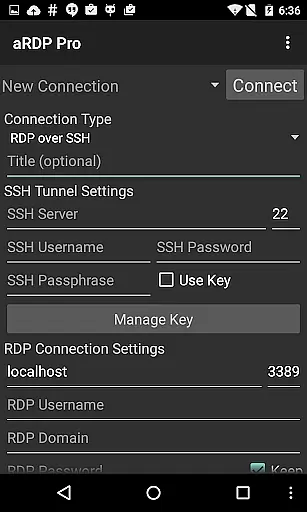
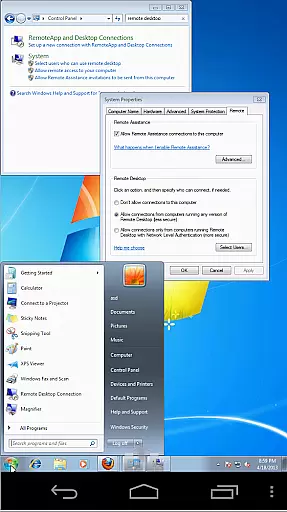
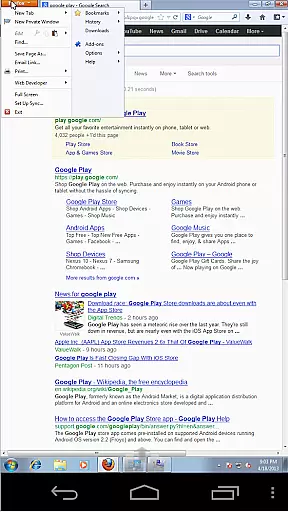
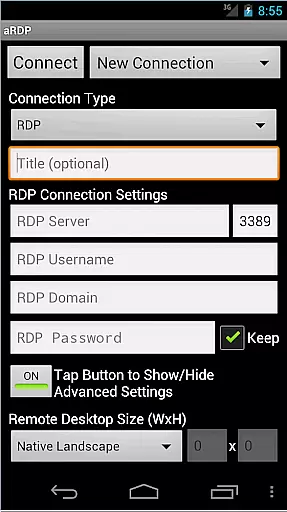
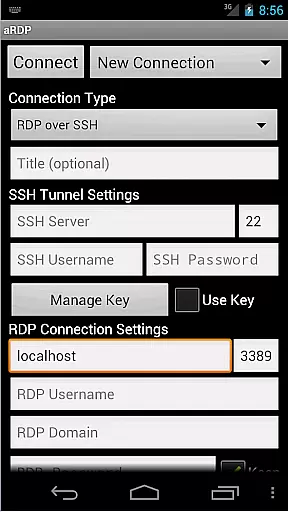
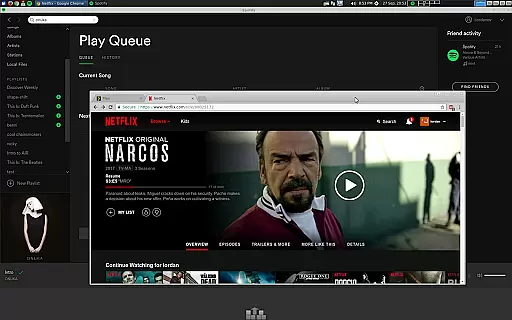
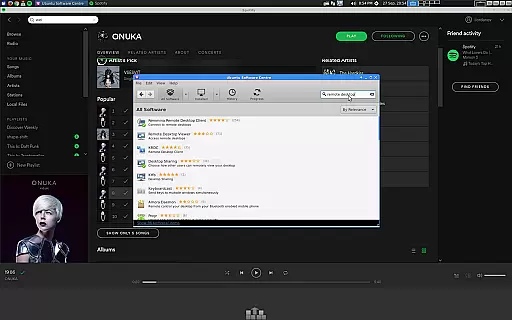
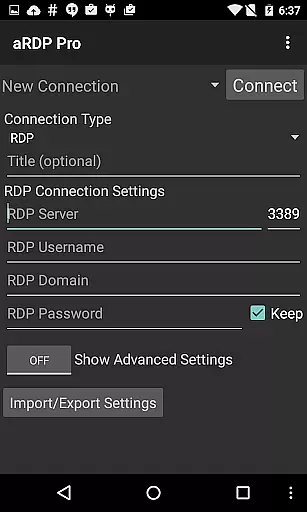
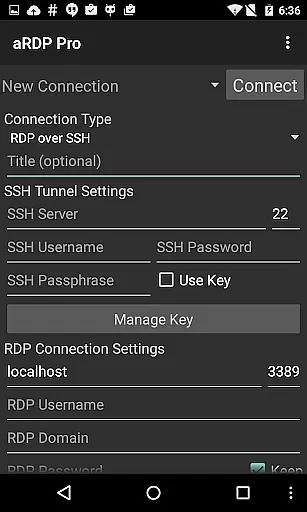
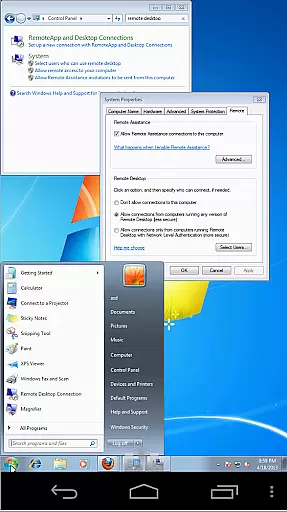
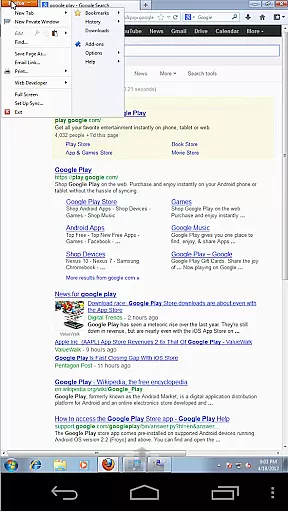
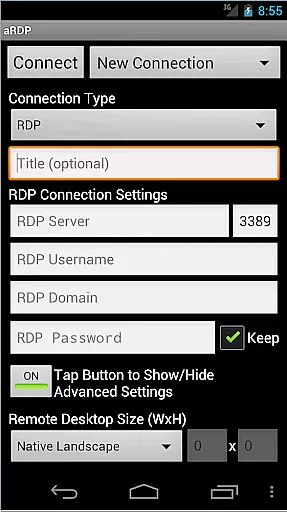
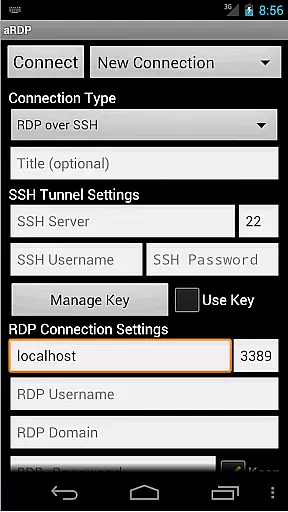
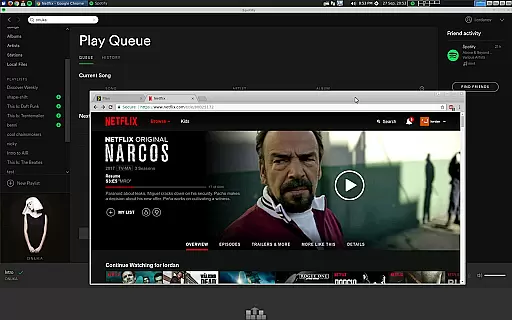
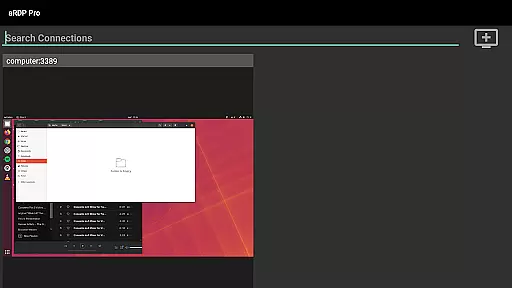
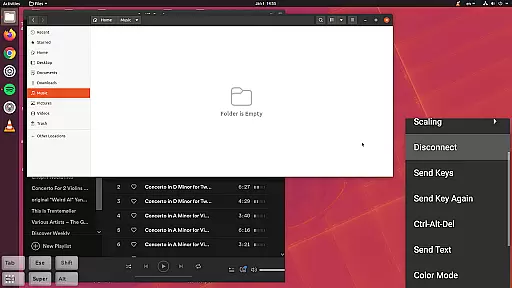
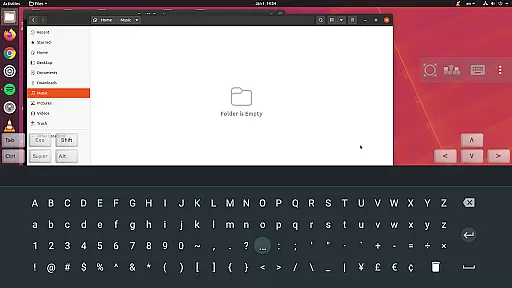
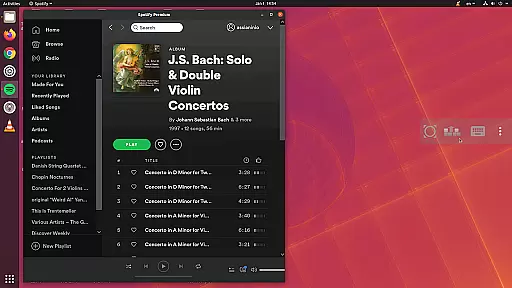
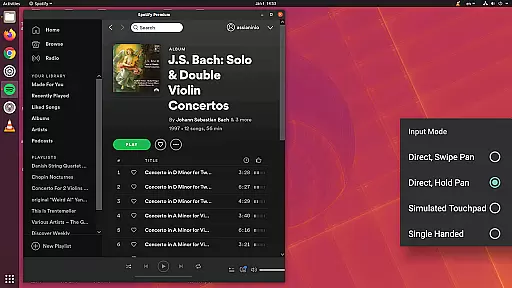
aRDP Pro is a premier open-source Remote Desktop Protocol (RDP) client, designed for seamless remote desktop control. It leverages the robust FreeRDP library to offer secure connections to Windows and Linux systems. With support for SSH tunneling, multi-factor authentication, and sound redirection, it ensures both security and functionality.
The app provides versatile features such as dynamic resolution changes, multi-touch gestures, and various input modes including touchpad and single-handed options. Its compatibility spans across different platforms, including full support for Ubuntu 22.04+, and offers an optimized experience on Android devices with screen size adaptability and Samsung multi-window support.
Whether you're managing virtual machines or need console access, aRDP Pro delivers comprehensive control over remote sessions. The intuitive interface and advanced functionalities like RDP Gateway Support and SDcard redirection make it an essential tool for productivity, ensuring users can efficiently manage their remote computing environments.
aRDP Pro stands out with its extensive feature set tailored for productivity. One of its core strengths is the ability to control remote desktops running any version of Windows except Windows 10 Home, alongside Linux computers equipped with xrdp. This flexibility is enhanced by support for RDP files and master password functionality, streamlining session management and security.
The application excels in providing a rich user experience through innovative input methods and display options. Multi-touch controls allow for intuitive mouse operations, while pinch-zooming and scrolling enhance navigation. Users can choose from multiple scaling modes and benefit from UI optimizations for both smartphones and tablets, ensuring an efficient workflow regardless of device type.
Advanced functionalities such as SSH tunneling, MFA/2FA authentication, and clipboard integration further augment its utility. These features not only bolster security but also facilitate seamless interaction between local and remote systems. Additionally, support for various color depths and keyboard configurations, including hardware keyboards and specialized keys, makes aRDP Pro adaptable to diverse operational needs.
aRDP Pro excels in core task management by providing users with a comprehensive set of tools to control remote desktops efficiently. The app supports Remote Desktop Protocol (RDP) for Windows and Linux systems, ensuring that users can manage their tasks on virtually any desktop environment.
One of the standout features is its support for dynamic resolution changes, which allows users to reconfigure their desktop settings while remaining connected. This flexibility ensures that productivity is not hindered by display constraints, making multitasking seamless and efficient.
In addition to dynamic resolutions, aRDP Pro offers multi-touch controls for an intuitive interaction experience. Users can perform various mouse functions such as left-click, right-click, and middle-click through simple touch gestures. Scrolling and pinch-zooming further enhance the ability to navigate complex interfaces effortlessly.
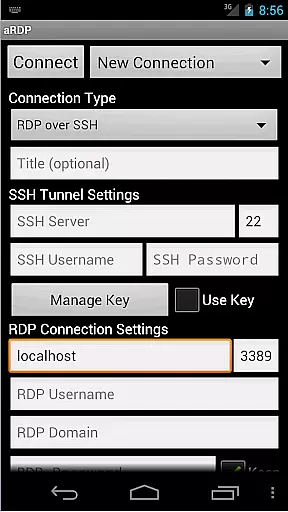
The app also includes SSH tunneling, adding a layer of security while enabling access to machines behind firewalls. This feature is crucial for professionals who need to manage remote servers securely. Overall, aRDP Pro's robust task management capabilities make it an indispensable tool for enhancing productivity in remote work environments.
Cross-device synchronization is a critical aspect of aRDP Pro, ensuring that users can maintain consistent access to their remote desktops across different devices. Whether switching between a smartphone and a tablet or using the app on various Android versions, aRDP Pro delivers reliable performance.
The application supports full Ubuntu 22.04+ and provides extensive compatibility with different screen sizes, optimizing the user interface for both tablets and smartphones. This adaptability ensures that no matter what device you are using, your connection settings and preferences remain intact and functional.
Automatic connection session saving is another feature that enhances synchronization reliability. When users reconnect to their remote desktops, they can pick up right where they left off without needing to reconfigure settings each time. This seamless transition is vital for maintaining workflow continuity.
Furthermore, aRDP Pro includes export/import functionality for settings, allowing users to synchronize their configurations manually if needed. By offering these robust synchronization features, aRDP Pro guarantees that users enjoy a dependable and uninterrupted remote desktop experience, regardless of the device they choose to use.
Secure SSH connections
Multi-touch gestures
Dynamic resolution
Clipboard integration
Cross-platform support
No iOS version
Complex setup
Limited Windows 10
Occasional bugs
Steep learning curve

Send files, sync SMS, notifications & clipboard across devices via local network
 4.40
4.40
A lightweight JSON & XML files creator, editor and viewer (Premium Version)
4.40
A simple, portable logger for POTA, SOTA, Field Day, and more
4.0
Multilingual translator for text, voice, and image translation!
4.90
A comprehensive suite of tools designed specifically for Lactation Consultants
4.5
The ultimate file manager for rooted devices. The original and still the best.
4.00
This small app MUST BE INSTALLED after purchase, else license won't work
4.40
Lightweight PDF, Word, Excel reader.
4.60
Daily processing of PDF documents.
4.40
Protect and view your important info on your phone and tablet with eWallet®
4.80
The Pro Version of Android's tiniest Notepad app. Just 0.3MB but feature-packed!
4.60
Functional QR scanner and barcode reader that requires little storage space.
4.60
Automates browsing any website and notifies you of important changes or events
4.30
Activate Two Factor Authentication (2FA or Multi OTP), Password manager and more
4.10
Unlock AutoNotification
4.00
Secure, open-source, SPICE and SSH Remote Desktop for QEMU KVM virtual machines
4.00
* block pre-roll ads, pop-up and forced redirect ads * Samsung certification app
4.00
Remotely view listen control and record cameras.
3.70
Code on-the-go with VScode for Android. Edit,debug and collaborate from mobile!!
3.10


User Reviews