
Notepad Pro is the advanced version of Android's most compact notepad application, designed to enhance productivity with its rich feature set. This app allows users to manage their notes efficiently through unlimited slots and powerful organizational tools.
Key features include inline checklist capabilities, full-text search across notes, and a minimal size of just 0.3MB. The app also supports desktop widgets, custom themes, and various accessibility options like read-aloud functionality.
Ideal for professionals and students alike, Notepad Pro ensures your notes are always secure with backup and restore options, while offering seamless integration with other apps for sharing and collaboration.
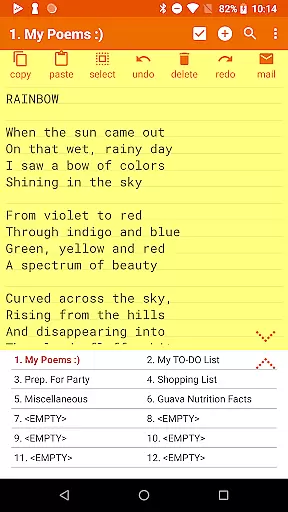
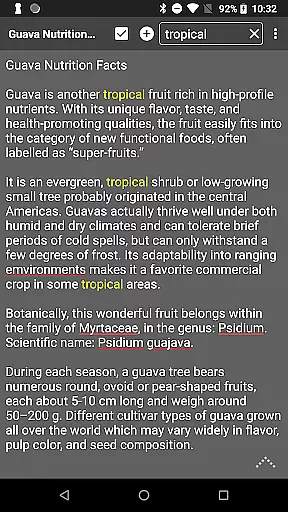
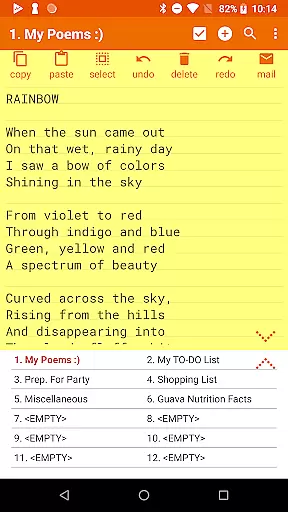
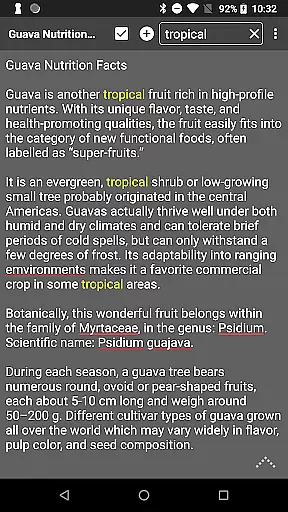
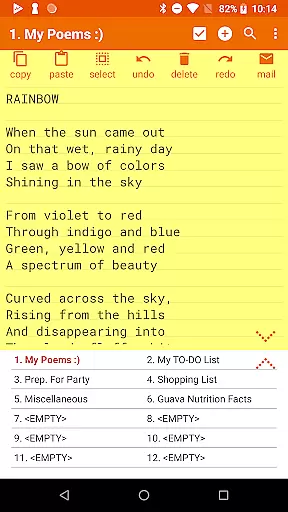
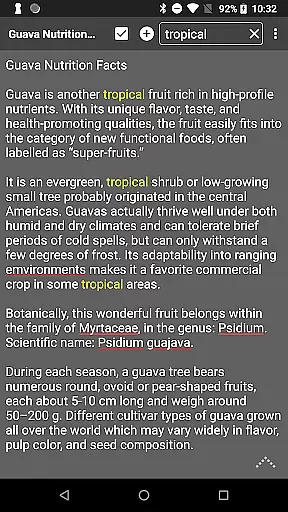
Notepad Pro stands out with its comprehensive feature list tailored for power users. The app provides unlimited note slots and advanced search capabilities, allowing users to quickly find information within their notes.
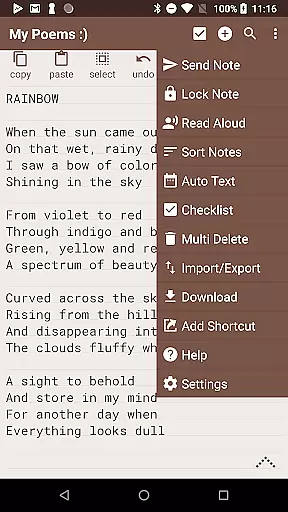
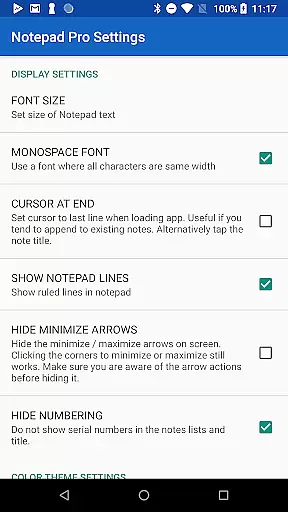
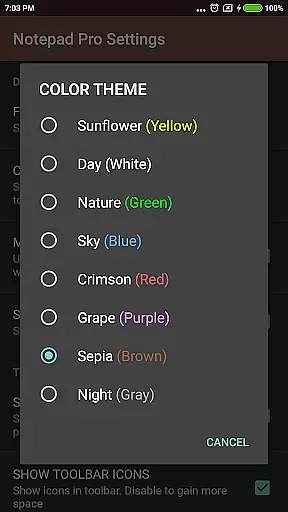
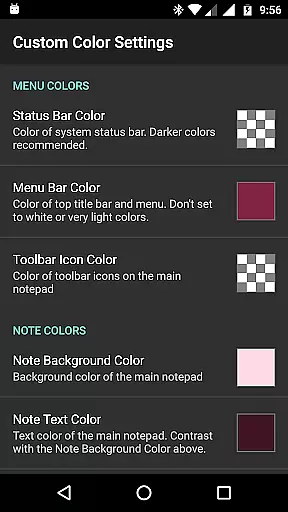
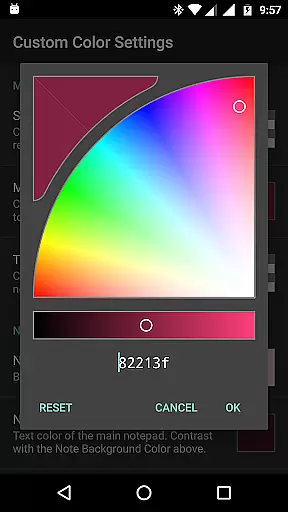
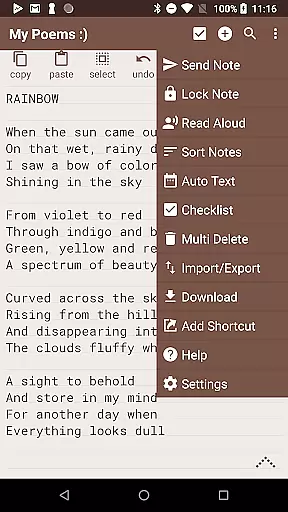
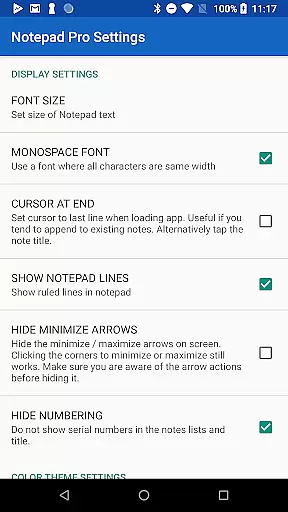
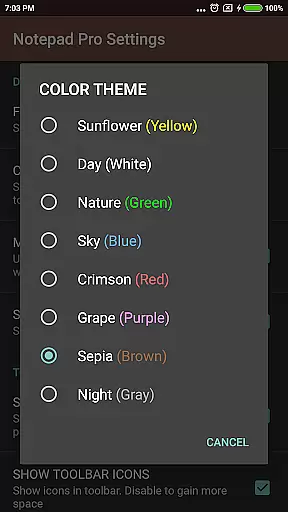
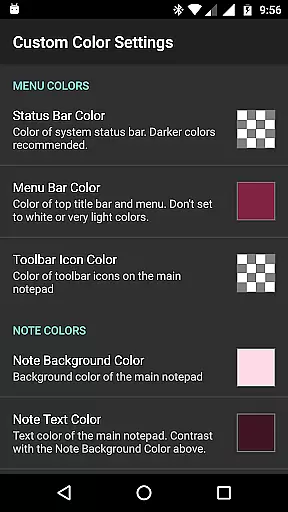
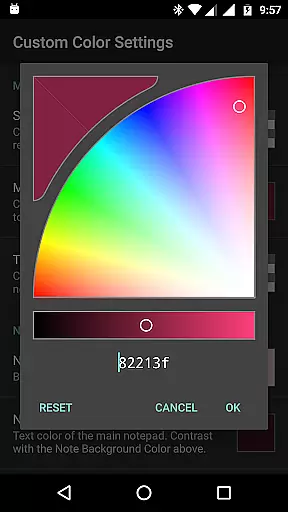
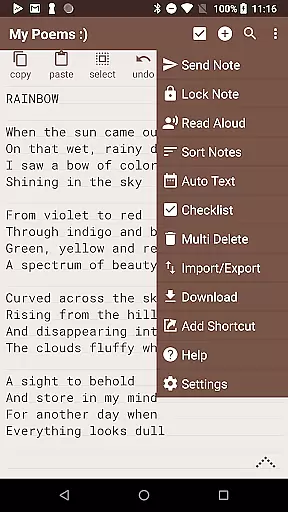
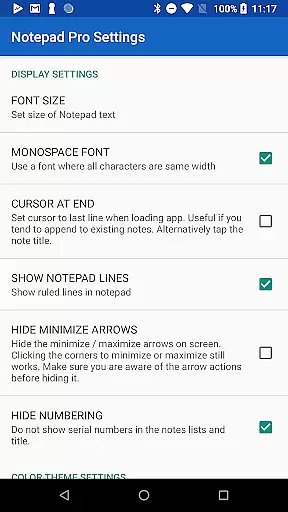
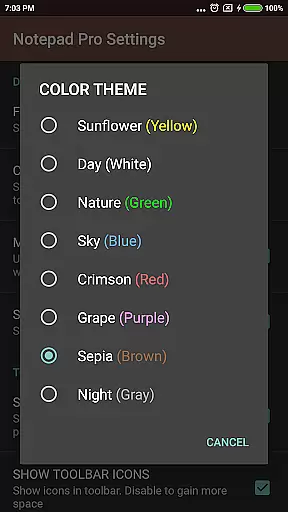
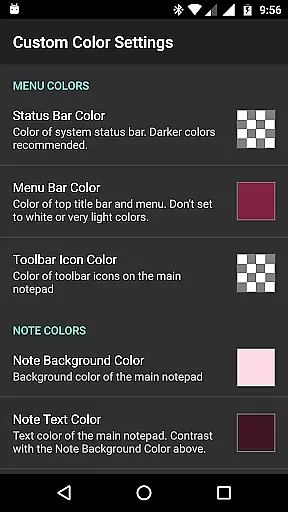
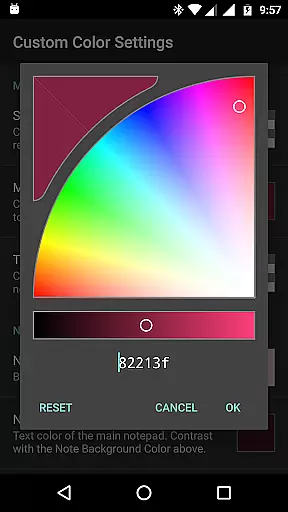
Productivity is further enhanced with inline checklist support, customizable sorting, and categorization options. Users can personalize their experience with custom themes and configure additional settings like read-only mode and preferred email apps.
Safeguarding your data is made simple with automated backups, local downloads, and selective import/export functions. Accessibility features such as read-aloud and desktop shortcuts ensure that all users can take full advantage of the app's capabilities.
Notepad Pro excels in core task management by offering users a versatile Auto Save Notepad with unlimited notepad slots, ensuring that no idea or task is ever lost. This feature allows for seamless organization of thoughts and responsibilities without the limitation of space constraints.
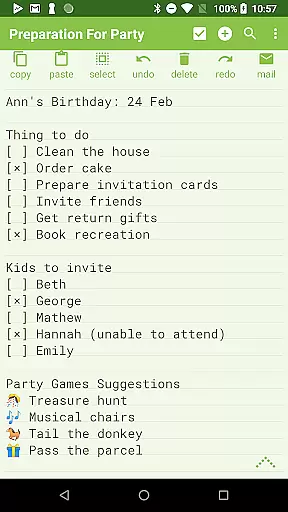
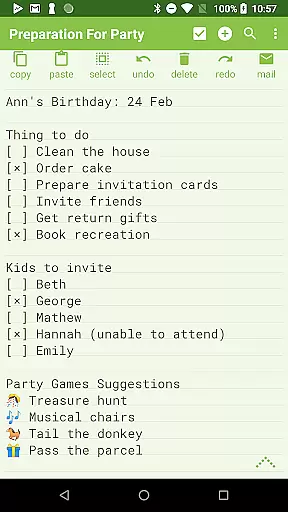
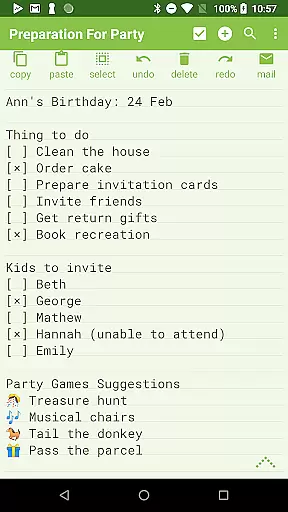
The app goes beyond simple note-taking by providing in-line checklist capability and search functionality within and across notes. These features enable users to efficiently manage tasks and retrieve information quickly, enhancing productivity and streamlining workflows.
Additionally, the ability to categorize and bookmark notes adds another layer of task management sophistication. Users can easily sort and rearrange notes, making it simpler to prioritize tasks and access frequently used information. This comprehensive approach to task management ensures that users can maintain control over their projects and responsibilities effectively.
While Notepad Pro focuses on device-local features, its robust backup and restore system offers reliable cross-device synchronization through manual import/export of notes. Users can download notes and backups locally, ensuring data integrity and availability across different devices.
The app allows selective import and export of notes, giving users flexibility in managing their data. This feature is particularly useful when transitioning between devices or sharing specific notes with colleagues, maintaining the consistency and reliability of information across platforms.
Furthermore, the option to make notes read-only and specify backup frequency enhances data protection and synchronization. By safeguarding notes against accidental changes and ensuring regular backups, Notepad Pro provides peace of mind and reliable access to critical information, regardless of the device being used.
Unlimited note slots
Customizable themes
Read-aloud functionality
Backup and restore options
Compact app size
Paid version only
No cloud sync
Limited design customization
Advanced features may overwhelm new users
Separate free version available

Auto-shutoff Alarm with Sunrise, Sunset & Fixed Options.
 3.50
3.50
Automates browsing any website and notifies you of important changes or events
4.30
We're working to become the best machining app on the market! www.cncdirt.com
4.80
Absolutely the best CNC machinist speed and feed calculator around. fswizard.com
4.60
⏰ Finally a timer app which can run multiple timers simultaneously on your watch
3.90
Cloud storage, automatic phone backup, and more.
4.10
Enjoy classic gameplay with customizable features and retro-style graphics.
4.30
Simple notepad & memo. Take notes, to-do list, shopping list with reminders.
4.80
2026 USPS Alpha/Color coded calendar Sunday/Rotating day off schedules
4.5
Understand anything with a personalized AI research assistant
4.80
Okta MFA
4.70
The AI assistant that thinks with you - write, code, and solve complex tasks
4.60
Stay on top of your to-dos with Google Tasks, part of Google Workspace.
4.60
PDF scanner & converter for files, photos, lottery, QR codes. One swipe away!
4.50
Translate text/voice/photos in 150+ languages. Offline & fast translator app.
4.50
Send files, sync SMS, notifications & clipboard across devices via local network
4.40
Professional calendar app for Google Calendar, MS Outlook & Exchange
4.20
Take control of your clipboard with Clipper!
3.90
All in one sketching tool. Technical and General drawing. Online Maps support.
3.70


User Reviews