
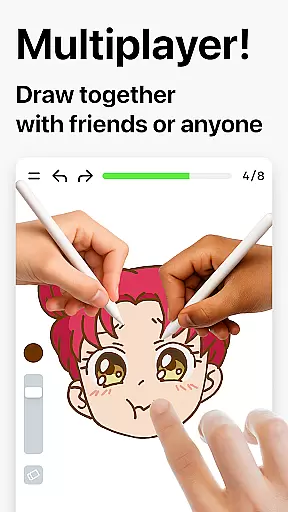
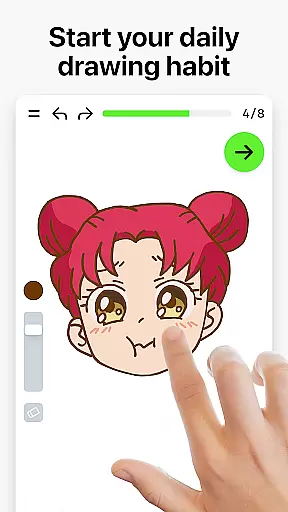
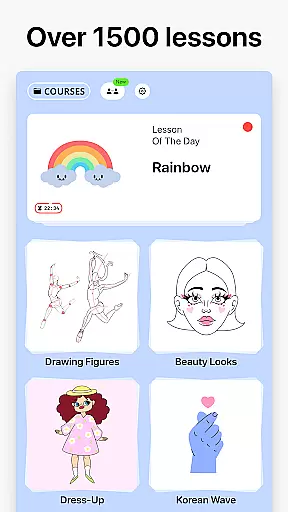

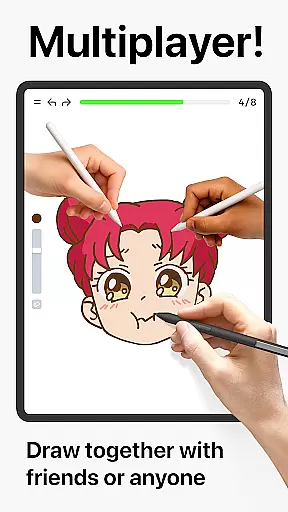
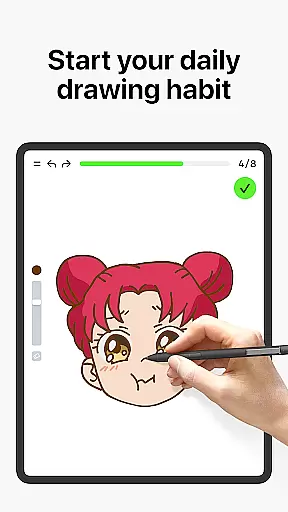
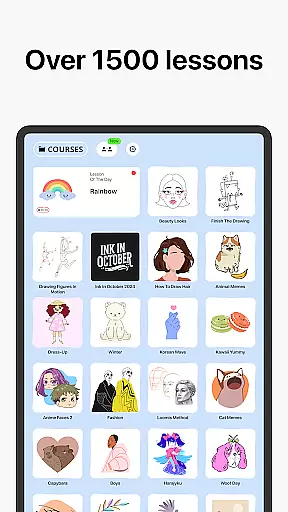
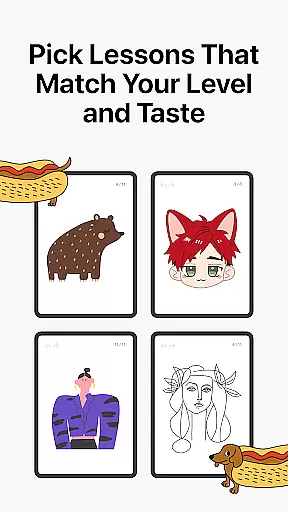
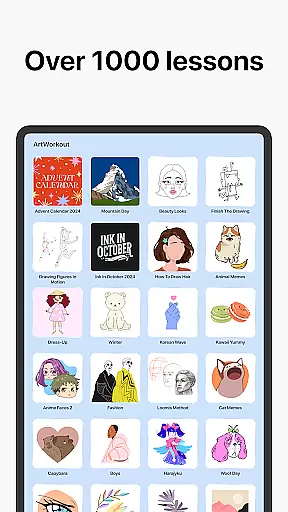
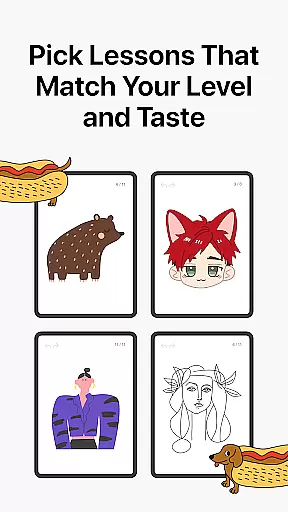
Learn how to draw is an innovative drawing and painting trainer app designed for art enthusiasts of all skill levels. The app offers over 1000 step-by-step tutorials that cater to both beginners and experienced artists, making it a comprehensive tool for learning and improving artistic skills. With its unique multiplayer mode, users can now draw and trace together with friends or other artists in real time, creating a collaborative and engaging creative environment.
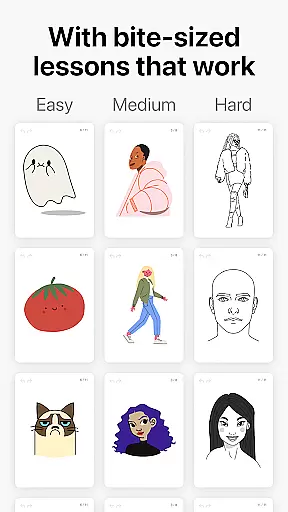
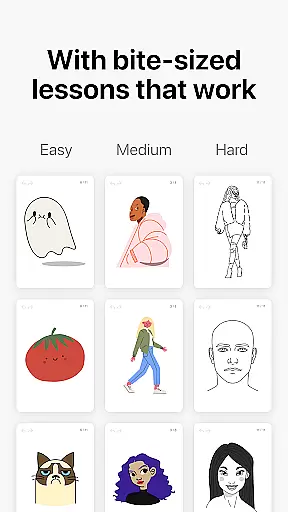
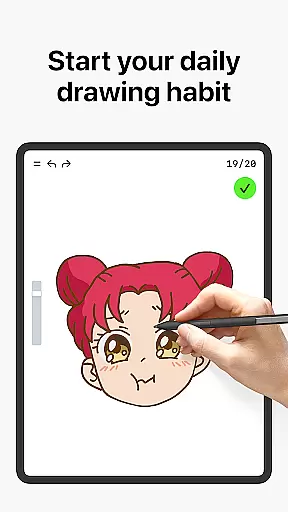
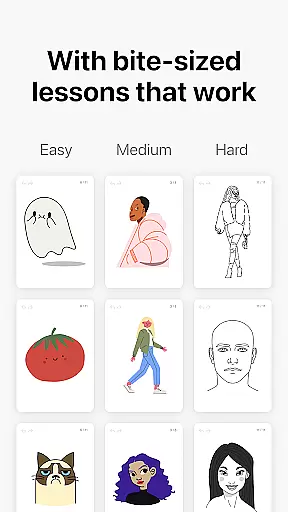
Beyond traditional art education, Learn how to draw incorporates gamification elements, stress-free learning, and bite-sized lessons that make the process enjoyable and accessible. The app's scoring system tracks user progress while providing clear evidence of improvement. Additionally, interactive courses cover various techniques including doodling, sketching, drawing, painting, and handwriting, ensuring a well-rounded artistic experience. Suitable for all ages, this app brings together education, relaxation, and fun into one complete package.
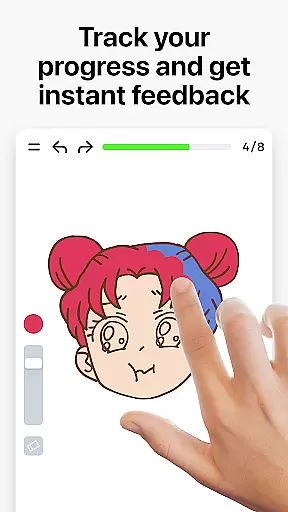
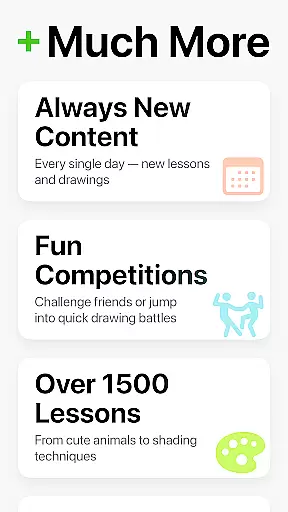
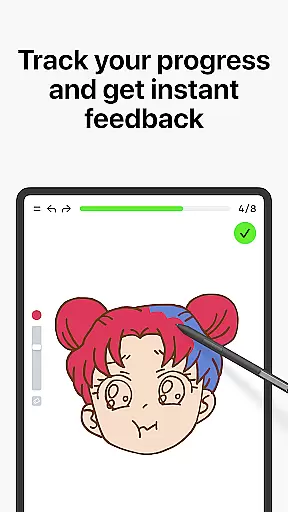
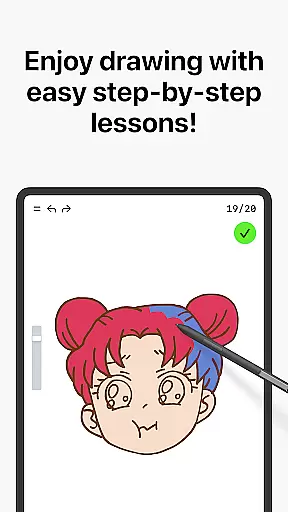
Learn how to draw stands out through its combination of structured lessons and advanced feedback mechanisms. Each of the 1000+ tutorials is broken down into 10-30 simple steps, allowing users to master techniques progressively. What sets this app apart is its ability to measure stroke accuracy and evaluate the quality of each line or brushstroke, offering detailed insights into areas for improvement. This feature transforms the app from a basic drawing tool into a powerful learning platform.
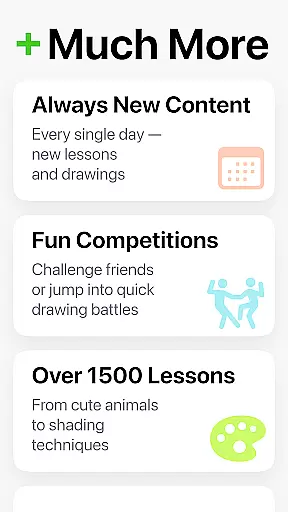
The app also includes a dynamic multiplayer mode where users can draw together in real time, fostering friendly competition and collaboration. Its innovative scoring system provides motivation by clearly showing progress over time. Additionally, weekly updates introduce new courses and time-limited holiday events, keeping content fresh and engaging. Designed for accessibility, Learn how to draw ensures that users of all skill levels can benefit from its comprehensive curriculum and hands-on practice approach.
ArtWorkout offers a comprehensive suite of creative tools designed to cater to artists of all skill levels. With over 1000 step-by-step tutorials, users can explore various drawing and painting techniques in a structured manner.
The app's unique algorithm provides real-time feedback on stroke accuracy and quality, helping users refine their skills effectively. This feature goes beyond basic line tracing by analyzing the steadiness and expressiveness of each stroke.
Interactive courses cover multiple art forms including doodling, sketching, and handwriting, ensuring a well-rounded artistic development. The inclusion of theoretical concepts alongside practical exercises creates a balanced learning experience.
Regular updates introduce new lessons and time-limited holiday events, keeping the content fresh and engaging for the community of learners.
ArtWorkout demonstrates impressive canvas and format flexibility through its diverse range of drawing options. Users can work with various digital mediums, from simple sketches to complex paintings, all within an intuitive interface.
The multiplayer mode adds another dimension of flexibility, allowing artists to collaborate in real-time regardless of geographical location. This feature enables simultaneous drawing and tracing, fostering a supportive creative community.
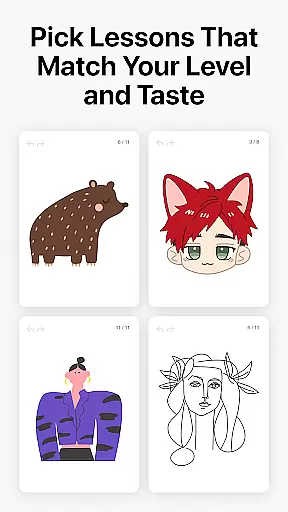
Designed for accessibility, the app accommodates different learning styles through bite-sized lessons that can be completed at individual paces. The scoring system tracks progress across various formats and difficulty levels.
ArtWorkout's adaptability extends to its suitability for both beginners and professionals, offering warm-up exercises for experienced artists while providing foundational training for newcomers to digital art.
User-friendly interface
Comprehensive tutorials
Real-time multiplayer
Progress tracking system
Suitable for all skill levels
Limited advanced tools
Occasional bugs
In-app purchases
Internet required
Steep learning curve

Pose and morph realistic male and female models! 3D poser app
 3.00
3.00
Art of Combination Wear OS Watch faces
4.5
Convert image to JPG PNG HEIC PDF, support almost all kinds of image formats
4.70
Design unique, funny and adorable cat stickers that reflect your own style!
3.80
Photo editor for art, avatars, filters & fun transformations.
4.60
Draw Trace image sketch by, AR art projector app, Easy to trace any image.
4.50
Minecraft & Roblox Clothes
4.70
Photo stitcher for automatically screenshot stitching into a long screenshot
4.70
Explore future self face age filter & remove background image for a unique look.
3.50
See Color, Paint Color
4.90
Passport size photo maker, create ID photo and visa photo in seconds
4.80
Turn your drawings into flipbook-style animations with simple creative tools
4.60
Painting, drawing, & sketching
4.50
Kling AI is an image and video generation and editing studio powered by AI.
4.50
Photo blender app to create overlay photos & double exposure.
4.40
Turning simple sketches into captivating tales filled with life and motion
3.90
Create sweet, cool and unique couple avatars easily, in just a few steps!
3.40
Art of Combination Wear OS Watch Faces
3.30
Retouch photos. Create or edit images. Endless capabilities.
2.70


User Reviews