
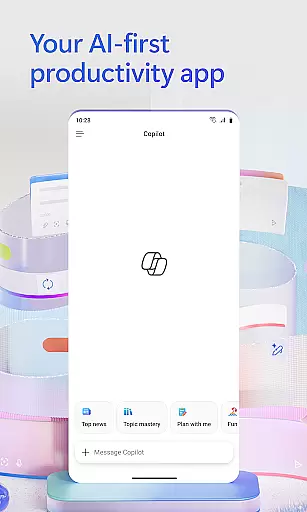
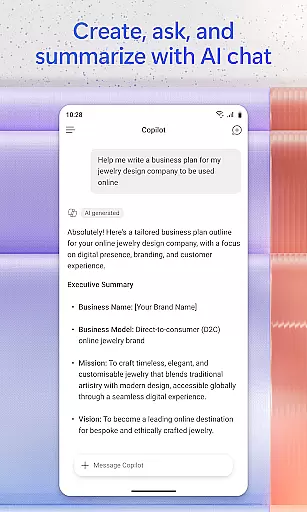
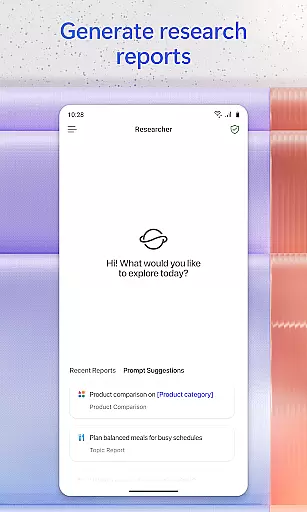
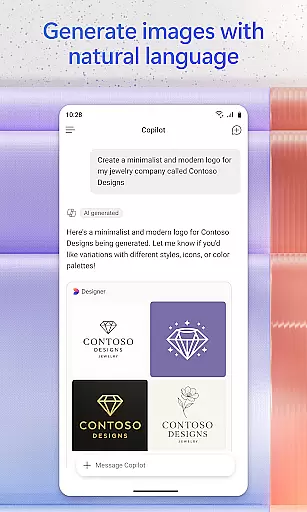
Microsoft 365 Copilot is an AI-powered productivity application designed to streamline tasks both at work and home. The app consolidates multiple functions into one platform, allowing users to interact with an AI assistant, create and edit various types of content, scan documents, manage projects, and locate files efficiently. This makes it a versatile tool for anyone looking to enhance their productivity without the complexity of using multiple apps.
The AI assistant within Microsoft 365 Copilot can summarize documents, draft emails, analyze spreadsheets, and even help prepare presentations through natural language processing. With voice interaction capabilities, users can operate hands-free, making it ideal for multitasking or accessibility needs. Whether you need to find specific files, generate reports, or create visual content, this app provides comprehensive solutions that cater to diverse user requirements.
By integrating Word, Excel, PowerPoint, and PDF functionalities, Microsoft 365 Copilot ensures that users can accomplish a wide range of tasks from their mobile devices. Its ability to save and upload files directly to cloud storage enhances workflow continuity and collaboration. This app is particularly beneficial for professionals who require quick access to documents and project management tools while on the move.
Microsoft 365 Copilot stands out with its robust set of features tailored to boost productivity. One of its core functionalities is the AI assistant, which allows users to perform complex tasks such as summarizing documents, drafting emails, and analyzing data through simple conversational commands. This feature leverages advanced natural language processing to deliver accurate and relevant responses, significantly reducing the time spent on routine tasks.
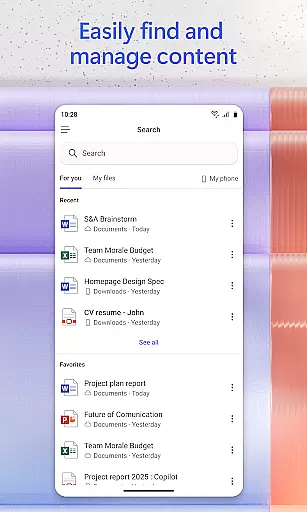
Voice interaction is another key feature, enabling users to engage with the app hands-free. This is particularly useful when preparing for meetings, brainstorming ideas, or managing tasks while performing other activities. Additionally, the app's powerful search capability helps users quickly locate files, images, or emails, ensuring that important information is always at their fingertips.
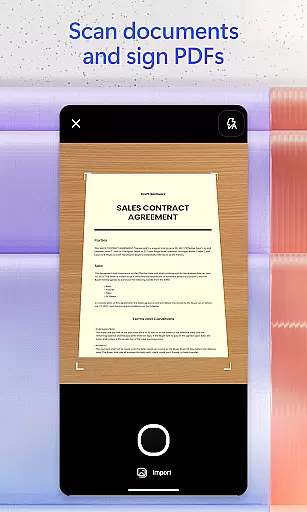
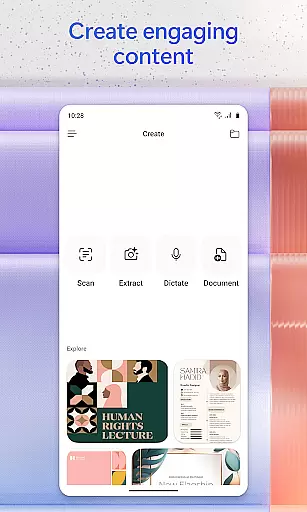
Content creation is made easy with a variety of templates for images, posters, banners, videos, and surveys. Users can also scan documents, photos, and notes directly from their mobile devices, streamlining the process of digitizing physical content. Project management is simplified with Copilot Notebooks, which allow users to organize ideas, documents, and links in one place. These features collectively ensure that Microsoft 365 Copilot is a comprehensive tool for enhancing personal and professional productivity.
Task management is a cornerstone of productivity applications, and Microsoft 365 Copilot excels in this area by integrating various tools into one cohesive platform. The app allows users to manage projects easily through Copilot Notebooks, which brings together ideas, documents, and links.
With the ability to summarize and connect the dots between different pieces of information, users can maintain an organized workflow. This feature is particularly beneficial for those who need to keep track of multiple projects and ensure that all components are aligned and progressing as planned.
Moreover, Microsoft 365 Copilot's task management extends beyond simple organization; it leverages AI to assist with the creation and editing of content, preparation for presentations, and even complex data analysis. This means users can accomplish more without increasing their workload, thanks to intelligent automation and expert insights provided within the app.
Cross-device synchronization is vital for users who operate in multi-device environments, ensuring that their work is accessible wherever they are. Microsoft 365 Copilot addresses this need by providing reliable synchronization across devices, allowing seamless transitions from desktop to mobile.
The app supports uploading Word, Excel, or PDF files from a phoneu2019s storage, enabling users to get answers from Copilot and save newly created files directly to their device. This functionality ensures that whether at home, in the office, or on-the-go, important documents are always at hand.
In addition to document accessibility, the app also maintains consistency in user experience by offering access to Word, Excel, PowerPoint, and PDFs all within a single application. By signing in with a work, school, or personal Microsoft account, users can start using these features free of charge, making cross-device operations not only reliable but also convenient and efficient.
AI-Powered Assistance
Versatile Content Creation
Efficient File Management
Seamless Cloud Integration
Comprehensive Search Functionality
Limited Free Features
Requires Specific Licenses
Potential Privacy Concerns
Dependent on Internet Connectivity
Learning Curve for New Users

Unlock AutoNotification
 4.00
4.00
Make your handwriting beautiful, even more than pen on paper.
3.60
IP Camera Viewer - Android TV : RTSP Surveillance camera viewer for Android TV
4.3
Customizable calendar widget for seamless event sync, planning & scheduling.
4.00
App lock - lock apps with fingerprint, password, pin or pattern, protect privacy
4.70
App Lock with fingerprint, password: Lock apps & hide photos with lock screens
4.60
The AI assistant that thinks with you - write, code, and solve complex tasks
4.60
Calendar 2023 widget for Android. Appointment scheduler, planner, and reminder
4.60
Set up, print, and get support—in one place
4.20
Direct Chat without saving contacts & Dual WA Account on Single Device
4.70
Scan paperwork into PDF/JPG, generate your own e-signature and send fax or email
4.70
This small app MUST BE INSTALLED after purchase, else license won't work
4.40 4.20
4.20
Pwnagotchi companion app
4.20
Cloud storage, automatic phone backup, and more.
4.10
* block pre-roll ads, pop-up and forced redirect ads * Samsung certification app
4.00
Mega cloud explorer plugin for Solid Explorer
3.80
All in one sketching tool. Technical and General drawing. Online Maps support.
3.70
Easiest event planning, volunteer signups & parent teacher conference scheduling
2.20


User Reviews