
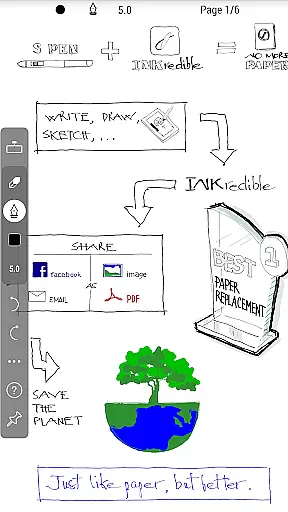
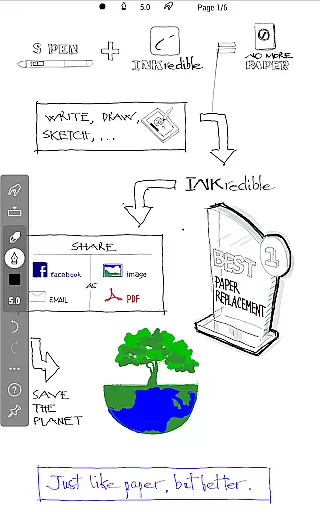
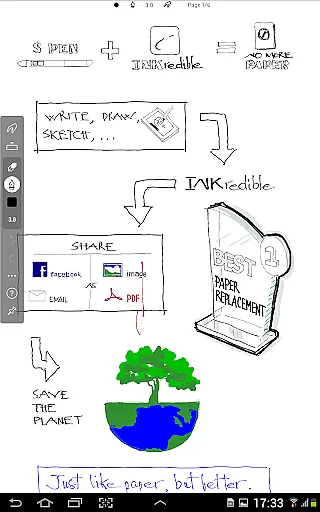
INKredible PRO is a premium productivity app designed to deliver an exceptional writing experience on tablets. Priced at a $9 value, this app includes all in-app purchase features of its predecessor, INKredible, along with free future updates. The app's advanced inking technology, inherited from the popular Notes Plus app, offers automatic palm and wrist rejection, making digital writing feel as natural as pen on paper.
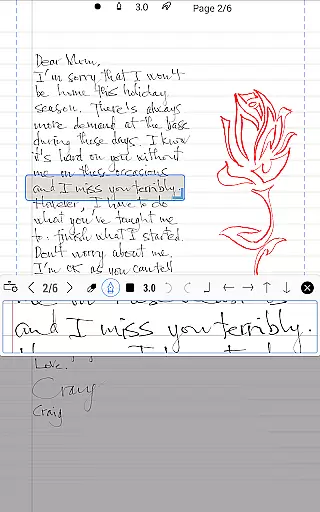
The app focuses on simplicity, providing a distraction-free environment with minimal UI elements. Despite its simplicity, INKredible PRO boasts beautiful handwriting rendering through sophisticated vector-graphics technology. This ensures your notes look stunning at any resolution, whether for printing or display purposes. With over three years of R&D, the app manipulates Bezier curves to enhance the beauty of your handwriting beyond what's possible on traditional paper.
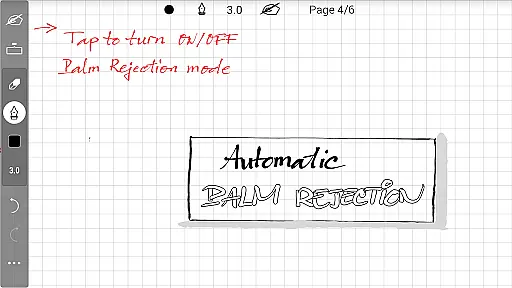
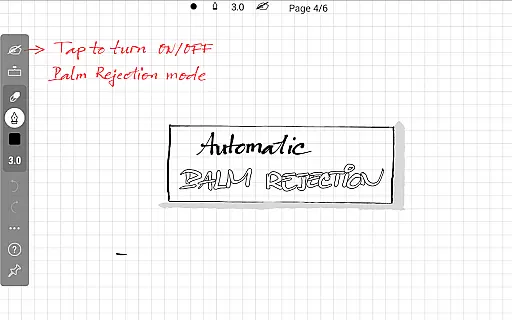
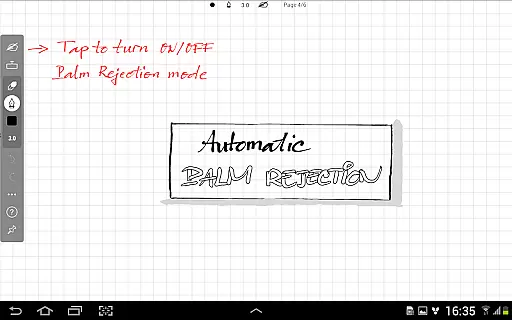
INKredible PRO stands out with its specialized inking feature that makes writing on a tablet incredibly smooth and natural. The app automatically rejects unintended touches from palms or wrists, ensuring only the pen strokes are captured. This creates an unparalleled writing experience that users must try to fully appreciate.
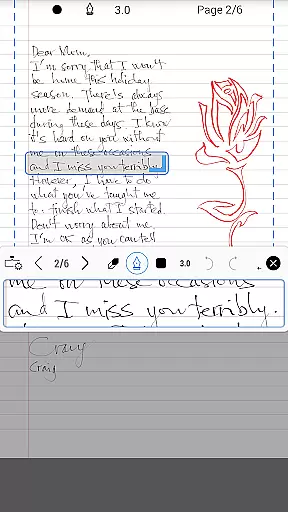
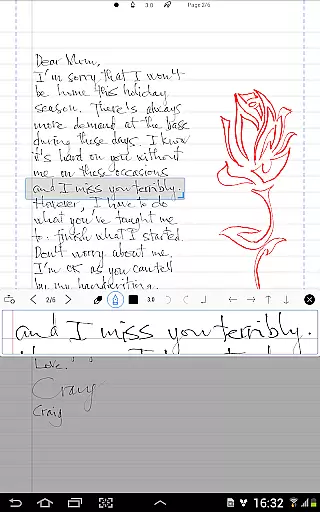
Another remarkable feature is the app's ability to render handwriting beautifully using advanced vector-graphics technology. By manipulating Bezier curves, INKredible PRO enhances the visual quality of your notes, surpassing the limitations of traditional paper. Whether you're zooming in for detail or preparing documents for printing, the clarity and precision remain consistent.
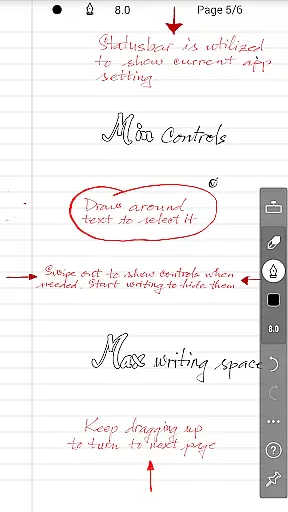
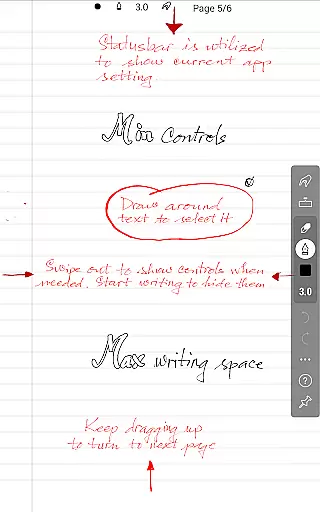
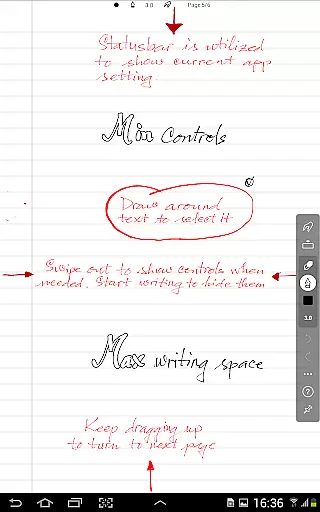
Additionally, INKredible PRO is designed to be simple and distraction-free. Most of the time, users will find themselves facing a blank sheet of paper without any intrusive UI controls or buttons. This minimalist approach helps maintain focus on the content being written, offering a pure and uninterrupted writing experience.
In the realm of productivity applications, core task management is pivotal for organizing and prioritizing tasks efficiently. INKredible PRO, with its streamlined interface, offers an uncluttered workspace that lets users focus on their writing tasks without distraction.
The app's dedication to a singular missionu2014providing an outstanding writing experienceu2014translates into its ability to manage the primary task at hand: note-taking. With no intrusive UI elements, users can immerse themselves in the process of capturing thoughts as if they were using traditional pen and paper.
For those who rely on digital tools for task management, INKredible PRO enhances this experience by ensuring that the act of writing is as natural and fluid as possible. This allows users to maintain their train of thought and be more productive in their task completion.
Ultimately, the simplicity and effectiveness of INKredible PRO's task management feature empower users to create, organize, and manage their handwritten notes with unprecedented ease, making it an invaluable tool for anyone looking to streamline their workflow.
Cross-device synchronization is essential for users who operate across multiple devices and need reliable access to their data at all times. While INKredible PRO focuses on delivering an exceptional writing experience, it also ensures that your valuable notes are not confined to a single device.
Although specific details about cloud services or sync features are not provided in the description, apps in the productivity category like INKredible PRO typically offer robust synchronization options. These allow users to seamlessly transition between devices while maintaining continuity in their work.
Reliable synchronization means that whether you're switching from a tablet to a smartphone or sharing information with colleagues, your notes will be updated and available wherever you go. This reliability is crucial for professionals and students alike who depend on consistent access to their information.
With INKredible PRO, one can assume that the synchronization process is designed to support the appu2019s core functionality, ensuring that every piece of writing is preserved accurately and can be retrieved when needed, thus enhancing the overall productivity of its users.
Advanced inking technology
Automatic palm rejection
Beautiful handwriting rendering
Distraction-free interface
Free future updates
Premium price point
Limited to tablet use
No additional productivity tools
Requires learning curve
Fewer features than competitors

Client for Nextcloud Deck
 4.60
4.60
Experience real multitasking on your Android!
4.00
Protect and view your important info on your phone and tablet with eWallet®
4.80
Easiest event planning, volunteer signups & parent teacher conference scheduling
2.20
Docker, Kubernetes management over Portainer Mobile
4.40
A beautiful digital clock with autostart and many other functions
4.70
To do list widget with a notebook organizer, checklist, simple shopping list
4.60
This small app MUST BE INSTALLED after purchase, else license won't work
4.40
AI Chatbot and AI writing assistant powered by ChatGPT.
4.60
Native client for Forgejo and Gitea
5.00
Stay on top of your to-dos with Google Tasks, part of Google Workspace.
4.60
Subscribe to Webcal & .ics calendars and keep them up-to-date!
4.50
Font maker keyboard with your own handwriting
4.10
Wake up & get tasks done! Add alarms & reminders on the Clock Launcher.
4.00
Create and edit presentations with Google Slides, part of Google Workspace.
4.00
Smart PDF reader & editor to view, organize and manage PDF documents easily.
3.70
ID.me Authenticator is a simple and free Two Factor Authentication solution
3.50
Experience and share your SolidWorks designs on your Android® phone and tablet.
2.50
A simple, portable logger for POTA, SOTA, Field Day, and more
4.2


User Reviews