
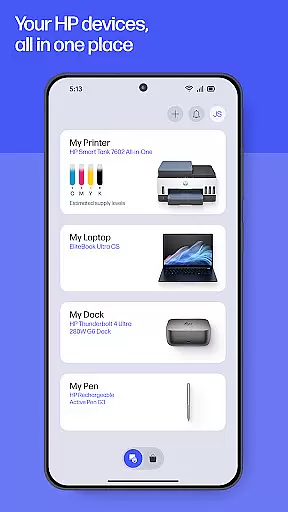
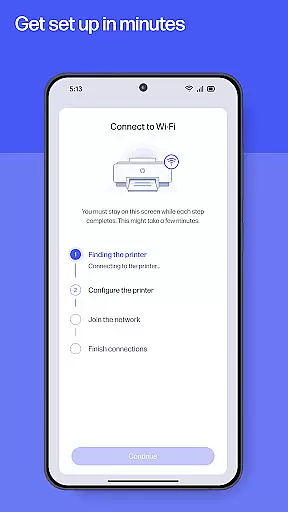
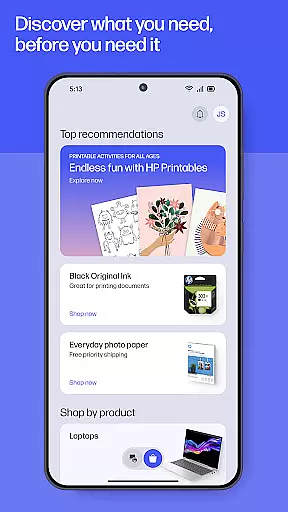
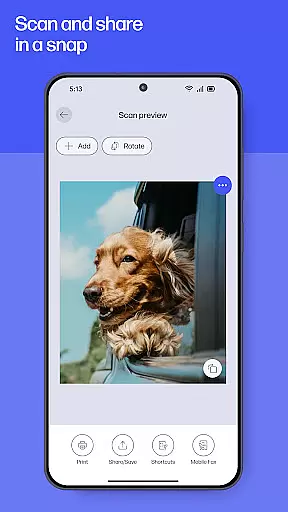
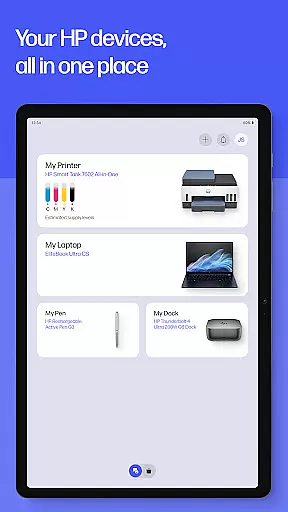
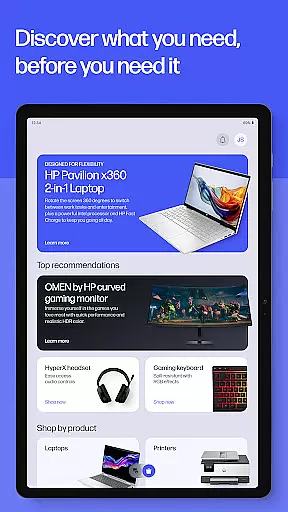
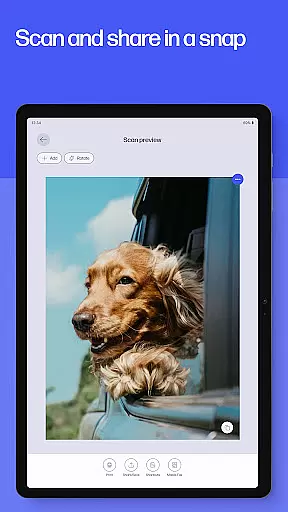
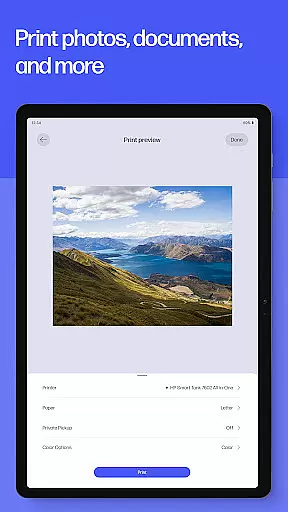
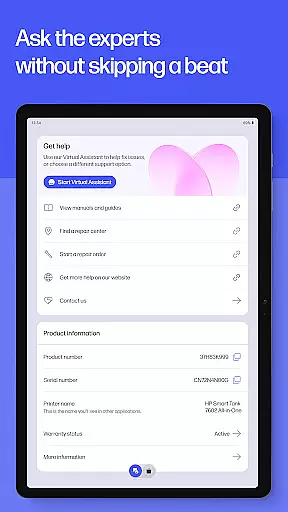
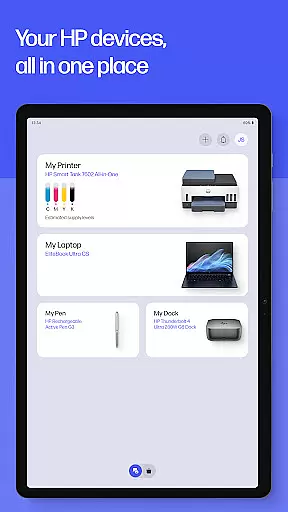
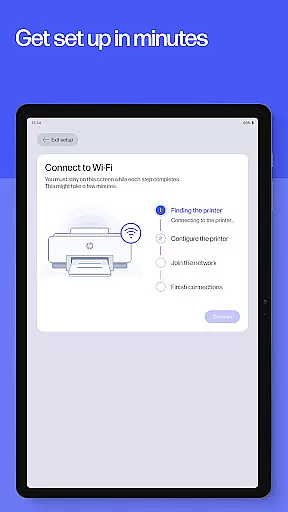
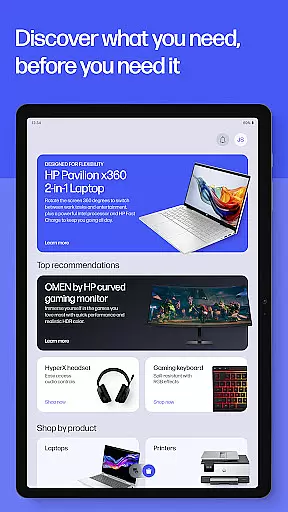
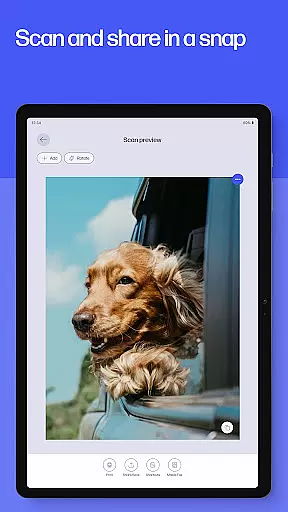
HP is a comprehensive productivity app designed to enhance your experience with HP devices. The application serves as an all-in-one solution for managing printers and computers, offering functionalities such as easy setup, print and scan capabilities, and instant support access. Whether you are at home or in the office, HP ensures that you can efficiently handle printing tasks, manage device settings, and stay informed with top recommendations tailored to your tech needs.
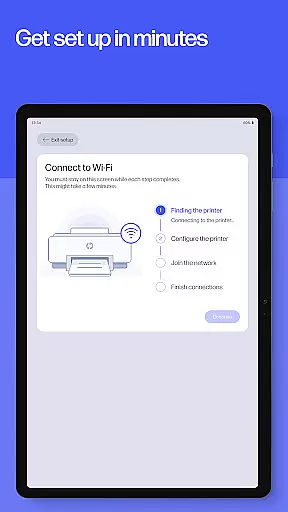
The app provides a guided setup for new devices, allowing users to get up and running quickly. It also includes features like HP Printables, which unlocks a world of creativity with printable cards, coloring pages, and educational worksheets. With functionalities ranging from scanning documents to ordering print supplies, HP offers a seamless blend of convenience and innovation, ensuring that your devices work just the way you like them.
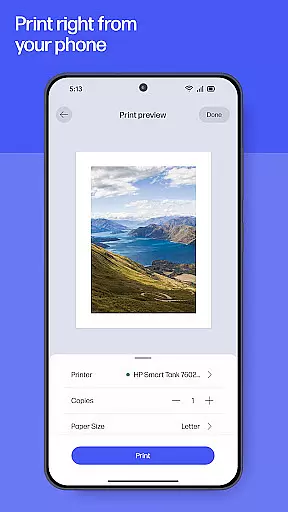
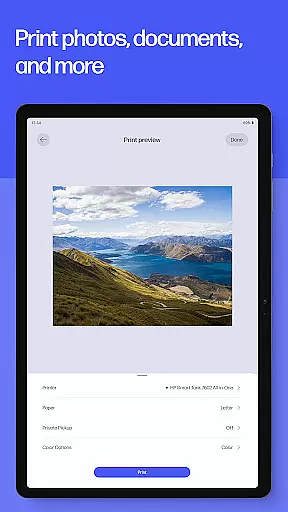
HP app boasts a rich array of features designed to maximize productivity and ease of use. One standout feature is the guided setup, which simplifies the initial configuration of new HP devices, ensuring users can manage essentials like checking ink levels effortlessly. Additionally, the app offers advanced print and scan functionalities, enabling users to print high-quality photos directly from their devices and scan documents for easy sharing and storage.
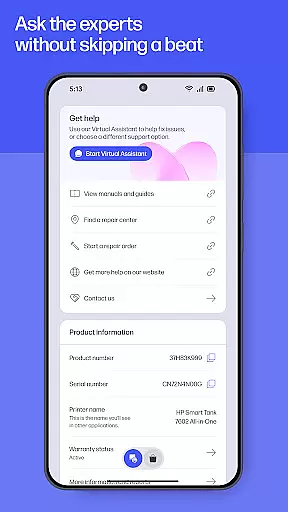
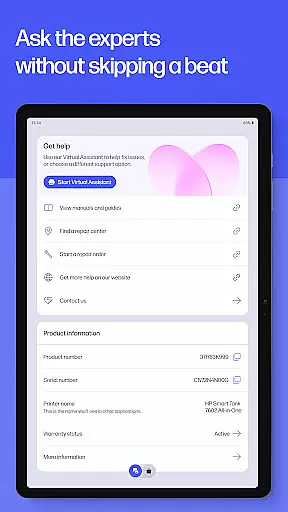
Another remarkable aspect is the instant help feature, providing users with quick access to support through calls, live chat, or finding answers within the app. Moreover, HP Printables adds a creative edge by offering a variety of printable content. The inclusion of fax capabilities, print shortcuts, and notifications for low ink or paper supply further enhances user convenience, making it a versatile tool for both personal and professional use.
Task management is a cornerstone of productivity applications, and the HP app excels in providing users with comprehensive tools to manage their printing and scanning tasks efficiently. This feature allows users to organize, prioritize, and execute print jobs from anywhere, ensuring that important documents are always ready when needed.
The HP app offers guided setups for new devices, making it easy for users to get started without hassle. Once set up, managing your HP printer and computer becomes seamless, allowing you to keep track of essential supplies like ink levels. The intuitive interface ensures that even those new to the app can navigate and utilize its features effectively.
Users benefit from customizable print shortcuts, which enable quick access to frequently used print settings. This saves time and enhances workflow efficiency, particularly in busy environments such as offices or homes with multiple users. Additionally, notifications for low ink or paper ensure uninterrupted printing, contributing to a smooth user experience.
Overall, the core task management functionality within the HP app empowers users to take full control of their printing needs, offering convenience and reliability that supports both personal and professional activities.
Cross-device synchronization is vital for maintaining consistency and accessibility across different platforms, and the HP app delivers reliable performance in this area. By enabling seamless integration between mobile devices and computers, the app ensures that users can access their print jobs, scans, and settings regardless of the device they are using.
This reliability is achieved through cloud-based technology that automatically updates and syncs data across all connected devices. Whether you're at home or in the office, any changes made on one device are instantly reflected on others, providing a unified experience. This feature is particularly beneficial for individuals who switch between devices throughout the day.
Moreover, the HP app supports multi-language functionality, catering to a global audience. While certain advanced features may be available in English only, the core synchronization capabilities remain robust and accessible to non-English speakers. This inclusivity enhances the overall usability of the app, making it a versatile tool for diverse user bases.
In summary, the HP app's cross-device synchronization reliability ensures that users enjoy a consistent and dependable experience, enhancing productivity and convenience in managing their digital tasks across various devices.
User-friendly interface
Comprehensive device management
Innovative printables feature
Instant support access
Versatile print and scan options
Limited to HP devices
Some features English-only
Internet access required
HP account necessary
Potential future charges

Easily read and manage all your PDF files
 4.10
4.10
8 custom complications. Custom Time Fonts. Beautiful color schemes. A++ Design.
5.00
App Lock with fingerprint, password: Lock apps & hide photos with lock screens
4.60
Translate text/voice/photos in 150+ languages. Offline & fast translator app.
4.50
Secure, open-source, SPICE and SSH Remote Desktop for QEMU KVM virtual machines
4.00
Tally and goal counter for Wear OS & mobile
4.50
A simple Whisper AI keyboard for reliable speech transcription and rewording
4.60
Lightweight PDF, Word, Excel reader.
4.60
Scan paperwork into PDF/JPG, generate your own e-signature and send fax or email
4.70
Android Wallet Password Manager
4.80
We're working to become the best machining app on the market! www.cncdirt.com
4.80
aCalendar+ makes your day, week and month
4.70
Functional QR scanner and barcode reader that requires little storage space.
4.60
All document reader, all in one file viewer read PDF, DOCX, XLS, PPT, TXT files.
4.60
A Pixel Art watchface inspired by other iconic 90s designs for Wear OS devices!
4.40
Todo reminder
4.10
Wake up & get tasks done! Add alarms & reminders on the Clock Launcher.
4.00
* block pre-roll ads, pop-up and forced redirect ads * Samsung certification app
4.00
Easiest event planning, volunteer signups & parent teacher conference scheduling
2.20


User Reviews