
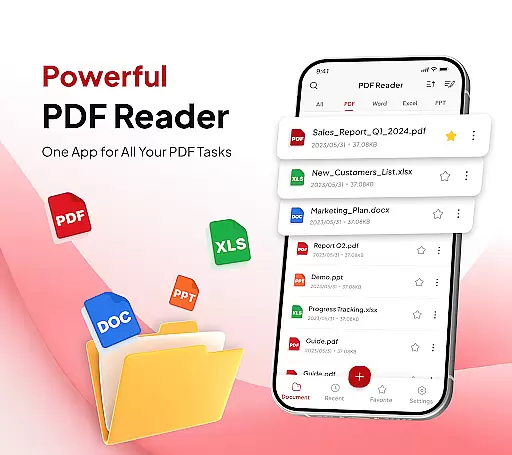
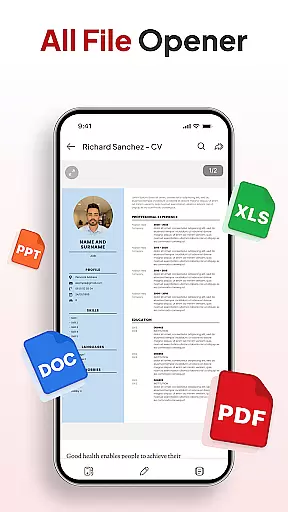
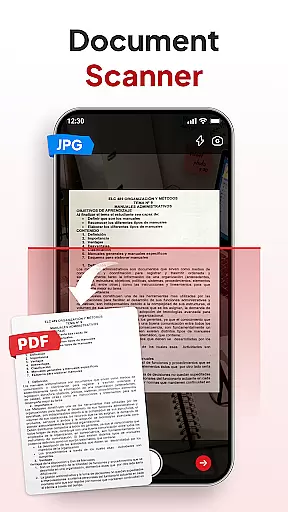
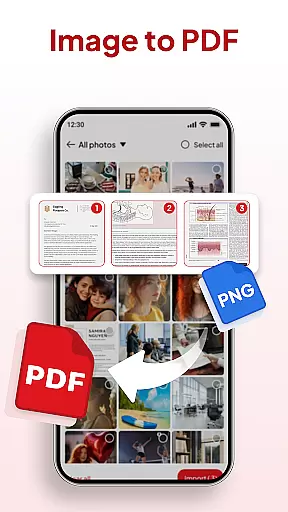
PDF Reader - Document Editor is a comprehensive productivity tool designed to simplify how you manage digital documents. This app allows users to read, edit, organize, and convert PDF files with ease, making it an essential utility for students, professionals, and anyone handling PDFs regularly.
Key features include smooth PDF reading with zoom functionality, support for multiple file formats like XLS, DOCX, and PPT, and advanced options such as document scanning and image-to-PDF conversion. The app also offers smart productivity tools including file organization, search capabilities, signature management, and AI-powered document summarization and translation.
Ideal for both work and personal use, PDF Reader - Document Editor provides a seamless experience for anyone needing efficient document management on their mobile device.
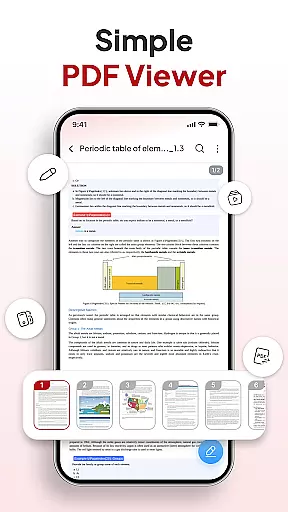
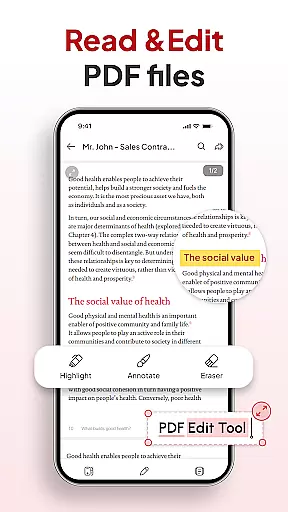
PDF Reader - Document Editor stands out with its robust set of features tailored for efficient document handling. The app's reading capabilities allow users to open and view PDFs of any size without lag, while offering zoom functionality and text highlighting for enhanced readability.
Its conversion tools are particularly impressive, featuring a document scanner that transforms physical notes into digital PDFs and an image-to-PDF converter that creates professional-quality documents from photos or screenshots. The app supports multiple file formats beyond PDFs, including XLS, DOCX, and PPT files.
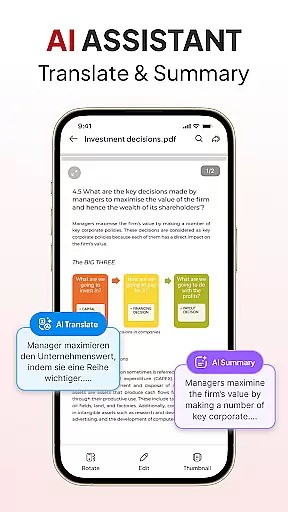
Additional productivity features include a file organizer for better storage management, quick search functionality, signature tools, instant sharing options, and an AI assistant that can summarize or translate documents. These features collectively create a powerful all-in-one solution for document management.
Efficient task management is essential for productivity, and PDF Reader - Document Editor excels in this area by offering a comprehensive suite of tools. The app allows users to handle various document-related tasks with ease, from reading and editing to organizing and converting PDFs.
The application's functionality extends beyond just viewing PDFs; it includes smart features like document scanning and image-to-PDF conversion. These capabilities ensure that users can transform physical documents or images into digital formats swiftly, enhancing their workflow and document management process.
PDF Reader - Document Editor also provides advanced file management options. Users can sort and search for documents, add signatures, and organize files into folders. This systematic approach helps declutter storage and makes locating specific documents quick and straightforward, saving valuable time.
By integrating AI tools, the app further boosts productivity. It offers features such as summarizing or translating documents, which are particularly beneficial for professionals who deal with large volumes of information daily. With these robust task management features, users can streamline their document handling processes significantly.
In today's interconnected world, reliable cross-device synchronization is crucial for maintaining workflow continuity. PDF Reader - Document Editor addresses this need by ensuring that your documents are accessible and consistent across all your devices.
The app supports instant sharing, allowing users to send PDFs via their preferred applications with just one tap. This seamless sharing capability ensures that teams and individuals can collaborate effectively, regardless of their location or the device they are using.
Moreover, the app's cloud integration plays a vital role in its synchronization reliability. By storing documents in the cloud, users can access their files from any device with internet connectivity, ensuring that they always have the most up-to-date version at hand.
This level of synchronization not only enhances convenience but also boosts productivity. Whether you're switching between a phone, tablet, or computer, PDF Reader - Document Editor keeps your documents in sync, enabling a smooth and efficient user experience across platforms.
User-friendly interface
Multi-format support
Advanced AI tools
Efficient file management
Quick document sharing
Limited free features
Occasional bugs
Ads in free version
Premium subscription required
Large file slowdown

The long-awaited modern gallery app for your Nextcloud server
 4.70
4.70
Create study competitions, track your hours, and stay consistent with friends
4.1
Secure, fast, open-source, Remote Desktop Client for Windows and Linux with SSH
4.60
A simple Whisper AI keyboard for reliable speech transcription and rewording
4.60
Experience and share your SolidWorks designs on your Android® phone and tablet.
2.50
Intelligent AI Assistant
4.10
Use powerful, industry-leading AI tools to generate visual charts from any data
4.80
QuickEdit is a fast, stable and full featured text and code editor.
4.20
2026 USPS Alpha/Color coded calendar Sunday/Rotating day off schedules
4.4
Scientific calculator for Android - looks and operates like the real thing!
4.90
Mind Map and brainstorm, note taking and idea collection
4.80
Secure, fast, open-source, VNC and SSH Remote Desktop for Windows, Linux and Mac
4.70
The Pro Version of Android's tiniest Notepad app. Just 0.3MB but feature-packed!
4.60
App Lock with fingerprint, password: Lock apps & hide photos with lock screens
4.60
Tally and goal counter for Wear OS & mobile
4.50
Docker, Kubernetes management over Portainer Mobile
4.40
Enjoy classic gameplay with customizable features and retro-style graphics.
4.30
⏰ Finally a timer app which can run multiple timers simultaneously on your watch
3.90
A Revolutionary All-in-One Artificial Intelligence Tools
3.80


User Reviews