
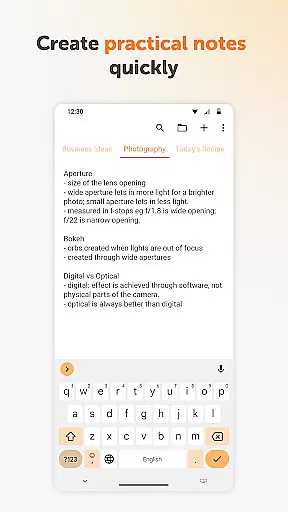
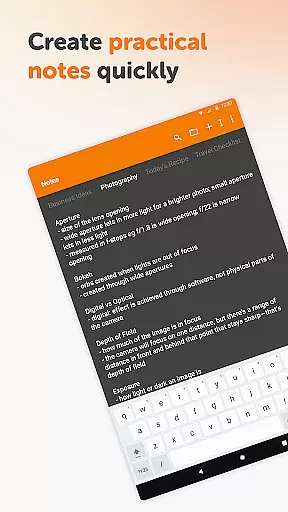
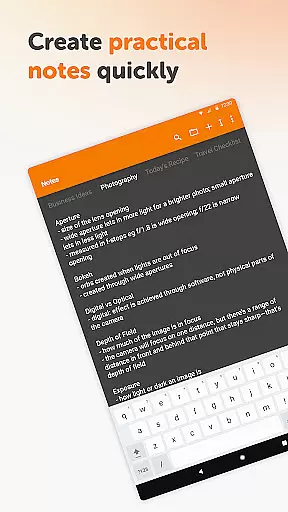
Simple Notes Pro is a productivity-focused note-taking app designed to help users quickly capture ideas, create shopping lists, and manage daily tasks. With its intuitive interface and autosave functionality, the app ensures that no important information is lost. The ability to create multiple independent plain text notes makes it versatile for various use cases, from jotting down quick reminders to organizing complex projects.
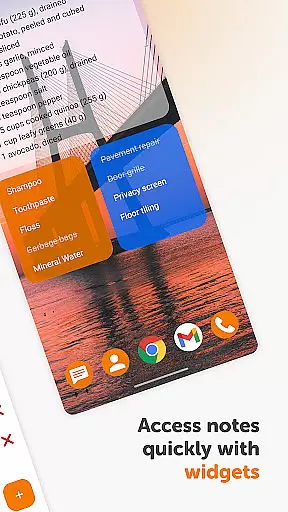
The app stands out with its customizable and resizable widget, which allows instant access to your notes directly from the home screen. Its open-source nature, coupled with the absence of ads and unnecessary permissions, ensures a seamless and secure user experience. Whether you need a reliable personal notebook or a tool to streamline your daily agenda, Simple Notes Pro offers a robust solution for all your note-taking needs.
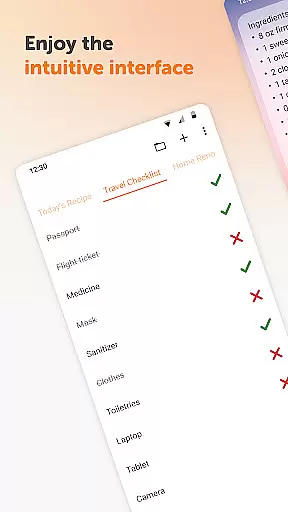
One of the key features of Simple Notes Pro is its simplicity and ease of use. The app provides a straightforward platform where users can type their notes without any complicated setup steps. It supports creating checklists, backup notes, and even color-coded categories, making it an invaluable tool for organizing thoughts and tasks efficiently.
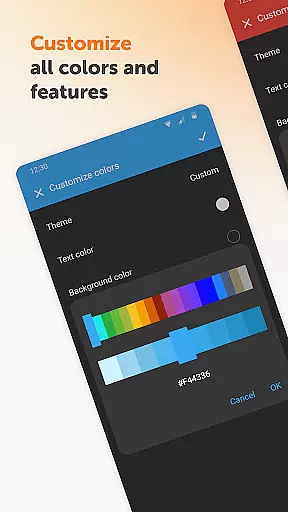
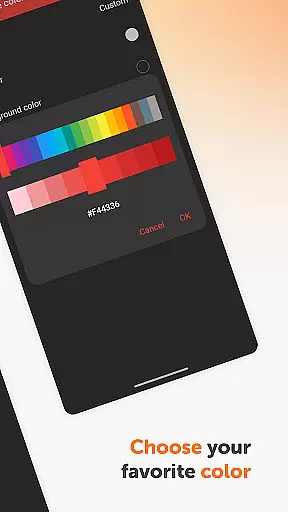
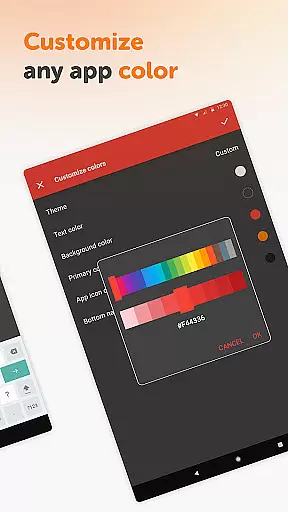
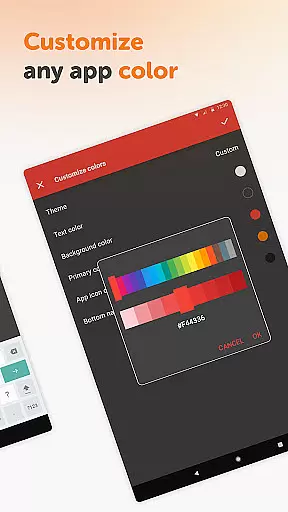
Another notable feature is the app's material design and optional dark theme, which enhance usability while reducing eye strain. The lack of internet access not only boosts privacy and security but also ensures stable performance. Additionally, the customizable colors and quick tweaking options allow users to personalize their experience according to their preferences, providing both functionality and aesthetic appeal.
Task management is a cornerstone of productivity applications, and Simple Notes Pro excels in providing users with the tools necessary to efficiently organize their daily tasks. This app allows for the creation of multiple independent plain text notes and lists, ensuring that users can segment their tasks into manageable pieces without clutter.
The application's autosave feature ensures that no changes are lost, offering peace of mind to users who need to quickly jot down ideas or update their to-do lists on the go. With its customizable and resizable widget, accessing and organizing your lists becomes a seamless experience, enhancing the overall efficiency of task management.
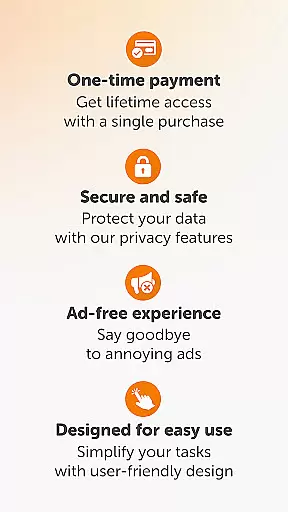
Simple Notes Pro stands out by focusing on user-friendly design, ensuring that even those new to digital organizers can easily navigate and utilize its features. The absence of ads and unnecessary permissions means a streamlined experience focused solely on productivity.
Ultimately, this app empowers users to manage their schedules effectively, making it an invaluable tool for anyone looking to enhance their personal or professional organizational skills without the distraction of complex functionalities.
Cross-device synchronization is vital for users who operate across multiple platforms and need consistent access to their notes and lists. Simple Notes Pro addresses this need by ensuring reliable synchronization, allowing users to maintain continuity in their workflow regardless of the device they are using.
Although Simple Notes Pro operates without internet access, prioritizing user privacy and data security, it still offers ways to back up and access your notes from different devices. This approach not only enhances stability but also provides users with more control over their data, aligning with modern preferences for data sovereignty.
The app's straightforward design and material aesthetics ensure a smooth user experience, whether you're switching between your phone, tablet, or other devices. Its dark theme and customizable colors further enhance usability, adapting to various lighting conditions and personal preferences.
By focusing on core functionalities and maintaining a clean, ad-free environment, Simple Notes Pro delivers a dependable cross-device experience. Users can trust that their notes and lists will be accurately reflected across all their devices, empowering them to stay organized and productive wherever they are.
User-friendly interface
No ads or unnecessary permissions
Autosave functionality
Customizable widgets
Open-source software
Limited advanced features
No cloud sync option
Basic design elements
Offline-only access
Fewer integrations

When you Focus, so will your Bean in this cozy focus timer
 4.30
4.30
Ads Free App! Editor, Hide File, Copy, Move, Delete and Rename.. all facility av
1.70
Direct Chat without saving contacts & Dual WA Account on Single Device
4.70
Easily read and manage all your PDF files
4.10
Device's storage information in a simple and clear graphical form (infographics)
4.10
Customizable calendar widget for seamless event sync, planning & scheduling.
4.00
Secure, open-source, SPICE and SSH Remote Desktop for QEMU KVM virtual machines
4.00
* block pre-roll ads, pop-up and forced redirect ads * Samsung certification app
4.00
This small app MUST BE INSTALLED after purchase, else license won't work
4.40
Native client for Forgejo and Gitea
5.00
Android Wallet Password Manager
4.80
Tally and goal counter for Wear OS & mobile
4.50
Enjoy classic gameplay with customizable features and retro-style graphics.
4.30
Todo reminder
4.10
Cloud storage, automatic phone backup, and more.
4.10
Intelligent AI Assistant
4.10
The ultimate file manager for rooted devices. The original and still the best.
4.00
All in one sketching tool. Technical and General drawing. Online Maps support.
3.70
Auto-shutoff Alarm with Sunrise, Sunset & Fixed Options.
3.50


User Reviews