
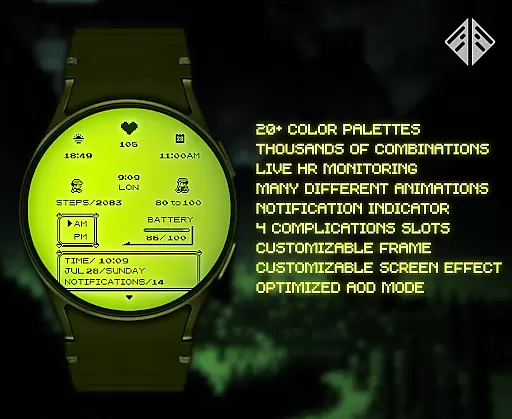
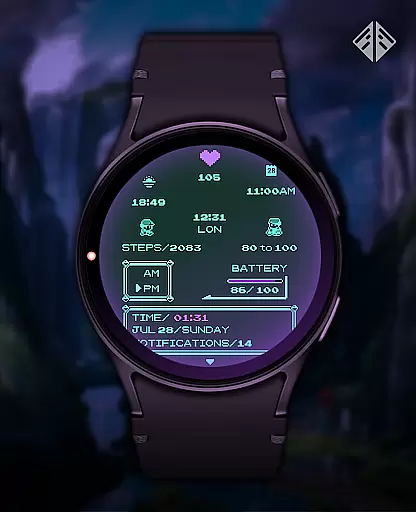
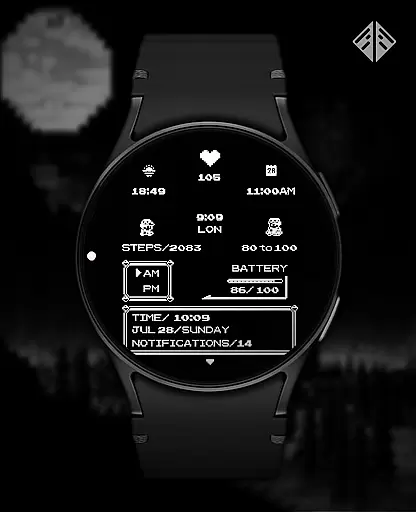
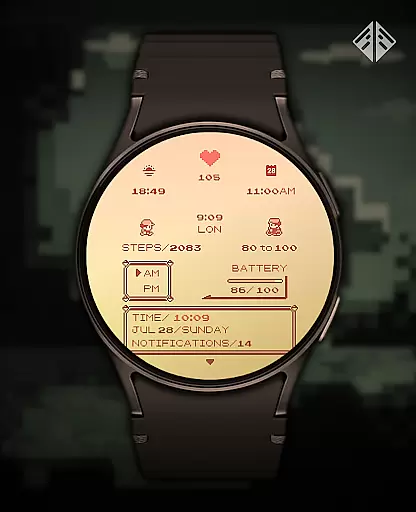
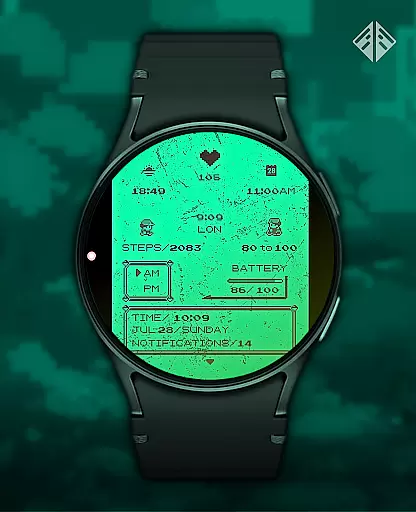
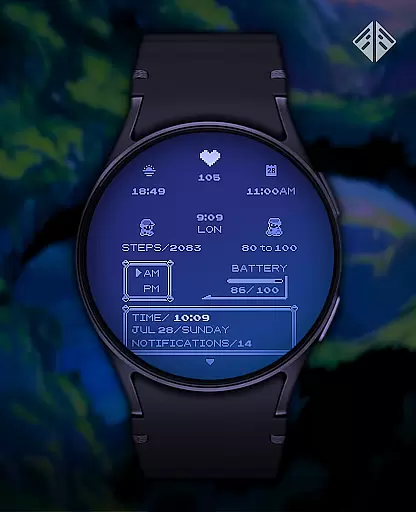
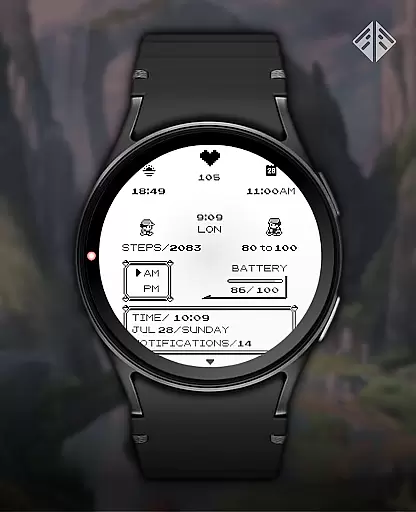
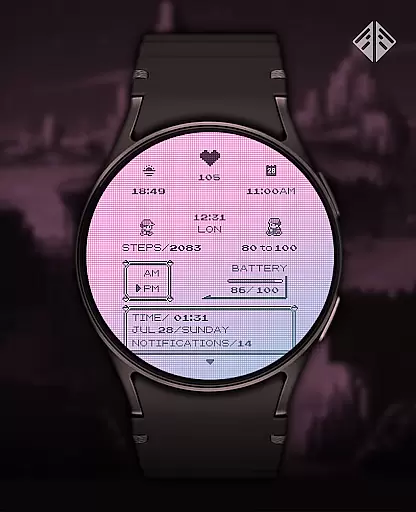
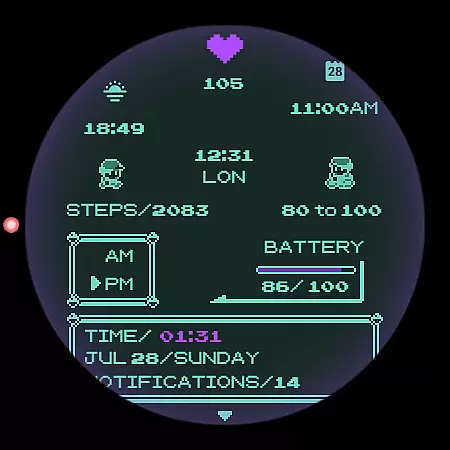
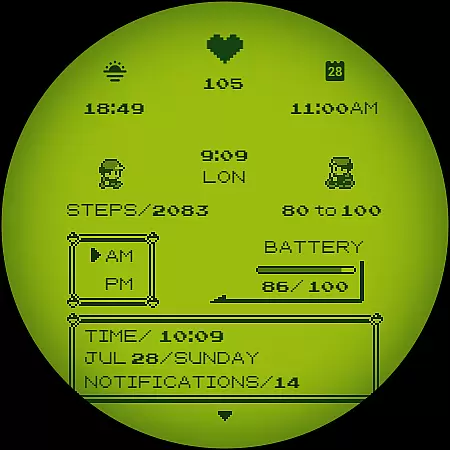
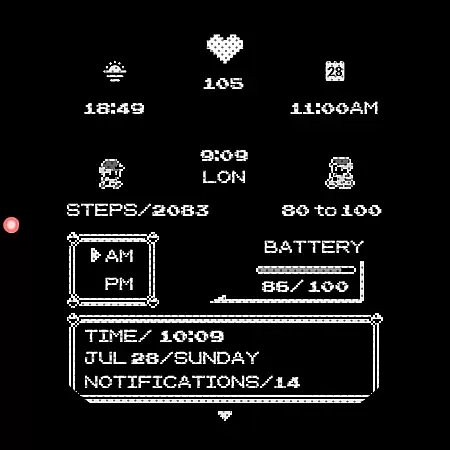
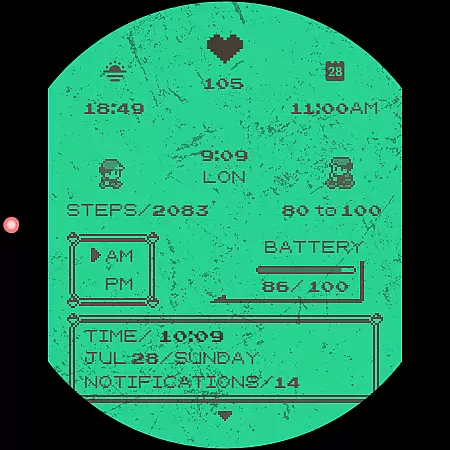
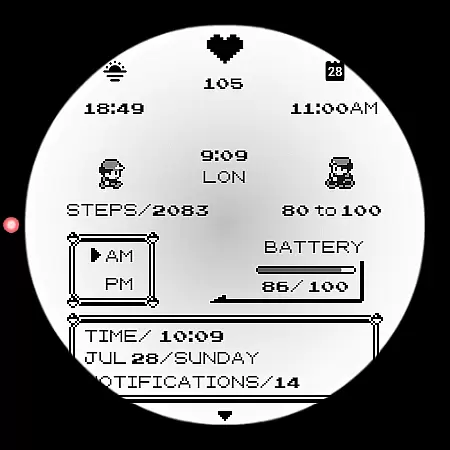
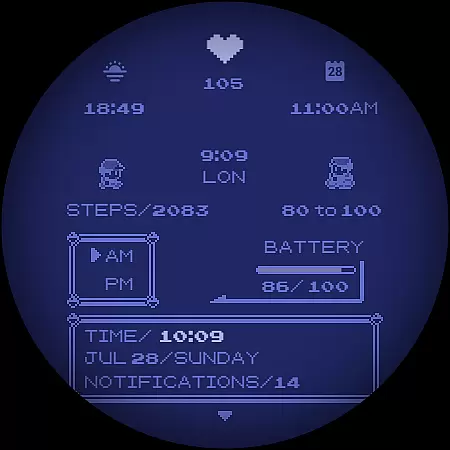
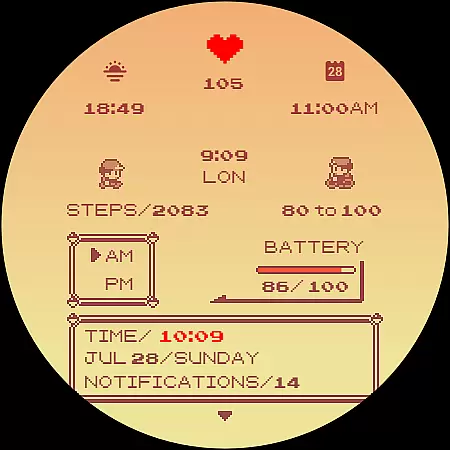
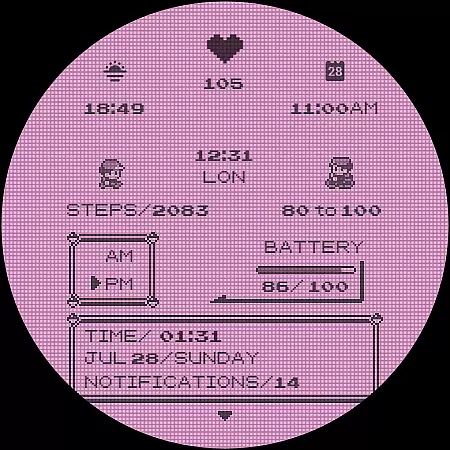
Poke Pixel Retro Watch Face is a pixel art themed watch face designed for Wear OS smartwatches. This standalone app offers users the ability to customize their watch faces with unique, handcrafted designs inspired by retro gaming consoles. With over 1000 possible combinations, it includes features such as animated elements, customizable frames, and battery indicators.
Available on various smartwatch brands like Samsung, Mobvoi Ticwatch, Fossil, and Oppo, this watch face supports both 12/24 hour formats and auto date formats. Users can view a lot of information at a glance while enjoying a clean, pixel-perfect style that brings nostalgia from classic video games.
This versatile watch face stands out with its extensive customization options. Users can choose from 30 color schemes and numerous personalization settings, allowing for a tailored experience that fits individual preferences. The design is not only visually appealing but also highly functional, providing essential details in an easy-to-read format.
In addition to aesthetic customizations, Poke Pixel Retro Watch Face includes practical features such as working battery lights and support for different time formats. Its compatibility with a wide range of Wear OS devices ensures broad accessibility. Moreover, the companion app simplifies installation and management processes, making it user-friendly even for those new to smartwatch technology.
Poke Pixel Retro Watch Face offers a unique approach to productivity by presenting essential information in an intuitive and visually appealing manner. The watch face is designed with pixel art aesthetics, ensuring that users can quickly glance at their smartwatch and access important details without distraction.
With support for both 12 and 24-hour time formats, automatic date adjustments, and customizable color schemes, this app allows users to tailor their experience according to personal preferences and needs. These features ensure that time management is not only efficient but also enjoyable, which can lead to improved task prioritization throughout the day.
The inclusion of animated elements and a variety of customization options means that while you manage your tasks, you do so in a way that feels engaging rather than monotonous. This balance between functionality and entertainment helps maintain user interest over long periods, making it easier to keep track of daily responsibilities.
By integrating seamlessly into Wear OS devices from various manufacturers such as Samsung, Fossil, and Mobvoi Ticwatch among others, Poke Pixel ensures cross-device compatibility. This universality enhances its appeal as a core tool for managing one's schedule effectively across different platforms without losing consistency or ease-of-use.
Cross-device synchronization is crucial for maintaining productivity, especially when using wearable technology like smartwatches. Poke Pixel Retro Watch Face excels in this area by providing reliable integration between smartphones and Wear OS watches through its companion app system.
Once installed on a smartphone, the companion app facilitates easy setup on compatible smartwatches. Users are guided step-by-step through connecting their devicesu2014a process designed to be straightforward even for those new to wearable techu2014ensuring they can start utilizing the watch faceu2019s capabilities promptly.
Should issues arise during installation or operation, comprehensive support resources including FAQs within the description help troubleshoot common problems related to account mismatches or device compatibility concerns. Such attention to detail underscores the developer's commitment to delivering dependable service across multiple platforms.
Moreover, ongoing updates promise continued improvements not just aesthetically but functionally too, reinforcing confidence in consistent performance regardless of where or how often data syncs occur between paired devices. This dedication positions Poke Pixel as more than just another stylish accessory; it becomes an integral part of any productive digital ecosystem.
Highly Customizable
Versatile Compatibility
Retro Gaming Aesthetic
Animated Elements
Comprehensive Time Display
Premium Price Point
Limited to Wear OS
Requires Companion App
No Free Trial Option
Occasional Sync Issues

 4.20
4.20
When you Focus, so will your Bean in this cozy focus timer
4.30
Planet Free VPN - The best Fast Unlimited and Secure VPN Without Logs
4.50
The Pro Version of Android's tiniest Notepad app. Just 0.3MB but feature-packed!
4.60
Absolutely the best CNC machinist speed and feed calculator around. fswizard.com
4.60
All in One PDF Reader: Manage, Read and Edit your Documents
4.20
To do list widget with a notebook organizer, checklist, simple shopping list
4.60
Simple notepad & memo. Take notes, to-do list, shopping list with reminders.
4.80
Browse and view your photos and videos from the phone with photo & video hide.
4.10
8 custom complications. Custom Time Fonts. Beautiful color schemes. A++ Design.
5.00
Protect and view your important info on your phone and tablet with eWallet®
4.80
Direct Chat without saving contacts & Dual WA Account on Single Device
4.70
aCalendar+ makes your day, week and month
4.70
Quickly and easily keep track of your work shifts
4.70
A simple Whisper AI keyboard for reliable speech transcription and rewording
4.60
PDF scanner & converter for files, photos, lottery, QR codes. One swipe away!
4.50
Easily read and manage all your PDF files
4.10
Find and delete junk files & block unwanted notifications & manage files
3.70
Ads Free App! Editor, Hide File, Copy, Move, Delete and Rename.. all facility av
1.70


User Reviews