
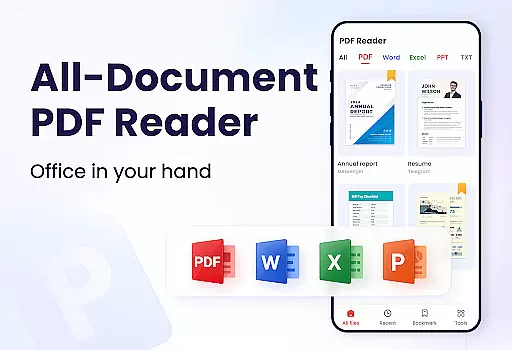
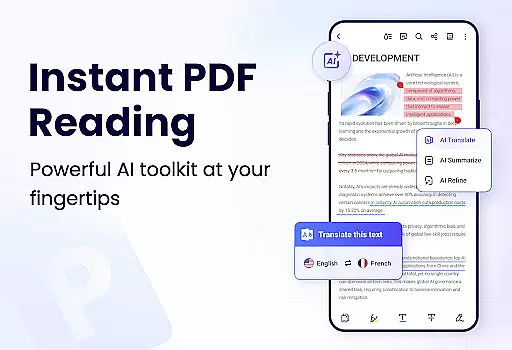
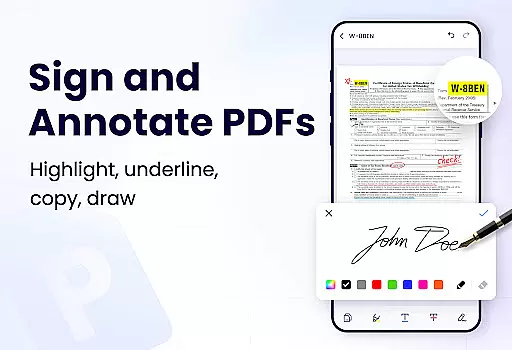
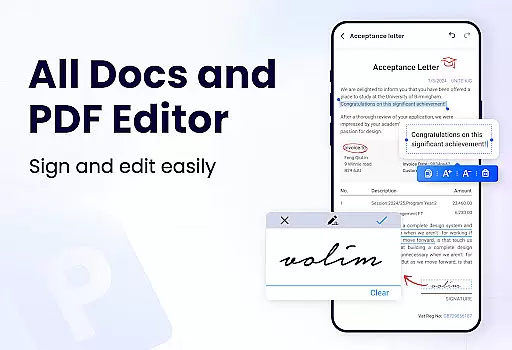
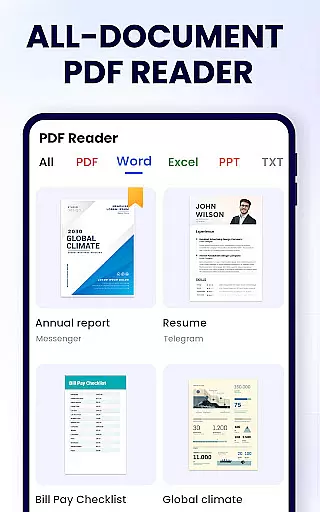
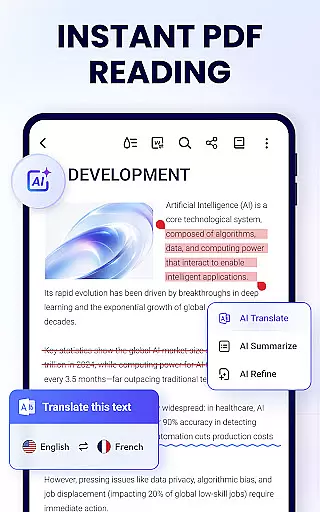
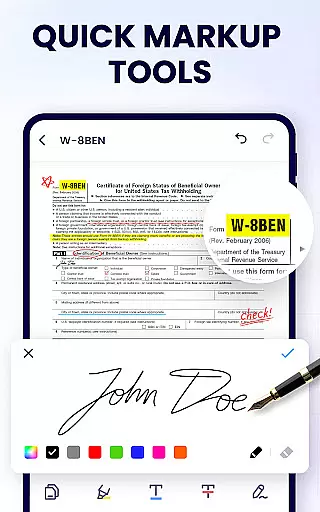
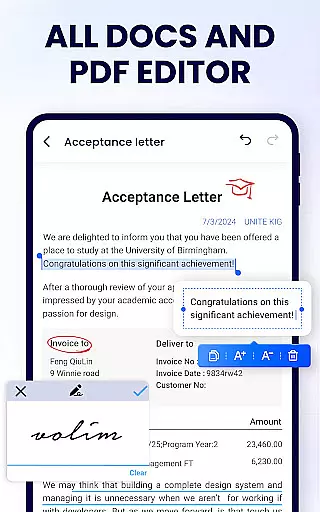
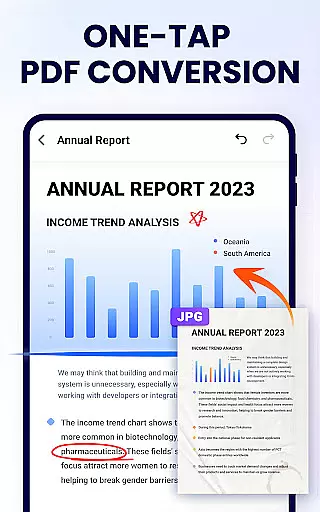
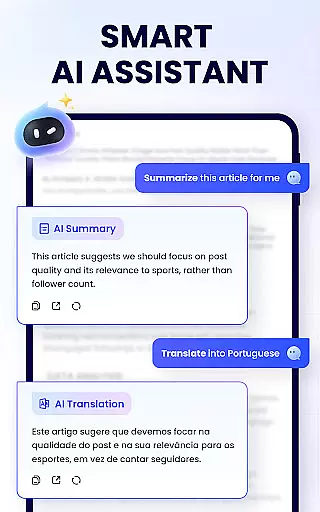
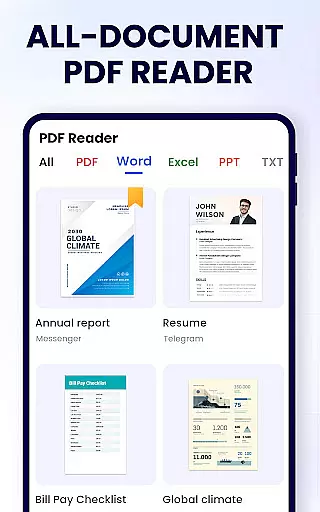
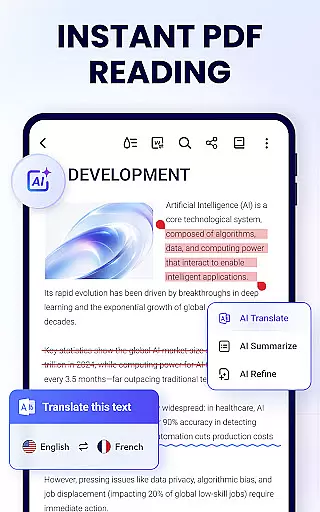
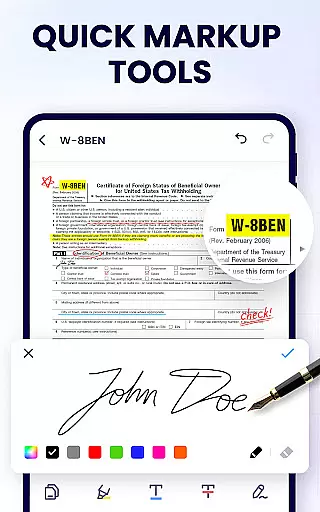
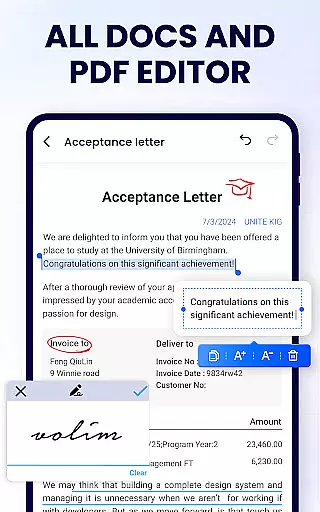
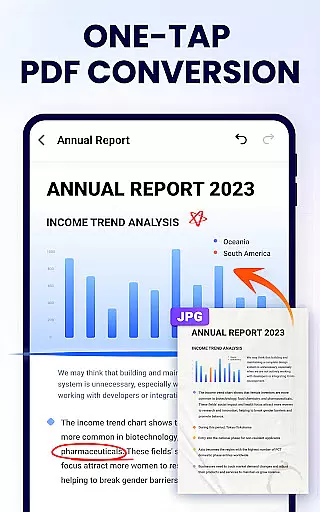
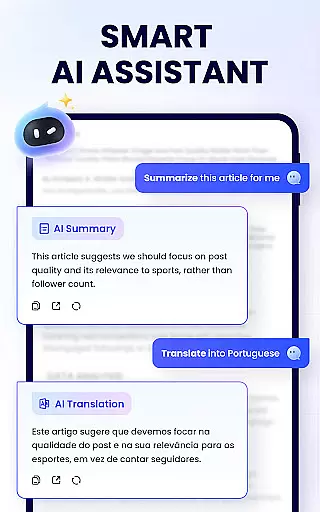
PDF Reader - PDF Viewer is a comprehensive productivity tool designed for Android users who need an efficient way to manage their PDF documents. This free app serves as both a viewer and editor, allowing users to read, edit, and organize PDF files with ease. With features such as auto-search functionality, bookmarking, merging, splitting, and password protection, it offers a complete solution for handling PDFs.
The app's interface is user-friendly, providing quick access to PDFs through a simple list display and enabling fast reading with various viewing modes. Users can annotate, highlight text, doodle, and even search for specific content within the documents. Its lightweight design ensures smooth performance without consuming much storage space, making it ideal for students, professionals, and anyone dealing with digital documentation regularly.
Whether you're studying or working, this app enhances productivity by streamlining document management tasks. It supports secure sharing via social media platforms and allows printing directly from your device, ensuring that important information remains accessible wherever you go.
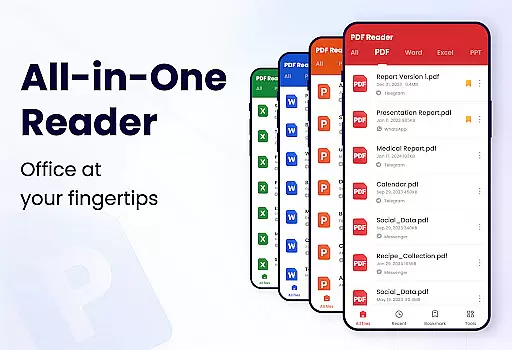
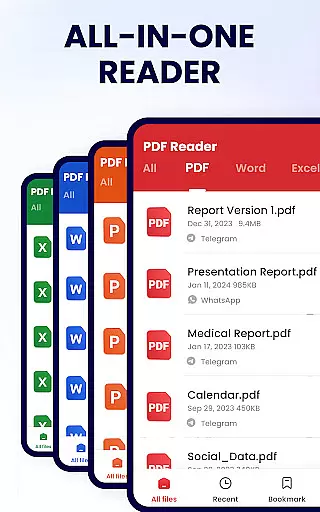
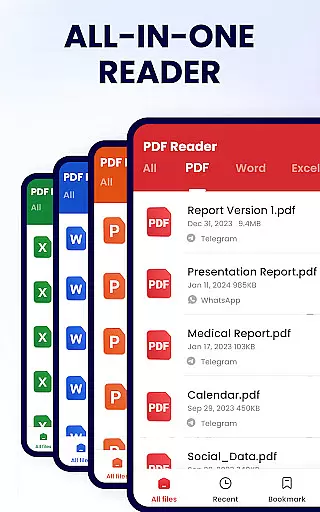
PDF Reader - PDF Viewer stands out due to its extensive feature set tailored for productive document handling. As a convenient PDF viewer, it automatically searches and displays all PDF files on your device, presenting them in a clear list format for easy navigation. The smart reading options include page-by-page scrolling, full-screen mode, and adjustable zoom levels, which cater to different preferences and improve readability.
As an efficient PDF editor, the app enables users to annotate documents using highlights, underlines, and strikethroughs. You can also draw freely on pages and copy text for use elsewhere. Additionally, the full-featured PDF manager lets you merge and split files, protect them with passwords, rename them, and share them effortlessly across various channels. Recent files are readily available for quick access, enhancing workflow efficiency.
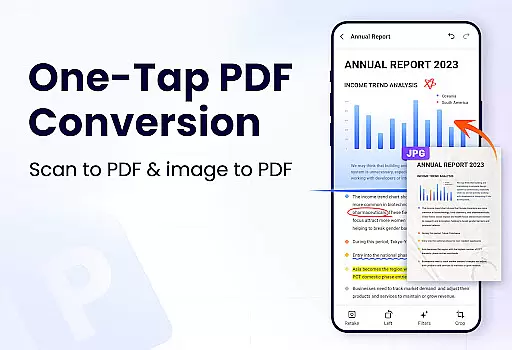
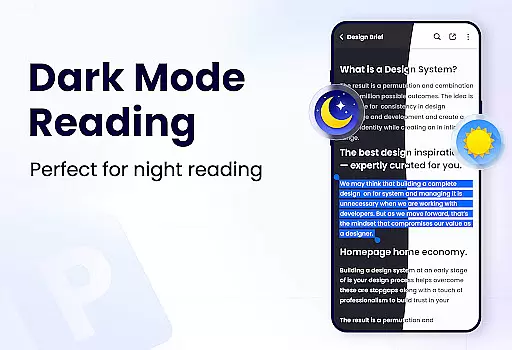
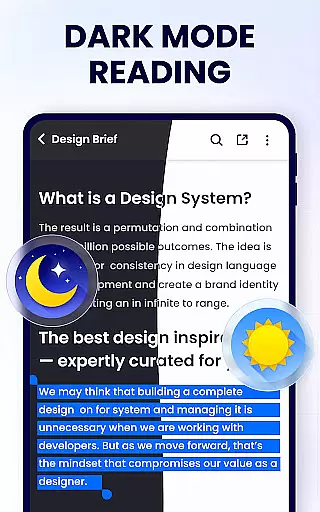
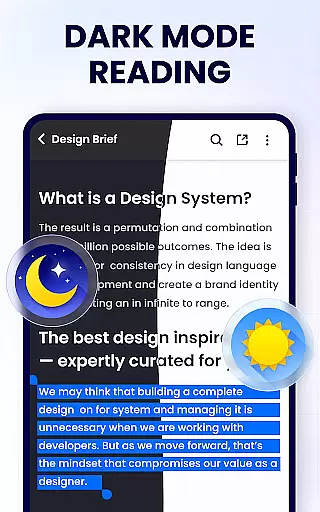
Looking ahead, upcoming features like dark mode, compression tools, form filling capabilities, e-signature support, page management, scanning, and file conversion will further expand the app's utility, solidifying its position as a top choice for Android-based PDF management.
Task management is a critical feature for productivity applications, and PDF Reader - PDF Viewer excels in this area by offering users comprehensive tools to handle their PDF documents efficiently. This app allows you to not only view your PDFs but also manage them with functionalities such as merging, splitting, and renaming files.
The application's ability to auto-search and display all your PDF files ensures that you can quickly access the document you need. Its efficient file organization system provides a simple list view, making it easy to locate, open, and read PDFs without any hassle.
Moreover, the recently opened files list aids in task continuity, allowing users to pick up where they left off without searching through their entire library. With these capabilities, users can streamline their workflow and improve productivity significantly.
By integrating features like bookmarking pages and setting passwords for document protection, PDF Reader - PDF Viewer ensures that managing your tasks within the app is both secure and user-friendly, providing an indispensable tool for anyone who regularly works with PDFs.
Cross-device synchronization is essential for users who operate on multiple platforms and need consistent access to their documents. PDF Reader - PDF Viewer offers reliable synchronization options that ensure your PDF files are accessible across different devices without compromising on quality or speed.
While the app currently supports a wide range of functionalities focused on single-device use, its capacity for sharing documents via social media hints at an infrastructure capable of supporting cross-device interactions. Users can expect timely updates and new features that will enhance synchronization capabilities.
Although direct cloud integration details are not provided in the description, the app's existing features suggest a strong foundation for implementing robust cross-device synchronization. The lightweight nature of the app, just 12MB, indicates efficient coding practices that could facilitate seamless syncing processes.
With anticipated updates including dark mode and smart PDF scanner functionalities, users can look forward to an even more versatile tool for managing their PDF documents across various devices reliably.
User-friendly interface
Comprehensive editing tools
Secure file protection
Efficient document management
Lightweight application size
Limited advanced features currently
Requires additional permissions
Some features may require updates
Interface could be more visually appealing
Occasional bugs reported

 4.20
4.20
Experience Reading - Night Mode for Documents
4.40
Create study competitions, track your hours, and stay consistent with friends
4.0
Mind Map and brainstorm, note taking and idea collection
4.80
IP Camera Viewer - Android TV : RTSP Surveillance camera viewer for Android TV
4.4
The AI assistant that thinks with you - write, code, and solve complex tasks
4.60
Create and edit presentations with Google Slides, part of Google Workspace.
4.00
Code on-the-go with VScode for Android. Edit,debug and collaborate from mobile!!
3.10
Okta MFA
4.70
Native client for Forgejo and Gitea
5.00
Multilingual translator for text, voice, and image translation!
4.90
We're working to become the best machining app on the market! www.cncdirt.com
4.80
Secure, fast, open-source, Remote Desktop Client for Windows and Linux with SSH
4.60
To do list widget with a notebook organizer, checklist, simple shopping list
4.60
Enjoy classic gameplay with customizable features and retro-style graphics.
4.30
Pwnagotchi companion app
4.20
Todo reminder
4.10
Easiest event planning, volunteer signups & parent teacher conference scheduling
2.20
A comprehensive suite of tools designed specifically for Lactation Consultants
4.4


User Reviews