
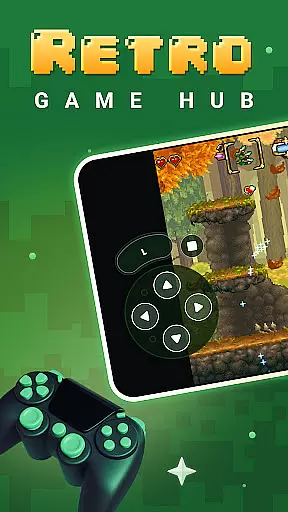
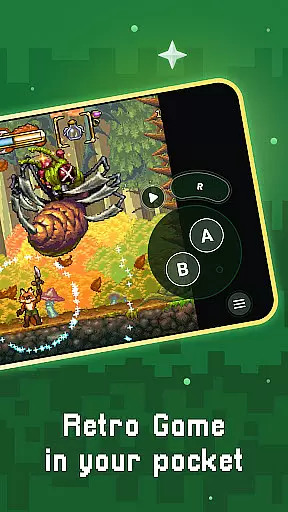
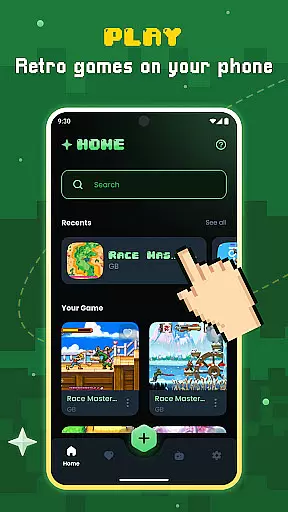
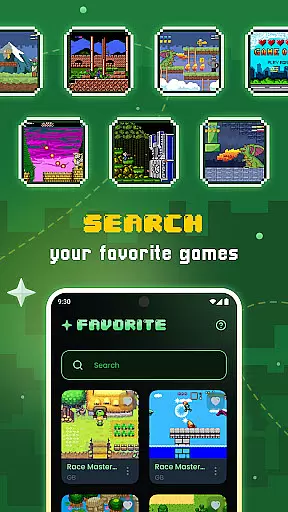
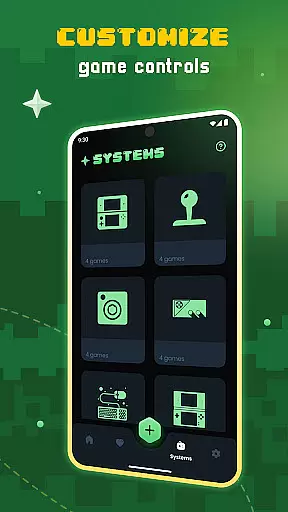
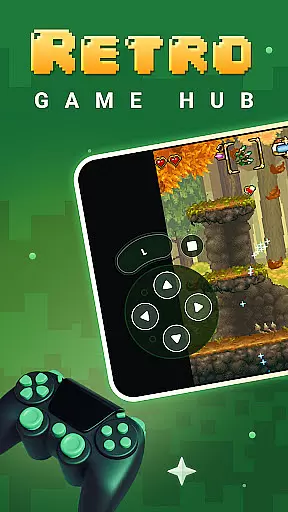
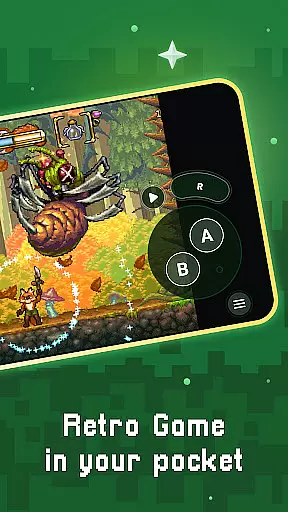
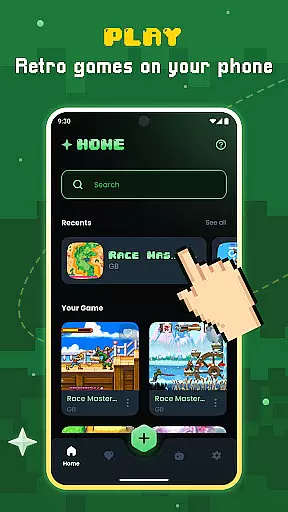
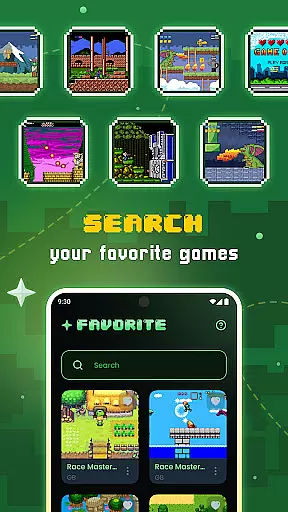
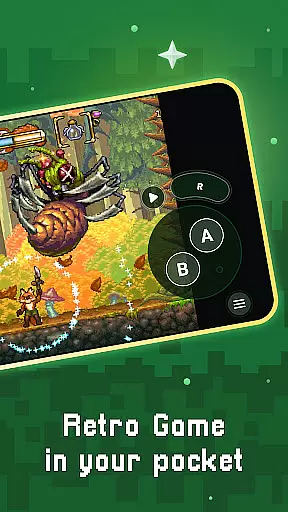
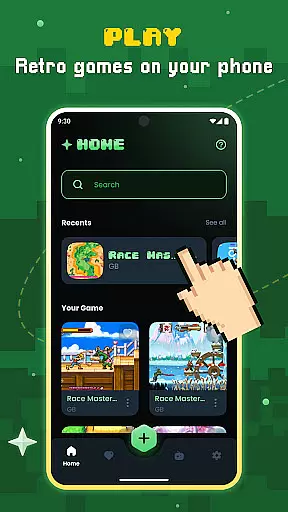
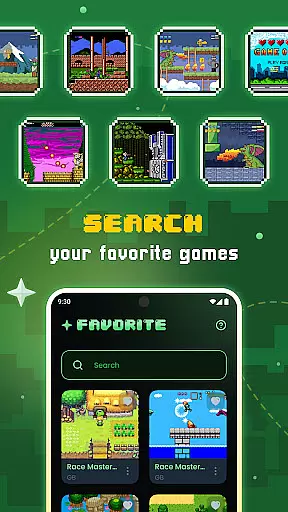
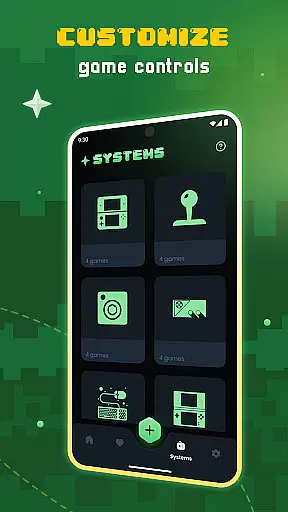
Gamu is a versatile retro gaming platform that allows users to relive classic video game experiences on modern devices. The app supports a wide range of retro game formats and is compatible with multiple systems, including PC, Mac, Linux, Android, and iOS.
One of Gamu's standout features is its ability to integrate external game controllers, organize built-in game libraries, and provide regular updates for performance improvements. Built using the Libretro framework, it offers advanced multimedia capabilities like OpenGL rendering and camera integration, ensuring smooth gameplay across various devices.
Whether you're at home or on the go, Gamu provides a seamless way to enjoy your favorite retro games without interruptions. Its user-friendly interface and customizable options make it an ideal choice for both casual gamers and retro gaming enthusiasts.
Gamu stands out with its comprehensive feature set tailored for retro gaming enthusiasts. The platform supports auto-save and resume functionality, allowing players to pick up where they left off effortlessly. It also includes game file scanning and cataloging, making it easy to manage large game libraries.
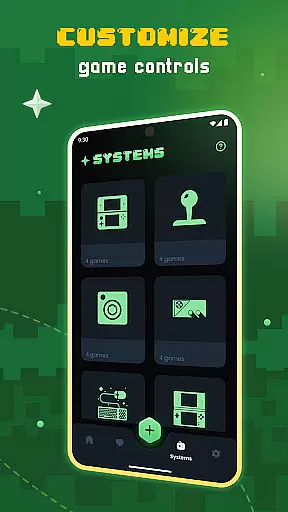
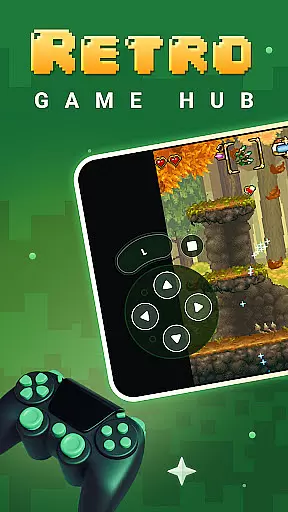
The app optimizes virtual controls for touchscreens while offering quick save/load slots for added convenience. Gamu supports compressed game files (.zip) and provides visual filters to simulate LCD/CRT displays, enhancing the nostalgic experience. With fast-forward mode and controller compatibility, users can customize their gaming sessions according to their preferences.
Additional highlights include motion control (tilt-to-stick), customizable on-screen buttons, cloud sync for saves, and local multiplayer support with multiple controllers. These features collectively create an immersive and flexible gaming environment that caters to diverse user needs.
Task management is a critical aspect of productivity applications, and Gamu excels in this area by offering users an efficient way to organize their gaming library. The app provides automatic scanning and cataloging of game files, ensuring that all your retro games are neatly arranged and easy to access.
Gamu goes beyond simple organization by including features like auto-save and quick save/load slots. These functionalities allow users to seamlessly manage their gaming sessions without worrying about losing progress. The ability to resume games from where you left off enhances the overall user experience, making it ideal for busy individuals who want to enjoy gaming in short bursts.
The app also supports compressed game files, enabling users to save storage space while maintaining an extensive collection of games. With cloud sync for saves, Gamu ensures that your progress is securely stored and accessible across multiple devices. This feature is particularly valuable for users who switch between different platforms, such as mobile and desktop.
By combining these robust task management features, Gamu creates a streamlined environment where users can focus on enjoying their favorite classic games without being bogged down by organizational challenges. The app's thoughtful design makes it a reliable tool for managing both gaming tasks and entertainment preferences.
Cross-device synchronization is essential for modern productivity tools, and Gamu delivers exceptional reliability in this area. By supporting multiple platforms, including PC, Mac, Linux, Android, and iOS, the app ensures that users can access their gaming library regardless of the device they are using. This flexibility allows gamers to transition smoothly between different environments, whether at home or on the go.
One of Gamu's standout features is its cloud sync capability for game saves. This functionality guarantees that your progress is consistently updated across all linked devices, eliminating the frustration of lost data when switching between platforms. Users can start a gaming session on their mobile device during a commute and continue right where they left off on their desktop at home.
In addition to cloud synchronization, Gamu supports external game controllers and customizable on-screen buttons. These features enhance the gaming experience by providing consistent controls across devices. Whether you're using a physical controller or touch-based inputs, Gamu adapts to your preferred play style, ensuring a seamless transition between different hardware setups.
With its commitment to cross-device compatibility and reliable synchronization, Gamu establishes itself as a versatile solution for retro gaming enthusiasts. The app's ability to maintain consistency across various platforms makes it an invaluable tool for users seeking a unified gaming experience.
User-friendly interface
Wide system compatibility
Regular performance updates
Advanced multimedia features
Completely free and ad-free
No included games
Hardware-dependent performance
Limited to retro formats
Requires legal game files
Complex setup for beginners

Client for Nextcloud Deck
 4.60
4.60
Experience real multitasking on your Android!
4.00
Native client for Forgejo and Gitea
5.00
Total remote control for your Android device, PC and cloud services (IFTTT)!
4.20
Secure, fast, open-source, Remote Desktop Client for Windows and Linux with SSH
4.60
All in One PDF Reader: Manage, Read and Edit your Documents
4.20
Tally and goal counter for Wear OS & mobile
4.50
A simple Whisper AI keyboard for reliable speech transcription and rewording
4.60
The ultimate file manager for rooted devices. The original and still the best.
4.00
Great calculator for Android named one of USA TODAY's "25 Essential Apps".
4.90
Seamlessly integrate data and reports to build your presentation to impress
4.80
Subscribe to Webcal & .ics calendars and keep them up-to-date!
4.50
When you Focus, so will your Bean in this cozy focus timer
4.30
Intelligent AI Assistant
4.10
Secure, open-source, SPICE and SSH Remote Desktop for QEMU KVM virtual machines
4.00
Find and delete junk files & block unwanted notifications & manage files
3.70
Easiest event planning, volunteer signups & parent teacher conference scheduling
2.20
IP Camera Viewer - Android TV : RTSP Surveillance camera viewer for Android TV
4.5
A comprehensive suite of tools designed specifically for Lactation Consultants
4.0


User Reviews