
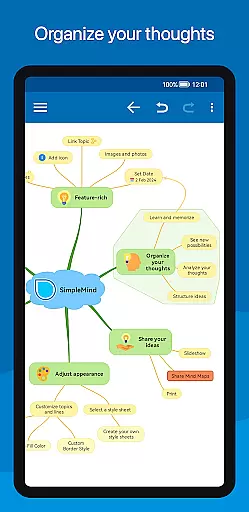
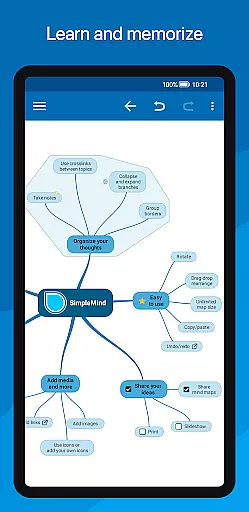
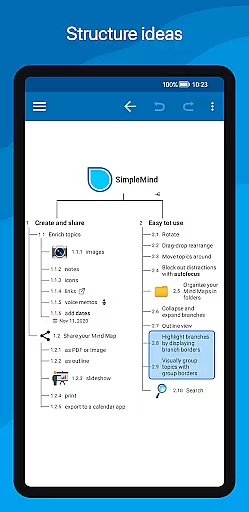
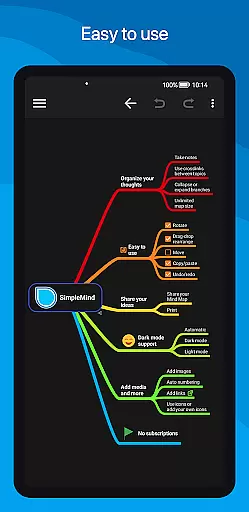
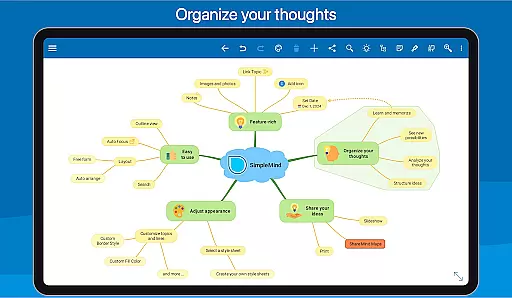
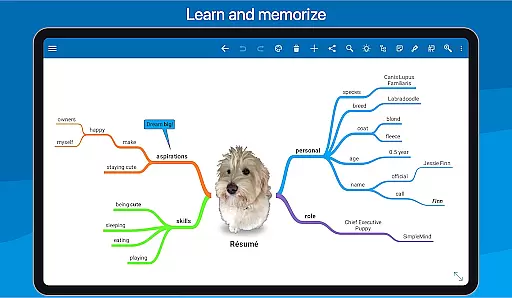
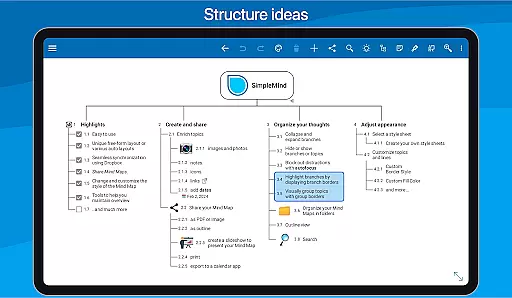
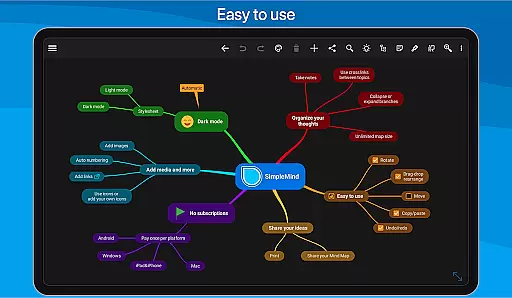
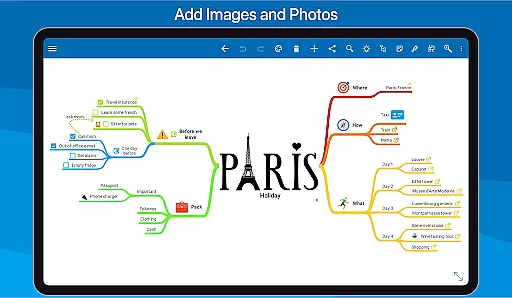
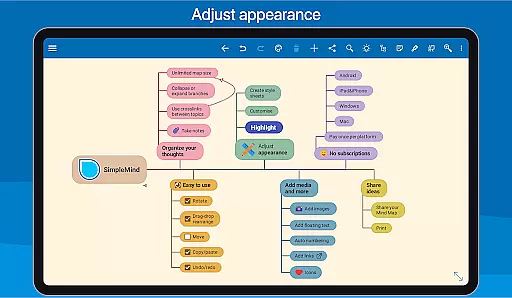
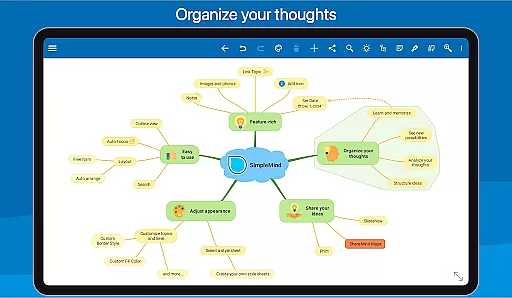
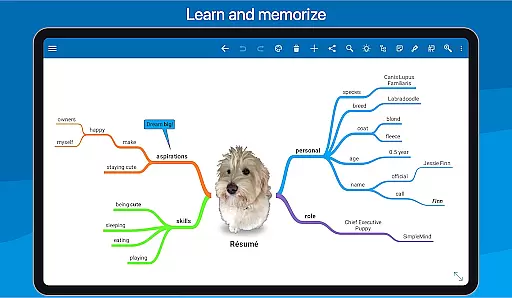
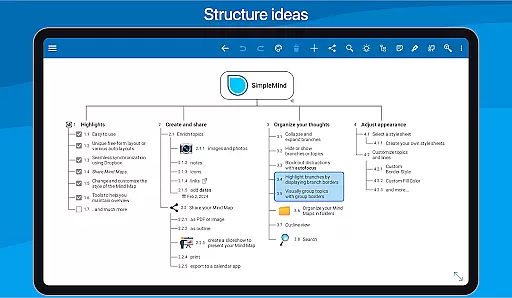
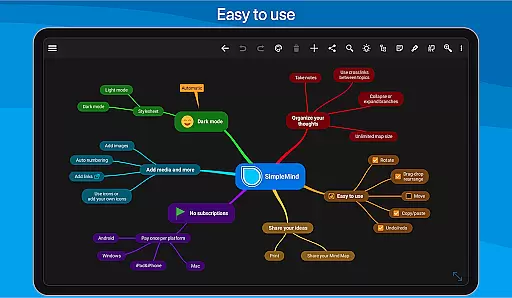
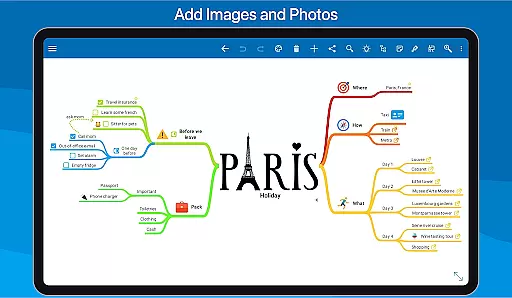
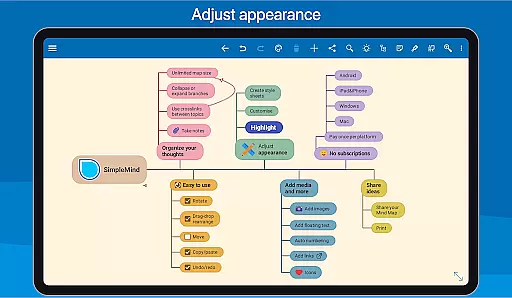
SimpleMind Pro is a premier mind mapping application designed to help users organize thoughts, retain information, and spark new ideas. The app offers an intuitive interface that allows for the creation of mind maps on-the-go, ensuring accessibility whenever inspiration strikes. With cross-platform synchronization capabilities, your mind maps can be seamlessly accessed across various devices, including Windows and Mac systems through separate purchases.
This productivity tool stands out with its unique free-form layout options, diverse auto-layouts, and tools that aid in maintaining an overview of complex projects. Whether you're in business, education, or any professional field, SimpleMind Pro adapts to your needs by offering features such as media integration, sharing capabilities, and customizable styling options, making it a versatile companion for idea generation and project planning.
SimpleMind Pro boasts a comprehensive suite of features tailored to enhance the mind mapping experience. Users can place topics freely or utilize auto-layout functions ideal for brainstorming sessions. The app supports reorganization through drag-and-drop, rotation, and reconnection of topics, alongside practical tools like checkboxes, progress bars, and auto-numbering.
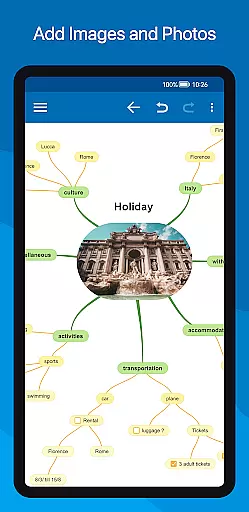
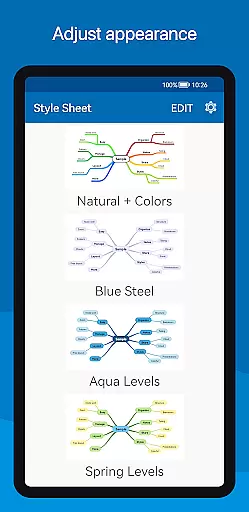
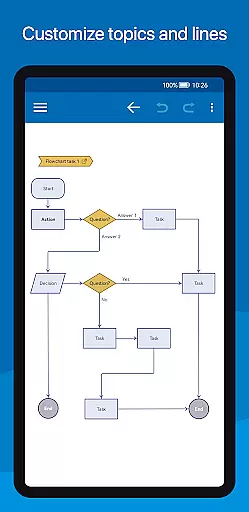
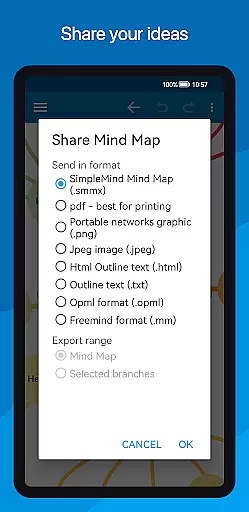
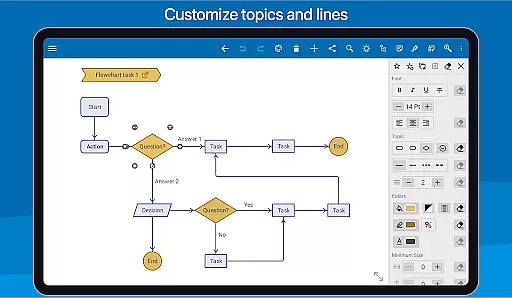
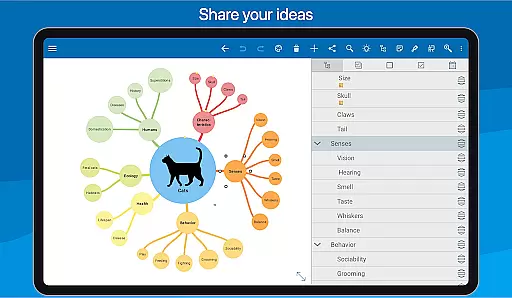
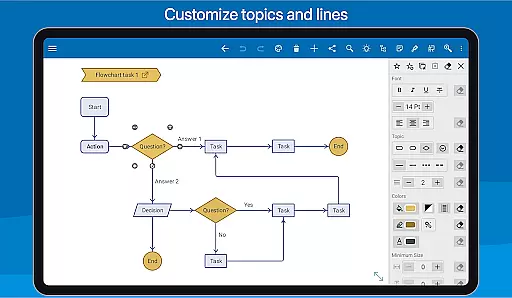
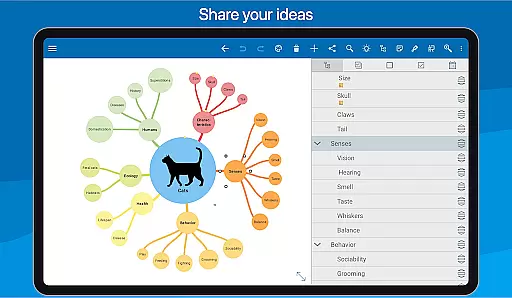
Media enrichment is another highlight, allowing the incorporation of images, notes, icons, links, voice memos, and videos into mind maps. Dropbox synchronization ensures that all mind maps are up-to-date across Android devices and other platforms. Sharing options abound, from exporting as PDFs or images to creating presentations on tablets. Styling is highly customizable with over 15 style sheets and detailed adjustments available, while maintaining an overview is simplified with collapsing branches, autofocus, and visual grouping tools.
SimpleMind Pro excels in core task management by offering a versatile mind mapping experience that helps users organize thoughts and generate ideas effectively. The app provides both free-form and auto layout options, allowing users to place topics anywhere or utilize auto layout for brainstorming sessions.
With features like drag-and-drop reorganization, checkboxes, progress bars, and auto-numbering, the app ensures tasks are easy to manage and track. Users can also connect any two topics with crosslinks and label relations, ensuring a comprehensive overview of task dependencies and relationships.
The virtually unlimited page size and support for multiple mind maps on one page make it an ideal tool for extensive project planning. These capabilities ensure that users can maintain an organized workspace, making task management more efficient and effective.
Cross-device synchronization is a critical feature of SimpleMind Pro, enabling users to sync their mind maps seamlessly across various platforms. By utilizing cloud services like Dropbox, the app ensures that all your devices are updated with the latest changes, providing reliable access to your mind maps wherever you are.
This synchronization extends beyond Android devices, allowing users to maintain consistency with separate purchases for Windows or Mac systems. Such cross-platform support ensures that whether you're at home, in the office, or on the go, your mind maps remain accessible and up-to-date.
Furthermore, sharing options such as PDF or image exports enhance collaboration possibilities. This reliability in synchronization empowers users to work flexibly and efficiently, ensuring that their productivity is not hindered by device limitations.
User-friendly interface
Extensive customization options
Cross-platform sync
Reliable long-term support
Versatile application uses
Premium price point
Separate desktop purchase
Feature overload for beginners
Limited free version
Occasional sync issues

AI Video AI Image Private LLM AI Browser Llama Gemma Ollama Connect LLM Studio
 4.3
4.3
Auto-shutoff Alarm with Sunrise, Sunset & Fixed Options.
3.50
Native client for Forgejo and Gitea
5.00
Create study competitions, track your hours, and stay consistent with friends
4.2
Remotely view listen control and record cameras.
3.70
Easiest event planning, volunteer signups & parent teacher conference scheduling
2.20
Quickly and easily keep track of your work shifts
4.70
Lightweight PDF, Word, Excel reader.
4.60
Simple notepad & memo. Take notes, to-do list, shopping list with reminders.
4.80
Android Wallet Password Manager
4.80
We're working to become the best machining app on the market! www.cncdirt.com
4.80
The long-awaited modern gallery app for your Nextcloud server
4.70
A beautiful digital clock with autostart and many other functions
4.70
To do list widget with a notebook organizer, checklist, simple shopping list
4.60
Device's storage information in a simple and clear graphical form (infographics)
4.10
Todo reminder
4.10
Experience real multitasking on your Android!
4.00
Customizable calendar widget for seamless event sync, planning & scheduling.
4.00
A Revolutionary All-in-One Artificial Intelligence Tools
3.80


User Reviews