
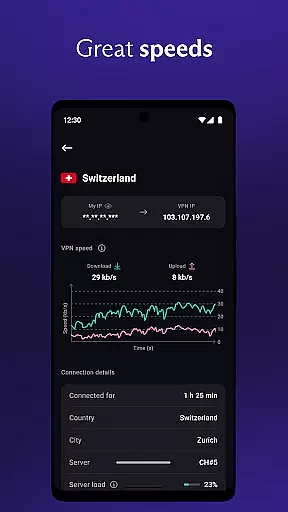

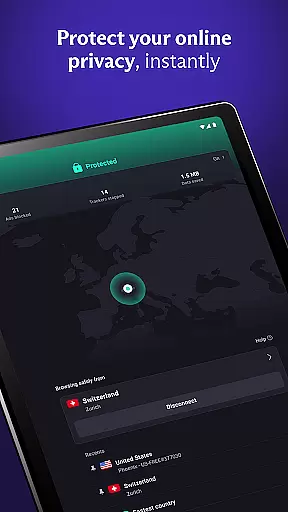
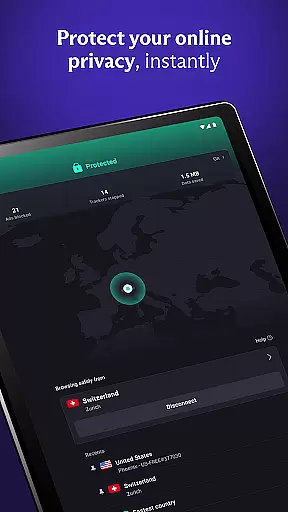

Proton VPN is a privacy-focused virtual private network application developed by the team behind Proton Mail, the world's largest encrypted email service. This free and secure VPN solution offers unlimited data access with no speed or bandwidth restrictions while maintaining a strict no-logs policy. Its advanced security features include full-disk encrypted servers, DNS leak protection, perfect forward secrecy, and an always-on VPN function that prevents accidental disconnections.
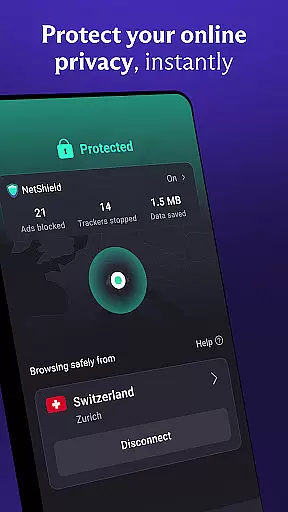
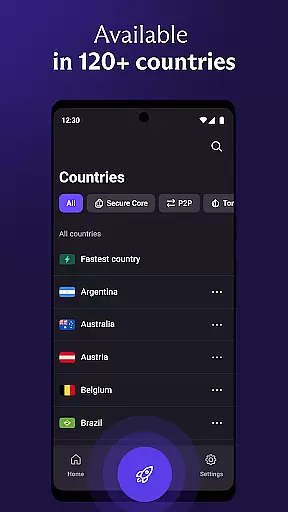
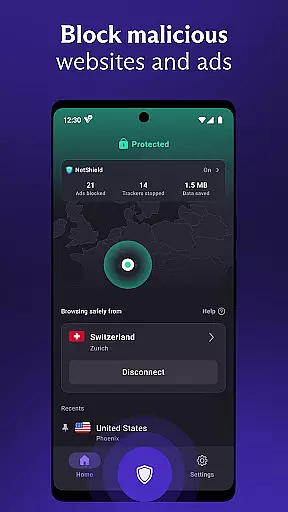
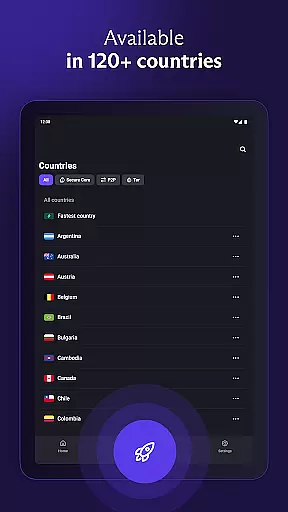
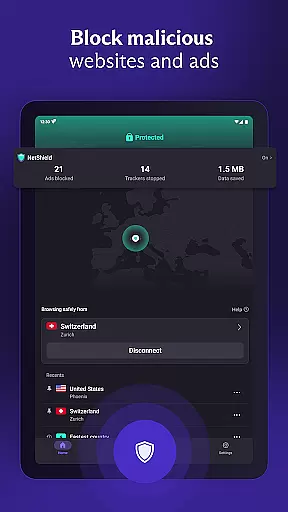
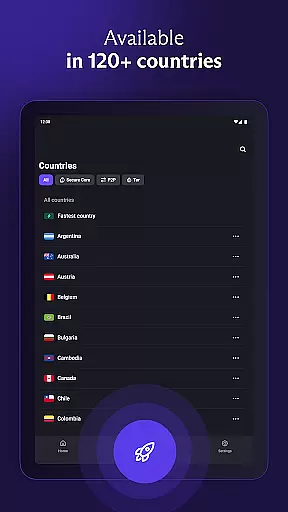
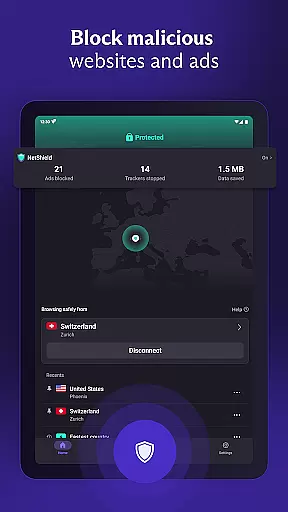
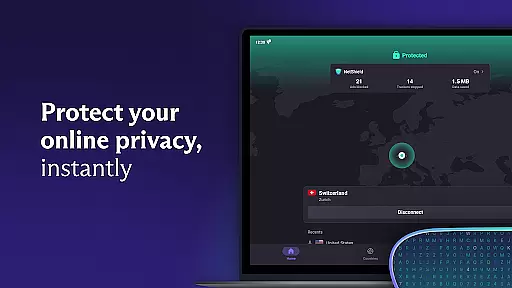
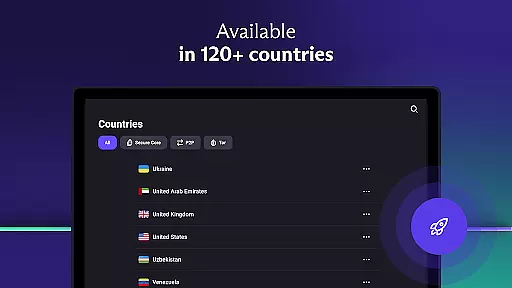
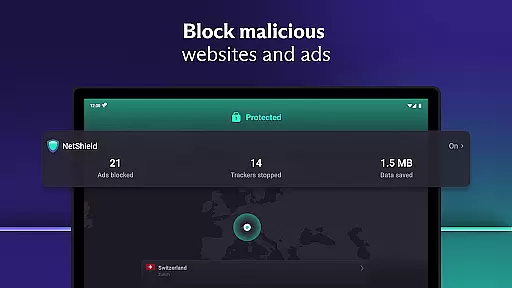
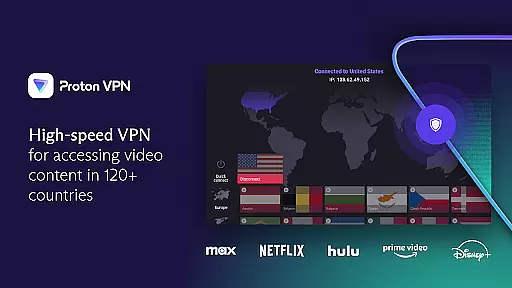
The app provides both free and premium tiers, allowing users to bypass geo-restrictions, protect their online activities on public Wi-Fi, and access blocked content securely. With over 15,000 high-speed servers across 126 countries, Proton VPN supports fast browsing, streaming, and file-sharing. It also includes unique features like NetShield, which blocks ads and malware, and Secure Core architecture for enhanced protection against network-based attacks.
Proton VPN is ideal for users seeking robust online privacy without compromising speed or usability. Whether you're accessing restricted content, securing your connection on public networks, or simply protecting your personal data, this app ensures a reliable and private internet experience.
Proton VPN stands out with its comprehensive set of features designed to maximize user privacy and security. One of its core strengths is the strict no-logs policy, ensuring that your browsing history and personal data remain private. The app uses advanced encryption protocols such as OpenVPN and WireGuard, along with AES-256 and 4096 RSA encryption, to safeguard your internet traffic from potential threats.
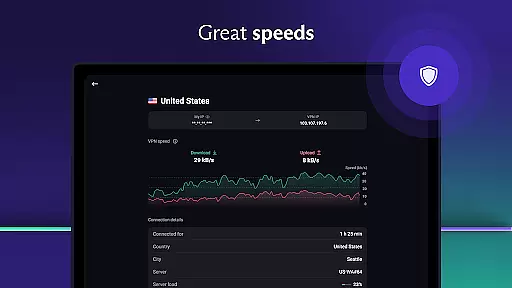
For users seeking enhanced performance, Proton VPN offers innovative tools like VPN Accelerator, which boosts connection speeds by up to 400%. Additionally, the app supports multi-hop connections through Secure Core servers, providing an extra layer of anonymity. Other notable features include split tunneling, discreet app icons to hide the presence of the VPN, and NetShield—a built-in ad blocker and malware protector that enhances browsing safety.
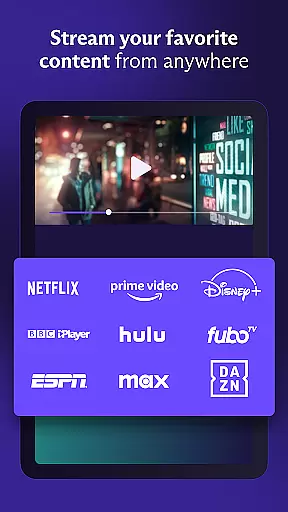
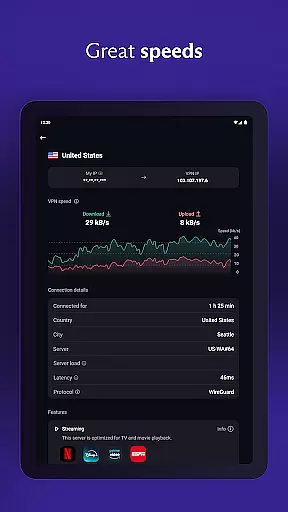
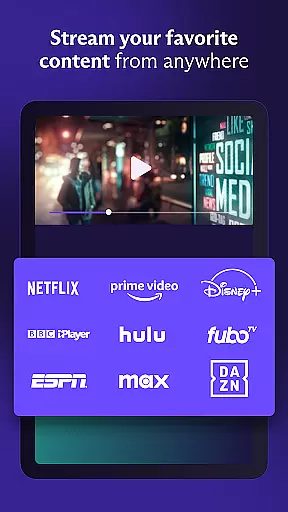
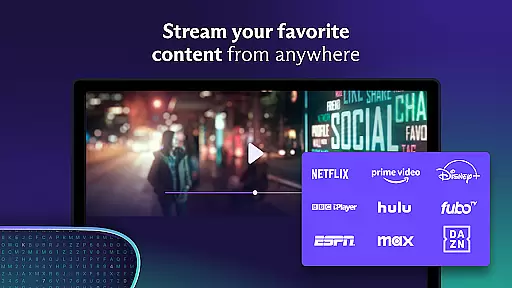
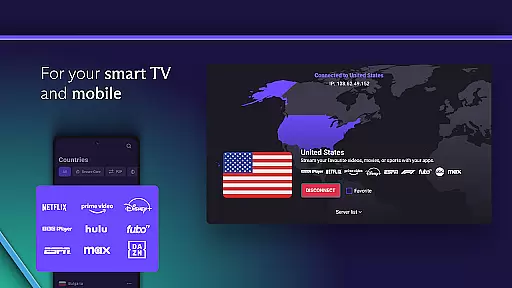
Premium subscribers benefit from access to 15,000+ global servers, support for up to 10 simultaneous device connections, and the ability to stream content on platforms like Netflix and Hulu without interruptions. These features collectively make Proton VPN one of the most versatile and secure options available in the Tools category.
Proton VPN excels in delivering core functions with remarkable accuracy and effectiveness, ensuring users experience secure and private internet access. The app employs advanced protocols like OpenVPN and WireGuard, which are proven to be highly secure, thus maintaining a robust encrypted connection for all online activities.
The effectiveness of Proton VPN is further enhanced by its unique features such as Perfect Forward Secrecy, which ensures that encrypted traffic cannot be captured and decrypted later, adding an extra layer of security. Additionally, the strict no-logs policy guarantees that user privacy is maintained, as browsing history is not recorded, providing peace of mind for users concerned about their digital footprint.
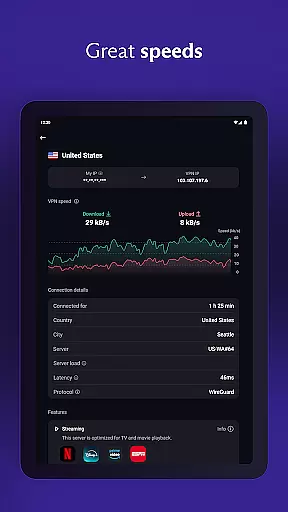
Another significant aspect is the unlimited data access offered without bandwidth or speed restrictions, even in the free version. This allows users to browse, stream, and download without worrying about exhausting their data limit or experiencing throttled speeds. Such functionality ensures that Proton VPN stands out in delivering reliable and unrestricted internet access.
Moreover, the inclusion of DNS leak protection and an always-on VPN feature acts as a kill switch, preventing accidental disconnections from exposing user activity. These measures highlight Proton VPN's commitment to accuracy and effectiveness in safeguarding user data and privacy, making it a trustworthy choice for anyone seeking a dependable virtual private network solution.
Proton VPN offers an interface that prioritizes simplicity and intuitiveness, making it accessible even for users who may not be tech-savvy. The design focuses on ease of use, featuring a straightforward layout where essential functions are easily accessible, ensuring that users can quickly connect to a server with minimal hassle.
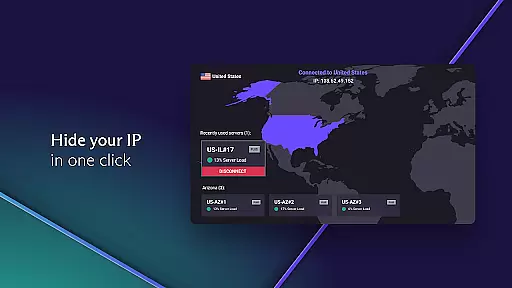
A key component of this intuitive design is the 'Quick Connect' button, which allows users to secure their internet connection with just one click. This feature is particularly useful when connecting to public Wi-Fi hotspots, where security risks are prevalent. By simplifying the process, Proton VPN ensures that users can protect their data without needing extensive technical knowledge.
Furthermore, the app provides discreet options such as an inconspicuous app icon, helping to maintain privacy on the user's device. Such thoughtful additions demonstrate Proton VPN's dedication to creating an environment where privacy is seamlessly integrated into the user experience without drawing unwanted attention.
Lastly, multi-platform support across Android, iOS, Windows, macOS, and Linux ensures that the simple and intuitive interface is consistently available, regardless of the device being used. This cross-platform uniformity enhances the overall user experience, allowing individuals to enjoy secure internet access on their terms, with minimal learning curve involved in managing their privacy settings.
Free unlimited usage
No logs policy
Advanced encryption
Multi-platform support
High-speed servers
Limited free servers
Premium costs involved
Complex settings
Occasional slowdowns
Ads in free version

pdf merge, word to pdf, jpg to pdf, edit pdf, convert to pdf and much more!
 4.20
4.20
HD Camera captures every special moment.
4.60
Fluid navigation gestures for all of us!
4.30
Family Locator, Share location, StayConnect with your family in real time
3.90
Quickly & easily calculate the spacing of handrail balusters
4.20
WiFi Signal Strength Meter help you detect WiFi Signal Strength in real time.
4.80
Planner and Tracker for Stardew Valley
4.60
Screen Mirroring with sound for Samsung TV, LG TV, Sony TV, Smart TV and Browser
4.20
Clean up your phone, find files, play media, and share files offline
4.50
Optimize your WiFi network, turn your phone into Wifi Analyzer
4.70
ADB support Android 4.X-Android 13(Support wireless pair mode).No root required!
4.70
The Ultimate Flex Drivers Utility App - Convenient Tapping & Block Filters
4.70
App to pay for FUTO Keyboard
4.60
Making emulation easy for everyone!
4.30
Carry a FTP server in your pocket and avoid USB cables for file transfer
4.20
MS-DOS in your pocket. Play old DOS games anywhere you are ;)
4.10
Unleash gamepad precision for ultimate mobile gaming dominance.
3.90
Create your own custom widget with endless possibilities
3.90
Undelete and recover your lost or deleted files with DiskDigger!
3.40


User Reviews