
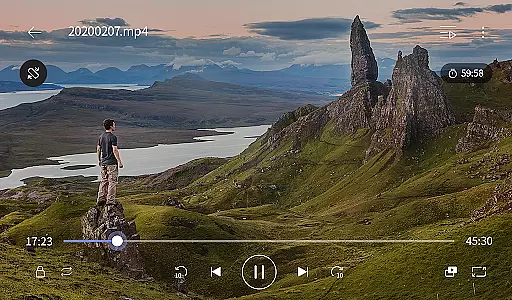
KMPlayer Plus (Divx Codec) is a versatile video player that supports Divx codec, making it ideal for users who need to play various video formats. The app offers high-definition video playback including HD, 4K, and 8K resolutions, ensuring an excellent viewing experience.
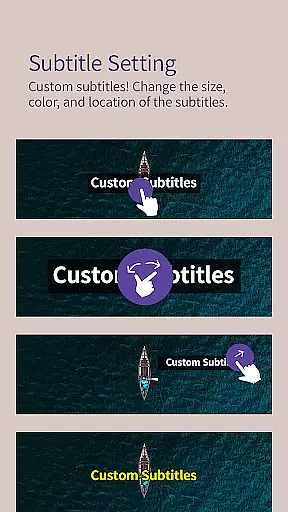
With advanced features like color adjustment, zoom functionality, and section repeat, KMPlayer Plus provides users with tools to customize their video playback. Additionally, the app supports a wide range of subtitle formats, enhancing accessibility for all users.
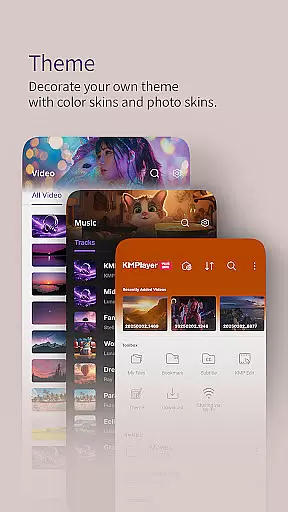
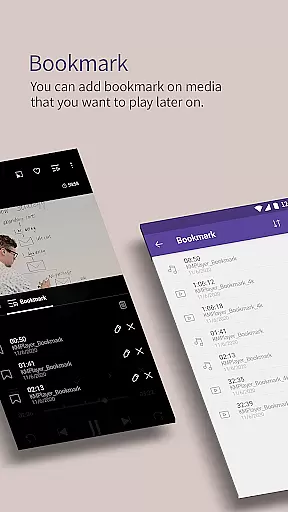
The app boasts a comprehensive set of media player functions such as bookmarking, brightness and contrast adjustments, and video zoom. Users can also enjoy speed control up to 0.25 ~ 4 times, alongside beautiful UI design for both music and video playback.
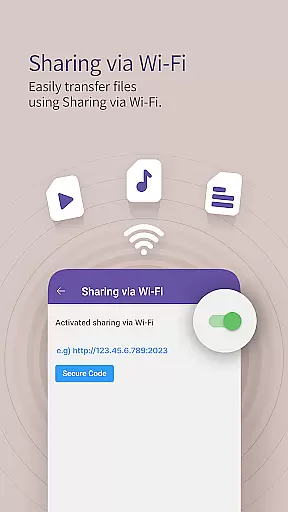
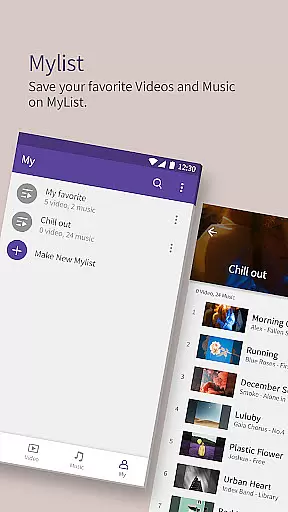
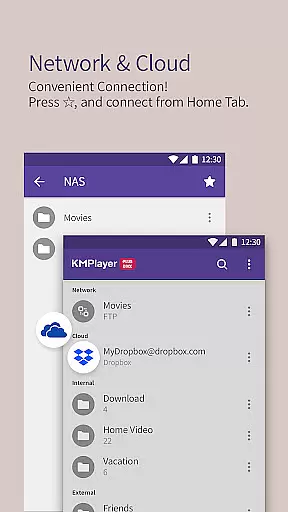
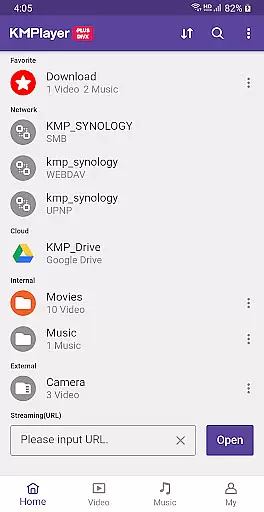
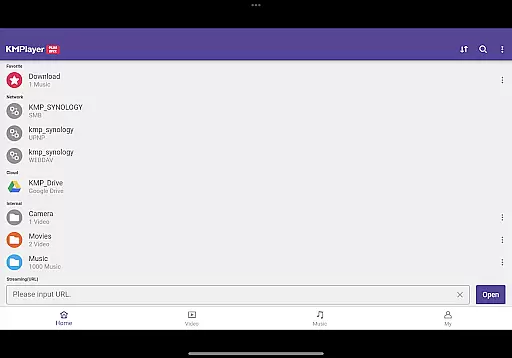
Beyond basic playback, KMPlayer Plus includes sharing via Wi-Fi, search capabilities, playlist creation, and support for external storage devices. Network connectivity options like FTP, UPNP, and SMB allow seamless integration with private servers and cloud services.
Video format compatibility is a crucial feature for any video player, ensuring that users can enjoy a wide range of media files without technical limitations. KMPlayer Plus (Divx Codec) excels in this area by supporting an extensive list of codecs and file formats.
The application officially supports Divx codec, catering to Avi and MKV files with specific codecs like DXMF, DX50, DIVX, DIV4, DIV3, and MP4V. This ensures smooth playback of high-quality videos, including HD, 4K, 8K, UHD, and Full HD content. Additionally, the app provides comprehensive support for various subtitle formats such as DVD, DVB, SSA/ASS Subtitle Track, SubStation Alpha (.ssa/.ass), SAMI (.smi), SubRip (.srt), MicroDVD (.sub/.txt), VobSub (.sub/.idx), SubViewer2.0 (.sub), MPL2 (.mpl/.txt), TMPlayer (.txt), Teletext, PJS (.pjs), and WebVTT (.vtt).
By offering compatibility with external storage devices and network protocols like FTP, UPNP, SMB, and WebDAV, KMPlayer Plus allows users to access and play their media files from different sources seamlessly. The inclusion of cloud services such as Dropbox and OneDrive further enhances accessibility, making it a versatile tool for all video playback needs.
AI-powered editing features are revolutionizing the way users interact with their media files, providing advanced tools that simplify complex tasks. KMPlayer Plus (Divx Codec) incorporates several intelligent functionalities that enhance user experience through smart editing capabilities.
One standout feature is the ability to crop both video and audio files effortlessly. Users can select their desired sections and make precise cuts, allowing for customized media content tailored to individual preferences. Additionally, the MP3 Converter function enables users to extract and convert audio from video files into MP3 format quickly and easily, streamlining the process of creating personalized music tracks.
The GIF toast feature adds a creative touch by allowing users to generate dynamic GIF images from their favorite videos. This innovative tool lets users capture and share memorable moments in a visually appealing format. Furthermore, the VIP theme option empowers users to design unique themes using photos from their smart devices, adding a personal flair to the playback interface. These AI-driven enhancements not only improve usability but also offer new ways to engage with multimedia content.
User-friendly interface
Wide codec support
Advanced playback controls
Comprehensive subtitle support
Cloud service integration
Limited free trial
Subscription required for VIP features
Some codecs not supported
Ads in free version
Complex settings for beginners

Auto video maker with music & exclusive filters. Video editing made simple.
 4.50
4.50
Support 1000+ Video Format, Subtitle Download, mp3 & Background Play, Cast On TV
4.60
Video player with powerful streaming playback and various convenient features.
2.10
Watch IPTV on your Android device
4.60
Browser + Remote for Roku to stream webvideos, online movies and livestreams
4.60
Powerful video player with advanced hardware acceleration and subtitle supports
4.20
Livestream, news, & gaming content. Watch, chat, and upload. Join Rumble today!
3.80
Screen recorder with audio to take live videos & Screenshot in high quality!
4.70
Video player with 4K & 1080P support, popup play, background play and subtitle.
4.20
Watch a large amount of high-definition short drama content
4.60
VLC for Android is the best open source video and music player, fast and easy!
4.10
1)AirPlay/DLNA Mirroring/Streaming, up to 4 connections; 2)Samba/NAS/DMS Player.
4.00
Stream Web Videos to Chromecast, Samsung, LG, Sony, Roku, Fire TV, DLNA + more
4.00
Online Videos Player
3.90
Kodi media center, a free and open source cross-platform entertainment hub
3.60
Download videos easily & play them all in one smart, powerful video manager.
3.40
IPTV Player - Watch live TV from m3m & m3u8 playlist, stream IPTV on mobile
3.30
Client application for NextPVR software
3.00
You can play SWF format file!
2.50


User Reviews