
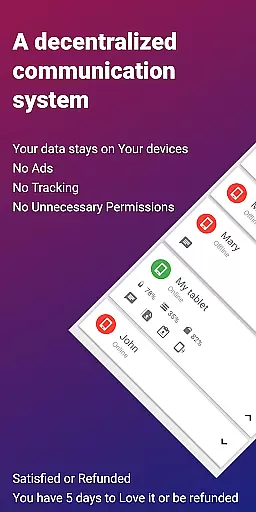
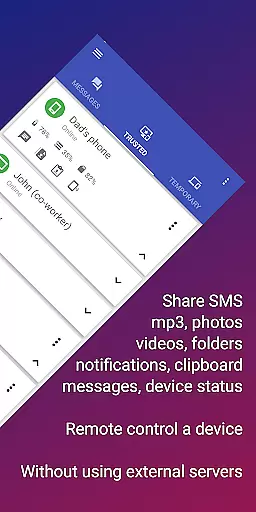
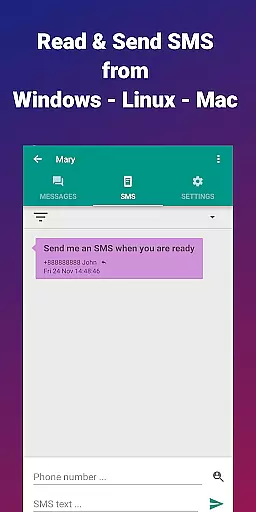
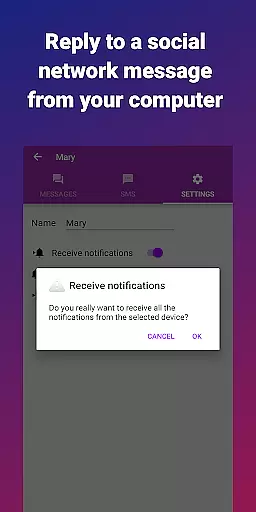
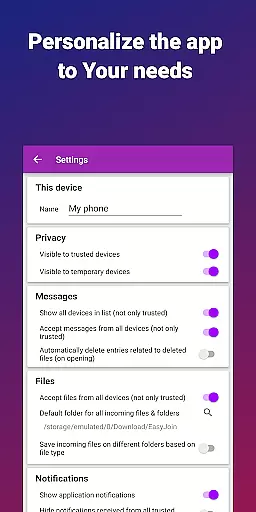
EasyJoin is a productivity-focused application designed to seamlessly connect your devices and transfer files instantly without relying on cloud services, advertisements, or tracking mechanisms. The app enables users to send files, sync clipboards and SMS, read notifications, and control devices using only their local network, ensuring privacy and encryption of data.
With key features like fast file transfer between devices, clipboard synchronization across multiple platforms, peer-to-peer encrypted sharing, remote notifications and SMS management, remote control functionality, local network messaging, and cross-platform support, EasyJoin offers a comprehensive solution for personal and team productivity needs. It is perfect for reading and sending SMS from your computer, transferring files between phone and computer, copying-pasting text across devices, offline file sharing, and replacing ad-based apps with a secure, local alternative.
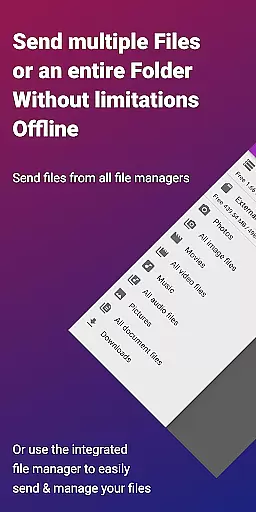
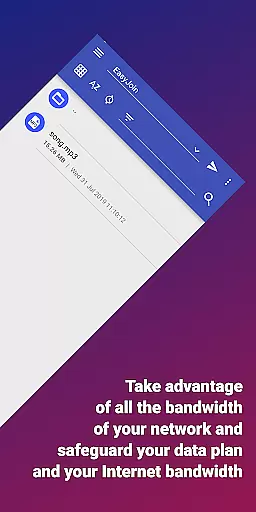
EasyJoin stands out with its innovative features tailored to enhance productivity while maintaining user privacy. One of the core functionalities is the fast file transfer capability that allows users to send photos, videos, documents, and folders instantly between devices such as phones, PCs, and tablets without requiring an internet connection, cloud storage, or external servers.
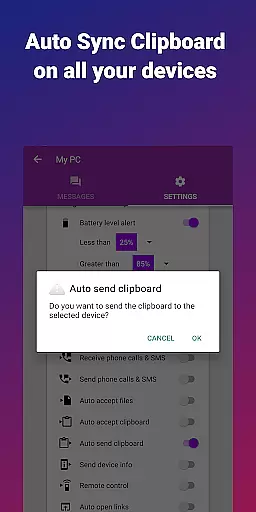
The clipboard sync feature enables users to copy content on one device and paste it on another, supporting cross-platform operations including Android, Windows, macOS, iPhone, iPad, and Linux. Peer-to-peer encrypted sharing ensures all data stays within the local network with end-to-end encryption, providing security you can trust. Remote notifications and SMS functionalities allow users to read and respond to phone messages or notifications directly from their computers, enhancing convenience and efficiency.
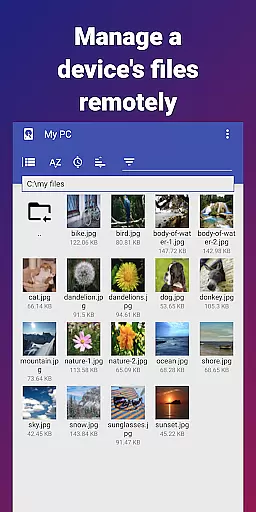
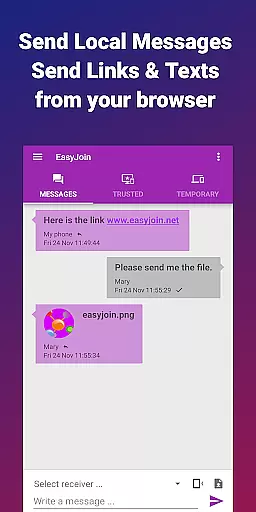
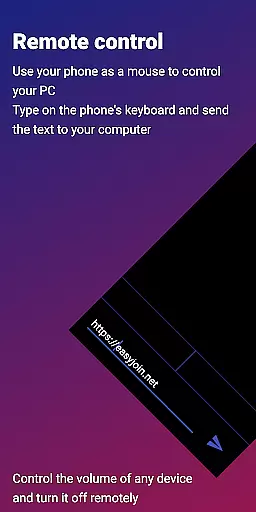
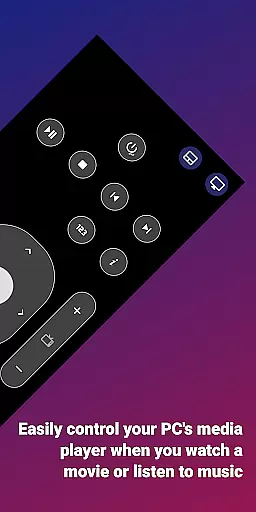
Additionally, EasyJoin offers remote control and input options, allowing users to use their phones as keyboards or mice for PCs or control their phones from computers. Local network messaging facilitates secure communication between linked devices without external services, and cross-platform support extends to desktop apps for Windows, macOS, Linux, and browser extensions. With a privacy-first approach, EasyJoin ensures no accounts, cloud storage, ads, or trackers are involved, keeping user data private and secure.
Task management is a critical aspect of productivity applications, and EasyJoin excels in this area by offering a suite of features that streamline the way you handle your daily tasks. The app allows for seamless file transfers, clipboard syncing, and even SMS management across multiple devices, all without the need for cloud services or external servers.
EasyJoin's implementation of task management includes the ability to send files between devices instantly, copy on one device and paste on another, and manage phone notifications from a computer. This cross-platform support ensures that whether you're using an Android, Windows, macOS, iPhone, iPad, or Linux device, you can maintain productivity without missing a beat.
The user benefits of EasyJoin's task management capabilities are numerous. Users can enjoy a private and encrypted environment where all data stays on their local network, ensuring privacy and security. With end-to-end encryption, users can trust that their photos, documents, and messages remain accessible only on their devices.
Ultimately, EasyJoin's approach to task management provides significant value to its users by enhancing connectivity and efficiency across their devices. It eliminates the need for internet-based solutions, promoting a more secure and direct method of managing tasks and communications within a local network setting.
Cross-device synchronization is essential for maintaining workflow continuity and ensuring that all your devices reflect the latest changes and updates. EasyJoin addresses this need by providing reliable synchronization features that work over a local network, ensuring that your data is always up-to-date across your devices.
The app achieves synchronization reliability through its peer-to-peer encrypted sharing feature, which keeps all data within the local network. Whether it's syncing clipboards, sending files, or managing remote notifications, EasyJoin ensures that these actions are performed with precision and consistency.
Users benefit from this reliable synchronization as it allows them to read and respond to phone messages or notifications directly from their computer, use their phone as a keyboard or mouse for their PC, or control their phone from their computer. This level of integration enhances productivity and convenience, making it easier to manage multiple devices as if they were one.
By focusing on synchronization reliability, EasyJoin offers a compelling solution for users who require a dependable and efficient way to keep their devices in sync. With no need for cloud services or external servers, EasyJoin provides peace of mind knowing that your data remains private and secure while being effortlessly synchronized across your devices.
Fast file transfer
Clipboard sync
P2P encryption
Cross-platform
No subscriptions
Limited to LAN
One-time cost
No cloud backup
Complex setup
Fewer integrations

Take control of your clipboard with Clipper!
 3.90
3.90
Native client for Forgejo and Gitea
5.00
Ads Free App! Editor, Hide File, Copy, Move, Delete and Rename.. all facility av
1.70
Mega cloud explorer plugin for Solid Explorer
3.80
Wake up & get tasks done! Add alarms & reminders on the Clock Launcher.
4.00
aCalendar+ makes your day, week and month
4.70
App Lock with fingerprint, password: Lock apps & hide photos with lock screens
4.60
Secure, open-source, SPICE and SSH Remote Desktop for QEMU KVM virtual machines
4.00
AT&T Internet customers can use this app to personalize their Wi-Fi network.
4.40
Multilingual translator for text, voice, and image translation!
4.90
Planet Free VPN - The best Fast Unlimited and Secure VPN Without Logs
4.50
Experience Reading - Night Mode for Documents
4.40
Enjoy classic gameplay with customizable features and retro-style graphics.
4.30
Easily read and manage all your PDF files
4.10
Create and edit presentations with Google Slides, part of Google Workspace.
4.00
Find and delete junk files & block unwanted notifications & manage files
3.70
ID.me Authenticator is a simple and free Two Factor Authentication solution
3.50
Easiest event planning, volunteer signups & parent teacher conference scheduling
2.20
A comprehensive suite of tools designed specifically for Lactation Consultants
4.1


User Reviews