
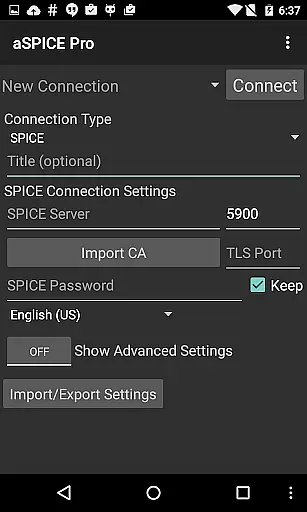
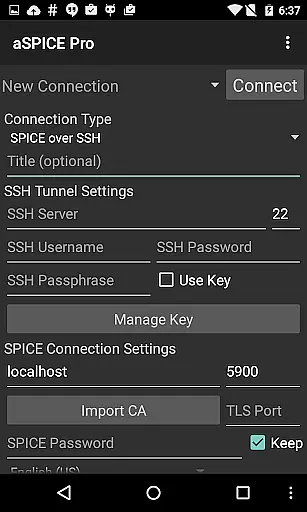
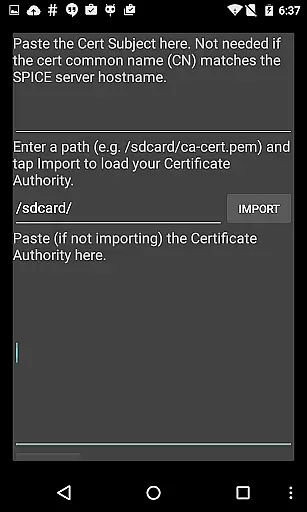
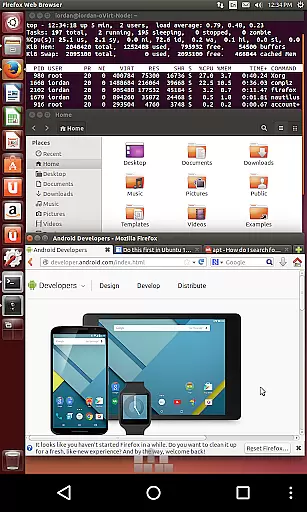
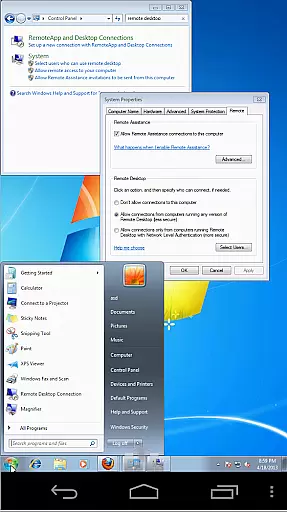
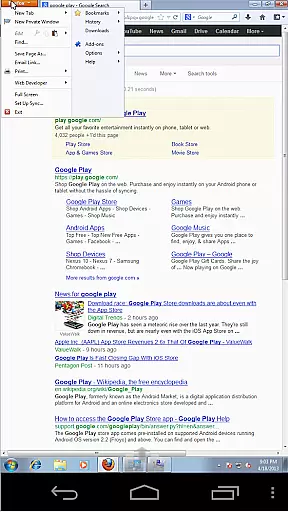
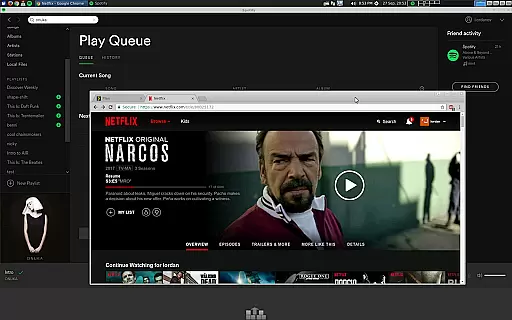
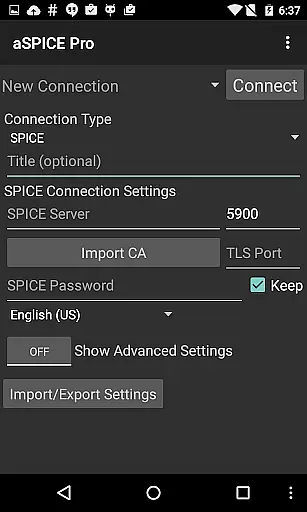
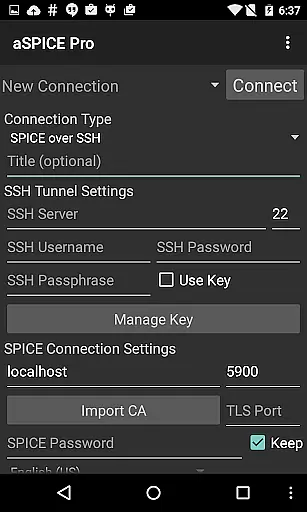
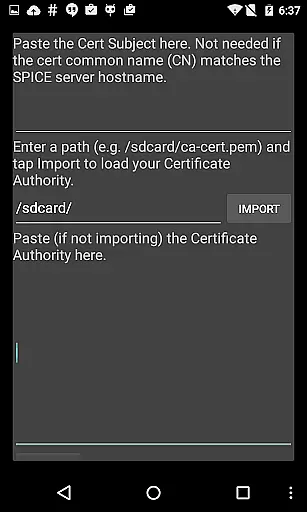
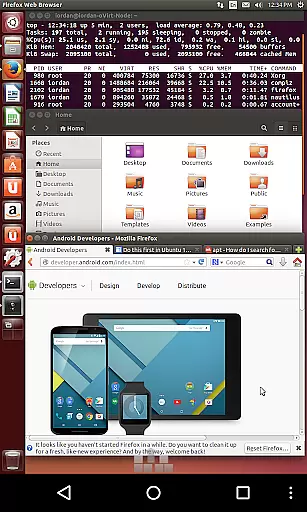
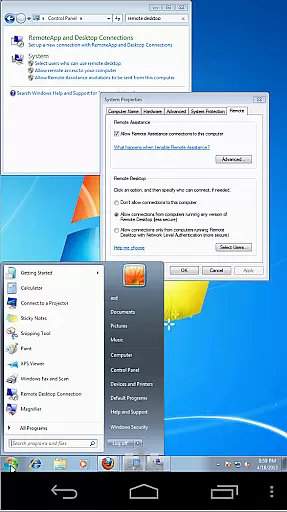
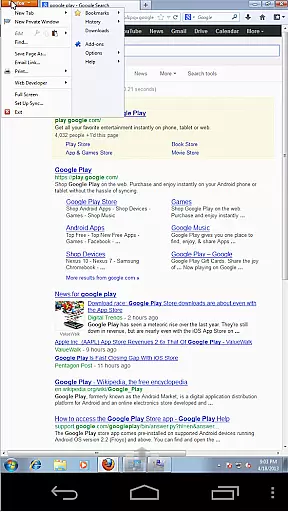
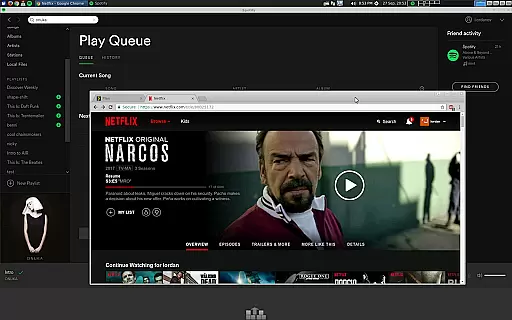
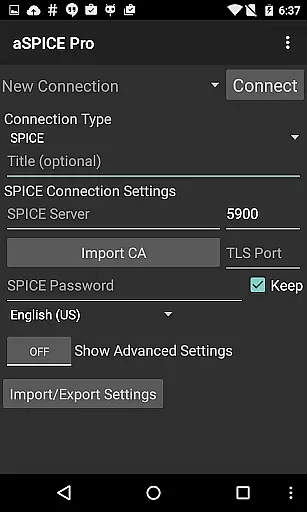
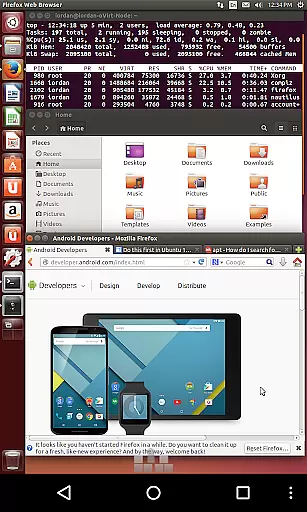
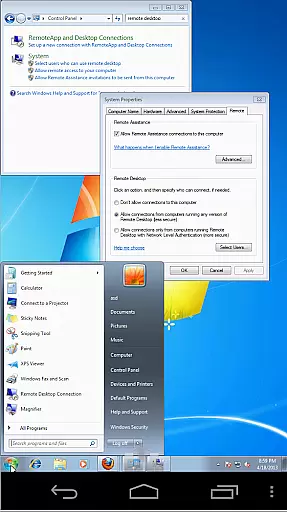
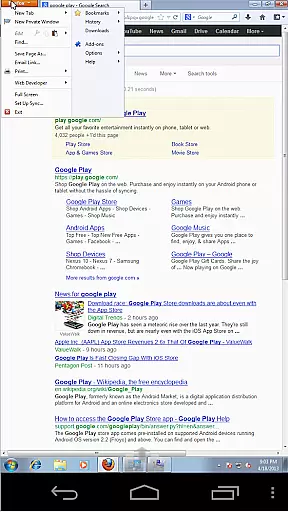
aSPICE Pro Secure SPICE Client is a powerful productivity tool designed for users who need secure and efficient remote access to virtual machines. This application supports the SPICE protocol, making it possible to control any SPICE-enabled QEMU virtual machine regardless of the guest operating system.
With features like Master password support, MFA/2FA SSH authentication, and USB redirection, aSPICE ensures both security and versatility. The app also offers multi-touch controls, dynamic resolution changes, and full rotation support, providing an adaptable user experience across different devices and orientations.
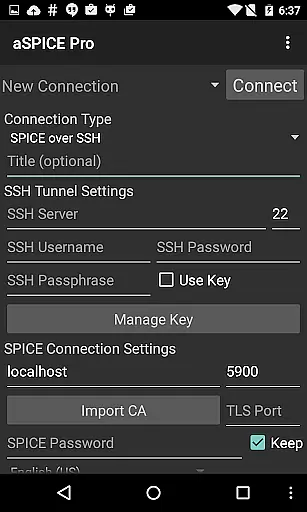
Whether you're managing servers or working remotely, aSPICE Pro allows seamless interaction with virtual environments through its intuitive interface and robust connectivity options. Its ability to work over SSH tunneling adds another layer of security, ideal for reaching machines behind firewalls.
aSPICE Pro stands out with its comprehensive feature set tailored for productivity. One of the key highlights is its support for multi-touch control, enabling natural gestures such as tap-to-click and pinch-to-zoom. These gestures make navigation smooth and efficient, mimicking desktop-like interactions on mobile devices.
The app provides extensive input options including simulated touchpad modes and stowable on-screen keys like Ctrl/Alt/Tab/Super. It also supports external hardware keyboards and advanced keyboard layouts, catering to power users who demand precision and flexibility in their workflow.
Security is at the core of aSPICE Pro, offering SSH tunneling, master password management, and MFA/2FA authentication. Additionally, automatic session saving and scaling modes enhance usability by allowing users to pick up right where they left off, ensuring consistent performance across various screen sizes and orientations.
In the realm of productivity applications, core task management is pivotal for organizing and prioritizing work efficiently. aSPICE Pro Secure SPICE Client excels in this area by offering users comprehensive control over SPICE-enabled virtual machines, regardless of the guest operating system. This application supports multi-factor authentication and master password features, ensuring that your virtual environments are not only accessible but also secure.
With capabilities such as USB redirection, audio support, and dynamic resolution changes, aSPICE allows users to adapt their workspace according to the task at hand. The ability to reconfigure desktop settings while remaining connected to a virtual machine highlights its robust approach to task management. These features collectively enable users to maintain high levels of productivity without compromising on security or functionality.
Furthermore, aSPICE's implementation of SSH tunneling adds an extra layer of protection, particularly useful when accessing machines behind firewalls. By providing various scaling modes and input methods, including touchpad simulation and single-handed input, it ensures that users can interact with their virtual environments in a manner that best suits their workflow. Such flexibility is crucial for managing complex tasks across different platforms and devices.
Cross-device synchronization is essential for maintaining consistency and reliability across multiple platforms, especially in productivity tools like aSPICE Pro Secure SPICE Client. This application guarantees seamless transitions between iOS, Mac OS X, and Android devices by leveraging advanced technologies such as MFA/2FA SSH authentication and automatic connection session saving. As a result, users experience uninterrupted access to their virtual machines, irrespective of the device they are using.
The integration of multi-touch controls and full mouse support on Android 4.0+ enhances the precision and ease with which users can manage remote sessions. Whether performing simple clicks or executing more intricate gestures like pinch-zooming and scrolling, aSPICE ensures that these actions are accurately replicated across all synchronized devices. This level of detail in cross-device interaction significantly boosts user confidence and efficiency.
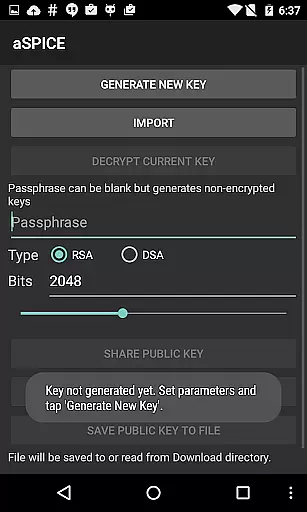
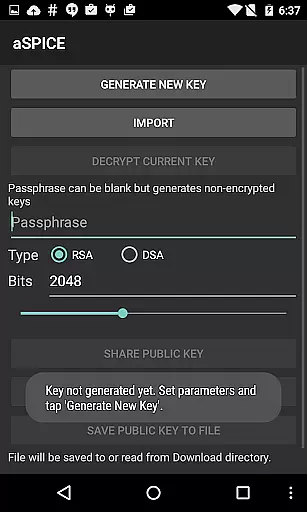
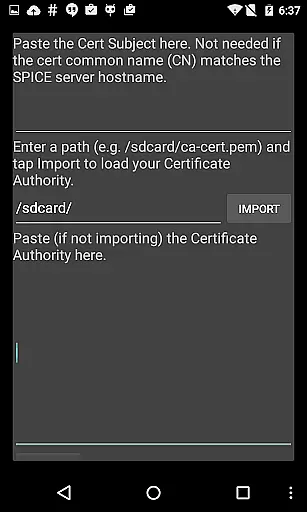
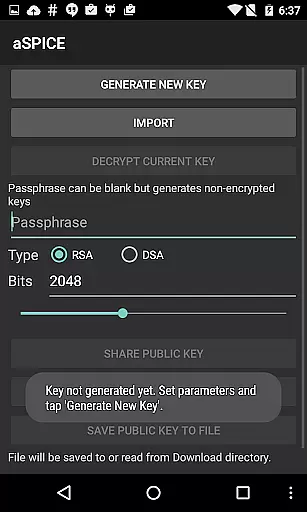
Moreover, aSPICEu2019s support for importing encrypted/unencrypted RSA keys in PEM format and unencrypted DSA keys in PKCS#8 format demonstrates its commitment to secure and reliable synchronization. By allowing users to import/export settings and offering Samsung multi-window support, it caters to diverse user needs and preferences. Such features underscore the application's dedication to delivering a dependable and versatile cross-device experience, making it an invaluable tool for professionals who rely on consistent performance across their digital ecosystem.
Secure SSH connections
Multi-touch controls
Dynamic resolution
Master password support
USB redirection
Complex setup process
Limited OS compatibility
No clipboard integration
Advanced features require technical knowledge
Interface may overwhelm new users

A customizable calendar for your Wear OS watch
 4.20
4.20
Take control of your clipboard with Clipper!
3.90
Direct Chat without saving contacts & Dual WA Account on Single Device
4.70
⏰ Finally a timer app which can run multiple timers simultaneously on your watch
3.90
aCalendar+ makes your day, week and month
4.70
Translate text/voice/photos in 150+ languages. Offline & fast translator app.
4.50
Docker, Kubernetes management over Portainer Mobile
4.40
Scientific calculator for Android - looks and operates like the real thing!
4.90
Lightweight PDF, Word, Excel reader.
4.60
Multilingual translator for text, voice, and image translation!
4.90
Simple notepad & memo. Take notes, to-do list, shopping list with reminders.
4.80
App lock - lock apps with fingerprint, password, pin or pattern, protect privacy
4.70
Quickly and easily keep track of your work shifts
4.70
To do list widget with a notebook organizer, checklist, simple shopping list
4.60
Subscribe to Webcal & .ics calendars and keep them up-to-date!
4.50
This small app MUST BE INSTALLED after purchase, else license won't work
4.40
Todo reminder
4.10
Experience and share your SolidWorks designs on your Android® phone and tablet.
2.50
AI Video AI Image Private LLM AI Browser Llama Gemma Ollama Connect LLM Studio
4.1


User Reviews