
Web Alert (Pro) is a productivity tool designed to enhance the functionality of the free Web Alert app. This one-time lifetime purchase unlocks advanced features for monitoring web pages and receiving notifications when changes occur. With capabilities such as parallel checks, custom frequencies, text filtering, and number monitoring, it's ideal for professionals in web development or automation.
The app allows users to set specific conditions for alerts, including keyword presence, change percentages, and website downtime. It also offers export options, restoration of accidentally deleted alerts, and integration with Tasker, Automate, and Automagic through an extensive plugin. These features provide programmable control without requiring programming knowledge.
Web Alert (Pro) is especially useful for tracking dynamic content like online store prices. Its ability to monitor SSL certificate issues, modify alert URLs, and view only changes makes it a powerful tool for staying updated on important web page modifications.
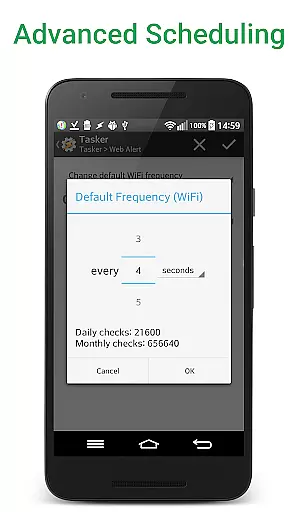
Web Alert (Pro) boasts a comprehensive set of features that cater to both casual users and professionals. The app supports parallel checks and custom frequencies, allowing users to monitor web pages at intervals as short as every five seconds. Advanced filtering options enable watching for changes within specific text ranges or HTML source code, using CSS and jQuery selectors.
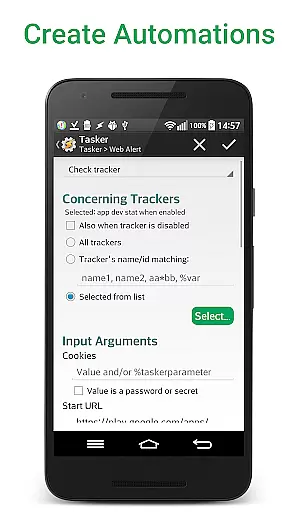
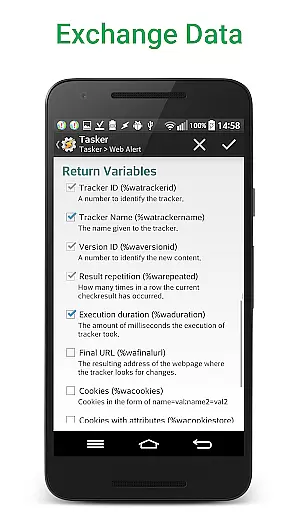
For professionals in automation, the app includes a robust Tasker plugin. This plugin allows programmable control over many aspects of the app without needing to know a programming language. Regular expressions (RegEx) can be used for content filtering, providing even more granular control over what triggers an alert.
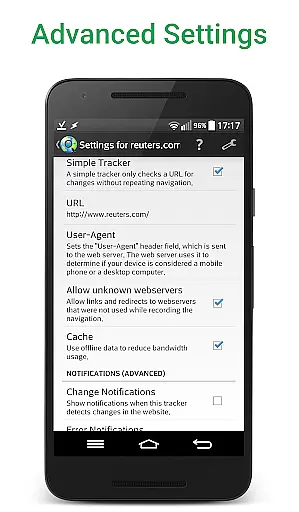
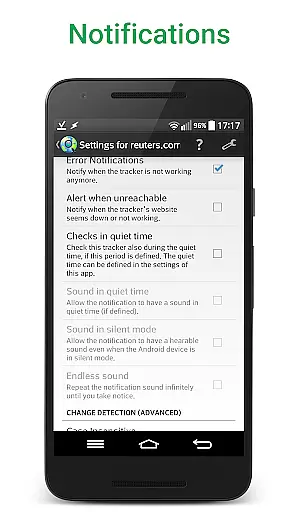
Additional features include exporting website versions as zip archives, importing and exporting alerts, and viewing changes directly in notifications. Users can also limit alerts based on minimum change percentages, notify when websites are down, and access sites with SSL certificate problems. These functionalities ensure that users have all the tools they need to efficiently track and respond to web page changes.
Web Alert (Pro) offers advanced core task management features that are essential for professionals in web development and automation. The app allows users to set custom frequencies for monitoring web pages, ranging from every few seconds to specific time intervals. This flexibility ensures that users never miss critical updates or changes on their monitored sites.
In addition to customizable check frequencies, the app supports parallel checks, enabling simultaneous monitoring of multiple web pages. Users can also define specific time ranges during which checks or notifications are paused, providing greater control over when alerts are received. These robust task management capabilities ensure that users can tailor the app's functionality to suit their unique workflow requirements.
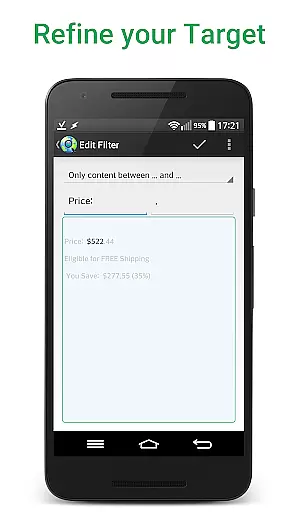
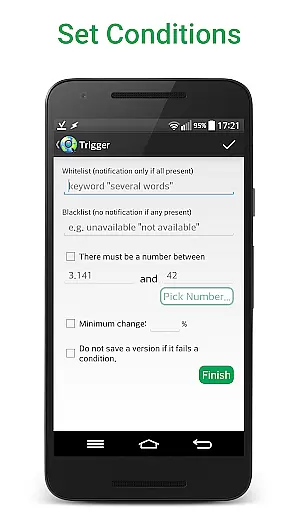
The application goes beyond basic monitoring by offering sophisticated filtering options. Users can focus on specific text segments between defined keywords, monitor numerical changes such as product prices, and set conditions for notifications based on the presence or absence of certain keywords. These features collectively enhance productivity by ensuring that users receive only the most relevant and actionable alerts.
Cross-device synchronization is a crucial feature for users who need consistent access to their monitoring data across multiple devices. Web Alert (Pro) excels in this area by providing reliable synchronization capabilities that ensure all user settings, alerts, and monitoring configurations are seamlessly updated across devices. This means that whether you're using your smartphone, tablet, or desktop, your data remains consistent and up-to-date.
The app supports comprehensive export and import functionalities for alerts, allowing users to easily transfer their monitoring configurations between devices. Additionally, it offers the ability to export website versions as zip archives, making it simple to maintain backups and share data across different platforms. These features significantly enhance the reliability of cross-device operations.
Furthermore, Web Alert (Pro) includes professional-grade tools such as regular expression filtering, CSS and jQuery selectors, and HTML source code monitoring. These advanced features, combined with the Tasker plugin integration, provide users with programmable capabilities that work seamlessly across devices. This level of synchronization reliability ensures that professionals can maintain their productivity regardless of the device they are using.
Advanced monitoring options
Customizable alert settings
Professional-grade tools
Tasker plugin integration
Export and import capabilities
Requires separate free app
Complex for beginners
One-time purchase fee
Limited UI customization
No built-in tutorial

Professional calendar app for Google Calendar, MS Outlook & Exchange
 4.20
4.20
Smart PDF reader & editor to view, organize and manage PDF documents easily.
3.70
IP Camera Viewer - Android TV : RTSP Surveillance camera viewer for Android TV
4.5
Easiest event planning, volunteer signups & parent teacher conference scheduling
2.20
All in One PDF Reader: Manage, Read and Edit your Documents
4.20
Stay on top of your to-dos with Google Tasks, part of Google Workspace.
4.60
* block pre-roll ads, pop-up and forced redirect ads * Samsung certification app
4.00
To do list widget with a notebook organizer, checklist, simple shopping list
4.60
Scientific calculator for Android - looks and operates like the real thing!
4.90
Secure, fast, open-source, VNC and SSH Remote Desktop for Windows, Linux and Mac
4.70
Scan paperwork into PDF/JPG, generate your own e-signature and send fax or email
4.70
Client for Nextcloud Deck
4.60
Secure, fast, open-source, Remote Desktop Client for Windows and Linux with SSH
4.60
PDF scanner & converter for files, photos, lottery, QR codes. One swipe away!
4.50
Subscribe to Webcal & .ics calendars and keep them up-to-date!
4.50
Customizable calendar widget for seamless event sync, planning & scheduling.
4.00
Code on-the-go with VScode for Android. Edit,debug and collaborate from mobile!!
3.10
Ads Free App! Editor, Hide File, Copy, Move, Delete and Rename.. all facility av
1.70
The upgraded version of Name Wheel with AI and the power to add your own wheels.
4.4


User Reviews