
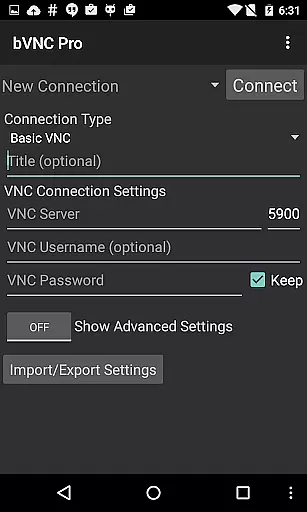
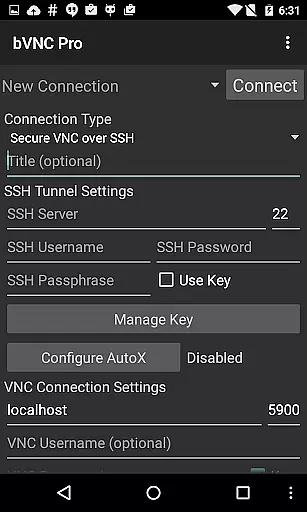
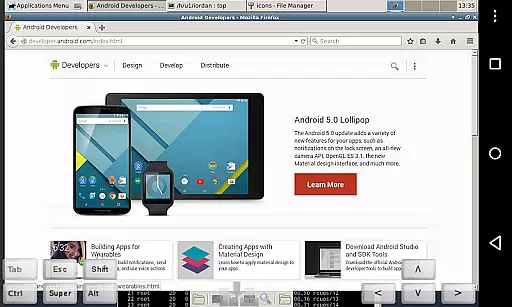
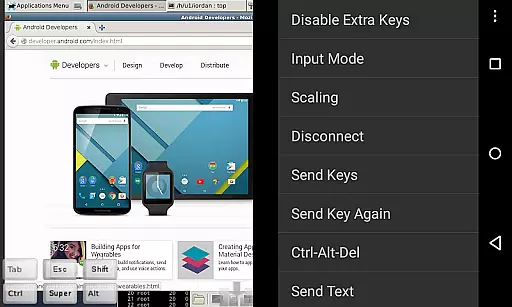
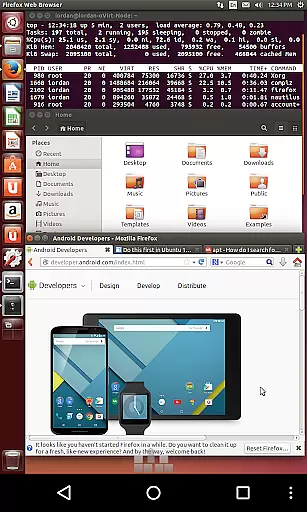
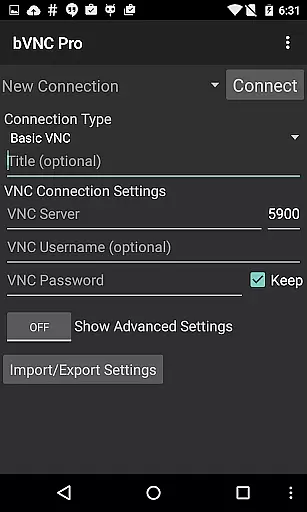
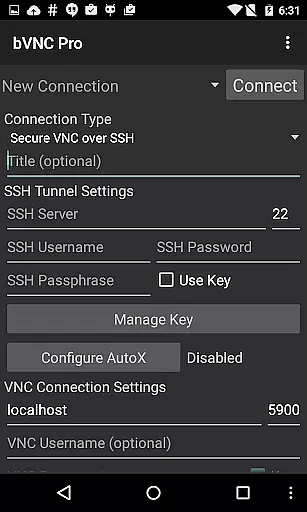
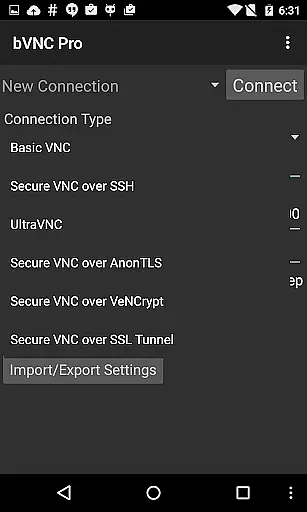
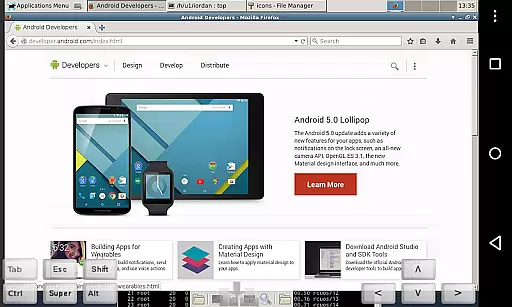
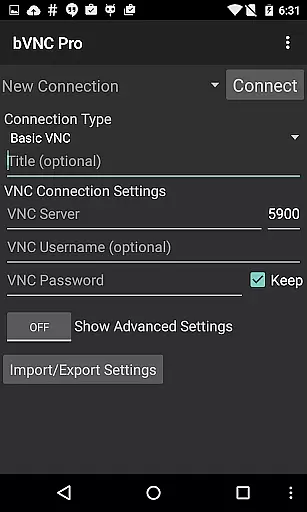
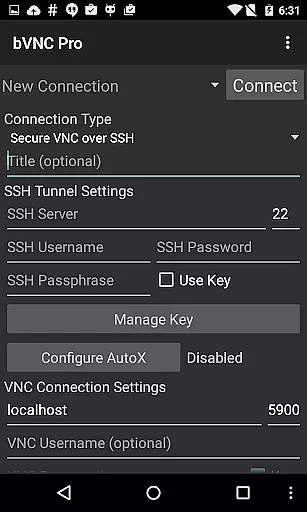
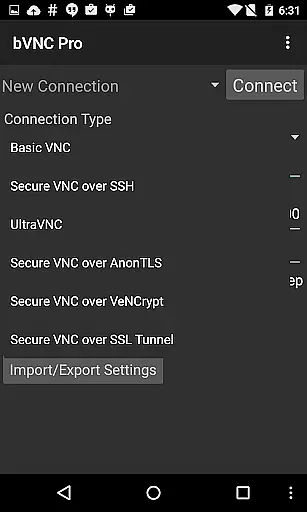
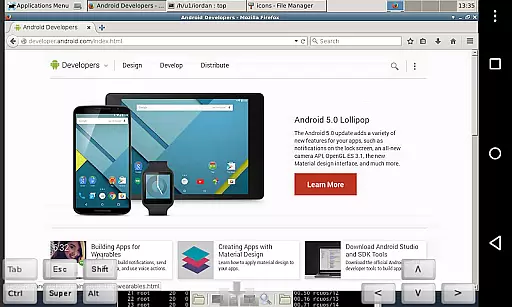
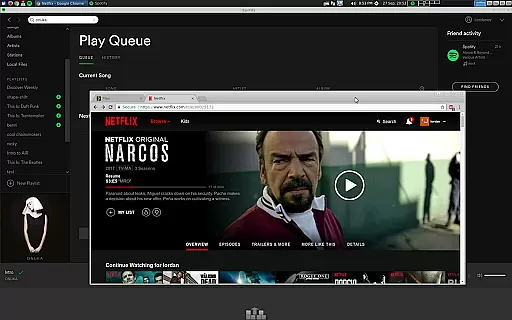
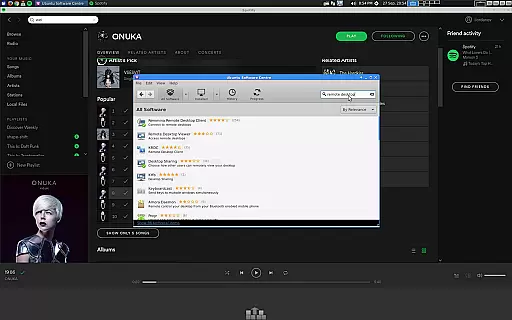
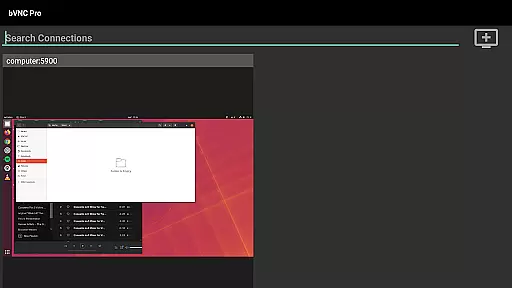
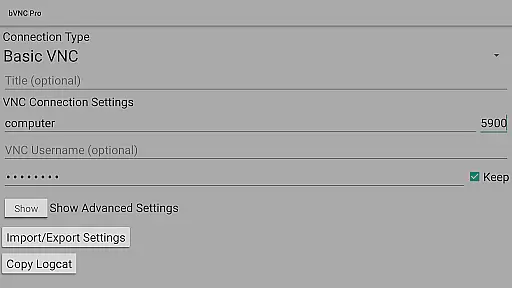
bVNC Pro is a secure, open-source VNC client designed for productivity-focused users who need reliable remote desktop access. It supports Windows, Mac, Linux, and other operating systems with VNC servers installed, making it versatile for various professional environments.
Key features include multi-touch control, dynamic resolution changes, and advanced security options like SSH tunneling and VeNCrypt encryption. These capabilities ensure smooth navigation and secure connections, ideal for IT professionals managing virtual machines or remote desktops.
With its comprehensive feature set, bVNC Pro is particularly suited for users in tech-driven industries who require both flexibility and security when accessing remote systems from their mobile devices.
bVNC Pro stands out with its robust feature set tailored for power users. The app offers multi-factor SSH authentication and master password support, ensuring enterprise-grade security for all remote connections.
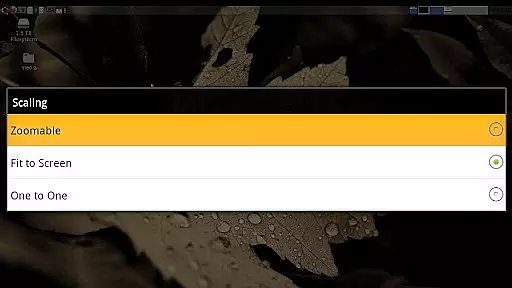
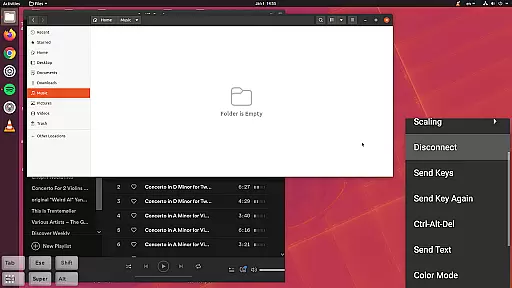
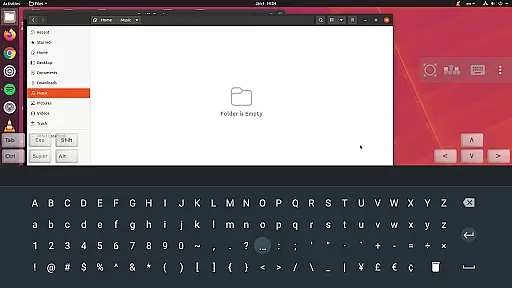
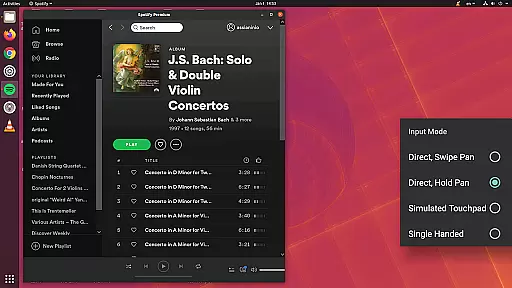
Its intuitive touch controls allow users to perform complex actions effortlessly. Multi-touch gestures enable left, right, and middle mouse clicks, while pinch-zoom and scrolling functions provide precise navigation. The app also supports multiple scaling modes and input methods, including simulated touchpad and single-handed modes.
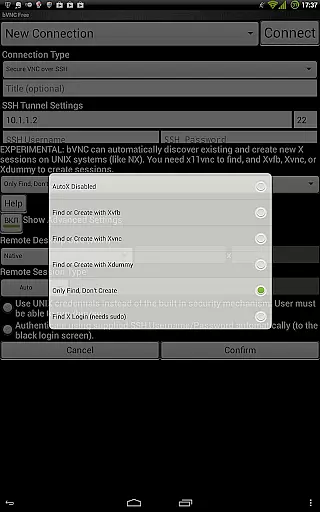
Advanced functionalities like AutoX session discovery and Tight/CopyRect encodings optimize connection performance. Additionally, the app's compatibility with various VNC servers and support for different operating systems make it an essential tool for system administrators and IT professionals.
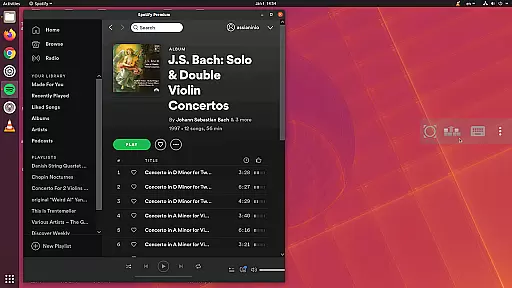
bVNC Pro is not just a remote desktop client but also an essential productivity tool for managing tasks across multiple operating systems. The application supports Windows, Mac, Linux, and other OS platforms with installed VNC servers, allowing users to control their desktops remotely.
One of the standout features is its compatibility with PiKVM, ensuring that users can manage virtual machines from BIOS to OS seamlessly. This functionality is crucial for IT professionals who need to configure desktop environments dynamically while maintaining a secure connection.
The app offers multi-touch controls for efficient remote mouse operations, including left, right, and middle button clicks through intuitive touch gestures. Scrolling, pinch-zooming, and drag-and-drop capabilities further enhance the user experience, making it easier to perform complex tasks remotely.
Additionally, bVNC Pro includes SSH tunneling, AnonTLS, and VeNCrypt for secure connections, which are vital for protecting sensitive data during remote sessions. These security measures ensure that users can focus on their core tasks without worrying about potential security threats.
Cross-device synchronization is a critical feature for users who rely on bVNC Pro to manage their remote desktops efficiently. The application ensures reliable synchronization across various devices, enabling users to maintain consistent access to their work environments regardless of the device they use.
bVNC Pro supports dynamic resolution changes, allowing users to reconfigure their desktop settings while connected. This flexibility is particularly beneficial for those who switch between different devices with varying screen sizes and resolutions, ensuring that the desktop view remains optimal at all times.
Another notable feature is the ability to import encrypted or unencrypted RSA keys in PEM format, enhancing the security of cross-device connections. This capability is crucial for users who require high-grade encryption superior to standard RDP protocols, preventing man-in-the-middle attacks effectively.
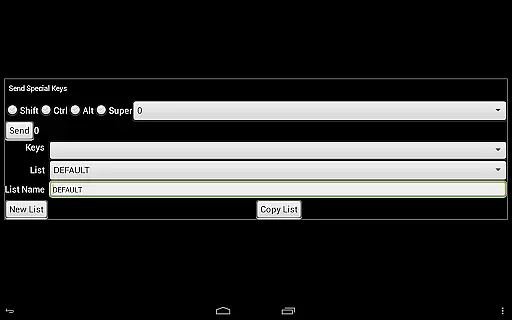
Furthermore, bVNC Pro offers multiple input modes, including Direct, Simulated Touchpad, and Single-handed modes, catering to diverse user preferences and device types. These options ensure that users can interact with their remote desktops comfortably and efficiently, regardless of the device they are using.
High-grade encryption
Multi-touch controls
Dynamic resolution
Versatile OS support
Enterprise security
No RealVNC encryption
Complex setup
Paid Pro version
Requires technical knowledge
Limited UI customization

Auto-shutoff Alarm with Sunrise, Sunset & Fixed Options.
 3.50
3.50
Mega cloud explorer plugin for Solid Explorer
3.80
Wake up & get tasks done! Add alarms & reminders on the Clock Launcher.
4.00
Direct Chat without saving contacts & Dual WA Account on Single Device
4.70
IP Camera Viewer - Android TV : RTSP Surveillance camera viewer for Android TV
4.2
App Lock with fingerprint, password: Lock apps & hide photos with lock screens
4.60
Make apps & sites with natural language prompts
4.10
Great calculator for Android named one of USA TODAY's "25 Essential Apps".
4.90
Share files & memories safely. Keep your photos and videos secure.
4.40
Native client for Forgejo and Gitea
5.00
The long-awaited modern gallery app for your Nextcloud server
4.70
App lock - lock apps with fingerprint, password, pin or pattern, protect privacy
4.70
Lightweight PDF, Word, Excel reader.
4.60
Subscribe to Webcal & .ics calendars and keep them up-to-date!
4.50
Experience Reading - Night Mode for Documents
4.40
Send files, sync SMS, notifications & clipboard across devices via local network
4.40
This small app MUST BE INSTALLED after purchase, else license won't work
4.40
All in one sketching tool. Technical and General drawing. Online Maps support.
3.70
Make your handwriting beautiful, even more than pen on paper.
3.60


User Reviews