
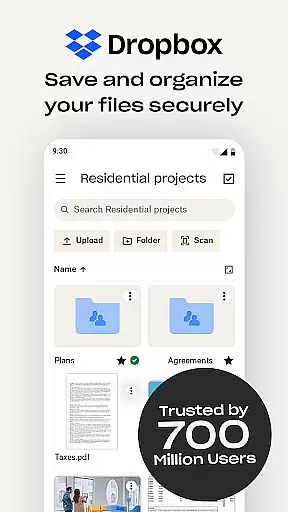
Dropbox is a leading cloud storage solution that allows users to securely backup, access, and manage their essential files from any location. Trusted by over 700 million registered users, it offers reliable and private file management for individuals and teams.
The app provides automatic photo uploads, offline file access, and easy sharing of large files through simple links. Dropbox also includes advanced features like document scanning, version history, and file recovery, making it an ideal tool for both personal and professional use.
With its secure infrastructure trusted by Fortune 500 companies, Dropbox ensures your sensitive data remains protected while offering seamless synchronization across devices. Whether managing family albums or collaborating on work documents, Dropbox delivers a comprehensive productivity solution.
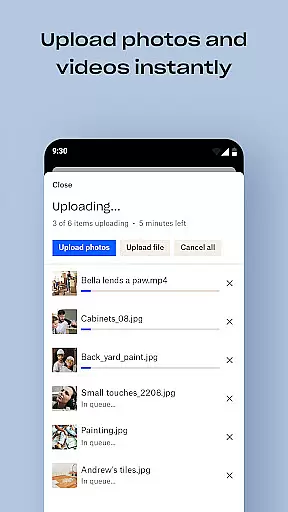
Dropbox stands out with its robust feature set tailored for productivity. The app automatically uploads photos from your camera roll to cloud storage, enabling effortless photo sharing. It supports previewing over 175 file types without requiring special software, ensuring smooth accessibility.
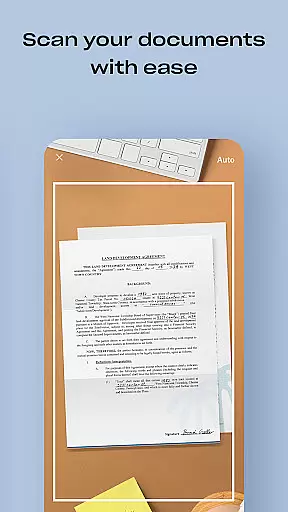
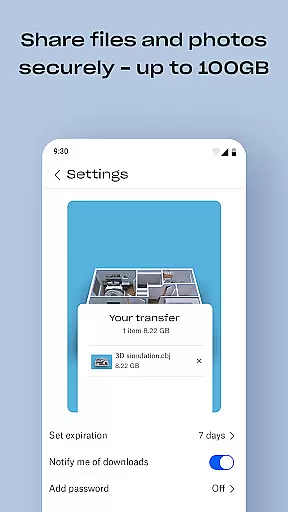
One of the key strengths is its ability to send large files by simply sharing a link, even with non-Dropbox users. The document scanning feature transforms mobile-captured images into high-quality PDFs, perfect for digitizing receipts, IDs, or contracts. Additionally, Dropbox's version history and file recovery tools provide peace of mind when managing critical documents.
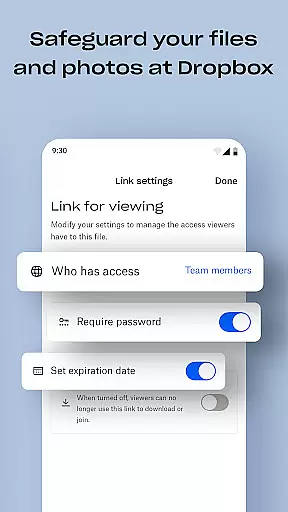
For enhanced security, Dropbox Plus subscribers gain access to features like Passwords, Vault, and Rewind. These tools allow password syncing, securing sensitive files, and rolling back changes for up to 30 days. Such innovations make Dropbox a versatile choice for modern file management needs.
Dropbox excels in core task management by providing a seamless experience for organizing and accessing files. The app allows users to automatically upload photos and documents, ensuring that important data is always backed up and available.
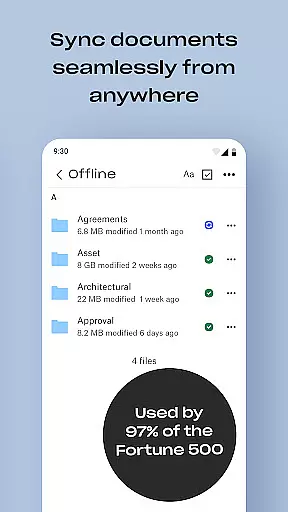
With features like offline access and file previews for over 175 file types, Dropbox ensures that users can manage their tasks efficiently without the need for special software. This functionality is crucial for individuals and teams who require reliable access to their files at all times.
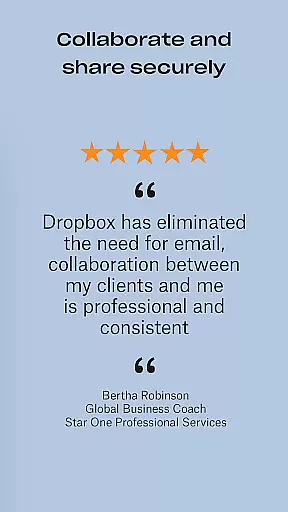
The ability to share large files via links, even with those who do not have a Dropbox account, enhances collaboration and productivity. Users can easily sync folders on their PC or Mac, making it simple to keep everything up-to-date across devices.
Overall, Dropbox's robust task management capabilities ensure that users can focus on their work without worrying about file accessibility or security, thus boosting overall productivity.
Cross-device synchronization is a cornerstone of Dropbox's productivity suite, allowing users to maintain consistency across all their devices. Whether you're using a PC, Mac, or mobile device, Dropbox ensures that your files are always up-to-date and accessible.
The app's automatic camera roll upload feature transfers photos to cloud storage, making them available everywhere. This seamless integration means users can start a task on one device and continue on another without missing a beat.
Moreover, Dropbox's version history and file recovery options provide an additional layer of reliability. Users can recover older versions of files or restore deleted items, ensuring that their data remains intact and secure across all devices.
By offering dependable cross-device synchronization, Dropbox empowers users to work flexibly and efficiently, enhancing both individual and team productivity regardless of location.
User-friendly interface
Secure file sharing
Offline file access
Automatic photo backup
Cross-device sync
Paid subscription required
Limited free storage
Occasional sync delays
No built-in editor
High cost for extra space

 4.20
4.20
Send files, sync SMS, notifications & clipboard across devices via local network
4.40
Make your handwriting beautiful, even more than pen on paper.
3.60
Secure, fast, open-source, Remote Desktop Client for Windows and Linux with SSH
4.60
All document reader, all in one file viewer read PDF, DOCX, XLS, PPT, TXT files.
4.60
Translate text/voice/photos in 150+ languages. Offline & fast translator app.
4.50
Docker, Kubernetes management over Portainer Mobile
4.40
Ultimate Virtual AI Character for immersive Roleplay Chat. Perfect Companion
3.90
Intelligent AI Assistant
4.10
8 custom complications. Custom Time Fonts. Beautiful color schemes. A++ Design.
5.00
Client for Nextcloud Deck
4.60
Calendar 2023 widget for Android. Appointment scheduler, planner, and reminder
4.60
Lightweight PDF, Word, Excel reader.
4.60
Tally and goal counter for Wear OS & mobile
4.50
A Pixel Art watchface inspired by other iconic 90s designs for Wear OS devices!
4.40
Enjoy classic gameplay with customizable features and retro-style graphics.
4.30
Professional calendar app for Google Calendar, MS Outlook & Exchange
4.20
Smart PDF reader & editor to view, organize and manage PDF documents easily.
3.70
Easiest event planning, volunteer signups & parent teacher conference scheduling
2.20


User Reviews