
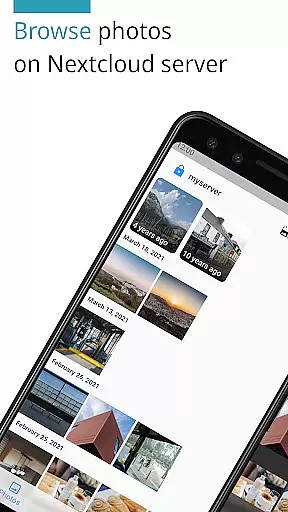
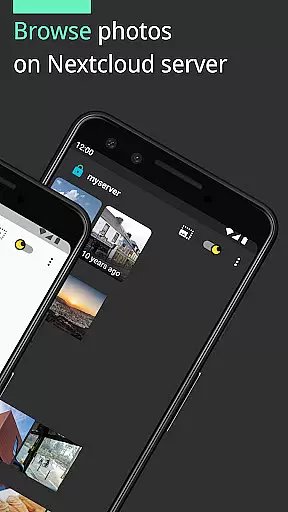
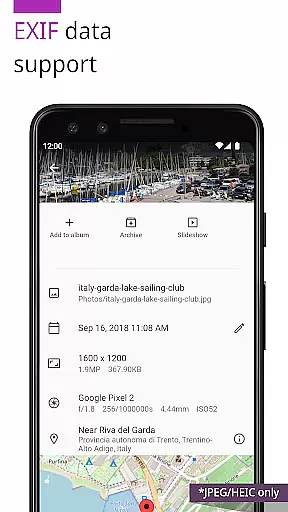
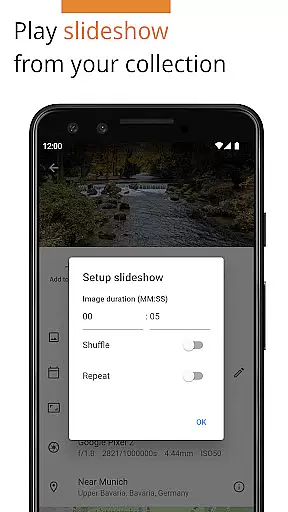
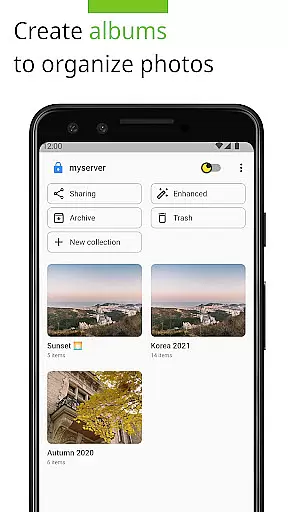
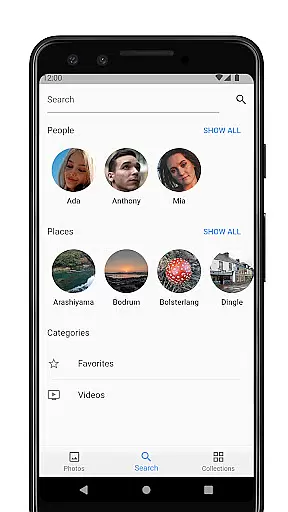

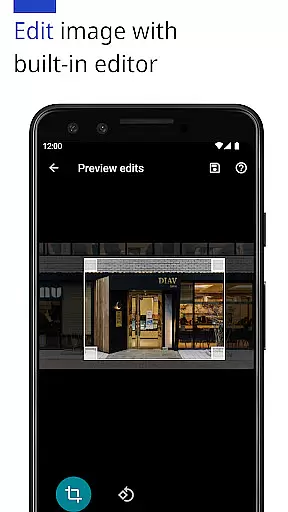
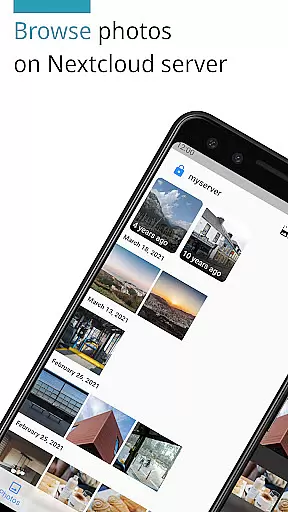
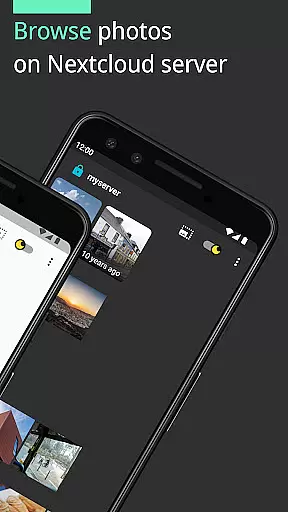
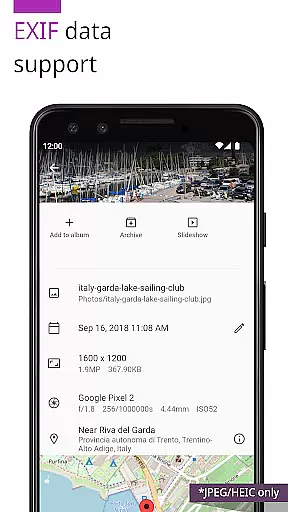
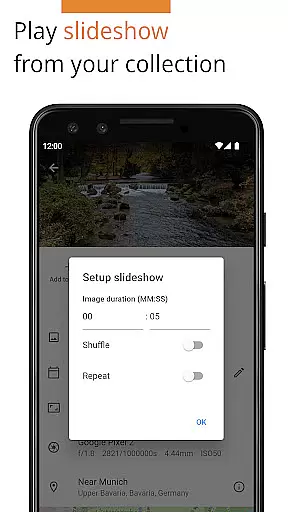
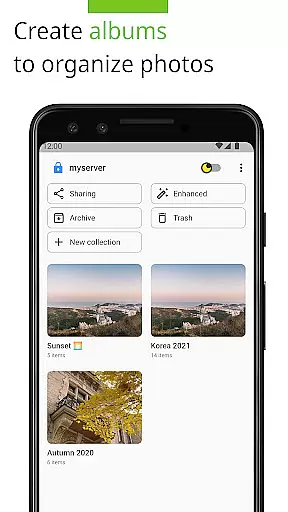
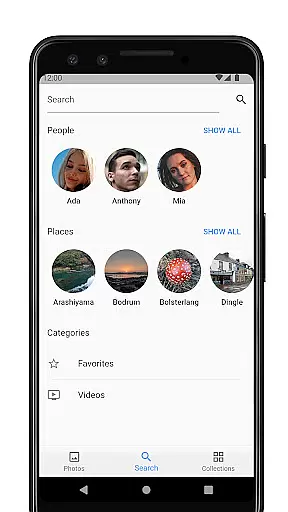
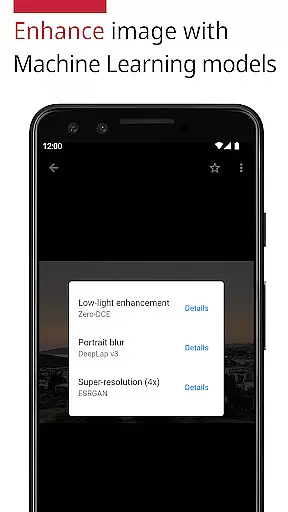
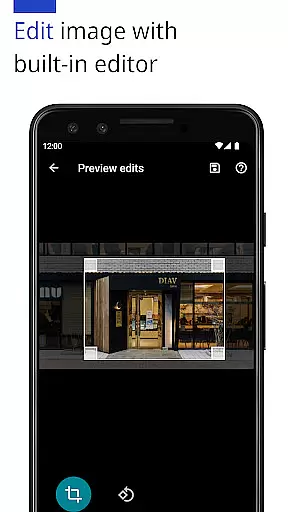
Photos for Nextcloud is a powerful productivity app designed to enhance photo management on the Nextcloud platform. This app offers advanced features such as JPEG XL support, client-side EXIF extraction, and machine learning-based photo enhancement. Users can edit photos with the built-in editor and create flexible albums while enjoying capabilities like reverse geocoding.
The app supports multiple sign-ins across different servers and allows experimental shared albums with users on the same server. Compatible with various formats including JPEG, PNG, WebP, HEIC, GIF, JPEG XL, MP4, and WebM, it ensures broad usability. Photos for Nextcloud emphasizes user control and productivity, making it ideal for those seeking an efficient way to manage and enhance their digital photo collections.
One of the standout features of Photos for Nextcloud is its extensive format support, accommodating both common and advanced image types like JPEG XL and HEIC, along with video formats such as MP4 and WebM. The app leverages machine learning models to enhance photo quality and provides a built-in editor for direct modifications.
Users benefit from client-side EXIF data extraction, ensuring metadata preservation even for formats not supported by the server. The app also supports reverse geocoding and integrates with Nextcloud apps like Face Recognition. Additionally, the ability to sign in to multiple servers and create shared albums experimentally adds a layer of collaborative functionality, enhancing its utility for teams and individual power users alike.
Task management is a critical aspect of productivity applications, ensuring users can efficiently organize and prioritize their work. Photos (for Nextcloud) excels in this area by offering features that streamline photo organization and enhancement.
The app provides advanced functionalities such as client-side EXIF extraction, reverse geocoding, and machine learning-based photo enhancement. These features allow users to manage their photo libraries with precision, automatically extracting metadata and enhancing images without server support limitations.
Additionally, the flexibility of creating albums and shared albums within the app empowers users to categorize and collaborate on their photo collections seamlessly. This functionality not only simplifies task management but also enhances user engagement by providing tools for effective collaboration.
By integrating these capabilities, Photos (for Nextcloud) ensures that users can maintain an organized and efficient workflow, ultimately leading to improved productivity and a more enjoyable user experience.
Cross-device synchronization is essential for maintaining consistency and accessibility across multiple platforms. Photos (for Nextcloud) offers reliable synchronization features that ensure users can access their photos from any device without data loss or inconsistencies.
The app supports signing into multiple servers, allowing users to manage their photo libraries across different accounts and devices effortlessly. This feature guarantees that all changes made on one device are accurately reflected on others, providing a seamless user experience.
Moreover, the app's support for various formats, including JPEG XL, HEIC, and MP4, ensures compatibility and reliability during synchronization. Users can be confident that their media files will be correctly synced and accessible regardless of the format.
With its robust synchronization capabilities, Photos (for Nextcloud) delivers a dependable solution for managing digital assets across devices, enhancing both convenience and peace of mind for its users.
User-friendly interface
Advanced photo editing
Multiple server support
Flexible album creation
Open-source community
Limited codec support
Experimental sharing
No cloud backup
Paid version only
Complex setup

Secure, fast, open-source, VNC and SSH Remote Desktop for Windows, Linux and Mac
 4.70
4.70
Unlock AutoNotification
4.00
Make apps & sites with natural language prompts
4.10
Secure, open-source, SPICE and SSH Remote Desktop for QEMU KVM virtual machines
4.00
A Pixel Art watchface inspired by other iconic 90s designs for Wear OS devices!
4.40
This small app MUST BE INSTALLED after purchase, else license won't work
4.40
AI Chatbot and AI writing assistant powered by ChatGPT.
4.60
Browse and view your photos and videos from the phone with photo & video hide.
4.10
Put a lock on your cloud: Take the security of your data into your own hands
3.70
A beautiful digital clock with autostart and many other functions
4.70
Okta MFA
4.70
Absolutely the best CNC machinist speed and feed calculator around. fswizard.com
4.60
Translate text/voice/photos in 150+ languages. Offline & fast translator app.
4.50
Experience Reading - Night Mode for Documents
4.40
Share files & memories safely. Keep your photos and videos secure.
4.40
Cloud storage, automatic phone backup, and more.
4.10
Ultimate Virtual AI Character for immersive Roleplay Chat. Perfect Companion
3.90
Smart PDF reader & editor to view, organize and manage PDF documents easily.
3.70
Make your handwriting beautiful, even more than pen on paper.
3.60


User Reviews