
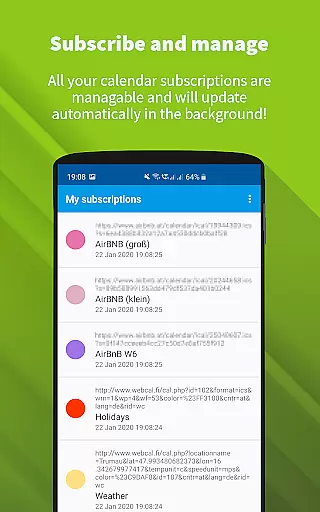
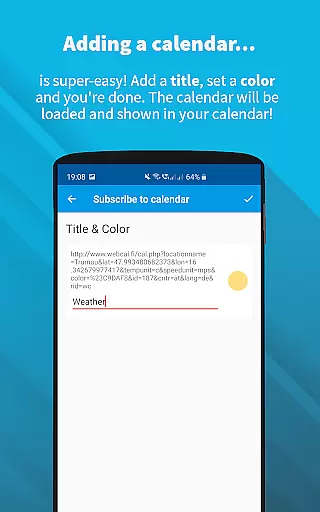
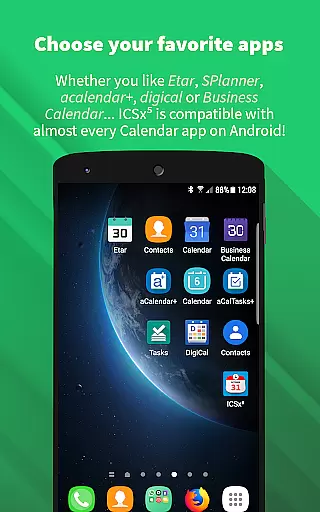
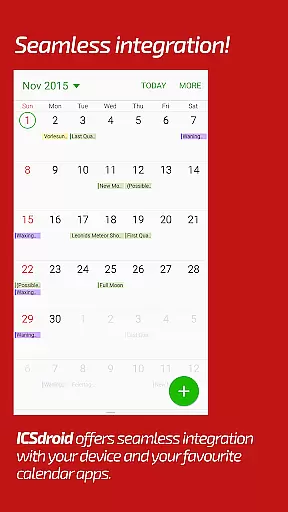
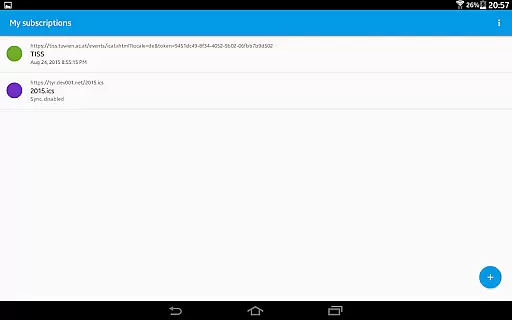
ICSx⁵ is a powerful productivity tool designed for managing external calendar files on Android devices. This app specializes in subscribing to and synchronizing Webcal iCalendar/.ics files, ensuring users always have the latest calendar events at their fingertips. With seamless integration into your device's existing calendar system, ICSx⁵ allows you to effortlessly stay updated with important schedules from various sources.
The app supports multiple use cases, such as adding holidays, sports events, academic timetables, or any other ics/ical format files. Its one-way sync technology ensures that all events are perfectly delivered to your device’s calendar without unnecessary complexity. Whether you need to manage personal schedules or professional timelines, ICSx⁵ provides a reliable solution for keeping your calendar current and accurate.
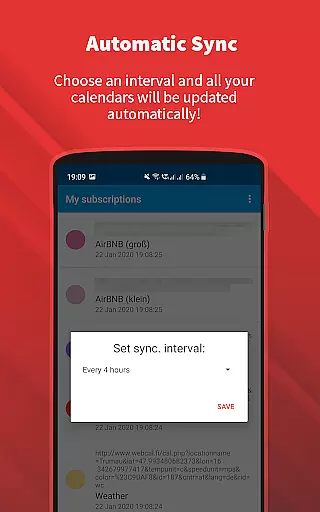
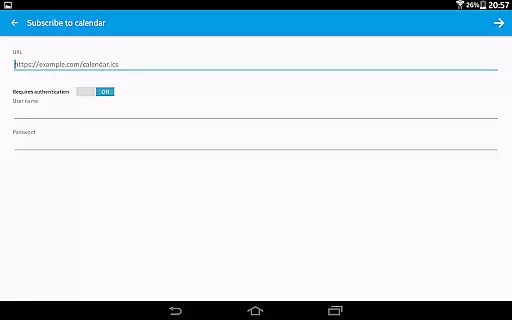
ICSx⁵ offers an array of advanced features tailored for efficient calendar management. One standout capability is its support for Webcal feeds, allowing automatic synchronization at regular intervals. This feature is particularly useful for users who rely on shared calendars from platforms like iCloud. Additionally, the app enables importing .ics files directly from your local device, expanding its versatility.
Security and privacy are top priorities for ICSx⁵. The app is completely open source, ensuring transparency and high-security standards. No data is transferred to external servers except the chosen synchronization point, and no Google account is required. With intelligent update checks to save bandwidth and comprehensive authentication protocols, ICSx⁵ delivers both convenience and peace of mind to its users.
ICSxu2075 excels in core task management by offering seamless integration with external calendar files. This app allows users to subscribe to Webcal feeds and manage iCalendar/.ics files directly on their Android devices. By doing so, it ensures that all events from various sources such as holidays, sports teams, or academic schedules are imported and displayed in the user's preferred calendar app.
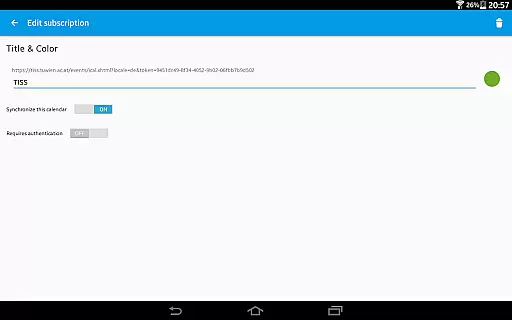
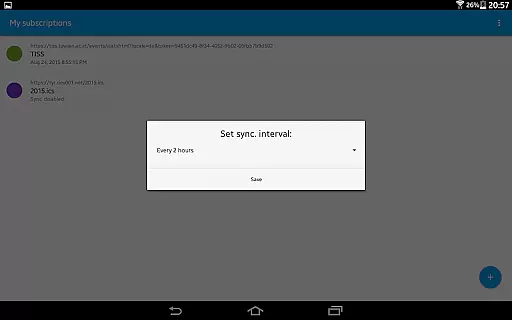
The synchronization technology used by ICSxu2075 guarantees that users always have the most up-to-date version of their subscribed calendars. With options to set a sync schedule and intelligent update checks, the app efficiently manages bandwidth while maintaining timely updates. This means users can rely on ICSxu2075 to keep their calendars current without manual intervention.
Furthermore, ICSxu2075 supports authentication and HTTPS, ensuring secure handling of calendar data. Its open-source nature assures users that no data is transferred to unauthorized servers, thus maintaining high privacy standards. This makes ICSxu2075 an ideal choice for individuals who prioritize both functionality and security in their productivity tools.
Cross-device synchronization reliability is a standout feature of ICSxu2075, enabling users to maintain consistency across multiple devices. By subscribing to Webcal feeds, users can synchronize calendars at regular intervals, ensuring that all devices reflect the latest changes. This is particularly useful for those managing shared calendars from platforms like iCloud.
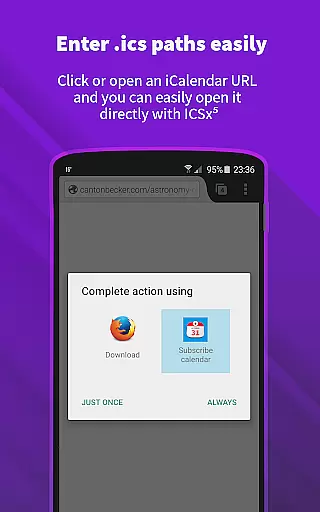
ICSxu2075 also allows users to pick .ics files from their local device, adding another layer of flexibility. Whether using webcal:// URLs on an Android web browser or integrating with other calendar apps, ICSxu2075 ensures reliable data transfer and synchronization. This seamless integration helps users stay organized regardless of the device they are using.
In addition to its synchronization capabilities, ICSxu2075 prioritizes user privacy and security. Being open-source, it provides transparency and control over personal data. Users can be confident that their calendar information remains private and secure, making ICSxu2075 a dependable tool for managing schedules across different devices.
User-friendly interface
Seamless calendar integration
Regular auto-sync options
Strong security measures
Open-source transparency
Limited to Android platform
No iOS compatibility
One-way sync only
Advanced settings may overwhelm beginners
Dependent on third-party calendars

Auto-shutoff Alarm with Sunrise, Sunset & Fixed Options.
 3.50
3.50
Native client for Forgejo and Gitea
5.00
Secure, fast, open-source, Remote Desktop Client for Windows and Linux with SSH
4.60
Cloud storage, automatic phone backup, and more.
4.10
Activate Two Factor Authentication (2FA or Multi OTP), Password manager and more
4.10
All document reader, all in one file viewer read PDF, DOCX, XLS, PPT, TXT files.
4.60
Seamlessly read, manage, and organize all your PDF files solution in one place
4.40
Set up, print, and get support—in one place
4.20
Note taking, handwriting, record audio, PDF annotation, planner & journal
4.20
We're working to become the best machining app on the market! www.cncdirt.com
4.80
A Pixel Art watchface inspired by other iconic 90s designs for Wear OS devices!
4.40
This small app MUST BE INSTALLED after purchase, else license won't work
4.40 4.20
4.20
All in One PDF Reader: Manage, Read and Edit your Documents
4.20
Device's storage information in a simple and clear graphical form (infographics)
4.10
Todo reminder
4.10
Wake up & get tasks done! Add alarms & reminders on the Clock Launcher.
4.00
Smart PDF reader & editor to view, organize and manage PDF documents easily.
3.70
Make your handwriting beautiful, even more than pen on paper.
3.60


User Reviews