
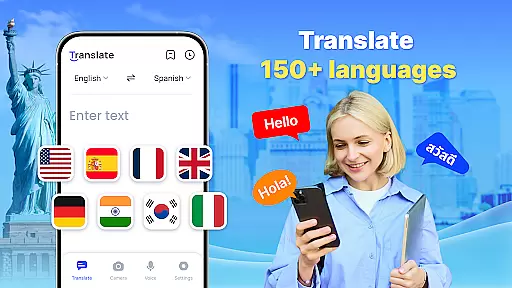




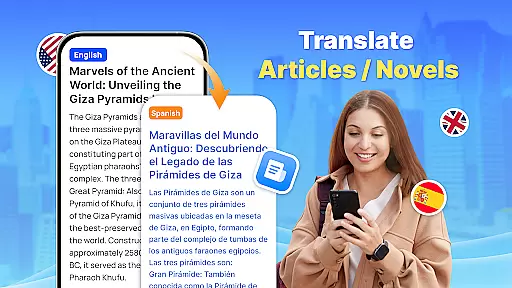
Translate - Translator is a versatile productivity app designed to break language barriers through its comprehensive translation capabilities. Supporting over 150 languages, this free app offers text, voice, and photo translation, making it an essential tool for travelers, students, and professionals alike.
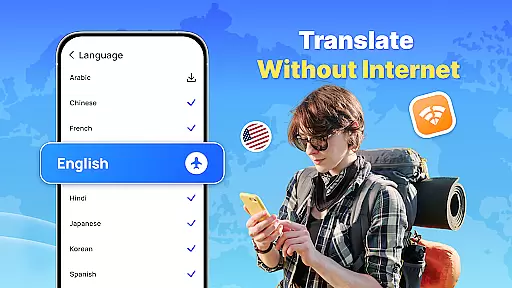
The app's standout features include offline translation functionality, real-time voice recognition, and AI-powered photo translation. These tools ensure users can communicate effectively in foreign countries, during business meetings, or while learning new languages, even without an internet connection.
With its user-friendly interface and innovative floating ball design for instant full-screen translations, Translate - Translator enhances productivity by offering quick access to necessary translation tools. Whether you're deciphering menus or engaging in cross-cultural communication, this app provides accurate and fast translations to meet various needs.
Translate - Translator stands out with its diverse range of features tailored to maximize productivity. The app supports instant text translation across 150+ languages, catering to travel, business, and educational requirements. Its intelligent voice recognition technology facilitates real-time spoken language translation, ensuring seamless conversations with foreign speakers.
One of the app's most innovative features is its AI-powered photo translation capability. Users can capture images of foreign language materials such as menus or product descriptions and receive immediate translations. This feature also allows text extraction and sharing, adding another layer of convenience.
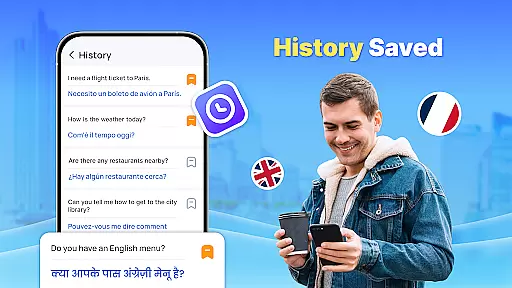
The offline translation function is particularly valuable, enabling users to translate languages without an internet connection. This ensures uninterrupted service in areas with poor connectivity. Additionally, the app's floating ball design permits quick full-screen translations, while the ability to save and organize favorite translations creates personalized collections for future reference.
Core task management in a productivity app like Translate refers to the ability to handle multiple translation tasks efficiently and effectively. This feature is crucial for users who need quick and accurate translations across different languages.
The Translate app excels in this area by offering various modes of translation including text, voice, and photo translation. Users can easily switch between these modes depending on their current needs, ensuring that they can manage different types of translation tasks without hassle.
Additionally, the app supports over 150 languages, which means users can manage translations for a wide variety of languages all within one platform. This extensive language support allows users to focus on their tasks without worrying about language limitations.
By providing features such as offline translation, auto-detect input language, and reverse translation, the app ensures that users can manage their translation tasks seamlessly, regardless of their environment or specific needs. These capabilities enhance user productivity by streamlining the translation process.
Cross-device synchronization reliability is essential for users who utilize multiple devices and need consistent access to their translation history and saved translations. This feature ensures that users can start a translation task on one device and continue it on another without any loss of data.
In the case of Translate, the app offers reliable synchronization through cloud-based saving and sharing of translation results. Users can save important translations and access them from any device with the app installed, ensuring continuity and convenience.
Moreover, the app's ability to maintain synchronization even when switching between online and offline modes adds an extra layer of reliability. Users can trust that their data will be up-to-date and accessible, whether they are connected to the internet or not.
This synchronization feature not only enhances user experience by providing seamless access to translations but also boosts productivity by allowing users to manage their translation tasks across different devices effortlessly.
User-friendly interface
Offline functionality
AI-powered translations
Voice recognition
Photo translation
Limited advanced options
Occasional inaccuracies
Ads in free version
Large file size
Requires permissions

A Revolutionary All-in-One Artificial Intelligence Tools
 3.80
3.80
QuickBooks Workforce lets teams view pay info and track time in one place.
4.70
Experience Reading - Night Mode for Documents
4.40
Professional calendar app for Google Calendar, MS Outlook & Exchange
4.20
Smart PDF reader & editor to view, organize and manage PDF documents easily.
3.70
Device's storage information in a simple and clear graphical form (infographics)
4.10
To do list widget with a notebook organizer, checklist, simple shopping list
4.60
Quickly and easily keep track of your work shifts
4.70
Secure your apps with lock screens, use custom themes and different features.
4.40
Multilingual translator for text, voice, and image translation!
4.90
Best Tool for the professionals Electrician, Electrical contractors, etc.
4.90
Scientific calculator for Android - looks and operates like the real thing!
4.90
Android Wallet Password Manager
4.80
App lock - lock apps with fingerprint, password, pin or pattern, protect privacy
4.70
Client for Nextcloud Deck
4.60
Send files, sync SMS, notifications & clipboard across devices via local network
4.40
When you Focus, so will your Bean in this cozy focus timer
4.30
Access, manage and transfer files on Android, PC, Mac, NAS and cloud storages.
4.30
Access your phone's notifications, calls, apps, photos & texts on your PC
3.90


User Reviews