
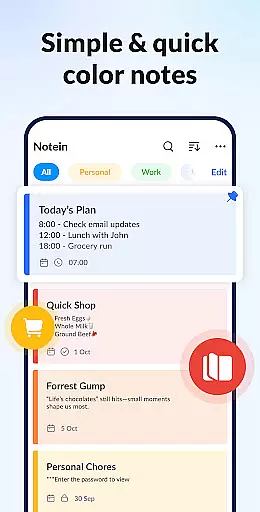

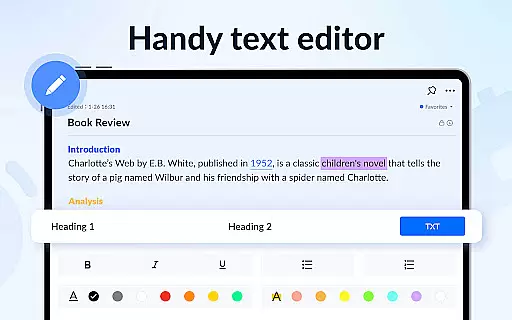
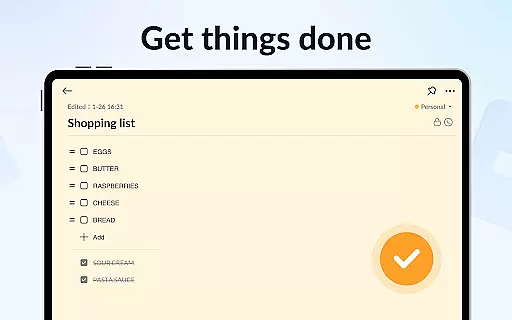
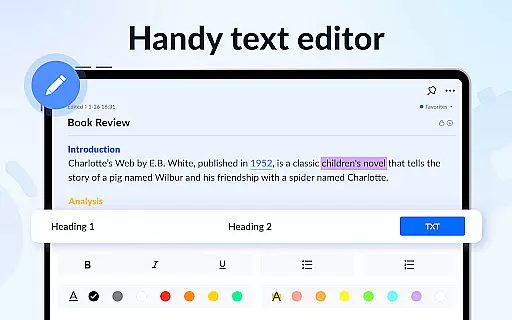
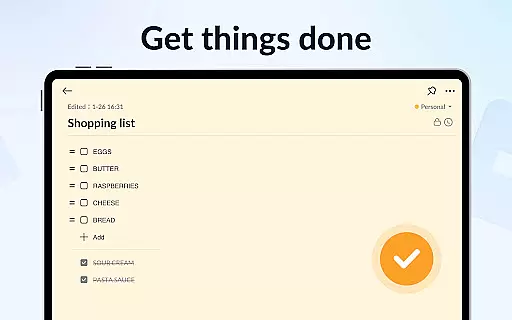
Notein - Notepad, Notes, Lists is a versatile productivity app designed to streamline note-taking and task management. This free notepad app offers multiple note-taking modes including text and checklist formats, automatic saving, and an intuitive interface for creating quick notes, to-do lists, and reminders.
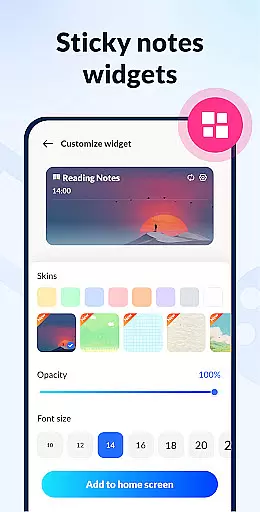
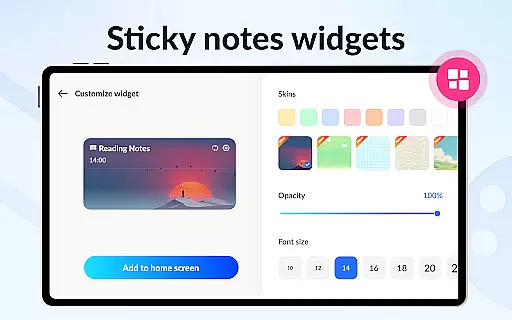
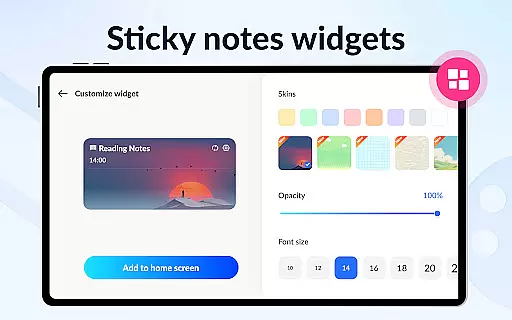
With features like calendar integration, color-coded organization, password protection, and cloud backup, Notein ensures your notes are secure, organized, and accessible across devices. The sticky notes widget provides instant access to important notes directly from your home screen, making it ideal for busy professionals and students alike.
This app is particularly useful for those who need to manage their daily tasks efficiently while keeping their information private and synchronized. Its comprehensive functionality helps users stay organized and productive in both personal and professional settings.
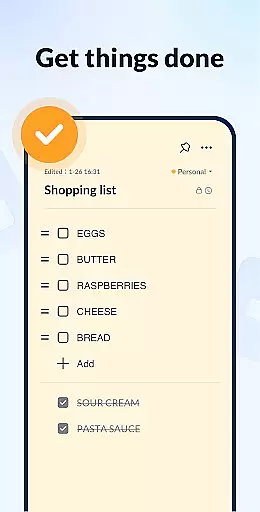
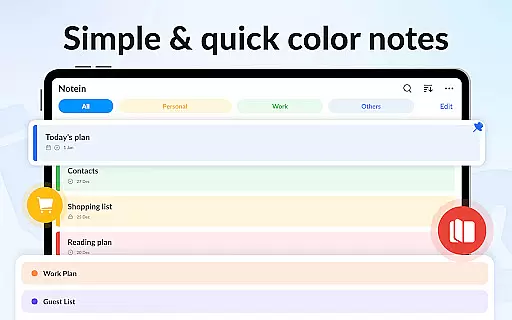
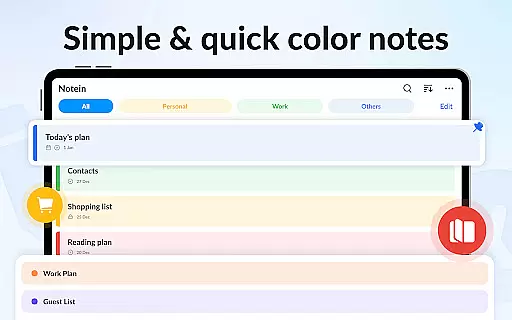
Notein stands out with its rich feature set tailored for efficient note management. The app provides colorful sticky notes widgets that can be placed on the home screen for quick access to critical information. Users can choose between text mode or checklist mode depending on their note-taking style, with automatic saving ensuring no data is lost.
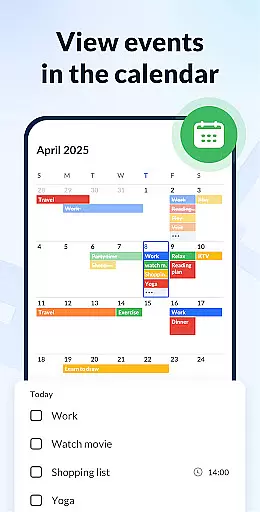
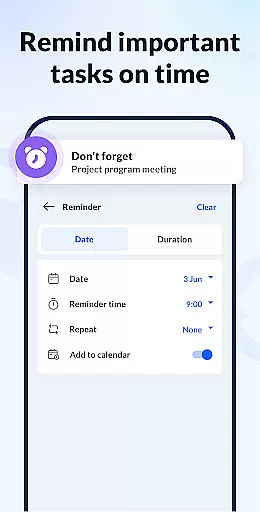
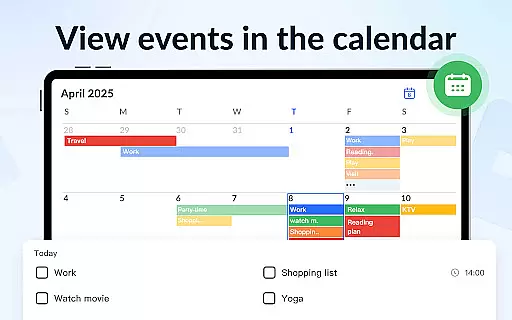
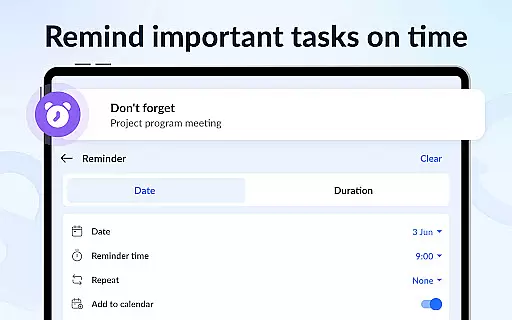
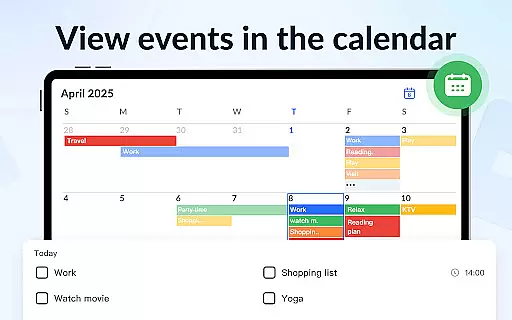
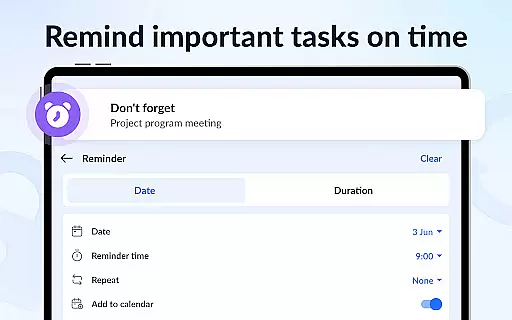
One of the key highlights is the ability to add notes to a calendar, allowing users to schedule tasks and view their plans in a time-structured format. Reminders ensure you never miss important deadlines, while color-coding helps categorize and prioritize notes effectively.
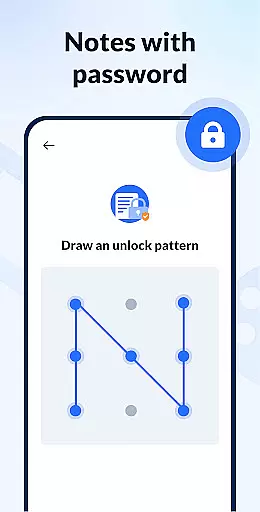
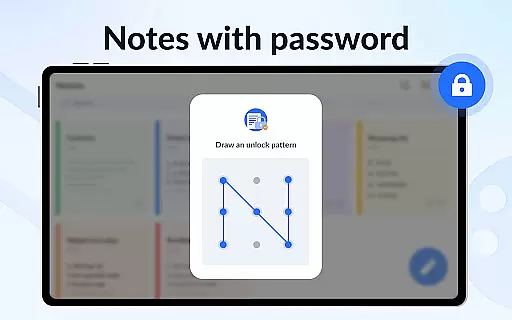
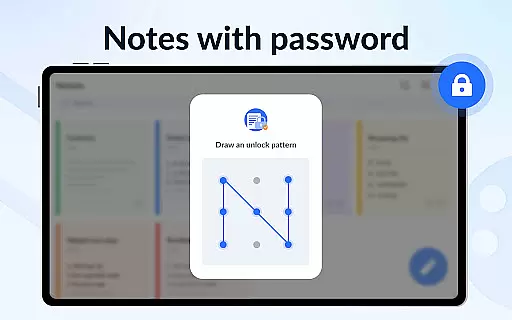
Security is also a priority, with password protection available for sensitive notes. Additionally, the cloud backup feature guarantees that all your notes are safely stored and can be restored anytime. These robust features make Notein a reliable tool for anyone looking to enhance their productivity through better note organization.
Task management is a cornerstone of productivity applications, and Notepad, Notes, Easy Notebook excels in this area. This feature allows users to efficiently organize their daily tasks and responsibilities.
The app offers multiple modes for task entry, including text mode for standard notes and checklist mode for to-do lists. Users can easily add, check, edit, and delete tasks, ensuring that their workflow remains uninterrupted and productive.
One of the standout aspects is the ability to pin important notes, making them readily accessible through widgets on the home screen. This ensures that critical tasks are always visible and top-of-mind for the user.
Additionally, the calendar integration provides a visual timeline for task management, allowing users to associate notes with specific dates and events. This holistic approach to task management helps users stay organized and on track with their commitments.
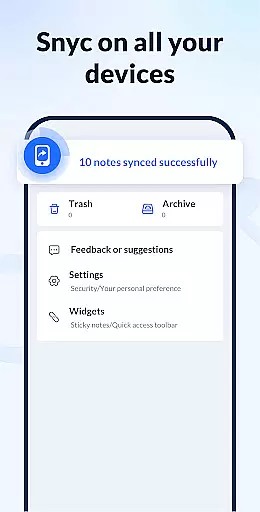
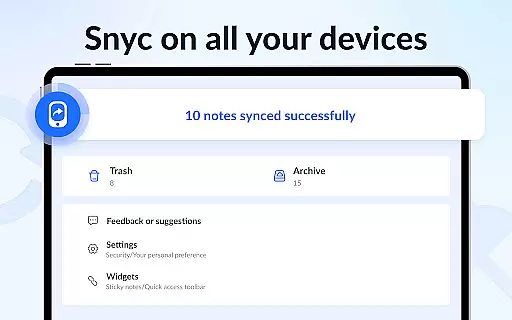
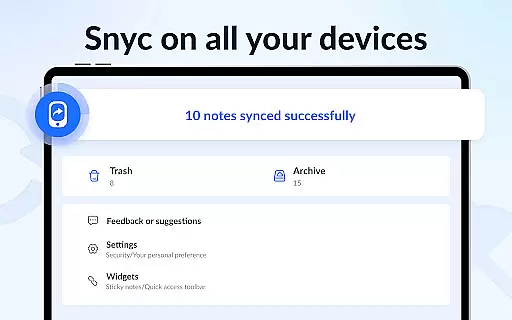
Cross-device synchronization is vital for users who operate across multiple devices. Notepad, Notes, Easy Notebook ensures that all notes and lists are consistently updated across devices, providing a seamless experience.
The app supports cloud backup and restore functionality, safeguarding data against loss and enabling access from any device. This means that whether you're using your phone, tablet, or computer, your notes will always be up-to-date and available.
Reliability is further enhanced by automatic saving and real-time updates. As users type, their notes are saved instantly, reducing the risk of data loss and ensuring that every change is captured.
This robust synchronization capability empowers users to transition smoothly between devices without missing a beat, enhancing both accessibility and peace of mind.
User-friendly interface
Automatic note saving
Colorful organization options
Secure password protection
Cloud backup functionality
Limited advanced formatting
No collaboration features
Occasional sync issues
Basic drawing tools
Ads in free version

Experience Reading - Night Mode for Documents
 4.40
4.40
Experience real multitasking on your Android!
4.00
Ads Free App! Editor, Hide File, Copy, Move, Delete and Rename.. all facility av
1.70
Easily read and manage all your PDF files
4.10
Mind Map and brainstorm, note taking and idea collection
4.80
Cloud storage, automatic phone backup, and more.
4.10
Functional QR scanner and barcode reader that requires little storage space.
4.60
Okta MFA
4.70
AT&T Internet customers can use this app to personalize their Wi-Fi network.
4.40
Native client for Forgejo and Gitea
5.00
Android Wallet Password Manager
4.80
Quickly and easily keep track of your work shifts
4.70
Secure, fast, open-source, Remote Desktop Client for Windows and Linux with SSH
4.60
Translate text/voice/photos in 150+ languages. Offline & fast translator app.
4.50
Send files, sync SMS, notifications & clipboard across devices via local network
4.40
This small app MUST BE INSTALLED after purchase, else license won't work
4.40
Activate Two Factor Authentication (2FA or Multi OTP), Password manager and more
4.10
Intelligent AI Assistant
4.10
Code on-the-go with VScode for Android. Edit,debug and collaborate from mobile!!
3.10


User Reviews