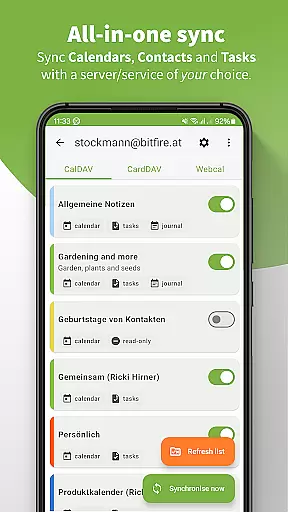
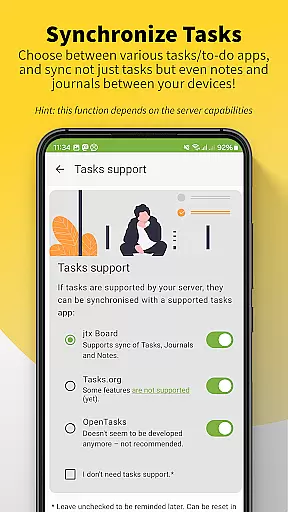
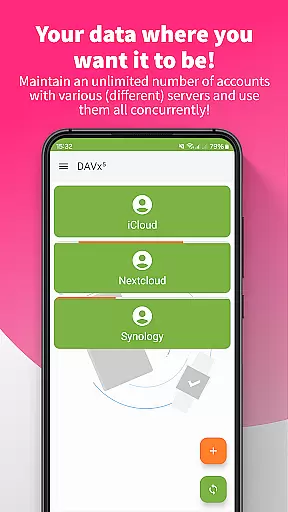
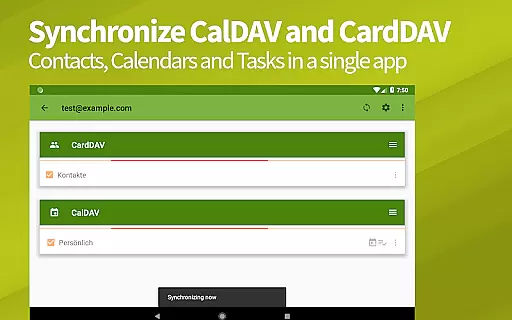
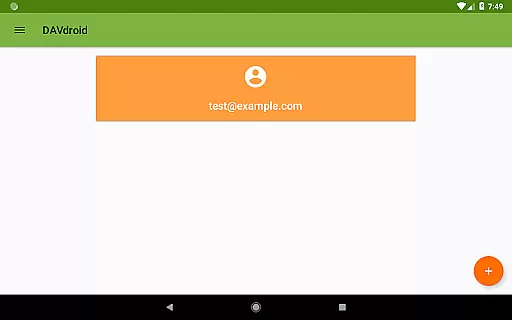
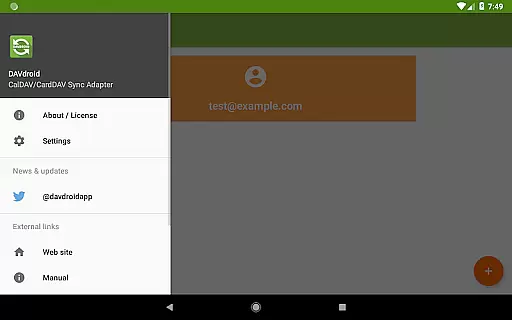
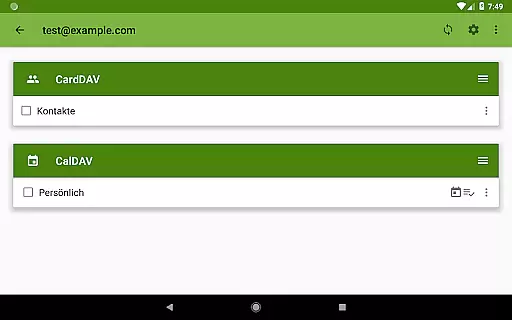
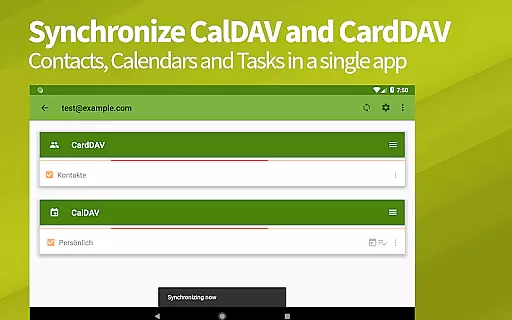
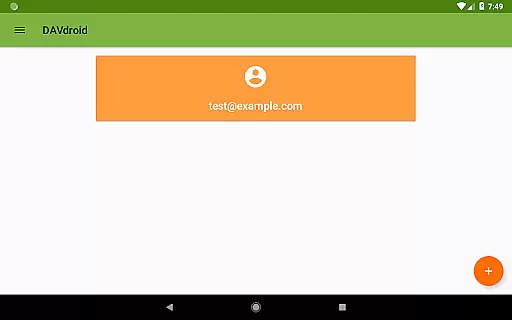
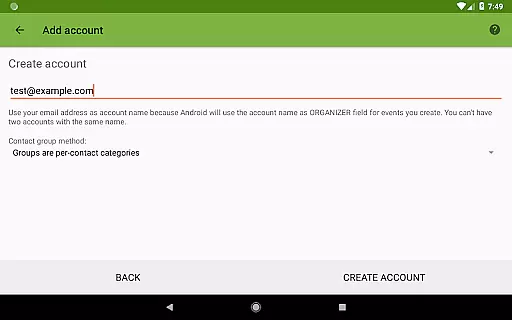
DAVx⁵ is a comprehensive productivity app designed for seamless synchronization of contacts, calendars, tasks, and WebDAV files. This all-in-one solution supports CalDAV, CardDAV, and WebDAV protocols, making it compatible with numerous services like Nextcloud, iCloud, and Synology. The app offers two-way synchronization, ensuring your data is always up-to-date across devices while maintaining privacy and security.
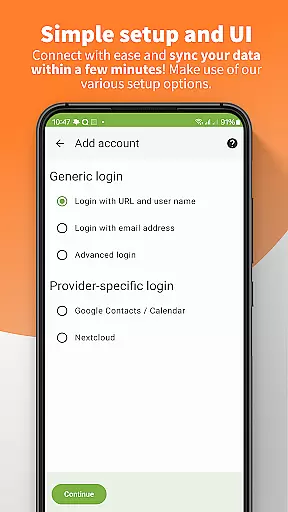
With its user-friendly setup and integration capabilities, DAVx⁵ allows users to manage their schedules, contacts, and files efficiently. Whether you're using it with personal servers or trusted hosted services, the app provides a reliable way to keep your information synchronized. Its compatibility with various third-party apps and services enhances productivity by centralizing your essential data management needs in one place.
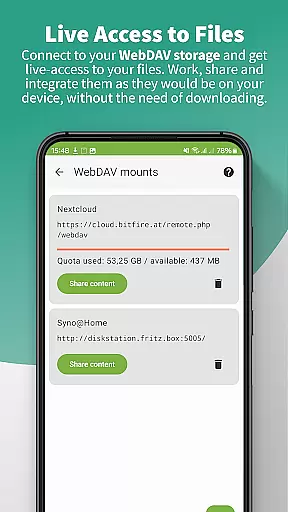
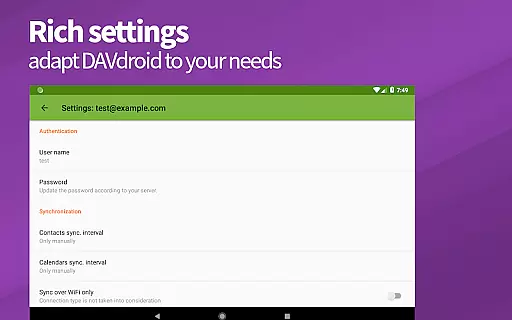
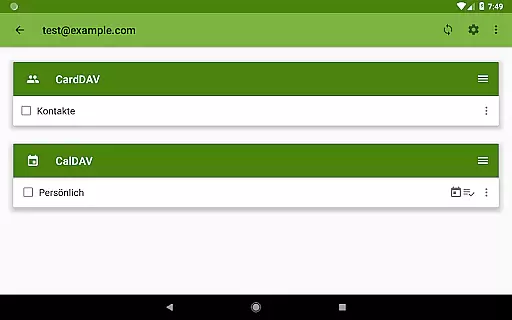
DAVx⁵ stands out with its robust feature set tailored for productivity enthusiasts. The app supports two-way synchronization for calendars, address books, and task lists, ensuring that changes made on one device are instantly reflected on others. Additionally, it offers seamless access to WebDAV files, allowing users to work with remote storage as if it were local on their devices.
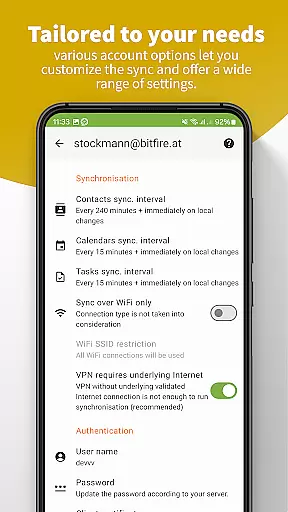
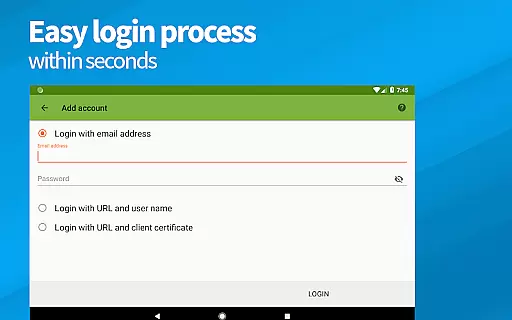
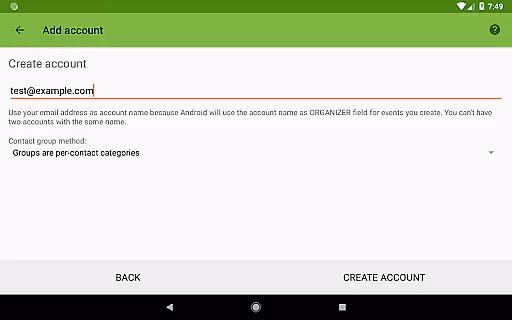
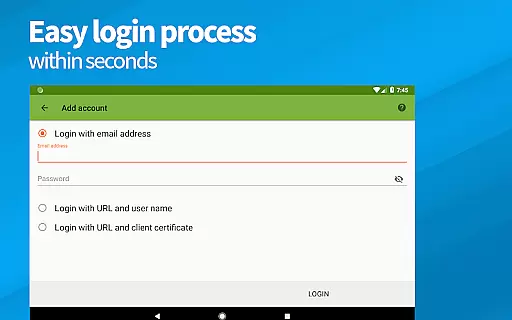
Performance optimization is another key aspect of DAVx⁵, featuring fast algorithms such as CTag/ETag and multi-threaded sync capabilities. It also includes easy setup options with resource auto-detection and support for self-signed certificates. Users can create and delete calendars, address books, and to-do lists directly within the app, offering unparalleled flexibility and control over their synchronized content.
DAVxu2075 offers a comprehensive solution for managing core tasks related to contacts, calendars, and tasks synchronization. This all-in-one app supports CalDAV for calendars, CardDAV for contacts, and WebDAV for file access, ensuring that users can efficiently handle their productivity needs.
The application provides seamless two-way synchronization between the server and client, allowing users to make updates from either end without worrying about data discrepancies. Its compatibility with various servers like Nextcloud, iCloud, and Synology makes it versatile for different user environments.
With DAVxu2075, users benefit from easy setup processes, including resource auto-detection and support for self-signed certificates. The app also boasts fast algorithms designed for high performance, such as CTag/ETag and multi-threaded sync, which enhance the overall task management experience.
Cross-device synchronization is a critical feature of DAVxu2075, ensuring that users have reliable access to their data across multiple devices. Whether you're switching between your phone and tablet or sharing information with team members, DAVxu2075 maintains consistency and accuracy in your synchronized data.
The app's flawless integration with device systems and favorite apps guarantees that users experience minimal disruptions. It optimizes performance for both phones and tablets while maintaining backward compatibility with older Android versions, thus broadening its usability scope.
Security and privacy are prioritized in DAVxu2075u2019s design, offering super-secure operations without ads or tracking. Users can trust that their personal and professional information remains protected during synchronization processes, adhering to GDPR compliance standards.
Easy setup process
Two-way synchronization
Strong privacy protection
Compatible with many services
Open-source software
No built-in calendar view
Limited server support
Advanced features require knowledge
Not ideal for beginners
Manual configuration needed

AI Video AI Image Private LLM AI Browser Llama Gemma Ollama Connect LLM Studio
 4.4
4.4
Direct Chat without saving contacts & Dual WA Account on Single Device
4.70
The upgraded version of Name Wheel with AI and the power to add your own wheels.
4.3
Secure, fast, open-source, Remote Desktop Client for Windows and Linux with SSH
4.60
Secure, open-source, SPICE and SSH Remote Desktop for QEMU KVM virtual machines
4.00
Access, manage and transfer files on Android, PC, Mac, NAS and cloud storages.
4.30
Experience and share your SolidWorks designs on your Android® phone and tablet.
2.50
Share files & memories safely. Keep your photos and videos secure.
4.40
Okta MFA
4.70
Stay on top of your to-dos with Google Tasks, part of Google Workspace.
4.60
Planet Free VPN - The best Fast Unlimited and Secure VPN Without Logs
4.50
Experience Reading - Night Mode for Documents
4.40
Secure your apps with lock screens, use custom themes and different features.
4.40
Professional calendar app for Google Calendar, MS Outlook & Exchange
4.20
Create and edit presentations with Google Slides, part of Google Workspace.
4.00
Access your phone's notifications, calls, apps, photos & texts on your PC
3.90
All in one sketching tool. Technical and General drawing. Online Maps support.
3.70
Smart PDF reader & editor to view, organize and manage PDF documents easily.
3.70
ID.me Authenticator is a simple and free Two Factor Authentication solution
3.50


User Reviews