
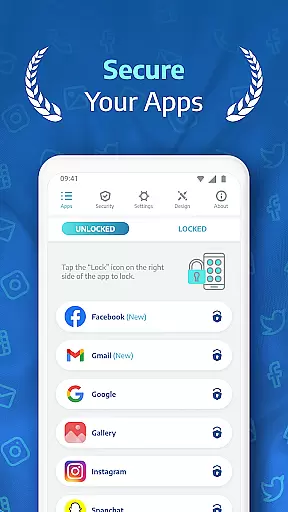
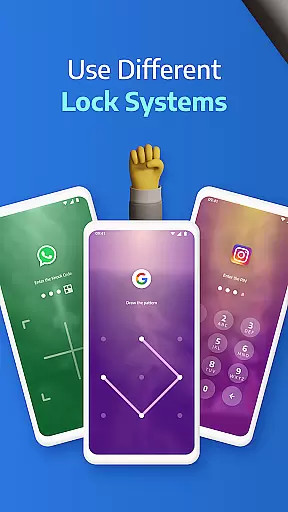
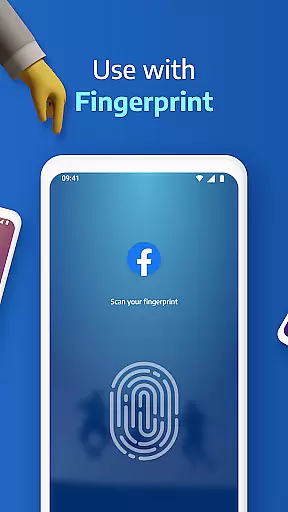
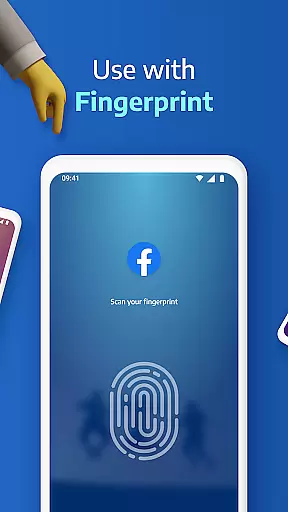
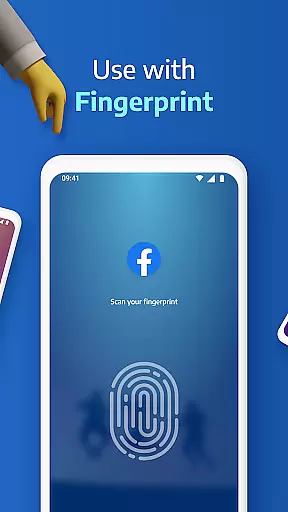
AppLock Pro is a premier productivity app designed to secure your personal data by locking access to apps and sensitive content. This powerful tool allows users to protect their privacy through multiple lock methods including PIN, pattern, fingerprint authentication, and KnockCode. With millions of downloads, it has become the trusted choice for safeguarding private messages, social media accounts, and confidential photos.
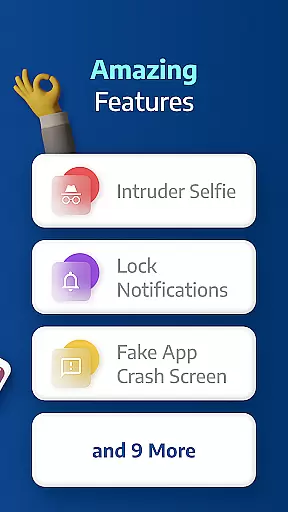
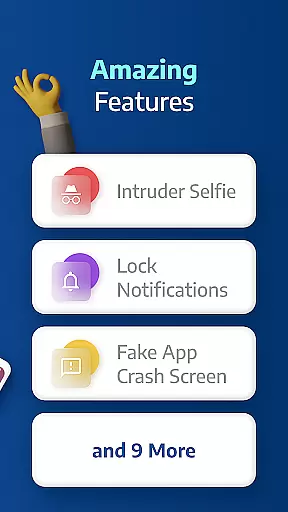
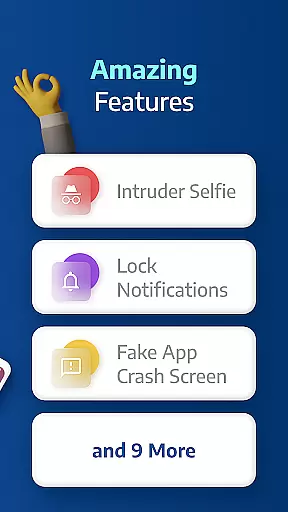
Beyond basic locking features, AppLock Pro offers advanced functionalities such as spy camera protection, fake error messages, and customizable lock screens. These features ensure that unauthorized access attempts are not only blocked but also discreetly recorded. Whether you're at work, home, or traveling, this app provides an essential layer of security for both personal and professional use.
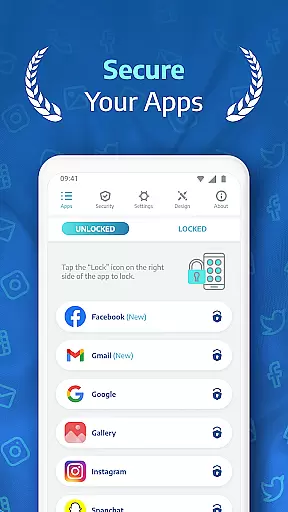
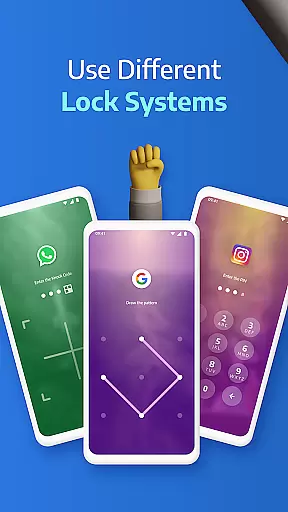
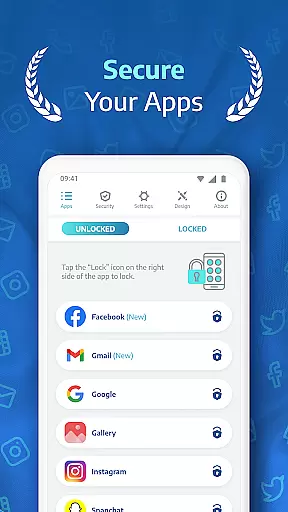
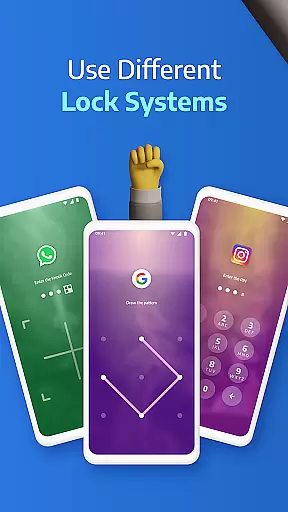
AppLock Pro stands out with its comprehensive suite of security features tailored for modern digital lifestyles. One of its key highlights is the ability to lock any app on your device using various methods like PIN, pattern, fingerprint (if supported), or KnockCode. This versatility ensures that all your critical apps—such as WhatsApp, Instagram, and Messenger—are protected from unwanted access.
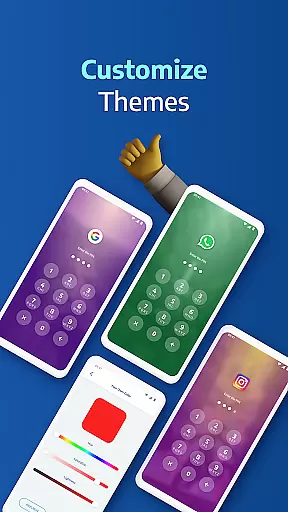
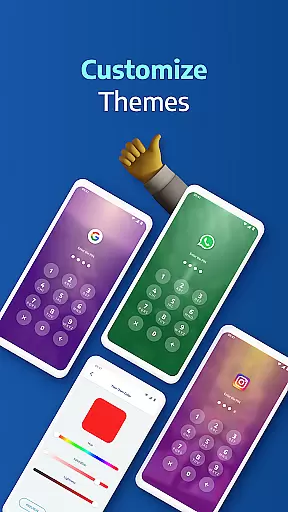
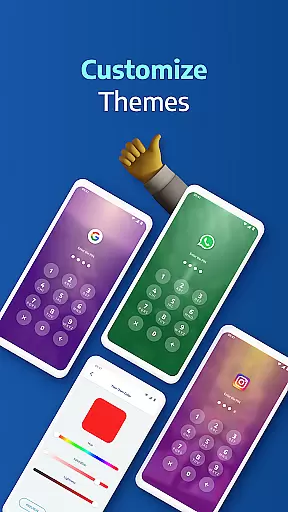
In addition to locking capabilities, the app includes innovative tools like a spy camera feature that captures intruders' photos when incorrect passwords are entered. It also offers a fake error message option to mislead potential snoopers and hide notifications from locked apps. Users can further customize their experience with unique themes and backgrounds sourced from their own gallery photos, making security both robust and personalized.
Applock Pro excels in core task management by providing users with a comprehensive suite of security features designed to protect sensitive apps and data. The application allows you to lock any app using various methods such as PIN, pattern, fingerprint, or KnockCode, ensuring that only authorized access is permitted.
The app's sophisticated task management extends to its ability to handle multiple security scenarios. For instance, it offers a unique spy camera feature that takes a secret photo whenever an incorrect password is entered, serving as both a deterrent and a tracking mechanism against unauthorized access attempts.
Users benefit from the peace of mind that comes with knowing their private messages, social media interactions, and confidential photos are safeguarded. With customizable lock styles and additional smart settings like vibration feedback and new app alerts, Applock Pro ensures that managing your digital security is not only robust but also user-friendly.
While Applock Pro focuses primarily on device-specific security, it still delivers reliable cross-device synchronization for user preferences and settings. This means that if you use multiple devices, your chosen lock types, custom themes, and personalized configurations can be consistently applied across all your gadgets.
The synchronization process is seamless and automatic, ensuring that changes made on one device are quickly reflected on others. Whether you customize your lock screen with a personal gallery photo or adjust specific app lock settings, these preferences remain uniform regardless of the device you're using.
This level of synchronization reliability enhances user convenience without compromising security. You won't have to reconfigure settings every time you switch devices, making your experience smoother and more efficient while maintaining top-notch protection for your apps and data.
Highly secure
User-friendly interface
Customizable lock styles
Advanced spy camera
Lightweight performance
Premium version required
Permissions needed
Limited free features
Fingerprint support varies
Occasional bugs

Send files, sync SMS, notifications & clipboard across devices via local network
 4.40
4.40
aCalendar+ makes your day, week and month
4.70
Secure, open-source, SPICE and SSH Remote Desktop for QEMU KVM virtual machines
4.00
To do list widget with a notebook organizer, checklist, simple shopping list
4.60
A Pixel Art watchface inspired by other iconic 90s designs for Wear OS devices!
4.40
Experience and share your SolidWorks designs on your Android® phone and tablet.
2.50
Access your phone's notifications, calls, apps, photos & texts on your PC
3.90
AT&T Internet customers can use this app to personalize their Wi-Fi network.
4.40
2026 USPS Alpha/Color coded calendar Sunday/Rotating day off schedules
4.0
Simple notepad & memo. Take notes, to-do list, shopping list with reminders.
4.80
Quickly and easily keep track of your work shifts
4.70
Okta MFA
4.70
Client for Nextcloud Deck
4.60
Translate text/voice/photos in 150+ languages. Offline & fast translator app.
4.50
This small app MUST BE INSTALLED after purchase, else license won't work
4.40
Total remote control for your Android device, PC and cloud services (IFTTT)!
4.20
Mega cloud explorer plugin for Solid Explorer
3.80
Ads Free App! Editor, Hide File, Copy, Move, Delete and Rename.. all facility av
1.70
A simple, portable logger for POTA, SOTA, Field Day, and more
4.1


User Reviews