
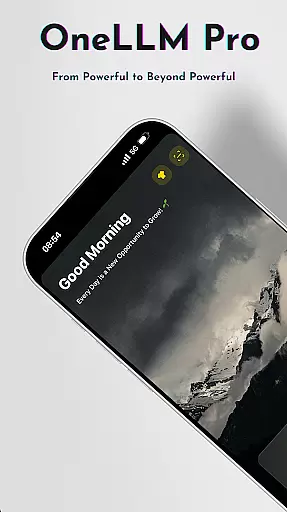
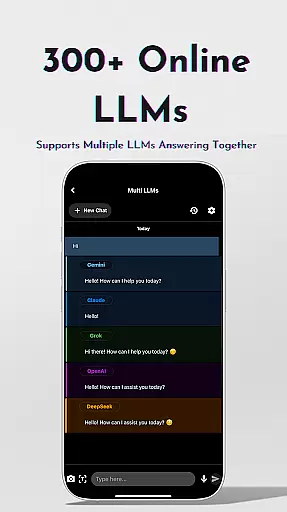
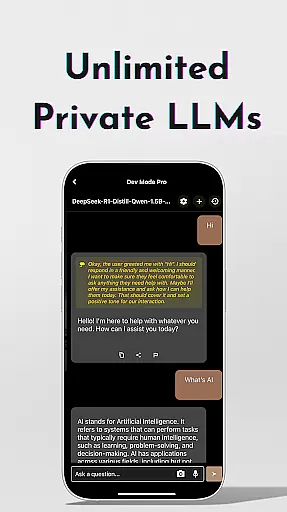
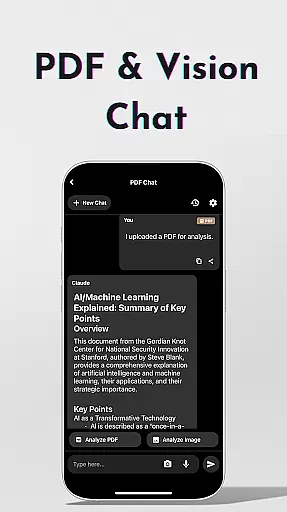
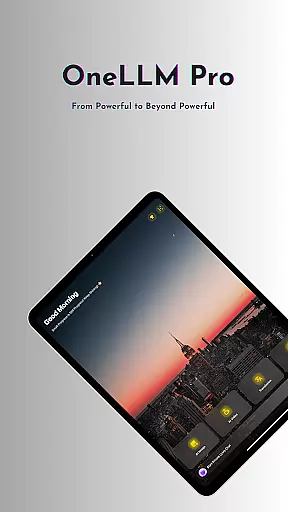
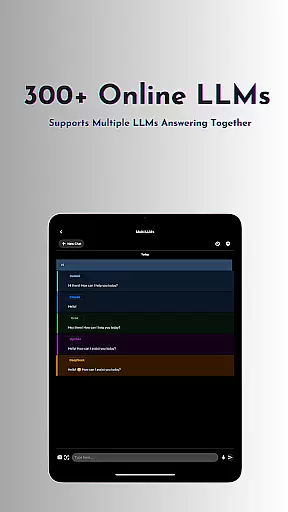
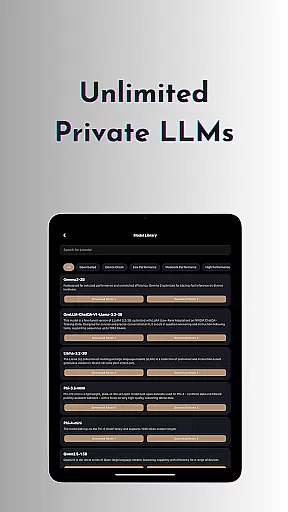
OneLLM Pro is a powerful productivity tool that seamlessly integrates local and cloud AI capabilities, offering users an extensive suite of AI-powered features. Whether offline or online, the app provides access to thousands of fully offline Large Language Models (LLMs) and over 300 leading online LLMs, including top performers like ChatGPT 4o and Claude.
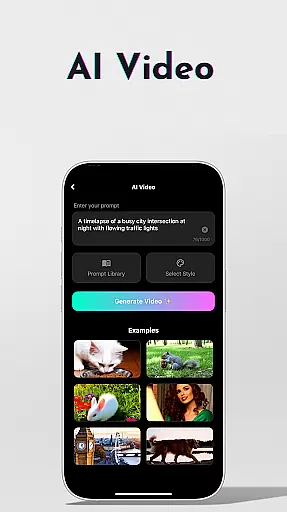
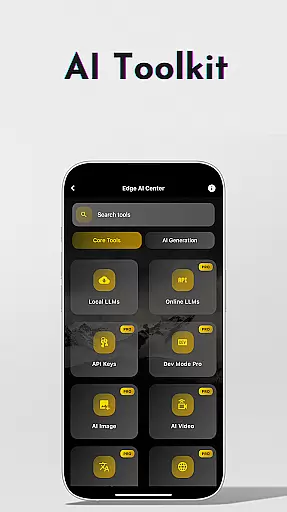
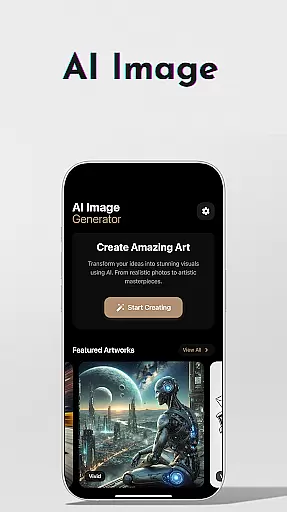
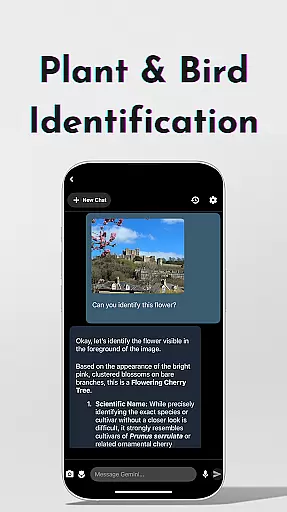
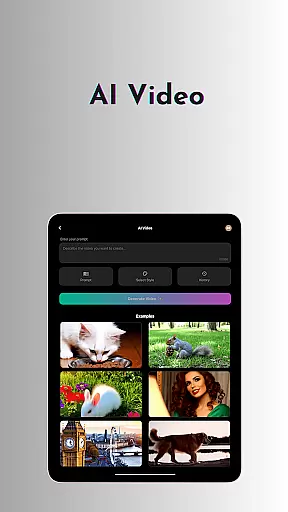
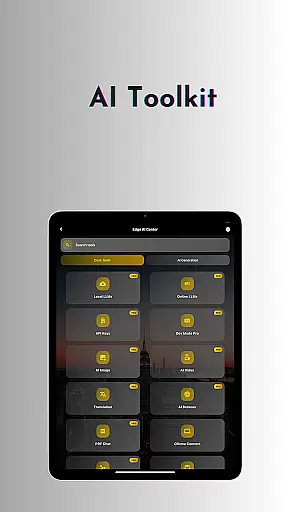
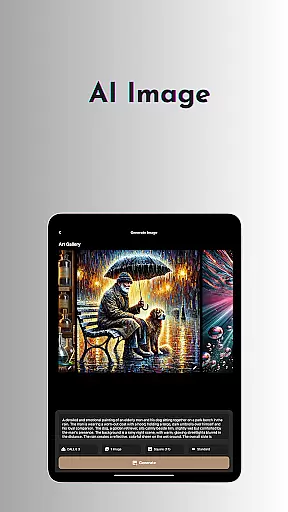
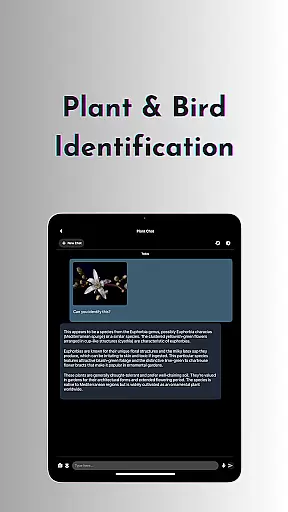
Beyond its core language model capabilities, OneLLM Pro includes specialized AI toolkits for video generation, image creation using Stable Diffusion/DALL·E 3, offline OCR document scanning, and more. The app also features unique tools such as Private Speech-to-Text Transcription, AI Browser for digesting complex articles, and even plant and bird identification. These features make it suitable for both personal and professional use cases where privacy and efficiency are paramount.
The application's ability to function without internet connectivity ensures maximum privacy while maintaining exceptional performance across all devices, from entry-level to flagship models. With an ad-free experience and advanced customization options through LLM Dev Mode, OneLLM Pro delivers a comprehensive AI solution optimized for productivity.
OneLLM Pro stands out with its extensive feature set designed to maximize productivity and user control. The app offers unlimited private and local LLMs, allowing users to customize AI characters for specialized chat demands without requiring an internet connection. For those needing advanced capabilities, the app provides access to over 300 leading online LLMs, including o1, ChatGPT 4o, and Claude, which can be switched with a single tap.
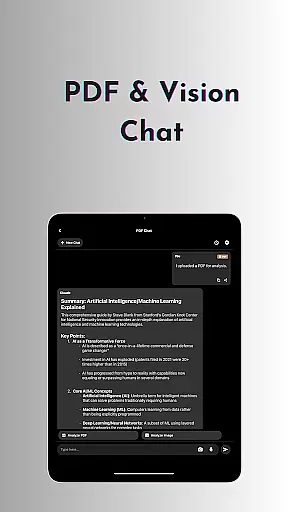
In addition to its language model offerings, OneLLM Pro includes dedicated AI toolkits for creative tasks such as AI Video Generation and AI Image Creation using industry-leading technologies like Stable Diffusion and DALL·E 3. The app also supports practical functionalities including Offline OCR Document Scanning, Ollama Connect for linking mobile devices to PCs or servers running large LLMs, and Private Speech-to-Text Transcription ideal for confidential meetings.
Other notable features include Smart LLMs Matching, which intelligently recommends models optimized for specific device specs, Hugging Face Integration for easy model downloads, and Privacy You Control ensuring data remains private through local processing. These features collectively create a versatile productivity tool that adapts to various user needs while maintaining high performance standards.
Core task management is essential for productivity applications, serving as the backbone for organizing and executing tasks efficiently. OneLLM Pro excels in this area by offering a comprehensive suite of AI tools designed to handle various use cases. The app provides users with the ability to manage tasks through advanced AI functionalities such as AI Video Generation, AI Image Creation, and Offline OCR Document Scanning.
The application supports both local and cloud-based AI capabilities, ensuring that users can maintain productivity whether they are online or offline. With access to thousands of fully offline Large Language Models (LLMs), users can customize unique AI characters to match specialized chat demands, unlocking limitless potential for smarter and faster interactions. This feature is particularly beneficial for those who require private and secure task management solutions.
OneLLM Pro also includes a Study Assistant that delivers answers from top models, supporting text input, photo capture, or image uploads for seamless learning. Additionally, the Multi-LLM Simultaneous Response Mode allows users to get instant answers from leading LLMs with a single click, streamlining workflows without needing to switch between apps. These features collectively enhance the user's ability to manage tasks effectively and efficiently.
By integrating these powerful AI tools, OneLLM Pro not only simplifies task management but also empowers users to accomplish more with less effort. The app's optimized performance across different devices ensures that users can enjoy smooth and reliable task management regardless of their device specifications. This makes OneLLM Pro an invaluable tool for anyone looking to boost their productivity and achieve their goals more effectively.
Cross-device synchronization reliability is crucial for maintaining consistency and accessibility of data across multiple devices. OneLLM Pro addresses this need by providing robust synchronization features that ensure users can seamlessly transition between their devices without losing any data or functionality. This reliability is achieved through a combination of local processing and cloud-based services, which work together to keep all devices up-to-date.
The app leverages both private local processing and powerful cloud performance to offer users the best of both worlds. Local AI processing ensures maximum privacy and security, while cloud capabilities provide the necessary power for demanding tasks. This dual approach allows users to choose the most suitable mode for their current needs, whether they require the speed and privacy of local processing or the extensive resources of the cloud.
OneLLM Pro further enhances cross-device synchronization through its Smart LLMs Matching feature. This built-in configuration scan intelligently recommends LLMs optimized for each deviceu2019s specifications, unlocking peak performance while saving storage and battery. By adapting to the user's device, the app ensures that synchronization remains smooth and efficient, regardless of the hardware being used.
In addition to these technical advantages, OneLLM Pro offers an ad-free experience, allowing users to focus on their tasks without distractions. The app's optimized performance across different devices, from entry-level to flagship, guarantees that users can enjoy reliable and consistent synchronization. This makes OneLLM Pro an ideal choice for individuals seeking a dependable solution for managing their tasks and data across multiple devices.
Extensive AI toolkit
Offline functionality
Privacy-focused design
Wide range of LLMs
Cross-device optimization
Complex setup required
Resource-intensive
Premium pricing
Limited free features
Steep learning curve

Auto-shutoff Alarm with Sunrise, Sunset & Fixed Options.
 3.50
3.50
Create study competitions, track your hours, and stay consistent with friends
4.1
Wake up & get tasks done! Add alarms & reminders on the Clock Launcher.
4.00
ID.me Authenticator is a simple and free Two Factor Authentication solution
3.50
Subscribe to Webcal & .ics calendars and keep them up-to-date!
4.50
Calendar 2023 widget for Android. Appointment scheduler, planner, and reminder
4.60
Secure your apps with lock screens, use custom themes and different features.
4.40
Daily processing of PDF documents.
4.40
QuickEdit is a fast, stable and full featured text and code editor.
4.20
Simple notepad & memo. Take notes, to-do list, shopping list with reminders.
4.80
Secure, fast, open-source, VNC and SSH Remote Desktop for Windows, Linux and Mac
4.70
CalenGoo is a very flexible and feature-rich calendar app
4.40
Automates browsing any website and notifies you of important changes or events
4.30
Access, manage and transfer files on Android, PC, Mac, NAS and cloud storages.
4.30
All in One PDF Reader: Manage, Read and Edit your Documents
4.20
Make apps & sites with natural language prompts
4.10
Unlock AutoNotification
4.00
A Revolutionary All-in-One Artificial Intelligence Tools
3.80
Mega cloud explorer plugin for Solid Explorer
3.80


User Reviews