
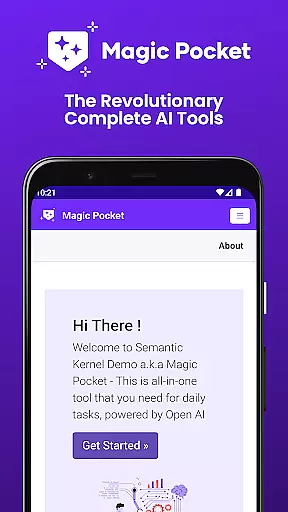
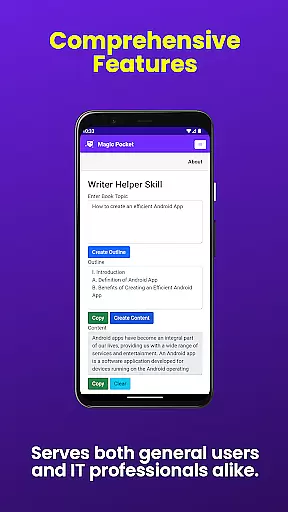
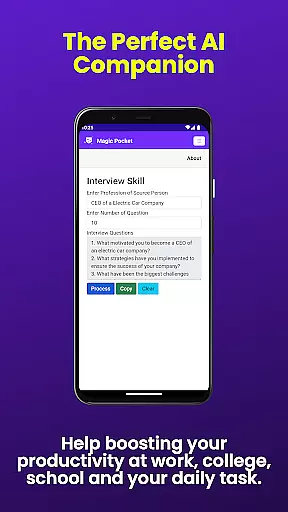

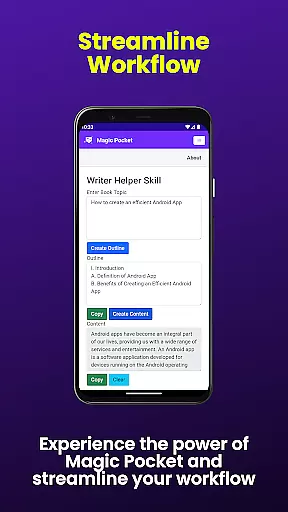
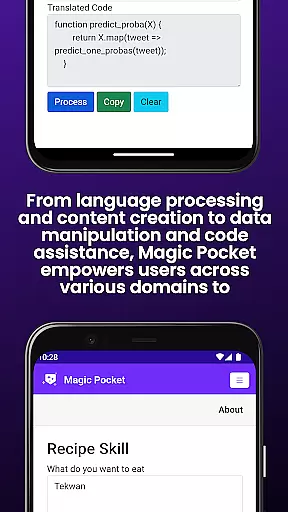
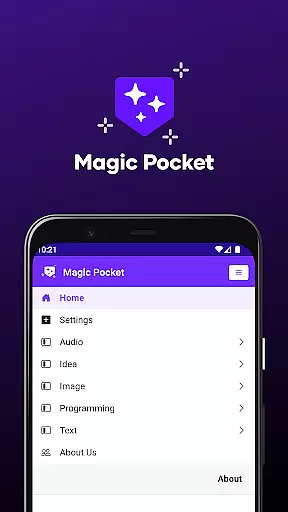
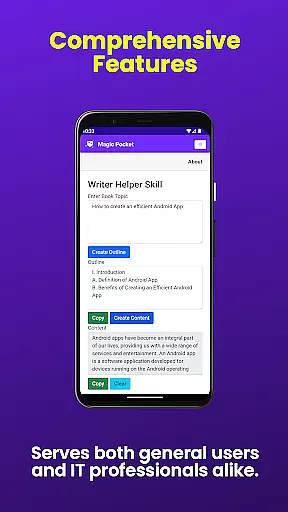
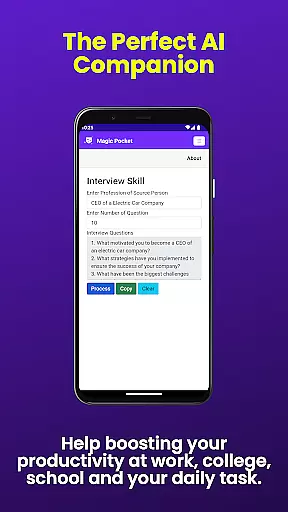

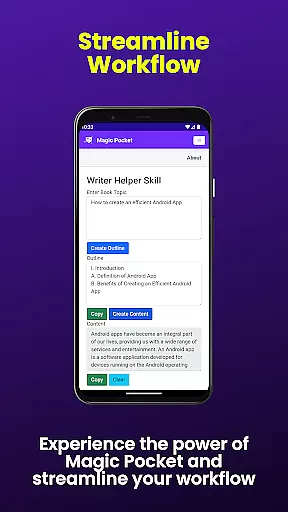
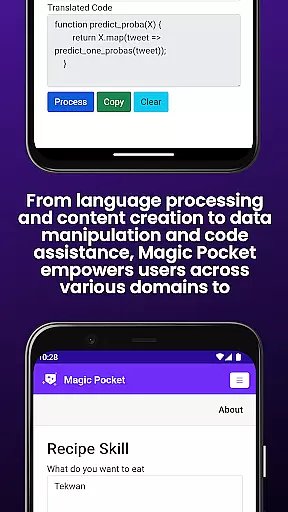
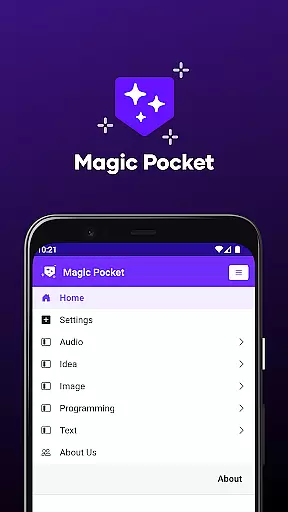
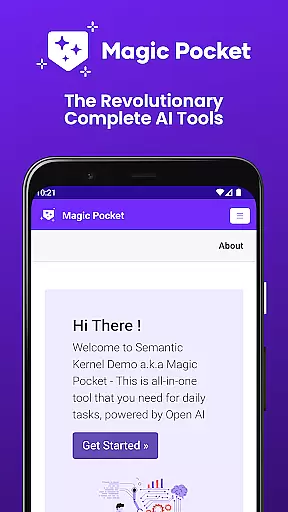
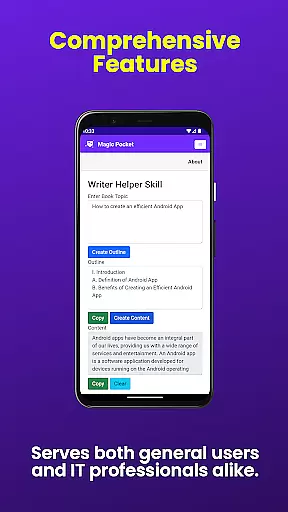
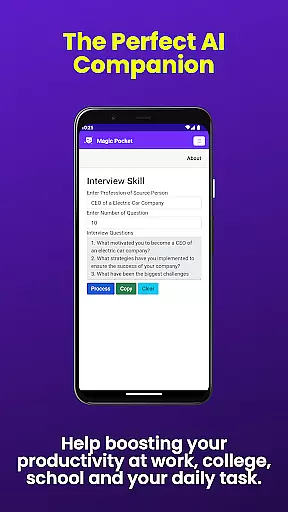

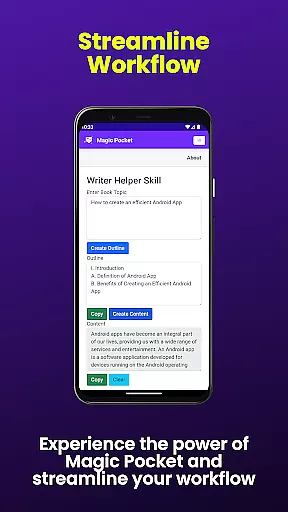
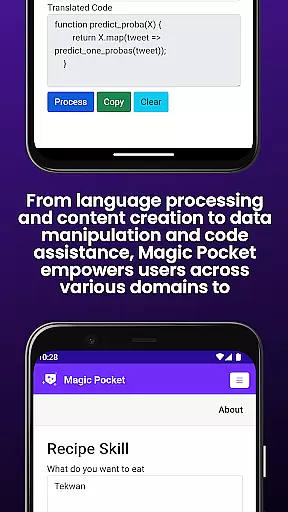
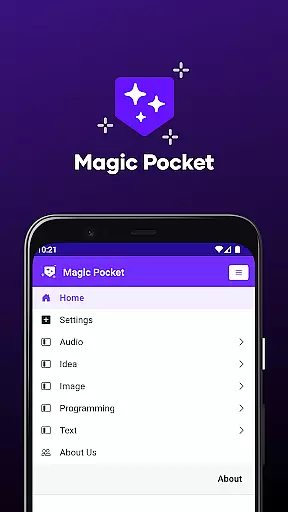
Magic Pocket is a productivity powerhouse, offering users an extensive suite of 100 cutting-edge features designed to enhance creativity and efficiency. Available on Android and Windows platforms, this app provides innovative tools for media management, creative projects, and text transformation.
At its core, Magic Pocket enables seamless video conversations, smooth speech-to-speech translation, and effortless content conversion between HTML and Markdown formats. The application stands out with its AI-driven image and video processing capabilities, including features like Image Inversion, Video Foreground Extractor, and Change Video Background.
This versatile tool proves invaluable for professionals and creatives alike, allowing users to generate high-quality assets, create stunning headshots, and produce captivating 2D animations from still images. Its comprehensive feature set makes it particularly useful for digital content creators and marketing professionals who need to produce diverse multimedia materials efficiently.
Magic Pocket distinguishes itself through its diverse range of specialized features that cater to various productivity needs. The application's most notable capability is its collection of AI-powered generators, including the Sana Image Generator, Photon Image Generator, and Vector Image Generator, each employing advanced algorithms to produce professional-grade results.
The app implements sophisticated machine learning models across multiple functions. For instance, the Luma Video Generator creates high-quality videos using intelligent processing techniques, while the Handwriting Generator employs complex pattern recognition to convert text into realistic handwriting samples. Another standout feature is the Trellis 3D Asset converter, which utilizes advanced geometry processing to transform 2D images into detailed 3D assets.
These features demonstrate Magic Pocket's commitment to innovation in productivity tools. Each function is carefully designed to save users time while maintaining professional standards, whether they're working on image manipulation, video editing, or content creation tasks. The combination of these specialized tools in one application represents a significant advancement in productivity software solutions.
Task management is a cornerstone of productivity applications, and Magic Pocket excels in providing users with innovative tools to handle tasks efficiently. The app's suite of features includes functionalities that allow for seamless organization, tracking, and completion of tasks.
Magic Pocket incorporates cutting-edge AI tools such as Talk with Video and Speech to Speech, which facilitate clear communication and collaboration on tasks. With the Extract Image Data feature, users can quickly gather information from visual content, streamlining data entry and task documentation processes.
The benefits of using Magic Pocket for task management are vast. Users experience an increase in productivity due to the app's ability to consolidate various task-related activities into one platform. This consolidation saves time and reduces the cognitive load associated with managing multiple tools or interfaces.
Ultimately, Magic Pocket stands out by not only covering conventional task management needs but also integrating unique features like Luma Video Generator and Vector Image Generator. These creative additions enable users to produce high-quality work output while managing their projects, setting a new standard for what productivity apps should offer.
Cross-device synchronization is vital for users who operate across multiple platforms, ensuring that their data and progress are preserved and accessible wherever they go. Magic Pocket takes this aspect seriously, offering reliable synchronization between Android and Windows devices.
The app employs robust cloud-based technology to maintain real-time updates across devices. Whether you're creating a stunning headshot image on your phone or generating 3D assets on your PC, Magic Pocket ensures that all changes are synced instantly without loss of quality or detail.
Users benefit greatly from this seamless integration as it allows them to switch between devices without missing a beat. They can start a project at home, continue working on it during their commute, and finalize it at the officeu2014all without worrying about version control or manual transfers.
Magic Pocket's dedication to synchronization excellence means that whether you're manipulating video backgrounds or converting HTML to Markdown, your work remains consistent and up-to-date across all your devices, enhancing both flexibility and peace of mind.
Extensive feature set
Cross-platform support
AI-powered tools
Professional-grade output
Innovative technology
Steep learning curve
High system requirements
Complex interface
Premium pricing
Resource intensive

Experience real multitasking on your Android!
 4.00
4.00
Total remote control for your Android device, PC and cloud services (IFTTT)!
4.20
IP Camera Viewer - Android TV : RTSP Surveillance camera viewer for Android TV
4.5
App Lock with fingerprint, password: Lock apps & hide photos with lock screens
4.60
Cloud storage, automatic phone backup, and more.
4.10
Tally and goal counter for Wear OS & mobile
4.50
A beautiful digital clock with autostart and many other functions
4.70
To do list widget with a notebook organizer, checklist, simple shopping list
4.60
Browse and view your photos and videos from the phone with photo & video hide.
4.10
Scientific calculator for Android - looks and operates like the real thing!
4.90
Protect and view your important info on your phone and tablet with eWallet®
4.80
Mind Map and brainstorm, note taking and idea collection
4.80
App lock - lock apps with fingerprint, password, pin or pattern, protect privacy
4.70
Absolutely the best CNC machinist speed and feed calculator around. fswizard.com
4.60
Planet Free VPN - The best Fast Unlimited and Secure VPN Without Logs
4.50
Wake up & get tasks done! Add alarms & reminders on the Clock Launcher.
4.00
Mega cloud explorer plugin for Solid Explorer
3.80
Ads Free App! Editor, Hide File, Copy, Move, Delete and Rename.. all facility av
1.70
Create study competitions, track your hours, and stay consistent with friends
4.3


User Reviews