
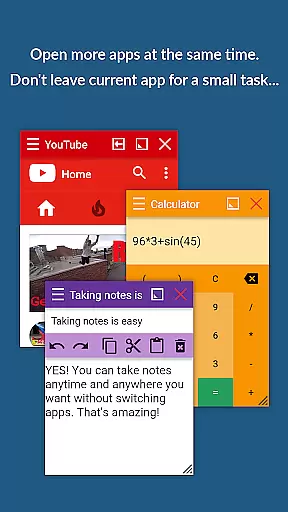
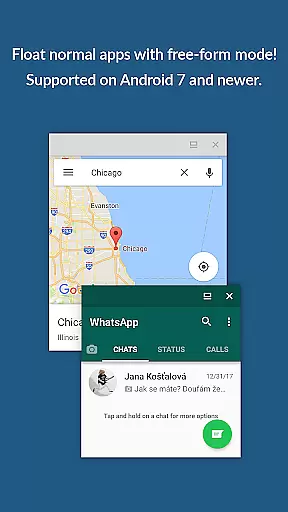
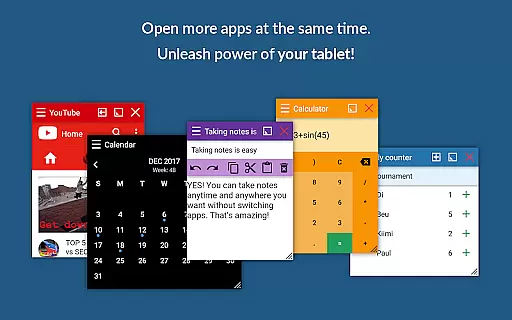
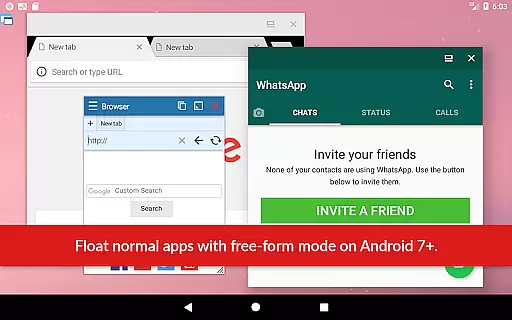
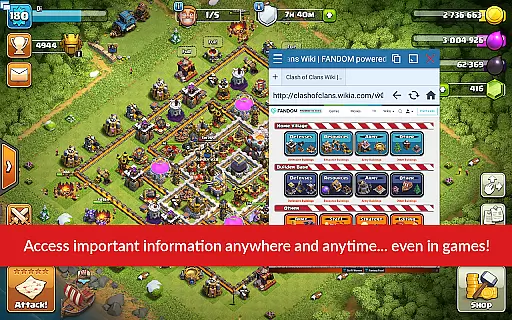
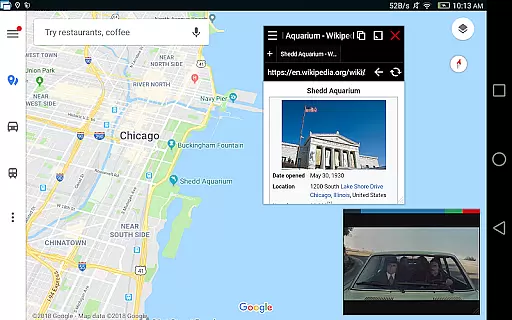
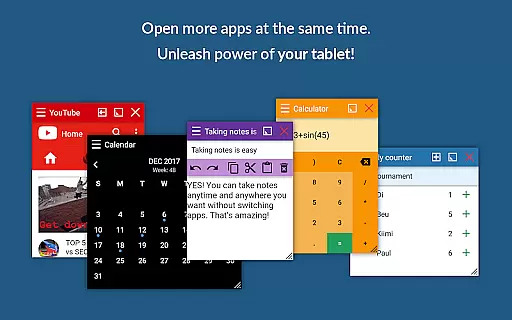
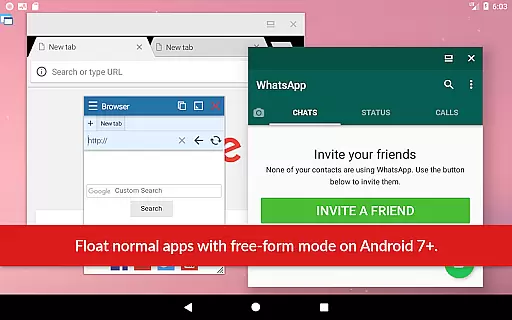
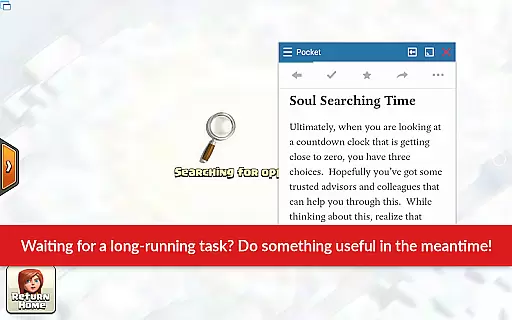
Floating Apps revolutionizes multitasking on Android devices by enabling users to run multiple apps simultaneously in floating windows. This allows seamless integration of tasks such as watching videos, taking notes, or checking emails without interrupting the primary activity.
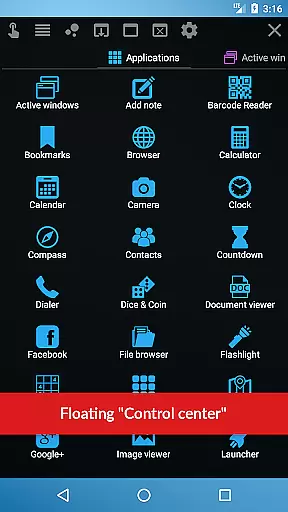
With over 41 built-in floating apps including a browser, document viewer, YouTube, calculator, and more, this app caters to diverse productivity needs. Its customization options and support for creating personal floating apps from widgets and URLs make it an indispensable tool for power users.
Ideal for professionals and students alike, Floating Apps enhances efficiency by allowing access to necessary information without switching contexts, thus optimizing workflow and time management.
The hallmark of Floating Apps is its extensive suite of features designed to maximize productivity. Users can enjoy advanced multitasking with resizable and movable windows that can be maximized or minimized based on their current needs.
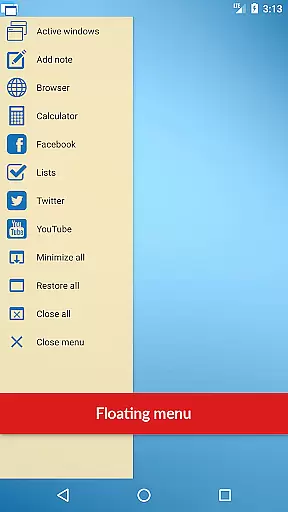
One standout feature is the ability to convert home screen widgets and URLs into personalized floating apps, offering unparalleled flexibility. The inclusion of a powerful floating menu provides quick access not only to floating apps but also to regular and recent applications, streamlining navigation.
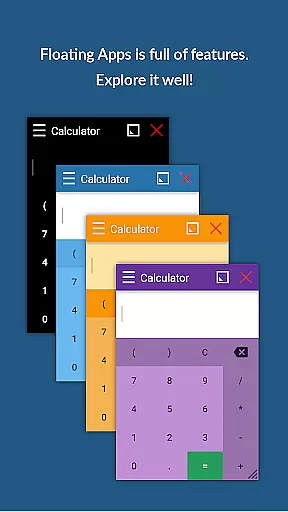
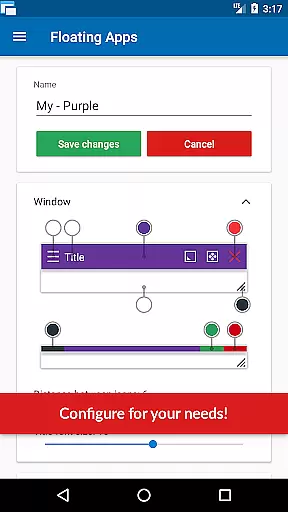
Additionally, the app supports complex interactions like drag-and-drop window management, transparency adjustments, and border control through context menus, ensuring a highly customizable user experience tailored to individual preferences.
Floating Apps revolutionizes the way users handle multitasking on their Android devices by offering a robust platform for core task management. This app allows you to open and manage multiple applications simultaneously in floating windows, streamlining your ability to perform tasks without switching screens.
With over 41 built-in floating apps ranging from browsers, document viewers, media players, to utilities like calculators and translators, it ensures that you have the right tool at your fingertips. The ability to create custom floating apps from home screen widgets or URLs further extends its functionality, making it an indispensable asset for productivity.
The true value of Floating Apps lies in its capacity to enhance efficiency. Users can watch videos, take notes, view documents, and even manage files, all while staying within their primary workspace. This seamless integration of diverse applications into a unified multitasking environment significantly boosts productivity and time management.
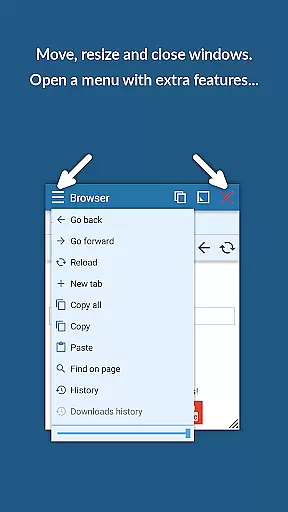
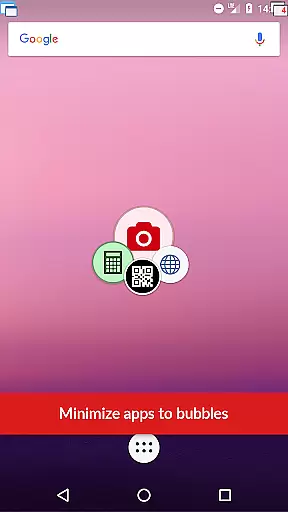
Moreover, features such as the movable Quick Launch icon, window resizing, and maximizing/minimizing functions provide complete control over the multitasking experience. These capabilities ensure that users can tailor their interface to match their workflow, optimizing both their time and device usage.
Cross-device synchronization is crucial for users who operate across multiple devices, and Floating Apps excels in delivering reliable synchronization services. By ensuring that your floating apps and their data are consistently updated across all your devices, it provides a seamless transition between your smartphone, tablet, or any other Android device.
This synchronization capability is not limited to just the apps but extends to your personalized settings and customizations. Whether it's your preferred layout, frequently used apps, or specific configurations, Floating Apps maintains consistency, allowing you to pick up right where you left off, regardless of the device in hand.
The reliability of this synchronization is backed by years of development and continuous improvement. With more than five years of refinement, Floating Apps has honed its synchronization processes to prevent data loss and ensure real-time updates, which is critical for maintaining productivity and ensuring that all devices reflect the latest changes.
Furthermore, the appu2019s commitment to user support and feedback means that any synchronization issues are promptly addressed. This dedication ensures that users enjoy a dependable service that supports their dynamic work environments, enhancing both flexibility and efficiency in managing tasks across different platforms.
User-friendly interface
Extensive app collection
Highly customizable
Efficient multitasking
Cross-language support
May overwhelm new users
Resource-intensive
Limited iOS availability
Premium features cost
Occasional bugs

AI Video AI Image Private LLM AI Browser Llama Gemma Ollama Connect LLM Studio
 4.1
4.1
The upgraded version of Name Wheel with AI and the power to add your own wheels.
4.5
Mind Map and brainstorm, note taking and idea collection
4.80
Customizable calendar widget for seamless event sync, planning & scheduling.
4.00
Multilingual translator for text, voice, and image translation!
4.90
Subscribe to Webcal & .ics calendars and keep them up-to-date!
4.50
Share files & memories safely. Keep your photos and videos secure.
4.40
Ultimate Virtual AI Character for immersive Roleplay Chat. Perfect Companion
3.90
AT&T Internet customers can use this app to personalize their Wi-Fi network.
4.40
We're working to become the best machining app on the market! www.cncdirt.com
4.80
A beautiful digital clock with autostart and many other functions
4.70
Scan paperwork into PDF/JPG, generate your own e-signature and send fax or email
4.70
Okta MFA
4.70
Functional QR scanner and barcode reader that requires little storage space.
4.60
A lightweight JSON & XML files creator, editor and viewer (Premium Version)
4.40
Enjoy classic gameplay with customizable features and retro-style graphics.
4.30
Total remote control for your Android device, PC and cloud services (IFTTT)!
4.20
Experience and share your SolidWorks designs on your Android® phone and tablet.
2.50
A comprehensive suite of tools designed specifically for Lactation Consultants
4.0


User Reviews