
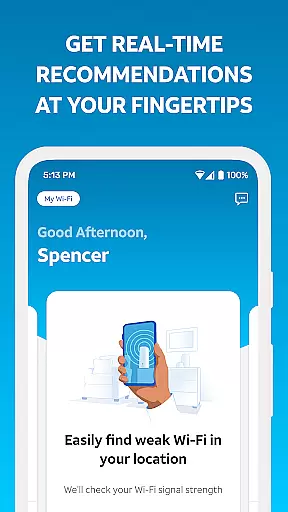
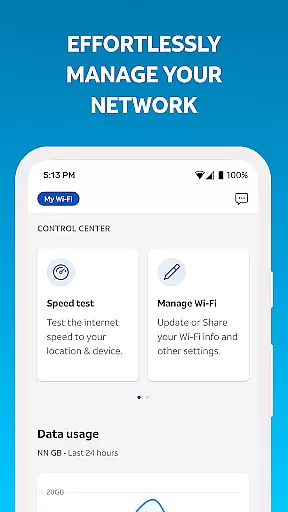
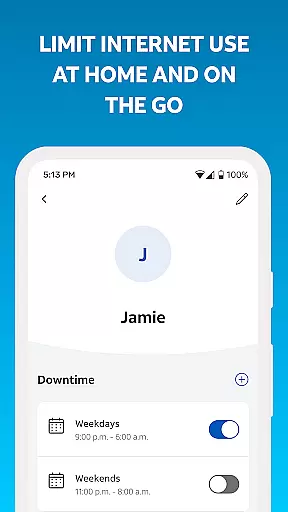
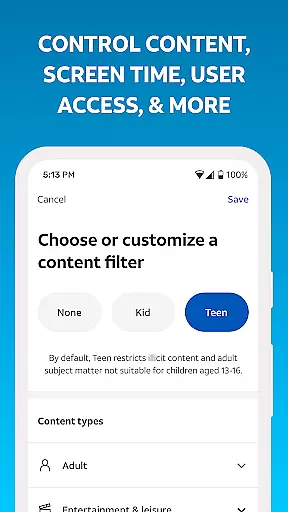
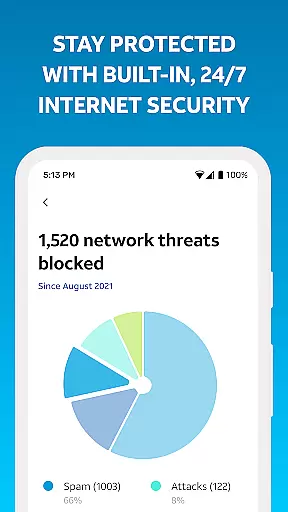
Smart Home Manager is a productivity-focused application designed to simplify the management of your AT&T Internet service. The app provides a comprehensive suite of tools that allow users to effortlessly set up and maintain their home network. With its intuitive interface, users can easily troubleshoot issues without needing a technician, modify Wi-Fi settings, monitor connected devices, and personalize device names.
Beyond basic network management, Smart Home Manager offers advanced features such as parental controls, downtime scheduling, and the ability to pause Wi-Fi access for specific devices. Users can also test their Internet speed, identify weak signal areas within their home, and receive notifications about network health or service outages. These capabilities ensure optimal performance and reliability of your home network, making it an essential tool for AT&T Internet customers with compatible Wi-Fi gateways.
Smart Home Manager stands out with its robust feature set tailored for efficient home network management. One of its key functionalities is the ability to perform clear, technician-free troubleshooting, which empowers users to resolve common network issues independently. Additionally, the app allows for easy customization of Wi-Fi network settings, including changing the network name and password, which enhances both security and personalization.
The app also excels in providing detailed insights into network activity. Users can view all connected devices, create personalized profiles, and manage screen time through parental controls and downtime schedules. Advanced features like pausing Wi-Fi access for specific devices and pinpointing weak signal spots further enhance user control. Moreover, the app's proactive approach to network health, with real-time notifications and the ability to restart the Wi-Fi gateway, ensures uninterrupted connectivity and peace of mind.
Task management is a critical component of any productivity app, and Smart Home Manager excels in this area. The app provides users with the ability to create profiles, set parental controls, and manage downtime schedules for their family's screen time at home. This ensures that parents can maintain control over how their children use the internet, promoting healthier digital habits.
Smart Home Manager also allows users to pause Wi-Fi access for any of their devices. This feature is particularly useful when you want to limit internet usage during certain times of the day or when troubleshooting network issues. By providing such granular control over your home network, the app empowers users to optimize their connectivity according to their specific needs.
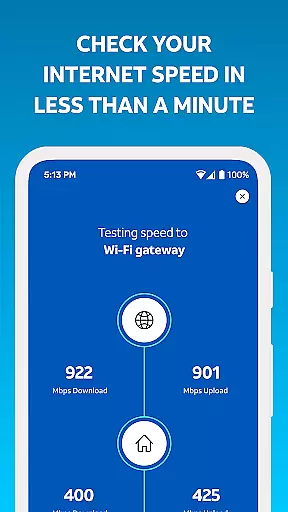
In addition to managing device access, the app offers tools to test the Internet speed to your Wi-Fi gateway and pinpoint weak signal spots throughout your home. These diagnostic features help ensure that your network is performing optimally, allowing you to address any potential issues proactively. With these capabilities, Smart Home Manager stands out as an essential tool for maintaining an efficient and secure home network environment.
Cross-device synchronization is vital for ensuring that all your devices are aligned and working seamlessly together. Smart Home Manager achieves this by offering a centralized platform where users can easily view and update their Wi-Fi network name and password. This means that changes made on one device will be reflected across all others connected to the same network, streamlining the management process.
The app also enables users to see whatu2019s connected to their network and personalize all their device names. This level of visibility and customization enhances the user experience by making it easier to identify and manage multiple devices within a household. Whether it's a smartphone, tablet, or smart home device, keeping track of everything becomes effortless with Smart Home Manager.
Furthermore, the app notifies users of any network health issues, service outages, and even allows them to restart their Wi-Fi gateway directly from their mobile device. This reliable synchronization across devices ensures that users are always informed about the status of their network and can take immediate action if needed. By integrating these robust features, Smart Home Manager delivers a dependable solution for managing a modern, interconnected home environment.
User-friendly interface
Comprehensive network tools
Advanced parental controls
Real-time network health updates
Technician-free troubleshooting
Limited to AT&T customers
Requires compatible gateway
Dependent on Wi-Fi model
No offline functionality
Restricted to home networks

AI Video AI Image Private LLM AI Browser Llama Gemma Ollama Connect LLM Studio
 4.5
4.5
When you Focus, so will your Bean in this cozy focus timer
4.30
Easily read and manage all your PDF files
4.10
We're working to become the best machining app on the market! www.cncdirt.com
4.80
App Lock with fingerprint, password: Lock apps & hide photos with lock screens
4.60
All document reader, all in one file viewer read PDF, DOCX, XLS, PPT, TXT files.
4.60
To do list widget with a notebook organizer, checklist, simple shopping list
4.60
Simple notepad & memo. Take notes, to-do list, shopping list with reminders.
4.80
Put a lock on your cloud: Take the security of your data into your own hands
3.70
A simple Whisper AI keyboard for reliable speech transcription and rewording
4.60
Lightweight PDF, Word, Excel reader.
4.60
Subscribe to Webcal & .ics calendars and keep them up-to-date!
4.50
All in One PDF Reader: Manage, Read and Edit your Documents
4.20
Intelligent AI Assistant
4.10
Ultimate Virtual AI Character for immersive Roleplay Chat. Perfect Companion
3.90
Simple and reliable communication between inmates, friends and family
3.20
Experience and share your SolidWorks designs on your Android® phone and tablet.
2.50
IP Camera Viewer - Android TV : RTSP Surveillance camera viewer for Android TV
4.2
A comprehensive suite of tools designed specifically for Lactation Consultants
4.4


User Reviews