
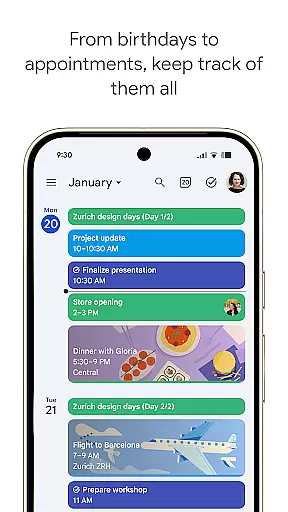
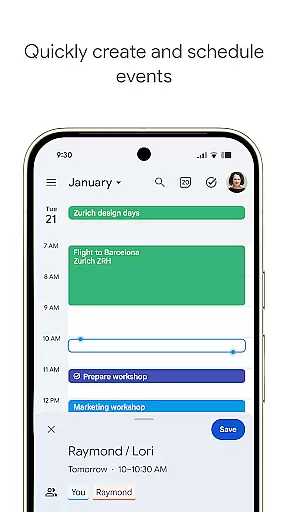
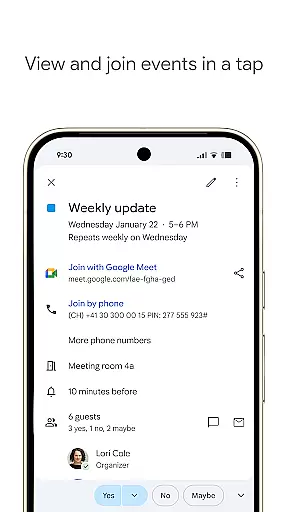
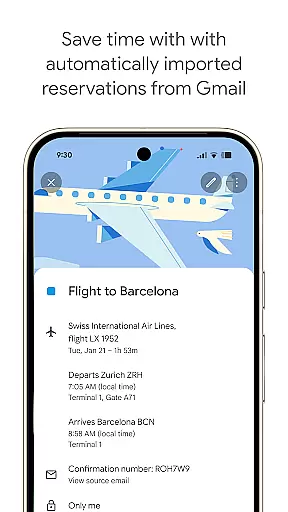
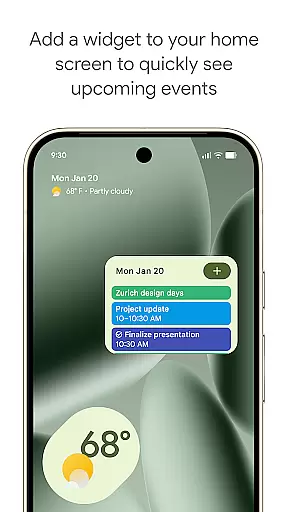
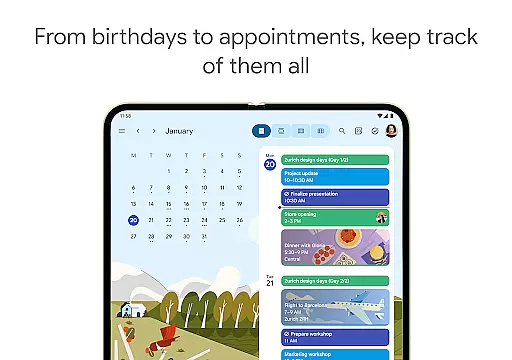
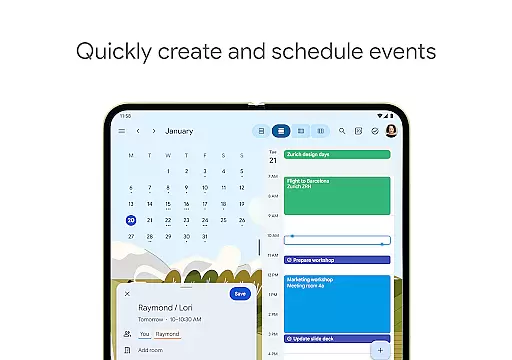
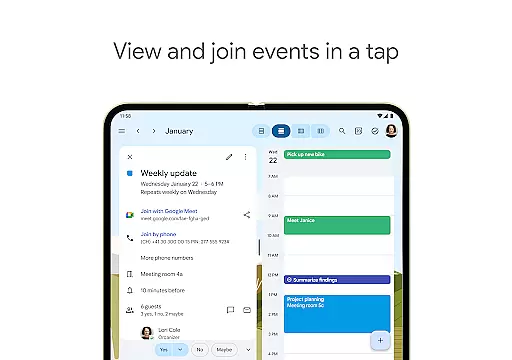
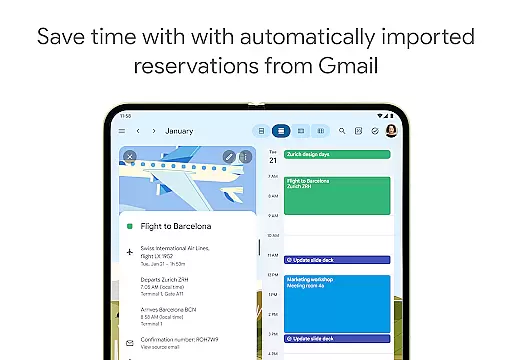
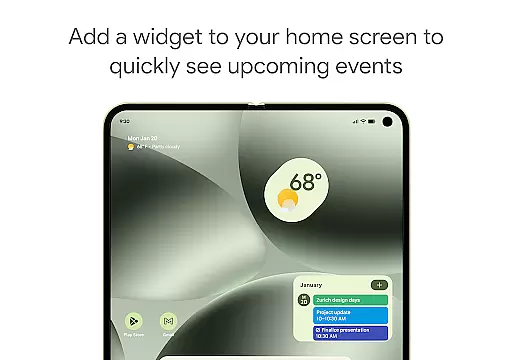
Google Calendar is the official calendar app for Android devices, including phones, tablets, and Wear OS. It helps users stay organized by offering easy event creation, multiple calendar views, and seamless integration with Gmail and other Google services. The app supports automatic event addition from Gmail, shared calendars, tasks, customizable views, and widgets.
Designed for both personal and professional use, Google Calendar integrates with Google Workspace, enabling features like video calls via Google Meet, team scheduling, and enterprise-level security. Whether you're managing daily tasks or coordinating with a team, this app ensures you make the most of your day while staying connected across all your devices.
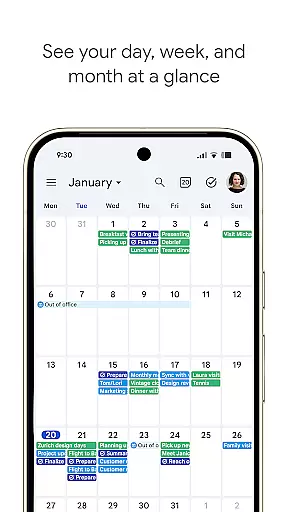
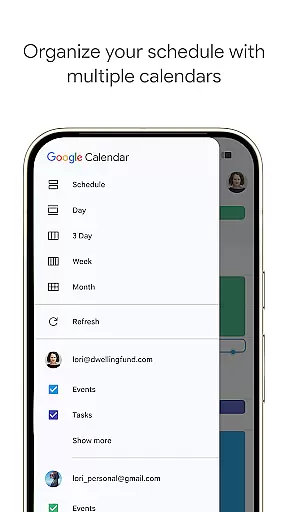
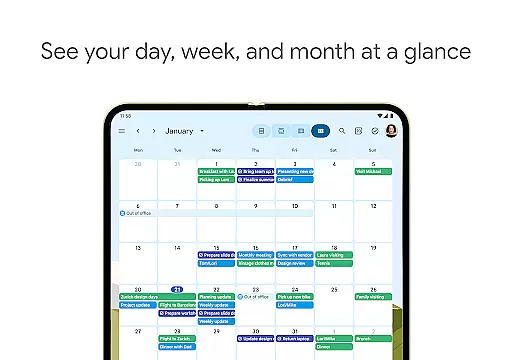
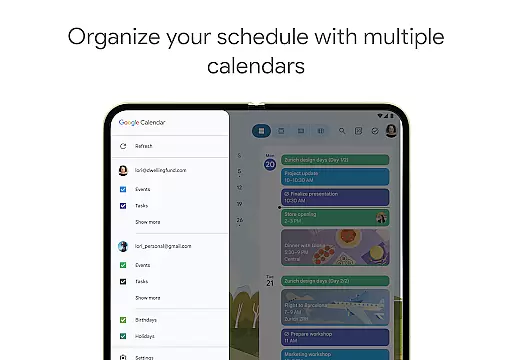
Google Calendar offers a robust set of features designed to enhance productivity and streamline scheduling. Key functionalities include automatic event imports from Gmail, such as flight and hotel reservations, and the ability to sync seamlessly across Android, Wear OS, and desktop platforms. Users can consolidate multiple calendars, including Exchange, and switch between month, week, and day views effortlessly.
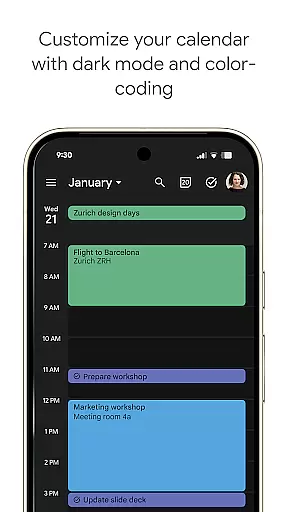
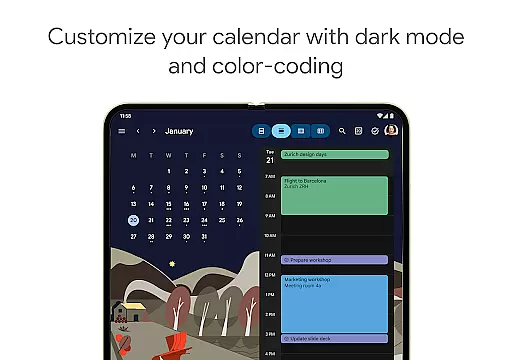
The app also supports task management, allowing users to create and manage to-do lists directly within the calendar interface. Customization options include light or dark mode, color-coded events, and full-screen task views. Additionally, Google Calendar integrates with Google Workspace, providing professional tools like booking pages, meeting attachments, and team availability checks, all backed by enterprise-grade security.
Companion app integration is a crucial feature for users who rely on multiple devices throughout their day. Google Calendar excels in this area by offering seamless synchronization across Android phones, tablets, and Wear OS devices. This ensures that your schedule remains consistent and up-to-date, regardless of the device you're using.
The integration process is straightforward and automatic when you log into the same Google account on all your devices. Once connected, any changes made to your calendar, such as adding or modifying events, are instantly reflected across all linked devices. This allows you to transition smoothly from working on your computer to checking your schedule on your phone or Wear OS device without missing a beat.
This level of integration extends beyond just Google Calendar. It also supports the consolidation and viewing of events from other calendars, including Exchange, directly within the Google Calendar app. This means you can manage all your appointments and tasks from a single interface, making it easier to stay organized and efficient.
By providing a unified experience across devices, Google Calendar's companion app integration helps users make the most of their day. Whether you're at your desk or on the go, you can trust that your schedule is always accessible and accurate, empowering you to focus on what matters most.
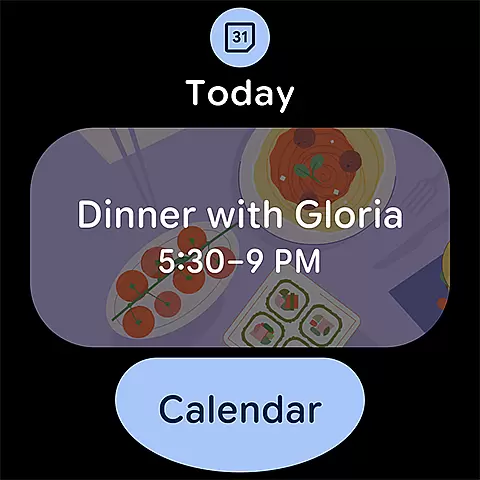
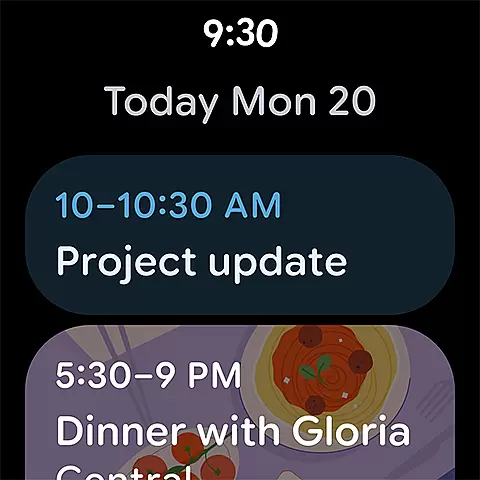
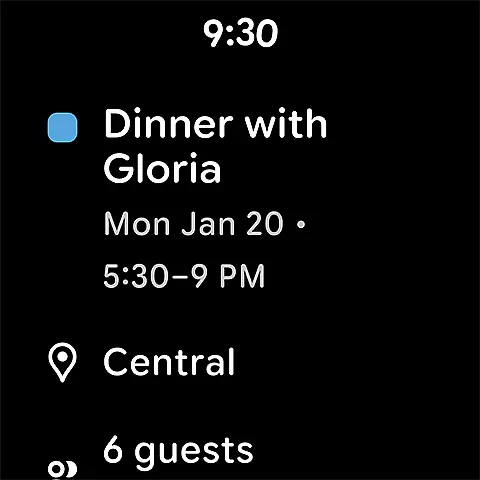
For users with Wear OS devices, compatibility with essential apps like Google Calendar is vital for staying organized on the go. Google Calendar offers robust support for Wear OS, ensuring that you can access your schedule and tasks directly from your smartwatch. This compatibility enhances convenience and accessibility, allowing you to stay informed without needing to pull out your phone.
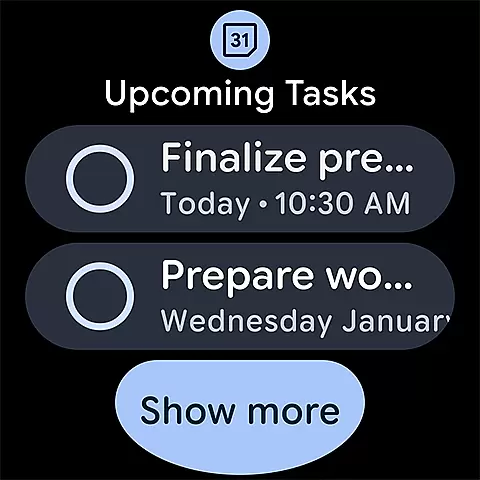
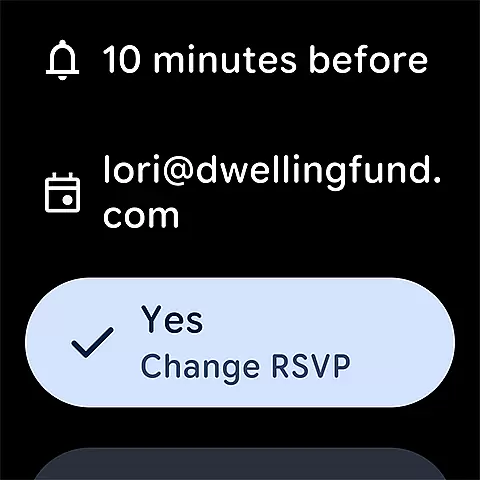
The Wear OS version of Google Calendar is designed to provide quick access to your events and tasks through tiles and complications. These features allow you to glance at your schedule or receive timely reminders without navigating deep into the app. The intuitive design ensures that even on a smaller screen, you can easily view and manage your day's activities.
In addition to viewing events, Google Calendar on Wear OS supports interactive functions such as creating new events or marking tasks as complete. This functionality is optimized for the watch's interface, ensuring that interactions remain smooth and efficient. By leveraging these capabilities, users can maintain productivity and organization directly from their wrist.
Overall, Google Calendar's compatibility with Wear OS devices exemplifies how thoughtful design can enhance user experience. By extending its functionality to wearable technology, Google Calendar ensures that you're always connected to your schedule, no matter where you are or what device you're using.
User-friendly interface
Seamless cross-device sync
Automatic Gmail event import
Customizable views and themes
Enterprise-level security
Limited offline functionality
Requires Google account
Basic task management
No advanced analytics
Dependent on Google ecosystem

Christmas and New Year - Themed Watchface
 4.3
4.3
Current temperature, weather hourly, weather radar by the weather forecast app
4.40
Beautiful artistic animated digital watch face, with a customizable layout!
4.40
A watch face that fuses motorsport precision with contemporary smartwatch design
4.2
Watch face designed for Thanksgiving Day. 7 Background Styles included.
3.20
Digital, flexibly customizable watch face. For Wear OS 5.0, API 34+ and later.
5.00
Stylish digital watch face for Wear OS devices with customizable features
4.4
Your second brain for organizing your life: to-do, calendar, reminder.
4.70
Your music, your playlists, and more—offline and unlimited.
4.20
Be an elegant and classy secret agent, with this carefully detailed watch face
4.70
The most customizable minimal watch face. For Wear OS 5.0, API 34+ and later
4.70
Simple, helpful messaging by Google
4.60
Embrace the holiday spirit with this magical animated watch face!
4.40
Bold, Modern Hybrid Watch Face for Wear OS. 10 Colors, Rich Info Display.
4.30
Animated video-game inspired “secret agent” simulation, right on your wrist!
4.20
Watch the sharpness of the sky on your wrist..
3.70
Stay in touch with your friends and family using LINE!
3.40
Simple Analog-Digital Watchface For Wear OS 3.0 and Up Smartwatches
4.0
Funny animated watch face for Thanksgiving
4.0


User Reviews