
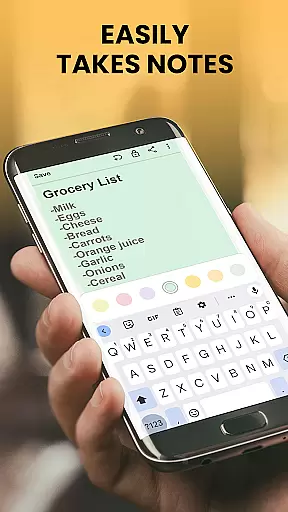
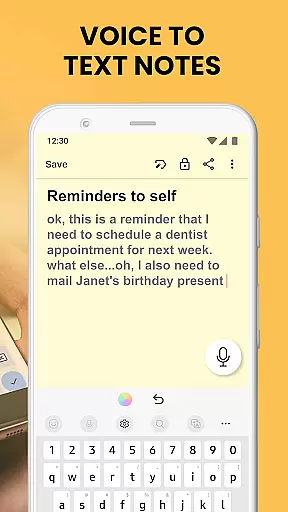
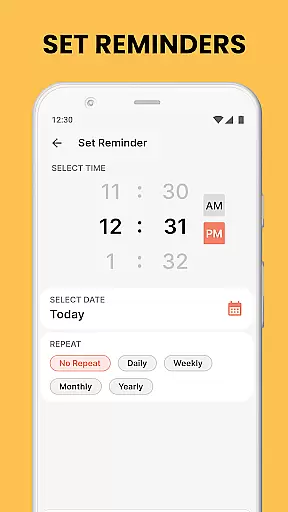
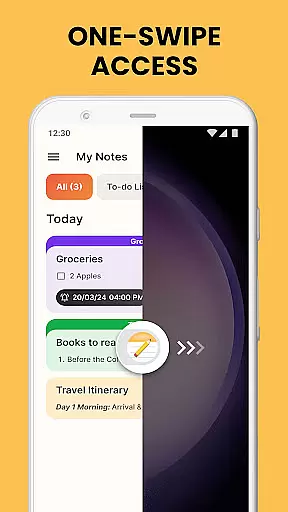
Notes Launcher is a productivity app designed to streamline note-taking and task management. The app allows users to create quick notes or to-do lists with a simple swipe from the home screen, making it an ideal tool for capturing thoughts on the go. With features like text formatting tools, color-coding, and lockable notes, it ensures both organization and security of information.
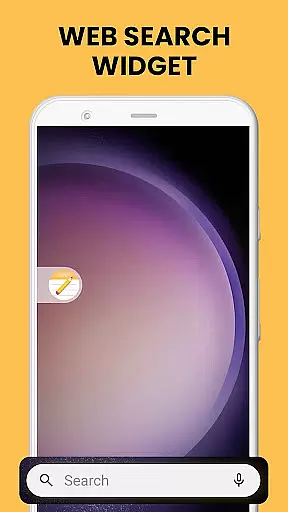
In addition to its core functionality, Notes Launcher offers convenient widgets, personalized wallpapers, and multi-touchpoint search capabilities. These features enhance accessibility and allow users to customize their experience. Whether you need to categorize work tasks, secure sensitive data, or share collaborative lists, this app provides a comprehensive solution for managing daily productivity needs.
Notes Launcher stands out with its rich feature set tailored for efficient note management. The app's one-swipe access allows instant creation of notes and to-do lists directly from the home screen, while the home screen widget displays essential information like time and weather. Users can personalize their interface with themed wallpapers and utilize the home screen shortcut for quick access to important lists.
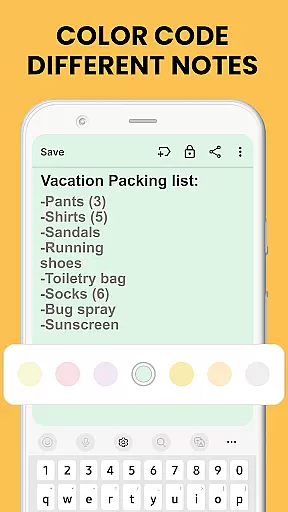
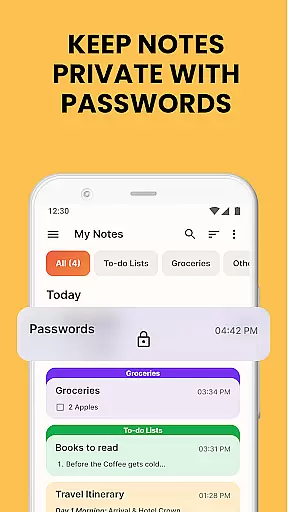
The app includes advanced functionalities such as text formatting tools that support font customization and list creation, color-coding for better organization, and locking mechanisms to protect private notes. Additional features include categorization options, sorting filters, intuitive search capabilities, and seamless sharing through various platforms. These robust tools collectively ensure a highly customizable and secure note-taking experience.
Task management is a cornerstone of productivity applications, and Notes Launcher excels in this area. The app provides users with the ability to create quick notes or to-do lists with a simple swipe from the home screen. This feature ensures that jotting down thoughts, ideas, and important information is seamless and efficient.
Notes Launcher goes beyond basic note-taking by offering text formatting tools, enabling users to enhance their notes with different font sizes, italics, underlining, and lists. These rich-text editing capabilities allow for more structured and visually appealing notes, which can significantly improve task organization and prioritization.
The app also supports color-coding, categorizing, sorting, and finding notes, which are essential for effective task management. Users can prioritize tasks by assigning colors, group related notes under custom categories, and sort them based on modification dates or creation order. With an intuitive search feature, locating specific notes becomes effortless, ensuring that users can quickly find what they need when they need it.
Cross-device synchronization is vital for users who operate across multiple devices and need their data to be consistently updated and accessible everywhere. While Notes Launcher focuses primarily on single-device efficiency, it lays a solid foundation for potential future cross-device functionalities.
Currently, the app offers robust features such as locking sensitive notes, sharing notes via email or social media, and organizing notes through various means like categorization and color-coding. Although direct synchronization isn't highlighted, these features ensure that user data remains secure, shareable, and well-organized on the device in use.
Looking ahead, implementing reliable cross-device synchronization would further enhance the app's value. By ensuring real-time updates and seamless data integration across smartphones, tablets, and computers, Notes Launcher could provide an even more cohesive and flexible productivity solution. This advancement would enable users to transition smoothly between devices without losing track of their important notes and tasks.
User-friendly interface
Secure note-locking
Customizable categories
Intuitive search feature
Free to use
Home screen layout changes
Limited design flexibility
No cloud sync
Basic collaboration tools
Ads may appear

A Revolutionary All-in-One Artificial Intelligence Tools
 3.80
3.80
Android Wallet Password Manager
4.80
The Pro Version of Android's tiniest Notepad app. Just 0.3MB but feature-packed!
4.60
A lightweight JSON & XML files creator, editor and viewer (Premium Version)
4.40
App lock - lock apps with fingerprint, password, pin or pattern, protect privacy
4.70
Functional QR scanner and barcode reader that requires little storage space.
4.60
Access, manage and transfer files on Android, PC, Mac, NAS and cloud storages.
4.30
Docker, Kubernetes management over Portainer Mobile
4.40
Daily processing of PDF documents.
4.40
8 custom complications. Custom Time Fonts. Beautiful color schemes. A++ Design.
5.00
We're working to become the best machining app on the market! www.cncdirt.com
4.80
App Lock with fingerprint, password: Lock apps & hide photos with lock screens
4.60
The AI assistant that thinks with you - write, code, and solve complex tasks
4.60
Experience Reading - Night Mode for Documents
4.40
Send files, sync SMS, notifications & clipboard across devices via local network
4.40
Font maker keyboard with your own handwriting
4.10
Wake up & get tasks done! Add alarms & reminders on the Clock Launcher.
4.00
Create study competitions, track your hours, and stay consistent with friends
4.3
A comprehensive suite of tools designed specifically for Lactation Consultants
4.5


User Reviews