
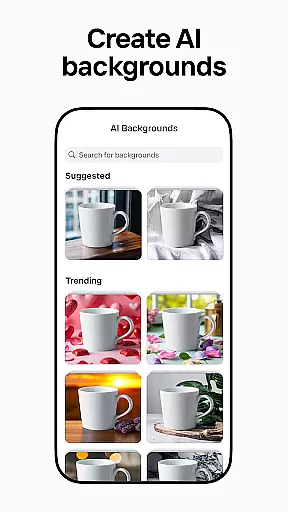
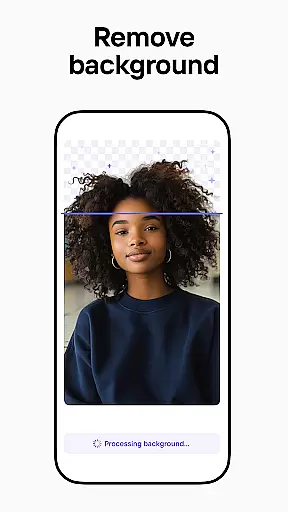
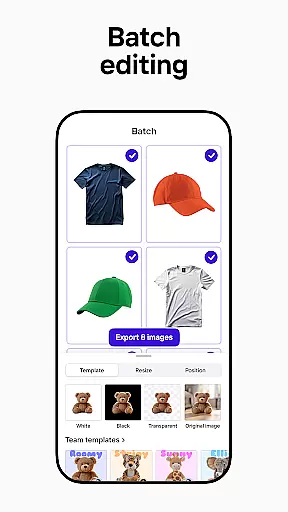
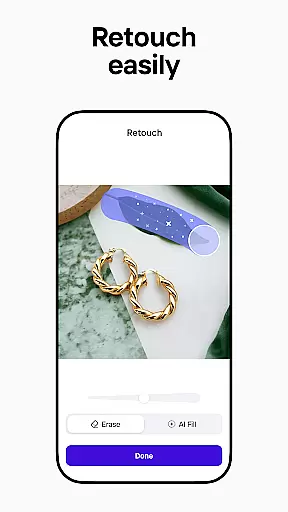
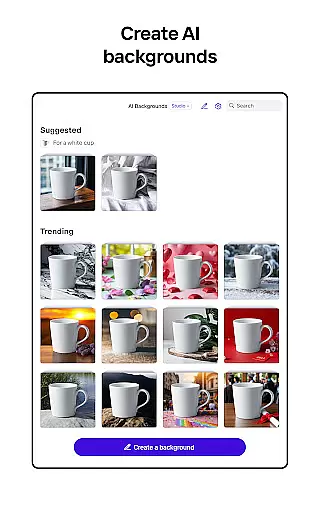
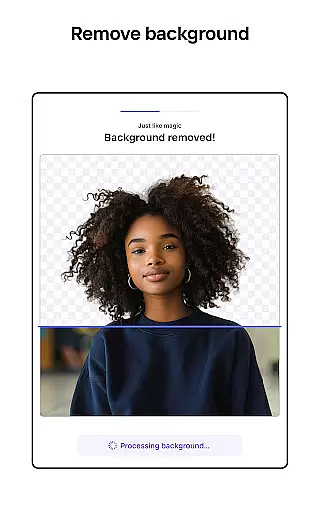
Photoroom AI Photo Editor is a powerful photography app designed to help users create professional-quality images with ease. Leveraging advanced AI technology, the app allows users to remove and replace backgrounds, erase unwanted objects, and enhance photos effortlessly. Whether you're an e-commerce seller, content creator, or social media manager, Photoroom provides tools to elevate your brand and engage audiences.
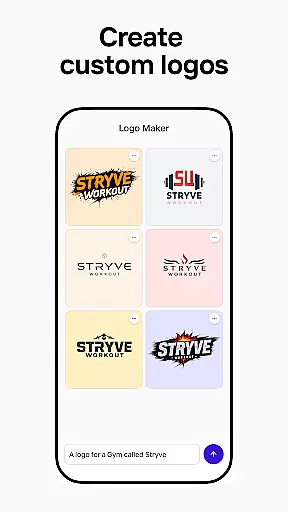
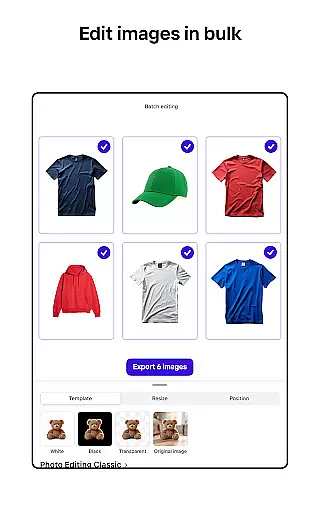
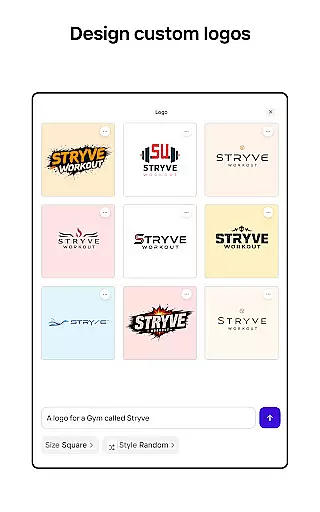
The app's standout features include AI-powered design assistance, batch editing for multiple images, and customizable templates for various platforms like Instagram, Facebook, and Amazon. With real-time collaboration capabilities and a Brand Kit to store logos and fonts, Photoroom ensures consistent and efficient design workflows. Its intuitive interface makes it accessible even to those without prior design experience, delivering pro-level results in seconds.
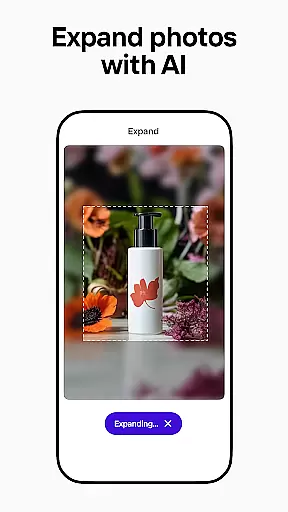
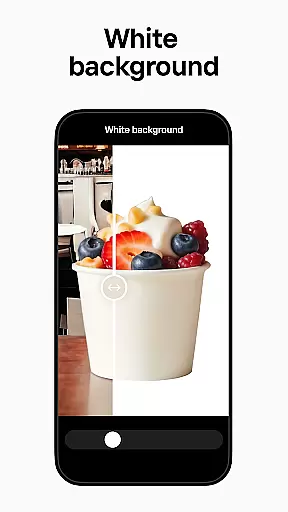
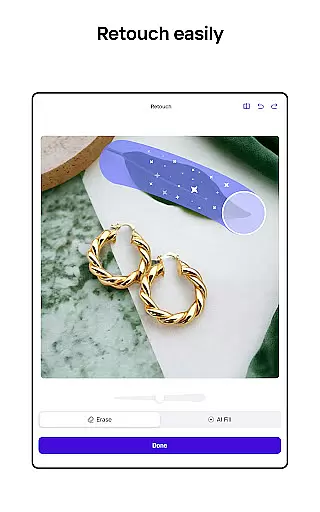
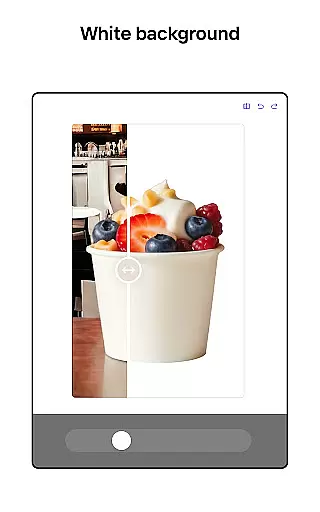
Photoroom offers a comprehensive suite of photo editing tools powered by artificial intelligence. One of its key features is the ability to automatically remove and replace backgrounds from images, enabling users to create polished product shots or eye-catching social media posts. The smart eraser tool helps clean up distractions while the Product Beautifier enhances visuals instantly, making items look their best in any setting.
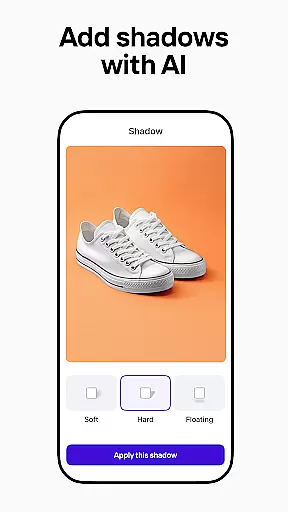
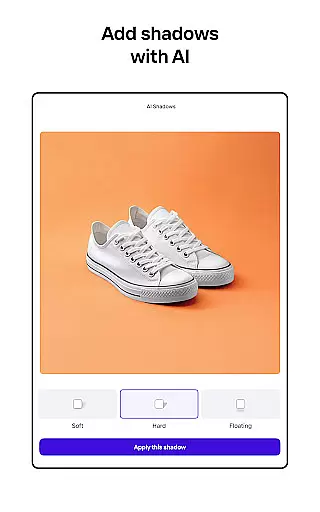
In addition to background editing, Photoroom includes robust photo enhancement capabilities. Users can adjust lighting, shadows, and sharpness with precision, ensuring every image meets professional standards. The app also supports batch editing, allowing users to apply changes across multiple photos simultaneously—a game-changer for e-commerce sellers managing large inventories. Furthermore, its AI-generated templates and branding kits streamline the process of creating consistent designs for promotions, events, or campaigns.
Real-time collaboration adds another layer of functionality, as teams can work together seamlessly on shared projects. This combination of innovative AI tools, time-saving features, and cross-platform optimization makes Photoroom an indispensable asset for anyone looking to produce high-quality visuals efficiently.
Real-time capture and preview functionality is essential for ensuring that every photo taken meets professional standards. With Photoroom AI Photo Editor, users can instantly see the results of their edits as they make them, providing immediate feedback on changes to backgrounds or object removals.
The app's advanced AI technology allows for seamless adjustments in lighting, shadows, and sharpness while maintaining the desired background. This real-time capability ensures that users can fine-tune their images with precision, achieving the exact look they envision without any guesswork.
For e-commerce sellers and content creators, this feature is invaluable. It enables them to produce high-quality product photos and engaging social media posts efficiently. The ability to preview edits in real time saves significant time and effort, allowing users to focus on creating compelling visuals that enhance their brand.
Overall, Photoroom's real-time capture and preview function empowers users to create polished, professional images effortlessly. By offering a dynamic editing environment, it supports creativity and productivity, making it an indispensable tool for anyone looking to elevate their visual content.
AI beauty and enhancement features are crucial for refining images while maintaining a natural appearance. Photoroom AI Photo Editor excels in this area by using sophisticated algorithms to erase imperfections, clean up images, and improve overall photo quality without making edits appear artificial.
The app provides tools like the smart eraser, which allows users to remove unwanted objects or distractions from their photos seamlessly. Additionally, its AI-powered enhancements adjust lighting and sharpness naturally, ensuring that edited images retain their authenticity and original charm.
This level of natural enhancement is particularly beneficial for social media managers and freelancers who need to deliver professional results to clients. By preserving the genuine essence of each image, Photoroom helps users create engaging posts and deliver high-quality designs that meet client expectations.
In summary, Photoroom's AI beauty and enhancement capabilities offer a perfect blend of refinement and realism. Users can transform their images into polished, professional visuals that captivate audiences while staying true to the original content, thus enhancing both personal projects and commercial endeavors.
AI-powered design
Effortless background removal
Batch editing support
Customizable templates
Real-time collaboration
Premium subscription required
Limited free exports
Advanced tools locked
Occasional glitches
Learning curve for new users

All-in-One Editor & AI Photo Enhancer, Beautify & Retouch, Collage, Cartoonify
 4.20
4.20
Cut and paste photo editor & eraser to customize photos easy and swap faces fun
4.50
Create & Edit with AI: AI Remove, Enhance, Retouch, Filter
4.10
Over 800 film simulation recipes for Fujifilm. Black Friday Offer!
4.5
Enhance, retouch & create your story - Share the moment with Photoshop Express.
4.60
Hair color changer, AI haircut app, fun hair editor and buzz cut filter for all!
3.80
Snap photos remotely using your Garmin watch as the camera trigger
4.2
Your personal guide to the sun and moon. Plan ahead, visualize and predict!
4.70
A light meter for true photographers.
4.20
Collage your moments in one tap: 1000+ layouts, filters, stickers, and texts.
4.90
Create funny photos and videos with the popular Time Warp Scan filter.
4.90
Android Native system HD camera app. Never been so simple and faster.
4.70
A must-have app for landscape photographers
4.60
Create Business Headshots, Polaroid Filter, Retake Photos,Profile Pics,AI Photos
4.50
Photo Exif Editor allows to view, add and modify EXIF data of multiple photos
4.50
Search, tag and rate your way to an organized image gallery
4.40
Shooting photos and records video easily and efficient with professional Camera
4.30
What celebrity do you look like? Celebs will find your celebrity match!
4.10
Remote control the phone camera shutter from your smartwatch and take a picture
1.60


User Reviews