

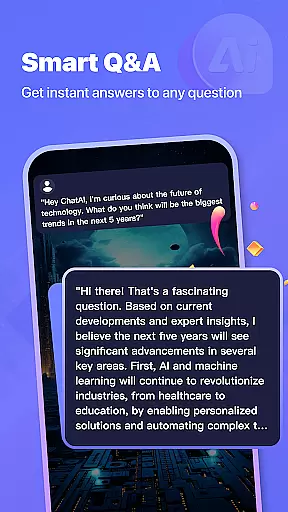
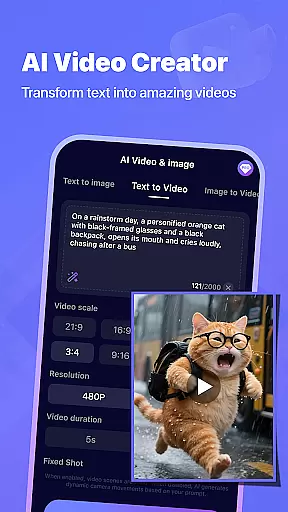
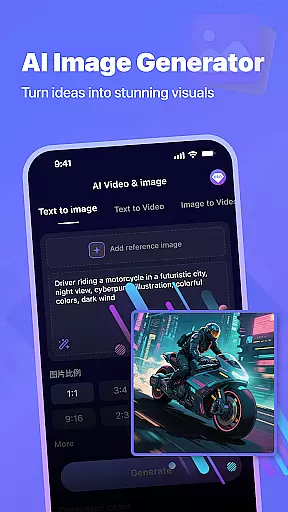

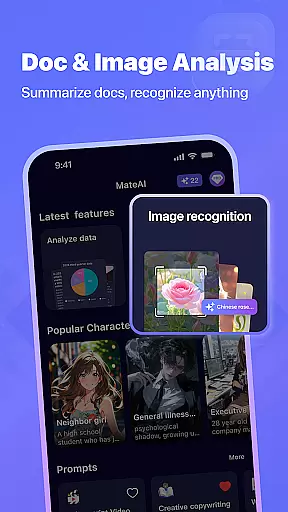
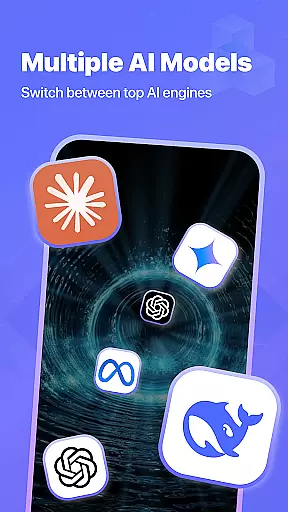


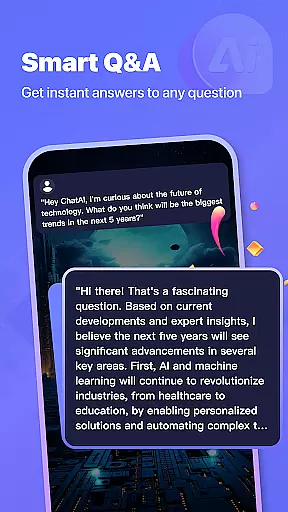
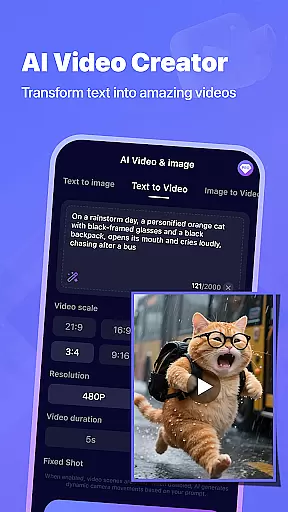
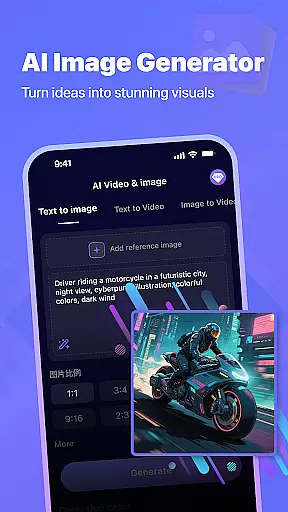

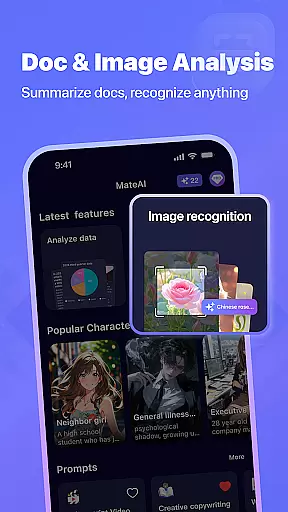
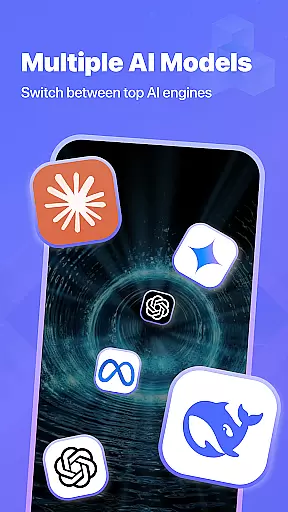


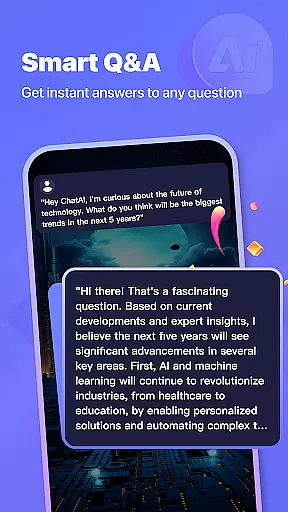
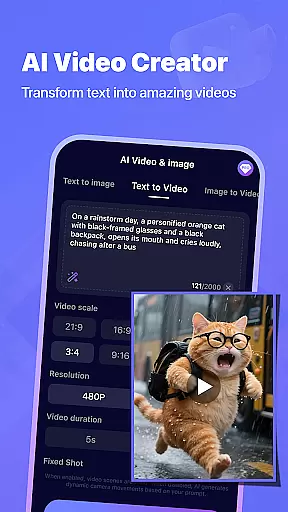
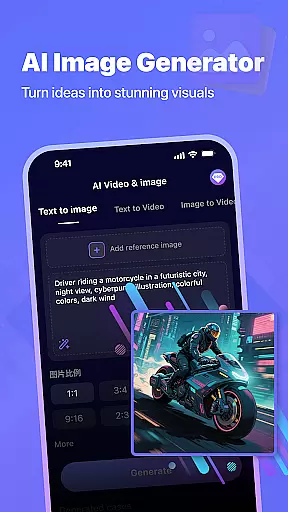

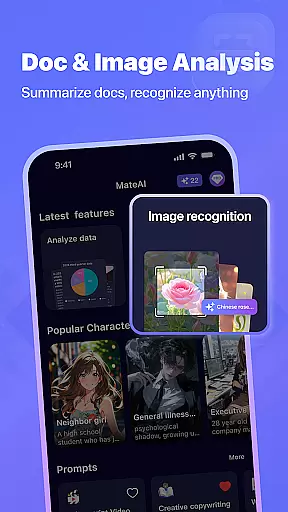

MateAI is an innovative productivity app that combines intelligent chatbot conversations with advanced content creation tools. The app features an AI-powered chat companion that provides engaging, personalized dialogue based on user preferences and conversation history. Its seamless platform makes it easy to switch between chatting and creating various types of digital content.
The app's standout feature is its comprehensive creative suite, including an AI video generator and image creation tool. These professional-grade instruments allow users to produce high-quality videos and custom artwork with minimal effort. MateAI adapts to different productivity needs, whether you're looking for a conversation partner to brainstorm ideas or need help generating multimedia content for your projects.
For professionals and creatives alike, MateAI serves as a versatile productivity tool that streamlines both communication and content creation processes. Its ability to retain conversation history and offer personalized interaction styles makes it particularly valuable for users who need to maintain consistent workflows and creative direction.
MateAI distinguishes itself through its unique combination of conversational AI and creative tools. The app's advanced chatbot system goes beyond simple messaging by offering customizable chat experiences, voice-based support, and adaptive personality traits that evolve based on user interactions. This creates a more natural and productive conversation flow for brainstorming sessions and idea development.
The app's content creation capabilities are equally impressive. The AI video generator utilizes sophisticated algorithms to help users create professional-looking videos without requiring technical expertise. Similarly, the AI image generator employs neural network technology to produce custom artwork and designs that would typically demand significant artistic skills. The inclusion of face swap and morphing effects adds another layer of creative possibilities.
Additional productivity-enhancing features include conversation history retention, multiple interaction styles, and premium options that remove ads and unlock enhanced capabilities. These elements work together to create a comprehensive productivity solution that adapts to various work styles and project requirements.
MateAI revolutionizes productivity with its advanced AI-driven task management system. At the heart of this feature is an intelligent assistant that helps users organize, prioritize, and track their tasks efficiently.
The app's task management functionality goes beyond basic to-do lists. It incorporates smart categorization, deadline tracking, and progress monitoring through its sophisticated algorithms. Users can create complex projects, set dependencies between tasks, and receive contextual reminders based on their conversation history and preferences.
What sets MateAI apart is its seamless integration of task management with communication features. The AI companion can automatically generate tasks from conversations, suggest relevant deadlines, and provide personalized productivity insights. This creates a unified workspace where users can manage their responsibilities while maintaining natural, flowing dialogues with the AI.
The practical benefits for users are substantial. They experience improved organization, better time management, and enhanced focus on important tasks. The AI's ability to learn from user behavior ensures that task suggestions and reminders become increasingly accurate over time, making MateAI an indispensable tool for anyone seeking to optimize their productivity workflow.
In today's multi-device world, MateAI excels in providing reliable cross-device synchronization that ensures users can access their data seamlessly across different platforms. This feature is crucial for maintaining productivity in various environments.
The application employs advanced cloud-based architecture to synchronize chat histories, created content, and task management data in real-time. Whether users switch between their smartphone, tablet, or desktop, they can expect consistent performance and up-to-date information across all devices. The synchronization process is designed to be both fast and reliable, with automatic conflict resolution and data integrity checks.
MateAI's synchronization extends beyond simple data mirroring. It maintains context awareness across devices, allowing users to pick up conversations or continue working on creative projects without missing a beat. The system intelligently caches frequently accessed data for offline use while ensuring secure transmission of sensitive information.
This robust synchronization capability translates into tangible user benefits. Professionals can start a video creation project on their desktop and fine-tune it on their mobile device during commute. Students can maintain their study notes and creative works across devices without worrying about version conflicts. The peace of mind that comes with knowing your data is always accessible and up-to-date significantly enhances overall productivity and creativity.
User-friendly interface
Advanced AI capabilities
Versatile content creation
Personalized interactions
Comprehensive toolset
Premium features locked
Occasional AI errors
Learning curve present
Limited offline functions
Resource intensive

Take control of your clipboard with Clipper!
 3.90
3.90
Experience real multitasking on your Android!
4.00
Unlock AutoNotification
4.00
All in one sketching tool. Technical and General drawing. Online Maps support.
3.70
Pwnagotchi companion app
4.20
aCalendar+ makes your day, week and month
4.70
Simple and reliable communication between inmates, friends and family
3.20
Find and delete junk files & block unwanted notifications & manage files
3.70
Functional QR scanner and barcode reader that requires little storage space.
4.60
QuickBooks Workforce lets teams view pay info and track time in one place.
4.70
Okta MFA
4.70
Lightweight PDF, Word, Excel reader.
4.60
Send files, sync SMS, notifications & clipboard across devices via local network
4.40
CalenGoo is a very flexible and feature-rich calendar app
4.40
Secure your apps with lock screens, use custom themes and different features.
4.40
When you Focus, so will your Bean in this cozy focus timer
4.30
Total remote control for your Android device, PC and cloud services (IFTTT)!
4.20
All in One PDF Reader: Manage, Read and Edit your Documents
4.20
Easiest event planning, volunteer signups & parent teacher conference scheduling
2.20


User Reviews