
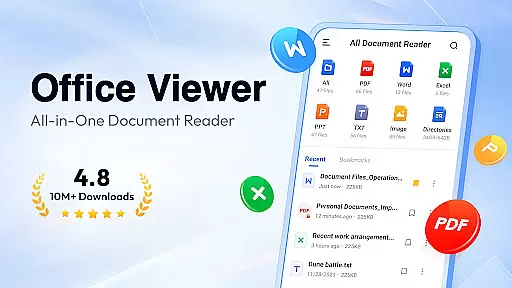
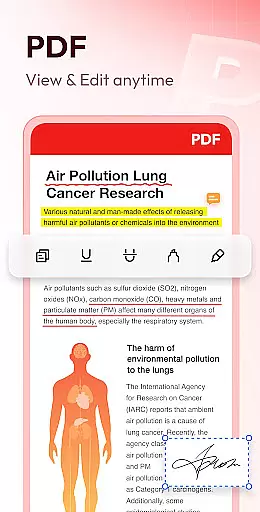
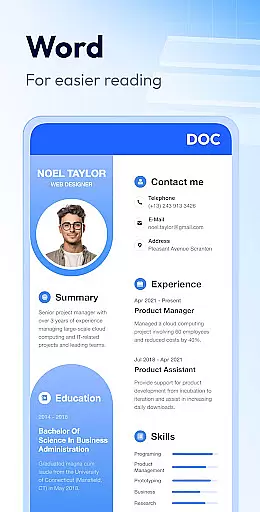
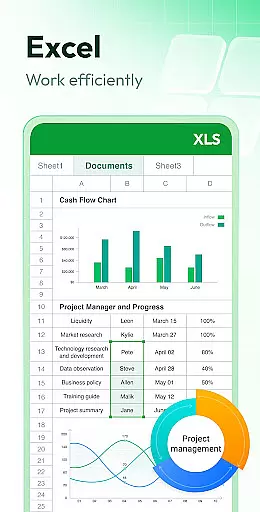
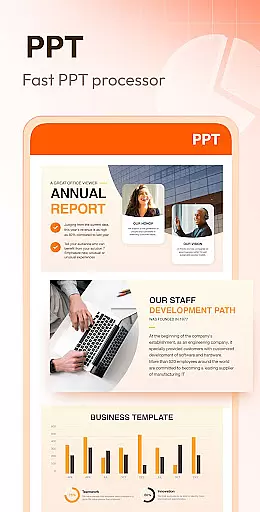
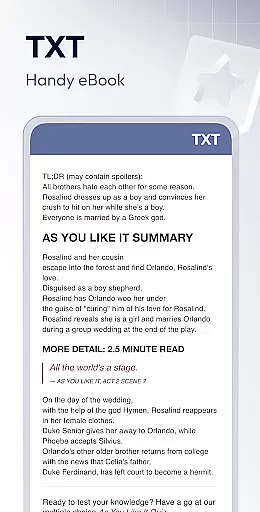
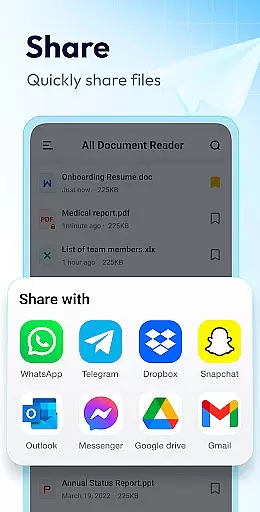
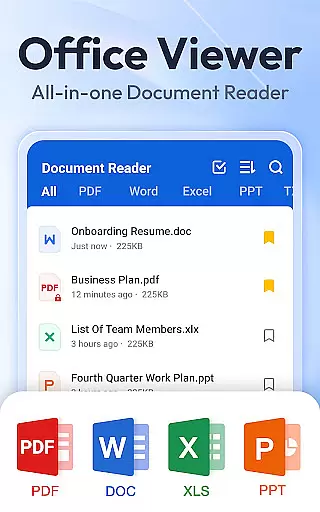
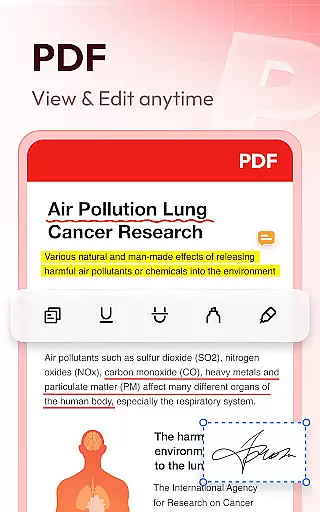
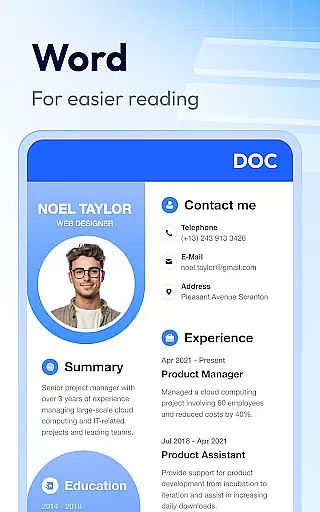
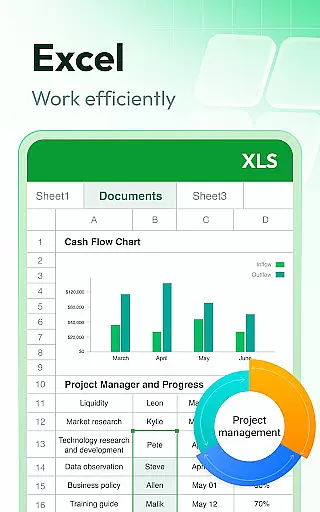
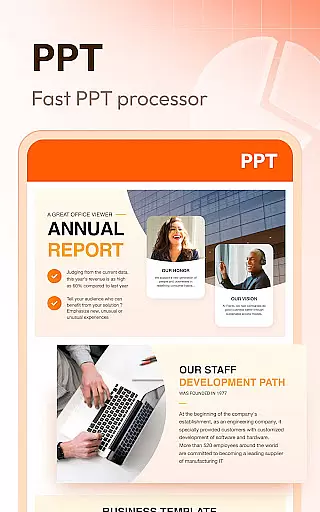

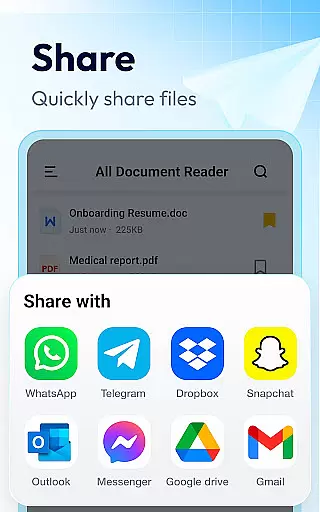
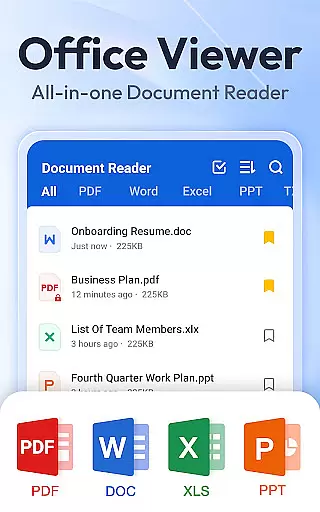
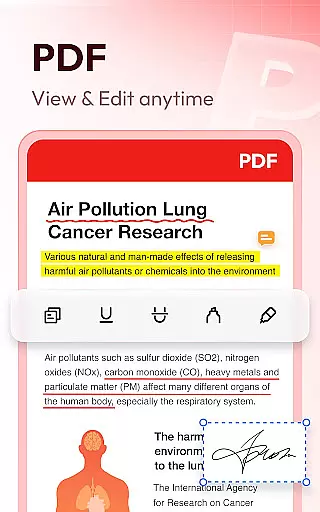
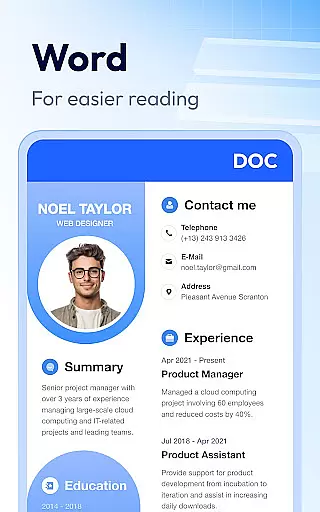
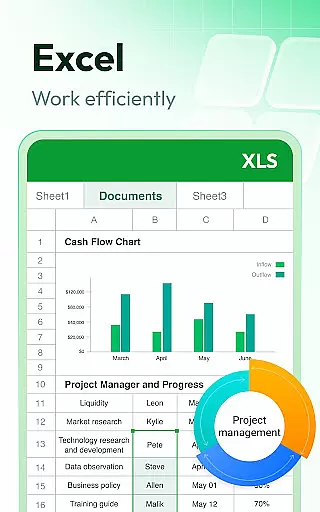
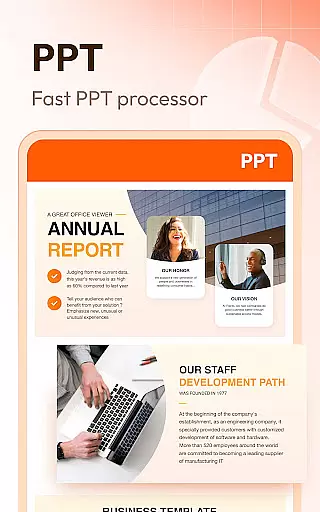

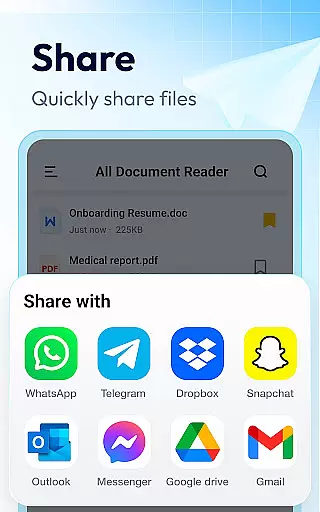
Document Reader & PDF Editor is a versatile productivity tool designed to streamline document management across multiple formats. This all-in-one solution supports PDF, Word, Excel, PPT, TXT, PNG, JPG, and more, making it an essential app for both personal and professional use. The app's intuitive interface allows users to quickly search, organize, and view files in well-structured folders.
What sets Document Reader apart is its offline functionality and cross-format compatibility. Users can read and manage documents without an internet connection, while features like bookmarking, file sorting, and one-click access enhance the overall user experience. Whether you need a reliable PDF reader, Word viewer, or Excel manager, this app consolidates all these functions into a single, lightweight platform.
Ideal for students, professionals, and anyone dealing with digital documents, Document Reader & PDF Editor offers a simple yet powerful way to handle office files efficiently. Its comprehensive format support and user-friendly design make it a must-have tool for productivity on the go.
Document Reader & PDF Editor stands out with its extensive feature set tailored for efficient document handling. One of its core strengths is the ability to seamlessly switch between different document formats. For instance, users can zoom in and out of PDF pages, jump to specific sections, and toggle between landscape and portrait modes effortlessly. These features ensure a smooth reading experience regardless of file type.
The app also provides advanced organizational tools such as file sorting by name, size, path, or last edit date. Additionally, its quick search functionality helps users locate specific documents instantly. With options like bookmarking and night mode, Document Reader enhances accessibility and convenience. Upcoming features include image-to-PDF conversion and text search within documents, further expanding its utility.
Another notable aspect is its offline capability, allowing users to access files without an internet connection. This makes the app particularly valuable for individuals who require reliable document access in areas with limited connectivity. Overall, Document Reader combines versatility, ease of use, and robust performance, positioning itself as a top choice for managing various document types.
Document Reader & PDF Editor excels in core task management by offering a comprehensive suite of tools for handling various document formats. The app supports PDF, DOC, DOCX, XLS, XLXS, PPT, TXT, PNG, JPG, RTF, and more, ensuring that users can manage all their files in one place.
The application provides features such as bookmarking documents for quick access, organizing files in clear lists, and enabling easy search and management. Users can sort documents by file path, size, name, or last edit date, which streamlines the task management process significantly.
With its offline functionality, Document Reader allows users to read and manage documents without an internet connection, enhancing accessibility and convenience. This feature is particularly beneficial for individuals who need to access their files on the go, without relying on constant internet access.
By integrating advanced functionalities like zooming in and out, jumping to specific pages, and switching between landscape and portrait modes, the app ensures a seamless user experience. These capabilities not only simplify document navigation but also improve overall productivity, making Document Reader an essential tool for efficient task management.
Cross-device synchronization is a critical feature for users who work across multiple devices. Document Reader & PDF Editor addresses this need by ensuring reliable synchronization, allowing users to access their documents seamlessly from any device.
The app's design emphasizes compatibility with all office formats, providing a consistent experience whether you're using a smartphone, tablet, or computer. This universality ensures that your files are always up-to-date and accessible, regardless of the device you choose to use.
Moreover, Document Reader offers real-time updates and stable performance, which are crucial for maintaining workflow continuity. Whether you're editing a PDF or reviewing a PowerPoint presentation, the app ensures that all changes are promptly reflected across devices, preventing data loss and inconsistencies.
Security is another cornerstone of Document Reader's cross-device synchronization. By requesting necessary permissions, such as MANAGE_EXTERNAL_STORAGE for Android 11 or higher, the app guarantees that your files remain secure while being synchronized. This focus on security and reliability makes Document Reader a trustworthy choice for managing documents across different platforms.
User-friendly interface
Wide format support
Offline functionality
Quick search feature
Lightweight design
Limited editing tools
No cloud integration
Premium features locked
Ads in free version
Occasional bugs

The long-awaited modern gallery app for your Nextcloud server
 4.70
4.70
Wake up & get tasks done! Add alarms & reminders on the Clock Launcher.
4.00
Send files, sync SMS, notifications & clipboard across devices via local network
4.40
Smart PDF reader & editor to view, organize and manage PDF documents easily.
3.70
Remotely view listen control and record cameras.
3.70
Functional QR scanner and barcode reader that requires little storage space.
4.60
Subscribe to Webcal & .ics calendars and keep them up-to-date!
4.50
Calendar 2023 widget for Android. Appointment scheduler, planner, and reminder
4.60
Access, manage and transfer files on Android, PC, Mac, NAS and cloud storages.
4.30
Mind Map and brainstorm, note taking and idea collection
4.80
Direct Chat without saving contacts & Dual WA Account on Single Device
4.70
A beautiful digital clock with autostart and many other functions
4.70
The Pro Version of Android's tiniest Notepad app. Just 0.3MB but feature-packed!
4.60
Planet Free VPN - The best Fast Unlimited and Secure VPN Without Logs
4.50
Tally and goal counter for Wear OS & mobile
4.50
Device's storage information in a simple and clear graphical form (infographics)
4.10
Unlock AutoNotification
4.00
Access your phone's notifications, calls, apps, photos & texts on your PC
3.90
A Revolutionary All-in-One Artificial Intelligence Tools
3.80


User Reviews