
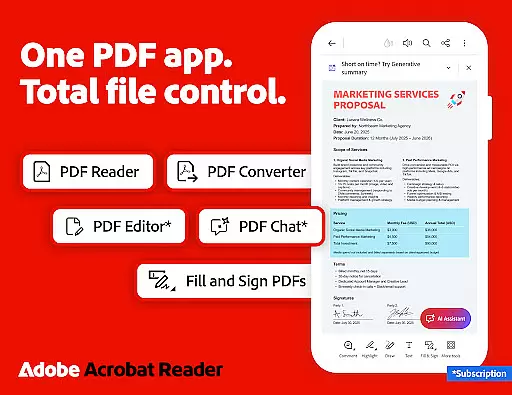
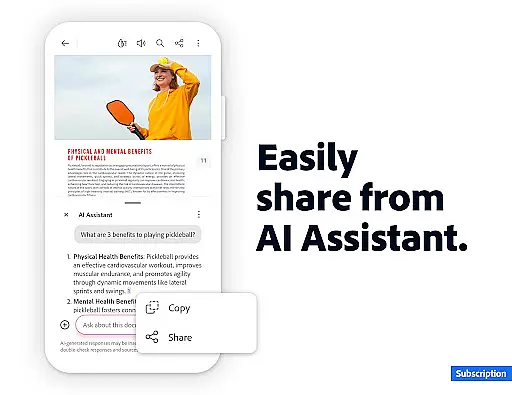
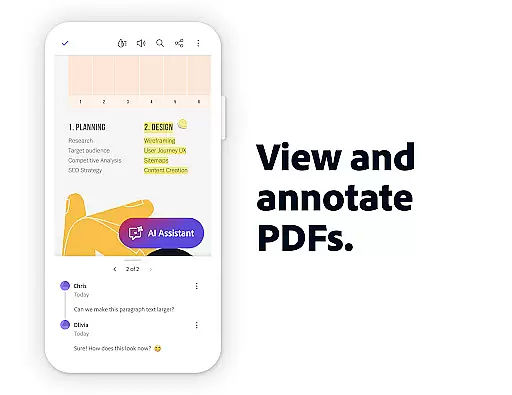
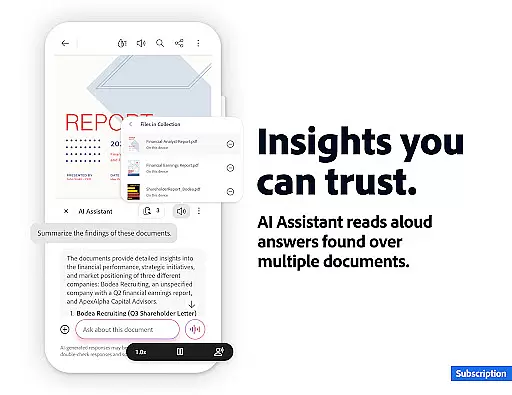
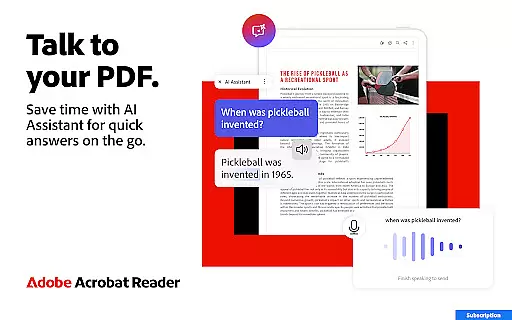
Adobe Acrobat Reader is a comprehensive PDF solution that combines document viewing, editing, and collaboration features. The app's standout feature is the new Adobe Acrobat AI Assistant, which allows users to work across multiple files using PDF Spaces, ask questions about document content through a chatbot, and generate instant summaries with Generative AI.
The application serves as an all-in-one PDF editor, signer, and annotator while offering cloud storage integration for file access anywhere. Its advanced capabilities include OCR functionality, PDF creation and conversion, and document compression. These features make it particularly valuable for professionals who need to manage complex documents efficiently.
Adobe Acrobat Reader offers an impressive array of productivity-enhancing features. The app's AI-powered capabilities stand out, including the ability to process voice commands, extract information from charts and graphs, and generate document summaries automatically. The PDF Spaces feature enables seamless collaboration across multiple files.
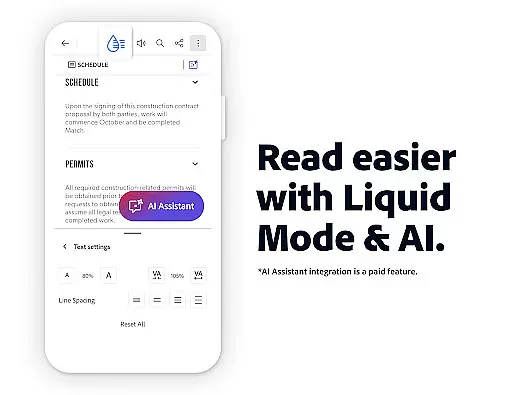
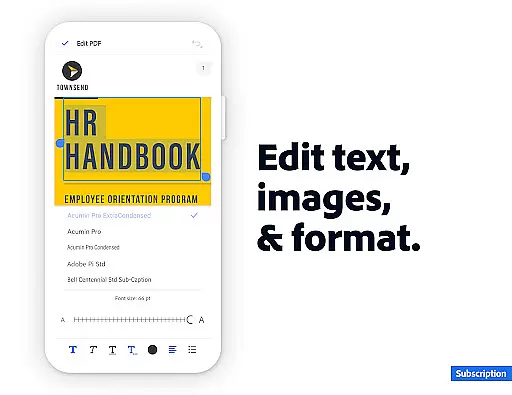
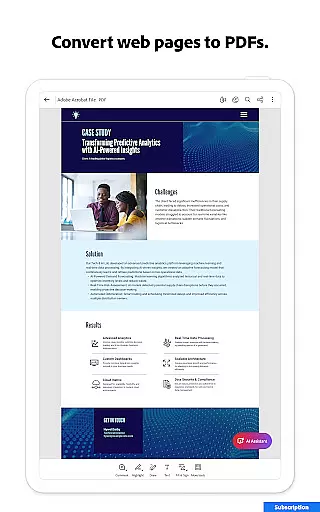
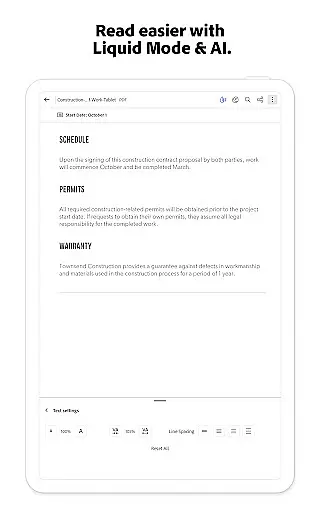
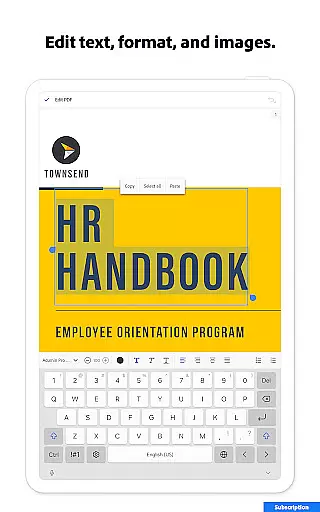
For document management, the app provides robust tools for editing text and images, organizing pages, and converting file formats. Users can also benefit from advanced security features like password protection and file compression options. The inclusion of Liquid Mode ensures optimal reading experiences across devices, while integration with Google Drive and other cloud services enhances accessibility.
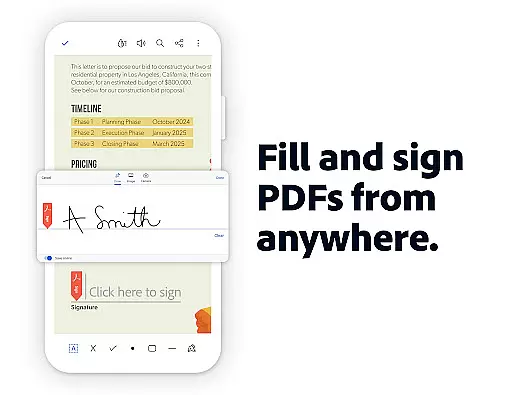
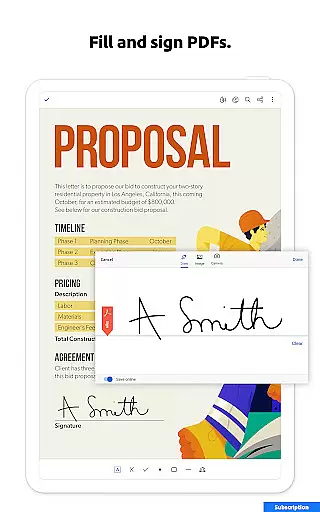
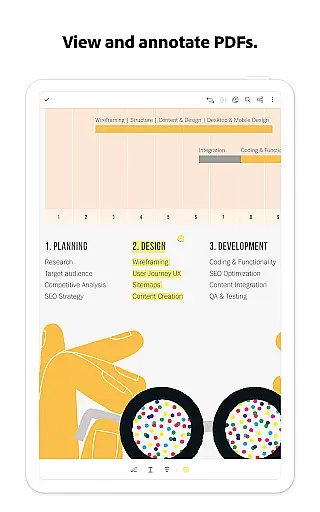
The free version includes essential features such as form filling, electronic signatures, and basic annotation tools. For power users, the premium subscription unlocks advanced editing capabilities, OCR functionality, and enhanced AI features, making it a versatile tool for both casual and professional document management needs.
Core task management is essential for productivity applications like Adobe Acrobat Reader. This feature ensures users can efficiently handle PDF-related tasks such as editing, signing, and sharing documents.
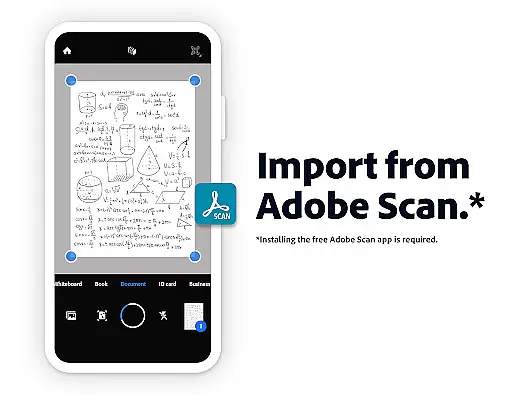
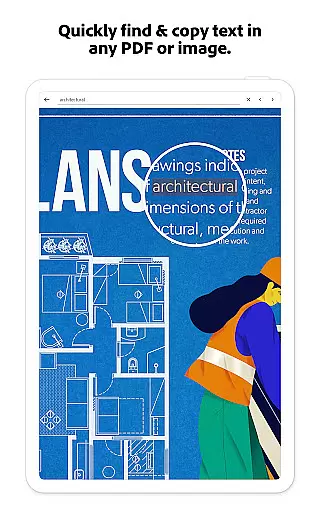
Adobe Acrobat Reader excels in this area by offering a comprehensive suite of tools. Users can edit text and images directly within PDFs, merge or split documents, and convert files to and from various formats. The application also supports Optical Character Recognition (OCR), allowing scanned documents to become searchable and editable.
The value of robust task management is evident in the seamless user experience it provides. With Adobe Acrobat Reader, users can easily organize pages, compress files for sharing, and protect documents with passwords. These capabilities ensure that both simple and complex tasks are executed with precision and ease.
Ultimately, the core task management features in Adobe Acrobat Reader empower users to be more productive. Whether working on mobile or desktop, individuals can manage their PDF workflows effectively, enhancing both personal and professional document handling.
Cross-device synchronization reliability is crucial for users who need consistent access to their documents across multiple platforms. For Adobe Acrobat Reader, this means ensuring that files stored online are accessible and up-to-date, regardless of the device being used.
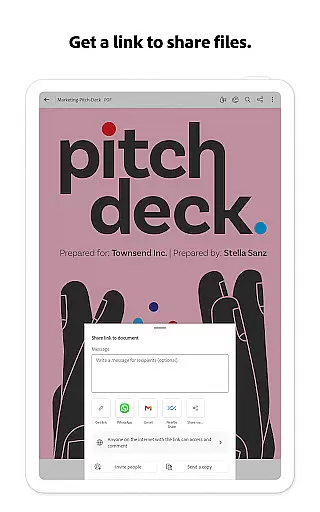
Adobe Acrobat Reader achieves reliable synchronization through integration with cloud services like Google Drive, Dropbox, and Microsoft OneDrive. Users can link these accounts within the app, enabling automatic updates and backups. This connectivity ensures that any changes made on one device are reflected everywhere else, providing a seamless experience.
The benefits of reliable cross-device synchronization are significant. Users can start a task on their mobile device during a commute and continue working on a desktop at the office without missing a beat. Real-time updates and notifications keep everyone informed about shared file activities, enhancing collaboration.
In summary, Adobe Acrobat Reader's synchronization capabilities ensure that users have reliable and consistent access to their documents. This feature not only boosts productivity but also provides peace of mind, knowing that important files are always available and secure across all devices.
Comprehensive PDF editing tools
Advanced AI-powered features
Excellent cloud integration
Robust security options
Cross-platform functionality
Premium features are expensive
Some features require subscription
Occasional performance issues
Complex interface for beginners
Large app size

Professional calendar app for Google Calendar, MS Outlook & Exchange
 4.20
4.20
Remotely view listen control and record cameras.
3.70
Todo reminder
4.10
All in One PDF Reader: Manage, Read and Edit your Documents
4.20
Activate Two Factor Authentication (2FA or Multi OTP), Password manager and more
4.10
Enjoy classic gameplay with customizable features and retro-style graphics.
4.30
* block pre-roll ads, pop-up and forced redirect ads * Samsung certification app
4.00
Okta MFA
4.70
AT&T Internet customers can use this app to personalize their Wi-Fi network.
4.40
Seamlessly integrate data and reports to build your presentation to impress
4.80
A beautiful digital clock with autostart and many other functions
4.70
Scan paperwork into PDF/JPG, generate your own e-signature and send fax or email
4.70
The Pro Version of Android's tiniest Notepad app. Just 0.3MB but feature-packed!
4.60
PDF scanner & converter for files, photos, lottery, QR codes. One swipe away!
4.50
Access, manage and transfer files on Android, PC, Mac, NAS and cloud storages.
4.30
Easily read and manage all your PDF files
4.10
Ultimate Virtual AI Character for immersive Roleplay Chat. Perfect Companion
3.90
All in one sketching tool. Technical and General drawing. Online Maps support.
3.70
Simple and reliable communication between inmates, friends and family
3.20


User Reviews